


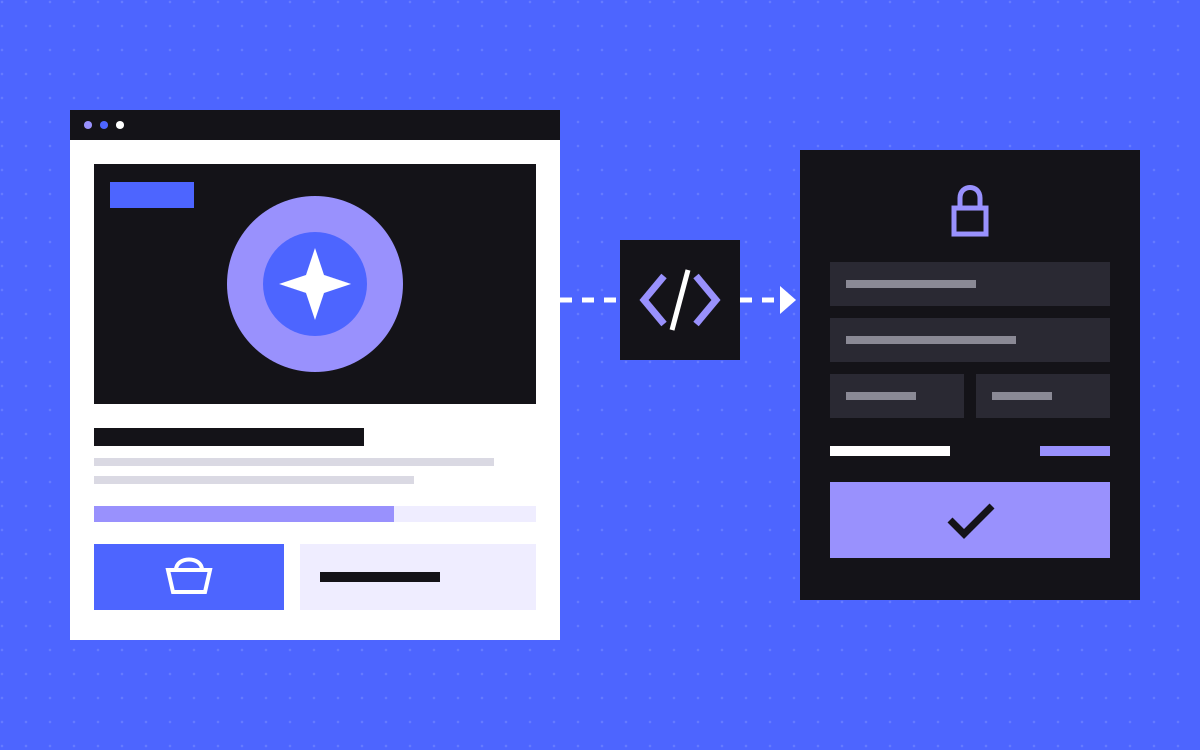
- Use Webflow for the site and Shopify for checkout when you sell a few products and the design carries the sale.
- Choose a normal Shopify theme for a large catalogue, a store that relies on storefront apps, or a team with no developer.
- Three ways to connect them: the Buy Button, checkout links or the Storefront API. Add a small API only when you need one.
- Keep Shopify as the source of truth for price and stock. Never keep a second copy in Webflow.
- Expect trade-offs: theme apps will not simply carry over, the cart may need building, and analytics must be set up across two domains.
The short answer
Use Webflow for the site and Shopify for products and checkout when you sell a few products, the design is a big part of the sale, and a theme could only get there with heavy custom work. Shopify stays your backend for products, stock, orders and payments. Webflow shows the pages. If you have a large catalogue, depend on storefront apps, or have no developer to look after the link between the two, a normal Shopify theme is the better answer.
Still choosing a platform? Read Webflow vs Shopify for a small store first. This post starts after that choice and covers how to run both together.
When a normal Shopify theme is the better answer
Start here. A theme is often the right call.
- You have a large catalogue. Many products, variants and collections are what Shopify's own storefront is built to show.
- You rely on storefront apps. Reviews, bundles and upsell widgets often expect a theme.
- Nobody will maintain custom code. The link between two platforms needs an owner after launch.
Shopify's headless docs say the same: a custom storefront costs more to build and run than a theme, so first check that themes, apps and sales channels really cannot do the job. We also build Shopify theme stores, starting at $3,000, so we are happy to recommend one.
When Webflow in front of Shopify makes sense
- A few products, a lot of story. One to a handful of products, sold through long pages with heavy layout and motion.
- Your own design, built exactly. The design team does not want to start from a theme's structure.
- Marketers edit often and want to do it without a developer.
- Unusual sales rules. Timed drops, limited batches or invite-only buying that a theme would not handle by itself.
- You already run on Webflow and want to sell without a rebuild.
How the pieces fit together
This is a form of headless commerce, with up to four parts.
- Shopify holds products, prices, stock, discounts and orders, and runs the checkout.
- Webflow holds the pages, design, motion and content.
- A small API sits between them, if you need one. It reads from Shopify, applies your rules and sends the result to the page.
- The checkout handoff. The shopper picks a product on Webflow, then lands on Shopify to pay.
Your Webflow design stops at that handoff. The checkout is styled in Shopify, so plan the jump.
Three ways to connect them
Buy Button
A Shopify sales channel made for placing products on a non-Shopify site. It needs the least code. In our view it also gives you the least control.
Checkout links
A link that carries the product variant and quantity, and opens checkout with that item ready. It can carry a discount code too. This suits sites that sell one product at a time. Shopify now calls the older cart permalinks legacy and points to a newer permalink format, so check the current docs before you build.
Storefront API
Your pages read products and collections, build a cart, and send the shopper to the checkout URL that the cart returns. You control everything, and you write the most code. Basic product and cart reads can work without a token, but metafields, Shopify's custom product fields, need one.
Pick the simplest that does the job. A small launch may not need a full cart.
Where price and stock come from
One rule: Shopify is the source of truth. Do not retype prices or stock into the Webflow CMS, because the copies will drift. Live values should come from Shopify, and the checkout charges what Shopify says, whatever the page shows.
You need the small API in between when:
- A secret is involved. Shopify's private Storefront token must stay on a server, never in browser code.
- You have rules to apply. For example, which batch is open, or who may buy.
Webflow Cloud is one option: it deploys from a GitHub repository and can serve an app under your site's domain.
Two details catch people out. First, keep product names and descriptions in the Webflow HTML and load only live values by script, so the page still reads with JS off and search engines see real content. Second, Shopify's docs say real buyer traffic has no fixed request limit, while bots are limited and checkout creation is throttled. These rules can change, so check them when you build.
A real example
In a limited product launch we built, the client designed every page and did not want a Shopify theme. We built the design in Webflow and kept Shopify as the backend, with custom product data set up to feed the design.
- Batches. Sales run in limited batches that open on their own when the one before sells out.
- Live values. A progress bar, prices and messages come from an API we host on Webflow Cloud, on top of the Shopify API.
- Checkout. The site builds a checkout link for the open batch and the chosen product.
- Referral codes. Buying needs a 6-digit code, filled in from a referral link or typed by hand.
For a store with no special rules, this much custom work would be hard to justify.
Trade-offs to accept first
- Apps. Shopify's app blocks are built for its themes. So our read is that a widget that installs into a theme will not appear on your Webflow pages by itself. Apps that work in the admin or on orders are less tied to the front end. Ask each vendor before you commit.
- Cart. With checkout links there may be no cart at all. Fine for one product, awkward for shoppers who buy several. A real cart means the Storefront API and more front-end work.
- Customer accounts. Showing sign-in and order history on your own pages is separate work, using Shopify's Customer Account API.
- A counter is only a display. Track inventory in Shopify and test what happens when the last unit goes.
- Gated sales. A code check on the page controls the page. Decide what should happen if someone shares a checkout link.
- Duplicate pages. Do not leave a public theme store showing the same products as the Webflow site.
Analytics across two domains
Shoppers browse on Webflow and pay on Shopify, so reports can break at the step you care about most.
- Google Analytics. Without cross-domain measurement, one person on two root domains counts as two users and two sessions. Turn it on in the web data stream settings and use the same tag ID on both sides.
- Watch for script links. Google says this can fail when a script starts the navigation or a redirect strips its
_glURL parameter. A checkout link built by code is that case, so test it. - Inside checkout. Use an app pixel or a Shopify custom pixel to record purchases. Custom pixels run in a sandbox, not everything works there, and Shopify leaves consent and troubleshooting to you.
- Consent. A choice made on Webflow does not carry over by magic. Shopify's Storefront API can pass consent into the checkout URL, but with plain links you need to plan this yourself. This is not legal advice, so ask a lawyer what your markets require.
Run a test order and follow it through your reports before launch. We can set this up as part of analytics and tracking.
Who edits what
- Marketing team, in Webflow: page copy, images, layouts, landing pages, blog.
- Store team, in Shopify: products, prices, stock, discounts, orders, refunds, checkout branding.
- Custom fields, in Shopify: anything the design pulls per product, such as specs or badge text.
- Developer, in the code repository: the API, sale rules and the Webflow scripts that read them.
Write this down at handover, so nobody hunts for a price in Webflow that lives in Shopify. Also name who gets the call if the link between the two breaks during a sale.
What to do next
List your products, the store apps you cannot live without, and any special sales rules. Long on products and apps? Choose a theme. Short on products and long on design? This setup is worth pricing.
We quote this kind of build after seeing the design and the sales rules. Standard prices are on our pricing page. Send us what you sell and we will tell you which route fits, even if it is the simpler one.

Terms used: Webflow, Core Web Vitals


