


Redesign in Figma
from $1,500
A new design for every page, ready for any platform.
- Audit and sitemap
- Wireframes
- Figma design at three breakpoints
Build your site with us in Webflow or Astro and the landing page design is on us.
How it works →Speed, editing, cost and SEO side by side, so you can pick the right one.
See the comparison →Your site looks old, but it still earns traffic and leads. We redesign it in Figma, rebuild it in Webflow or Astro and keep every page that ranks. Nothing drops out of Google on launch day.
We will reply within one working day.
Trusted by founders and teams at
A Webflow redesign is a new look and structure for a site that already exists. A good website redesign agency does not start from a blank page. It checks which pages bring traffic and leads, keeps those URLs and their content strong, then changes the design, layout and code around them. The goal is a better site that keeps its rankings.
Why redesigns go wrong
Most redesigns fail in the same quiet way. The new site looks great, but URLs changed, headings were rewritten and old pages vanished. A few weeks later the traffic chart drops and nobody knows why.
We treat the old site as an asset. We list every page that ranks, decide what to keep, and plan the redirects before design starts. The new design is built on top of that plan, not in spite of it.
Desktop1440
Reports your team actually reads.
One clear email a week with the numbers that moved.
Tablet768
Reports your team actually reads.
One clear email a week with the numbers that moved.
Mobile390
Reports your team actually reads.
One clear email a week with the numbers that moved.
Checked all three sizes against the build. Matches. Ready to ship.
Each old page is kept, merged or redirected with a 301. None is left to chance.
We check Search Console for at least two weeks after the new site goes live.
The people who audit the old site are the people who design and build the new one.
When to redesign
You do not need a redesign every year. These are the reasons that are worth the work.
Visitors judge your company in seconds. An old look can cost trust, even when the product is great.
Heavy themes and plugins slow pages down. A rebuild on Webflow or Astro fixes speed at the source.
New product, new market or new pricing. The site still tells last year's story.
If every change needs a developer, a Webflow CMS gives your team control again.
A move to Webflow or Astro is the best moment to redesign too, as one planned project.
Traffic arrives but few people act. Clearer pages and calls to action often help more than new traffic.
What we keep
We sort every page into three piles before design starts, so the new site is built on facts.
The redirect map
A redirect map is a sheet that pairs every old URL with its new home. It is the single most important file in a redesign.
We list every URL, plus the ones Search Console and your analytics know about.
Each old URL gets one new target. Same page, merged page or closest match.
Set up as real 301 redirects in Webflow or in the host for Astro sites.
We test every redirect on a staging copy, so no old link lands on a 404.
Before and after
Same steps for every redesign, whatever the platform.
Your options
All three are real choices. Here is how they compare when the site already has traffic.
| Feature | Webflow redesign | Patch the old site | Start from scratch |
|---|---|---|---|
| Keeps ranking pages | Mapped and protected | Untouched | Often lost |
| Fresh design | Every page | A few pages | Every page |
| Redirect map | Built and tested | Not needed | Easy to forget |
| Speed and code cleanup | Rebuilt clean | Limited | Rebuilt clean |
| Risk to traffic | Low, watched after launch | Low | High unless planned |
| Typical cost | From $1,500 for design | Small, but ongoing | Same as a new site |
Reports your team actually reads.
Kookies turns your numbers into one clear email a week. No dashboards to dig through.
Everything in one weekly email.
"Our Monday meeting got 20 minutes shorter."
RRita Gomez · Ops lead, CrumbTry it with your own numbers.
Book a demoPlan first
The sitemap is where a redesign is won or lost. We lay the old pages next to the new ones, so you can see what stays, what merges and what goes.
What you get
No add-on surprises. These come with every project.
Traffic, rankings, speed and content gaps.
Every page sorted before design.
Old URL to new URL, tested.
Layout and content order first.
Desktop, tablet and mobile.
CMS, SEO and speed set up.
Redirects, schema and forms tested.
Safe fixes after launch.
Our process
Usually 4 to 6 weeks for a small site. Larger sites take longer. Coloured bars are our work, striped bars are yours.
Our work
Pricing
Start with design only, or design and build together. You know the number before we start.
A new design for every page, ready for any platform.
Up to 5 pages, redesigned and rebuilt in Webflow or Astro.
More pages and templates. Usually 6 weeks or more.
Send us your site. We look at what ranks, what is slow and what is weak, and tell you honestly whether a redesign or a smaller fix is the better move.
The guide
When to redesign, what to protect and how to launch without losing traffic.
A website redesign agency improves a site that already exists. It audits the current site, plans a better structure, designs new pages and rebuilds them, while protecting the pages that bring in traffic.
At Kookies the same team audits, designs and builds. Nobody hands a spreadsheet to someone else and hopes it works out.
Most projects mix them. We tell you which one you need after the audit.
Keep URLs where you can. Redirect with 301s where you cannot. Carry over titles, headings and schema that work. Submit a fresh sitemap and watch Search Console.
Small movement in rankings for a week or two can happen with any relaunch. A clean redirect map keeps it small. Our Webflow redesign checklist has the full list.
Webflow makes redesigns easier to manage. Classes, components and the CMS let us reuse what works, and your team keeps editing in the Editor. Redirects are set up in site settings, and the 301 redirect rules are easy to export and review.
If you also want to change platform, see WordPress to Webflow or Webflow to Astro.
If your current platform is the problem, a redesign is a good moment to move. If the platform is fine, you only need new design and content. Our comparison of Webflow vs WordPress can help you decide.
Wall of love
Hear it from the founders and teams we have built for.
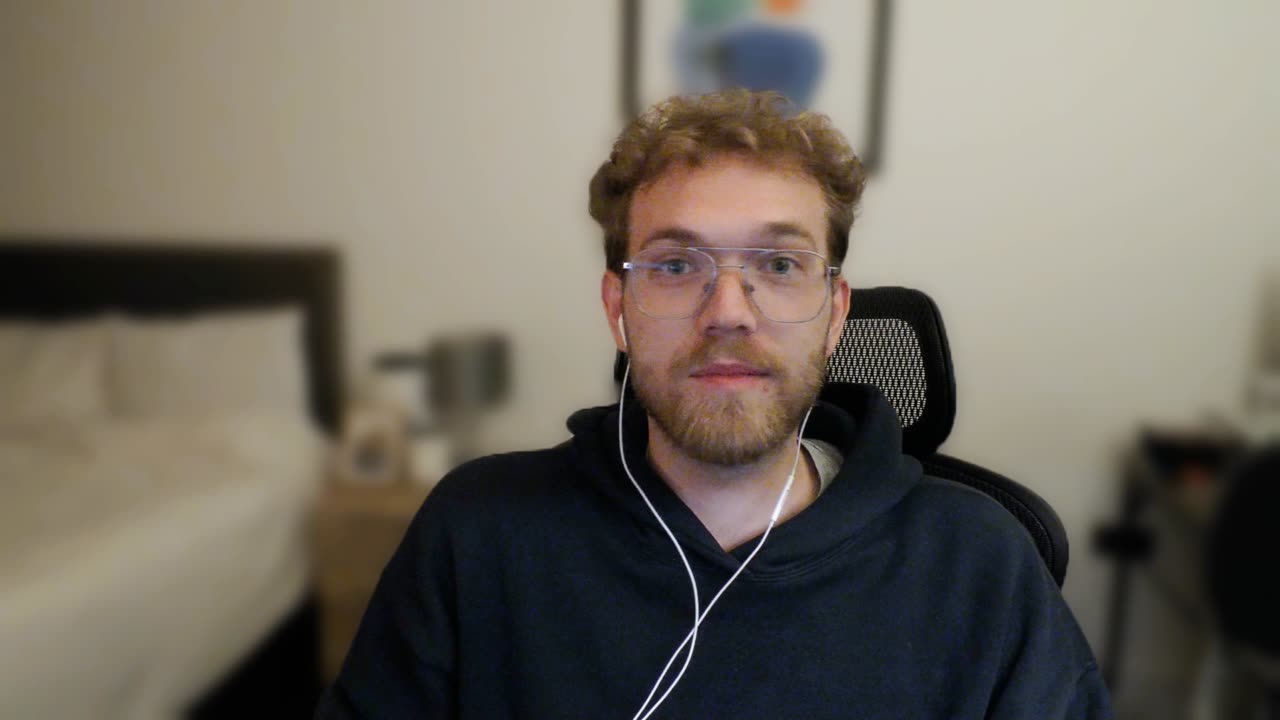
Bailey on working with Kookies.
"They are very professional and the best at what they do."
 Juned Khatri, Chief, BubbleWrap
Web development · Dec 2022 to Jan 2023 · Quality, schedule, cost and willing to refer: 5.0
"Fast, efficient and beautifully designed! Kookies nailed our website with pixel-perfect execution and smooth interactions."
"They are very professional and the best at what they do. Kookies surpassed expectations with Webflow. Thrilled with the results!"
"Kookies' professionalism, dedication and exceptional design skills exceeded our expectations. Highly recommended for high-quality work and timely delivery."
"A thorough job, with high-quality work in a short timeframe. Abdul and his team were prompt, professional and patient with all our inputs. Happy to recommend them."

FAQs

It does not have to. We keep ranking URLs, carry over strong titles and content, and add a 301 for every URL that changes. Small movement for a week or two can still happen, so we watch Search Console after launch.
A small site usually takes 4 to 6 weeks from kickoff to launch. A larger site takes longer. We give you a timeline after the audit.
Design only starts from $1,500. A redesign and rebuild of up to 5 pages starts from $2,500, and larger sites from $3,000. You get a fixed price after a 20 minute call. First-time clients get $500 off projects of $2,000 or more.
Yes. We redesign WordPress, Wix, Squarespace and other sites and rebuild them in Webflow or Astro. See our migration pages for each platform.
A sheet that pairs every old URL with its new URL. We turn it into 301 redirects so old links, bookmarks and search results still land on the right page.
Yes. We keep what works and improve what does not. You can also keep all of it and only change the design.
Yes. Webflow sites come with the Editor and CMS, and Astro sites with Sanity Studio. You also get a recorded training video.
For 30 days after launch we make safe changes for free: copy edits, image swaps, colour tweaks and link updates, and we fix anything we built that does not work. New sections, page redesigns and new features are not part of it. We quote those separately, or they are covered by a care plan.
Ready when you are
Send the form and get a price and timeline within one working day. Or book a quick call with our team.
Pick a day that works for you.
See open timesOpen calendaror email hello@kookies.ioWait, take a cookie
Pick one, then book a call. The code goes into your booking notes and we apply it to your quote.
KOOK500KOOKFRIENDOne offer per client. Mention the code on your first call if it is not in your booking. Referral rewards are paid when the referred project starts.
We use Google Analytics and Tag Manager to see which pages help, only if you say yes. Read our privacy policy.