


Case study · Construction software
From HTML prototypes to native Webflow pages.
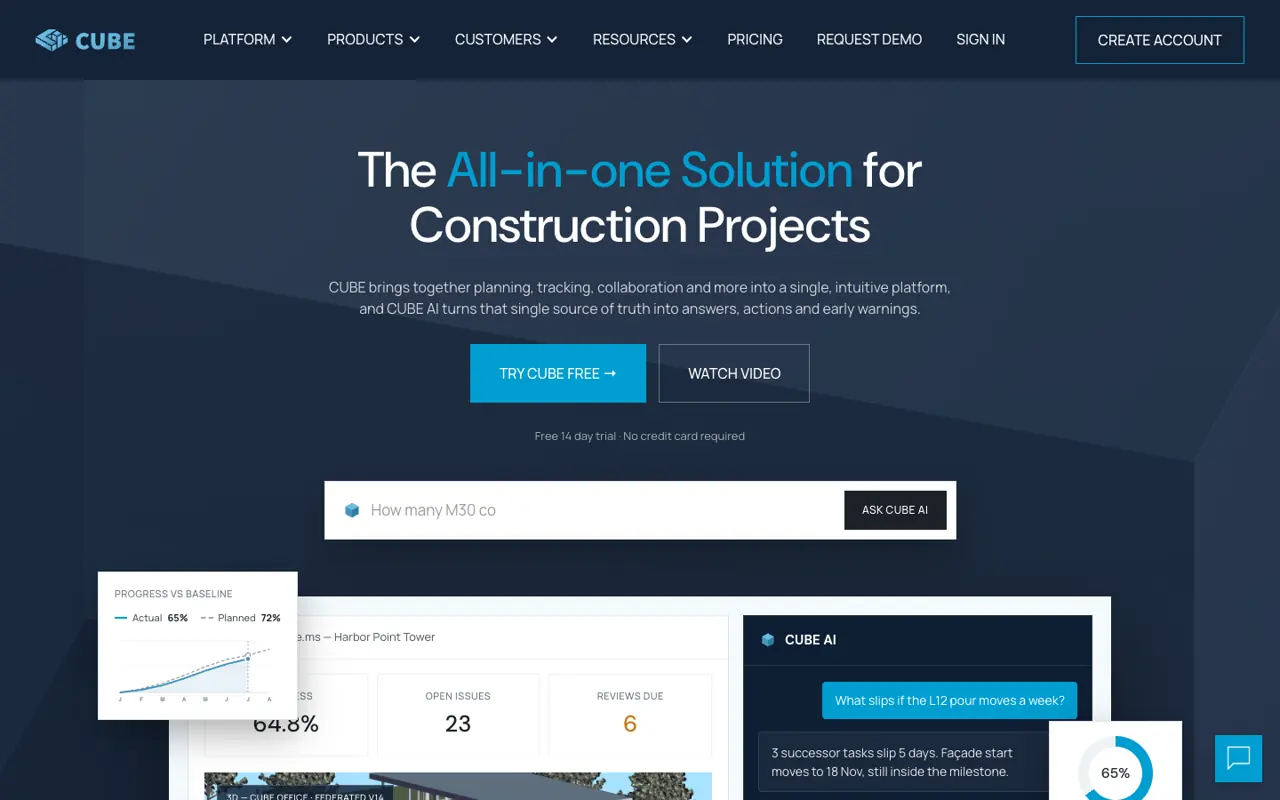
CUBE is a construction platform with a common data environment, project management, digital twins and CUBE AI. Their team sends us HTML prototypes of new pages, and we rebuild them natively in Webflow on CUBE's existing style guide, matching each layout and behaviour. The home and pricing pages were the most complex.
The problem
An HTML file in,
a Webflow page out.
CUBE's site runs on Webflow. Their team designs new pages as HTML prototypes, which show the layout and behaviour but are not built the way a Webflow site needs: no shared classes, their own fonts and colours, and scripts written for a single file.
Each page had to become native Webflow: real components, CUBE's own colours, headings and spacing from the existing style guide, and every interaction working, editable by their team in the Designer.
What we did
What we built
for CUBE.
Native Webflow on their style guide
We rebuild each prototype with Webflow components and link every colour, heading and space to CUBE's existing variables, so new pages match the rest of the site.
Pricing in the visitor's currency
The pricing page reads the visitor's time zone and shows rupees, pounds or dollars, switches between annual and monthly with the old price struck through, and shows India-only sections where they apply.
A home page full of interactions
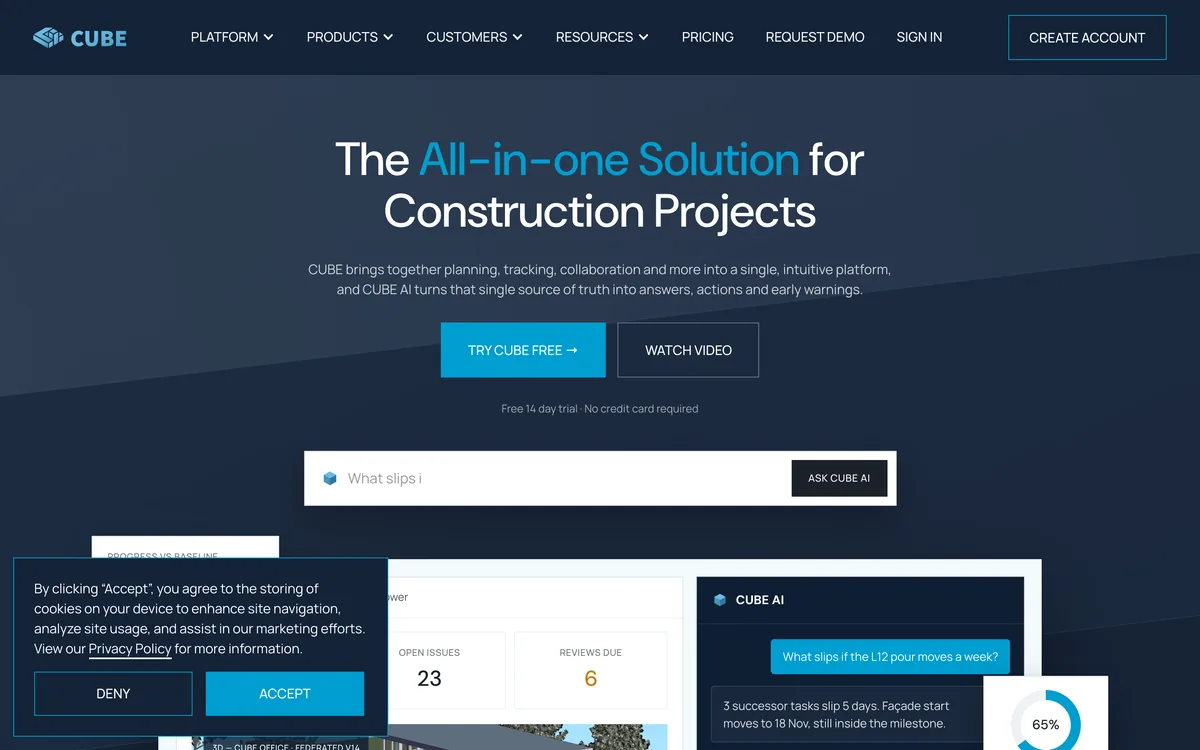
A 3D integrations hub, an industries map that auto-advances and pauses on hover, an AI chat that types and thinks, auto-playing tabs and count-up stats, all driven by content the team edits in the Designer.
Inside the build
A cost calculator
that does the maths.
The pricing page has a full cost calculator. Visitors set seats for each product, and the summary updates live with per-seat rates for the chosen billing period, add-ons such as BIM Server and Clash Detection, and the saving on annual billing.
It also handles CUBE's free-seat rule: every 10 paid seats include 10 free guest, field or operator seats, and the calculator tells visitors how many more seats unlock the next free ten. Seat counts can be typed in as well as dragged.
Screens we built
Inside the CUBE
home and pricing.
Sections we built on cube.ms, live today. Click any screen to see it full size.
3 currencies by location4 products in the calculator2 billing periods8+ custom interactions on the home page
Results
What it means for the team.
CUBE's prototypes become Webflow pages that look like the rest of the site and that their team can edit. The pricing page shows each visitor the right currency, plans and sections, and the calculator gives a live estimate with add-ons and free seats.
The home page keeps every interaction from the prototype, built on Webflow elements, so copy, logos and steps change in the Designer without touching code.
Next