


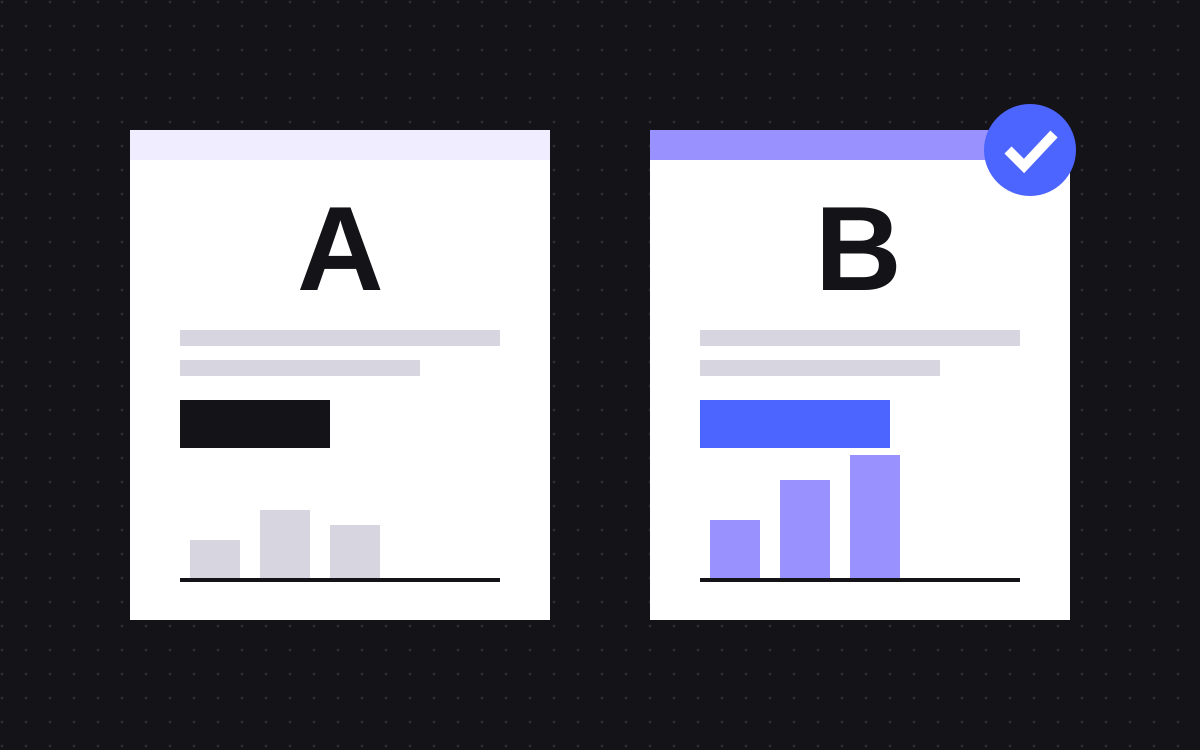
- Webflow Optimize is Webflow's own tool for A/B tests, rules-based personalization and AI-optimized tests. It is an add-on you manage per site.
- Google Optimize ended on 30 September 2023. Google points to third-party tools that connect to Google Analytics.
- A test needs enough conversions, not just visits. Low traffic means fewer variations and bigger changes.
- Test the headline first, then the main call to action, then the length of the form.
- Pick one target goal before the test starts, run it for full weeks and remove the losing version when it ends.
The short answer
To A/B test a Webflow site, use Webflow Optimize if you want it built into the Designer, or a third-party testing tool added with a script. Pick one goal, such as a demo form submit, and test one big idea at a time. Start with the headline, then the main call to action, then the form. Let the test run until the tool reports a clear result, then keep the winner and remove the rest.
On a low-traffic site, test fewer and bolder changes. Small tweaks need a lot of traffic to show a real difference.
What Webflow Optimize does
Webflow's intro to Optimize explains the parts. You build an optimization, which holds one or more variations. A variation can be a new headline, several changes to one button, a different layout, or a redirect to another page. There are three ways to run it:
- Traditional A/B/n test. Shows versions at random to a share of your traffic and picks a winner on statistical significance.
- Manual personalization. Rules decide who sees what, for example by referral source, location or device.
- AI-optimized. Webflow's AI serves the version most likely to convert for each visitor and keeps learning.
Each optimization has one target goal that decides success. Goal types include an automatic AutoGoal, click goals, page view goals, form submission goals through the HubSpot or Marketo integrations, and custom goals. You open it all from the Insights tab above the canvas, and you must turn on tracking first, with a choice of how visitors opt in or out.
Optimize is an add-on. Webflow's help shows it managed under Site settings, Plans, Add ons, and the Optimize page points to sales for details, so check current plans and prices with Webflow. The same page says sites not built in Webflow can use Optimize through a JavaScript snippet.
Other tools
Many older guides still recommend Google Optimize. Google shut it down on 30 September 2023. Google's notice names AB Tasty, Optimizely and VWO as tools it worked with to connect to Google Analytics, and says it opened its APIs to other providers.
A third-party tool on a Webflow site usually means adding its script in the site's custom code. Follow the tool's own install guide, and note that in Webflow only Site managers and Designers can open the custom code section. Before you add one, check that the script loads after cookie consent where your consent rules require it, and that it does not slow the page or make it flicker.
Whichever tool you use, send results to the analytics you already trust. Webflow lists integrations for Optimize with Google Analytics 4, HubSpot, Segment, Mixpanel and others.
How much traffic a test needs
There is no single magic number, and any tool that promises one without your data is guessing. Webflow's help on statistical significance names three things that matter:
- Time. Behaviour changes by day and week. Webflow's example: a test run for 30 days tells you more than one run for seven.
- Sample size. Each version needs enough visitors. Webflow compares 30 visitors per group with 1,000 to show the difference.
- Effect size. A big gap between versions shows up sooner. A tiny gap may need a long time.
What this means in practice:
- Count conversions, not visits. A page with lots of traffic but few form submits will still be slow to test.
- On a small site, test two versions, not five. Each extra version splits your traffic further.
- Make the change big enough to matter. A new headline idea beats a new shade of button.
- Do not stop the moment one version jumps ahead. Early leads often fade.
- Run full weeks so weekdays and weekends are both in the data.
What to test first
- The headline. It is the first thing every visitor reads, so a better one affects everyone. Test a different promise, not a different word. For Crumb, a made-up payroll tool, that could be "Run payroll in ten minutes" against "Payroll your accountant will thank you for".
- The main call to action. The words on the button and what it offers. "Book a demo" and "See it in 2 minutes" ask for different levels of commitment.
- Form length. Every field is a question someone has to answer. Test the current form against one with only the fields your sales team really uses.
After those, test the order of sections, the proof near the top (logos, a quote, a case study) and the pricing layout. Our guide to landing pages that convert covers what to put on the page in the first place.
Set up your first test in Optimize
- Turn on tracking in Insights settings and choose the domains Optimize runs on.
- Create a goal for the action you care about, such as a click on the demo button or a form submission.
- From the Optimizations dropdown above the canvas, create an optimization on the page you want to test.
- Choose a traditional test and build your variation: change the headline, the button or the form.
- Set the target goal and the share of traffic, set the optimization live and publish the site.
- Leave it running and review results in the Insights panel. Webflow names a winner once it reaches high statistical significance.
Webflow's role table lets the Marketer role create variations and run tests too, so the marketing team does not need a developer for each one.
Keep tests safe for SEO
Google's guide to testing and Search sets the rules:
- Do not show Googlebot something different from people. That is cloaking.
- If a test uses separate URLs, point their canonical at the original page.
- Use a 302 or JavaScript redirect for redirect tests, not a 301.
- Run tests only as long as needed, then remove the test versions and scripts.
Webflow says Optimize treats search bots like any visitor and that its redirect variations do not use 301 redirects (Webflow on SEO and variations). Its advice: keep your target keywords in every headline you test.
Mistakes that waste a test
- No goal decided up front. Pick the target goal before launch, or you will find a winner in whatever number looks good.
- Too many tests on one page at once. Several tests on one form make it hard to say which change worked.
- Tracking that does not fire. Check the goal records a test conversion before you launch. Our post on tracking form submits in GA4 helps here.
- Forgetting the cleanup. When the test ends, make the winner the real page and switch the optimization off.
What to do next
Write down one question about your main landing page, such as "Would a clearer promise get more demo requests?". Turn it into two headlines, set one goal and run it for full weeks. One clear answer is worth more than five tests running at once.
We build and tune landing pages on Webflow and Astro. See landing pages and analytics and tracking, or send us the page you want to test.

Terms used: Webflow, Webflow Optimize


