- The safe way to use AI for pages is to let it choose and fill approved sections, never to write raw code or layout.
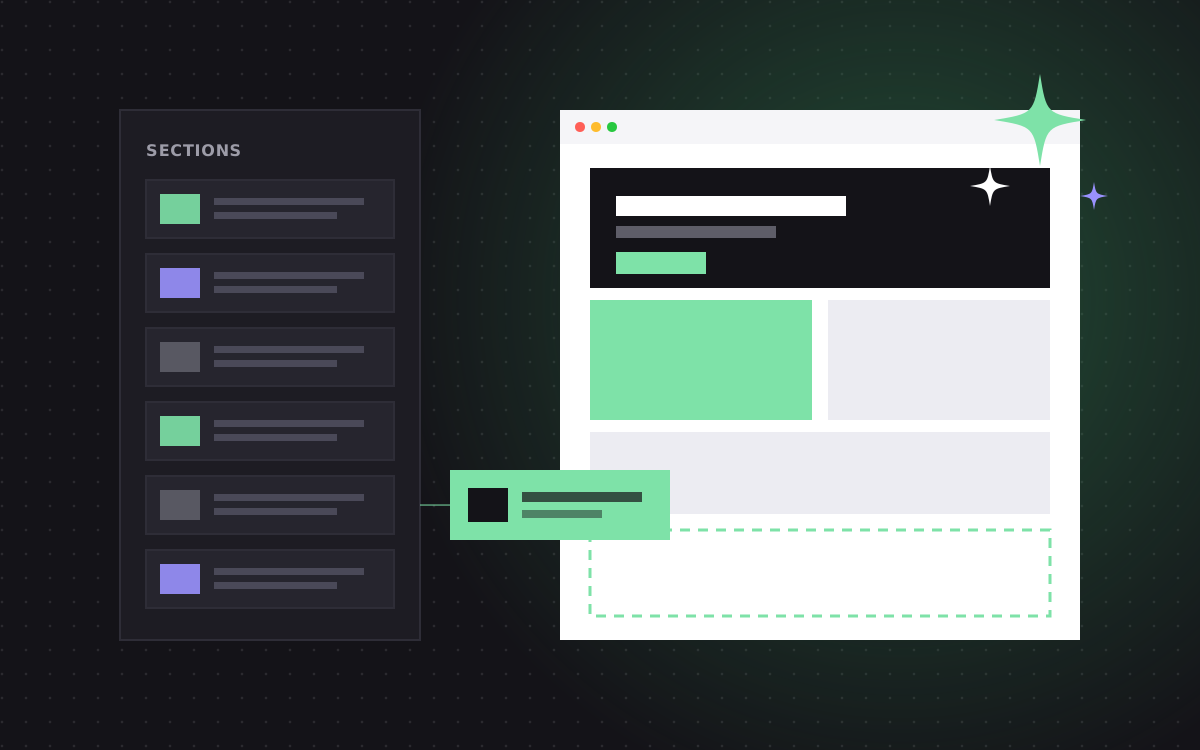
- A section library gives AI a fixed menu: hero, features, proof, pricing, FAQ, CTA. It cannot invent a new design.
- Every section has typed fields with limits, so AI output that is too long or missing pieces gets caught.
- AI only ever creates drafts. A person reviews in preview and presses publish.
- Teams go from brief to draft page in minutes, then spend their time on the parts that need judgement.
Can AI build pages safely? The short answer
Yes, your team can build pages with AI safely if the AI works from a section library instead of a blank canvas. The AI picks from sections your designers already approved, fills their content fields within set limits, and saves the result as a draft. A person reviews it in preview and decides when to publish. The AI never touches code, styles or layout rules.
That one design choice removes most of the risk. A general AI tool that writes whole pages from scratch can produce anything: off-brand layouts, broken mobile views, made-up claims, missing alt text. An AI that can only fill approved sections has far less room to go wrong, and everything it does produce is checked by a human before it goes live.
We build this setup on Astro and Sanity sites. This guide explains how it works and how to roll it out without upsetting your brand team.
Why "generate a website" tools disappoint marketing teams
Many AI website builders promise a full site from one prompt. They make a nice demo. For a real company with a brand, a CMS and a team, they tend to cause problems:
- Off-brand output. Fonts, colours and spacing drift from the design system.
- One-off layouts. Every page is a little different, so the site feels stitched together.
- Hidden quality issues. Heading order, contrast, image sizes and mobile layouts are not checked.
- Made-up facts. AI may invent numbers, client names or features to fill space.
- No workflow. Changes go live without review, or sit outside your CMS where nobody can find them.
The fix is not to ban AI. It is to give it a narrow, well-defined job inside a system you already trust.
What a section library is
A section library is a set of pre-built, pre-tested page sections that your team stacks to make pages. Think of it as LEGO for your website. Each piece is designed once, built once, and checked on every screen size.
A typical library for a B2B site includes:
| Section type | Fields | Rules |
|---|---|---|
| Hero | Eyebrow, headline, subhead, two buttons, image | Headline under 70 characters, one primary button |
| Feature grid | Title, 3 to 6 items with icon, title and text | Item text under 160 characters |
| Logo strip | Picked from approved client logos | Only logos with permission |
| Testimonial | Picked from the testimonials list | No free text, real quotes only |
| Pricing | Picked from the pricing data | Prices come from one source of truth |
| FAQ | 3 to 8 questions and answers | Answers under 600 characters |
| CTA | Headline, text, button | Button links to approved destinations |
Notice the last column. Rules are what make AI safe. Our section library page shows how we design these.
How the AI fits in
Here is the flow we set up, step by step.
- A person writes a brief. For example: "Landing page for our new SOC 2 feature, aimed at security leads at mid-size SaaS companies. Main goal: book a demo."
- The AI plans the page. It picks a stack of sections from the library, such as hero, problem, feature grid, testimonial, FAQ, CTA, and explains why.
- The AI fills the fields. It writes copy for each field, within the character limits and tone rules.
- Facts come from your data. Testimonials, logos and prices are picked from existing records, not written by the AI.
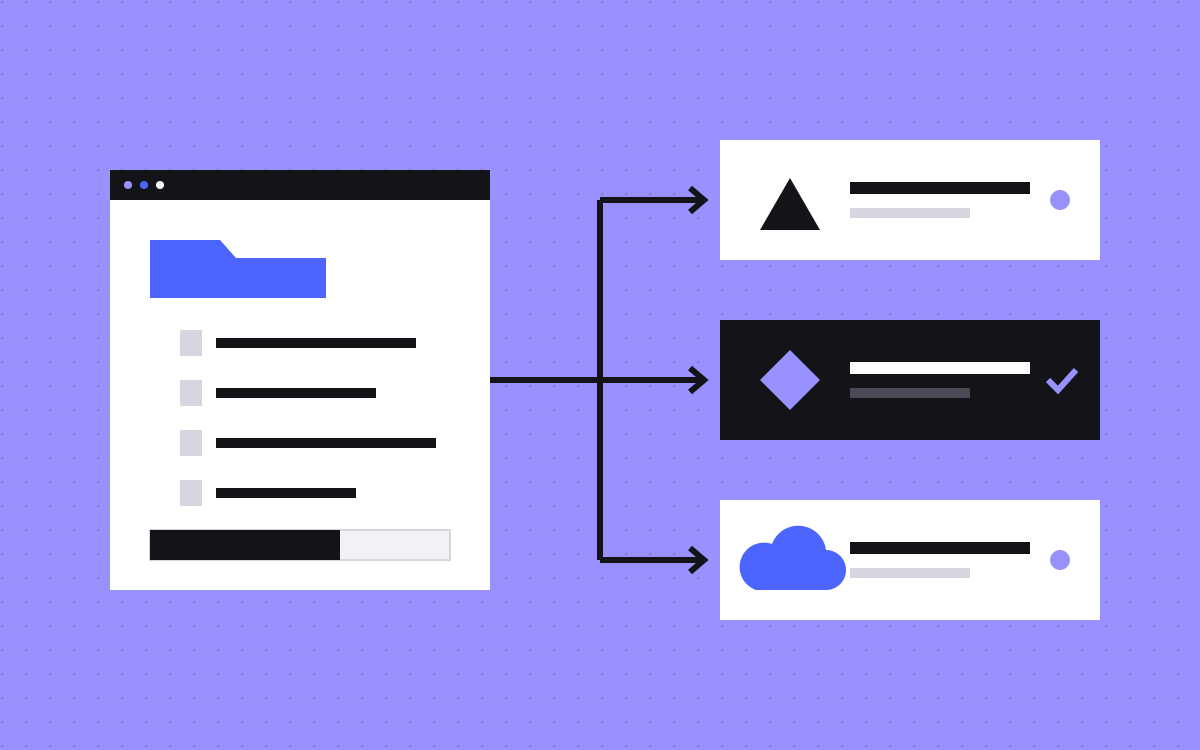
- It saves a draft. The page lands in your CMS as an unpublished draft.
- A person reviews. Your marketer opens the preview, edits what needs a human touch and checks every claim.
- A person publishes. Nothing goes live until someone with the right role presses the button.
AI does the first 80 percent quickly. People do the last 20 percent well. That split is where the time savings come from.
Guardrails that make it safe
Structure guardrails
- AI can only use section types that exist in the library.
- Each page type has allowed sections and a sensible order, such as hero first and CTA last.
- No custom code, no inline styles, no new colours.
Content guardrails
- Every field has a type and a length limit. The CMS rejects anything outside them.
- Required fields, like image alt text and SEO description, must be filled before publish.
- A tone guide is part of the prompt: plain words, short sentences, your banned phrases.
Fact guardrails
- Client names, logos, testimonials and prices are references to existing records. The AI cannot type them in.
- Numbers and claims in free text are flagged for human review.
Workflow guardrails
- AI only creates drafts. Publishing needs a person.
- Every AI draft is labelled as such in the CMS, with the brief that produced it.
- Version history means you can roll back any change.
Why Sanity and Astro suit this so well
This approach works on many stacks, but Astro and Sanity make it unusually clean.
- Content is structured data. In Sanity, a page is a list of typed sections, not a blob of HTML. That is exactly the format an AI can fill safely.
- Validation lives in the schema. Length limits and required fields are defined once and enforced for people and AI alike.
- APIs for everything. An AI step can read the library, create a draft document and attach references through Sanity's APIs. Sanity also offers its own AI features, and you can connect the model of your choice.
- Astro renders sections the same way every time. Each section type maps to one component. If the data is valid, the page looks right.
- Fast previews. Your team sees the draft as a real page before anyone publishes.
Read our plain English guide to Astro and Sanity if you are new to the stack, or see how we set up the editor on our Sanity CMS page.
Can you do this on Webflow?
Partly. Webflow has components and a CMS, and you can create CMS items through its API, so an AI step can draft blog posts or CMS-driven landing pages within a fixed template. Webflow has also been adding AI features of its own. Check what is available on your plan today.
What is harder on Webflow is the flexible "stack any sections in any order" model with strict per-field rules for AI. It can be done with careful CMS design, but it is more natural in a structured CMS like Sanity. If you are happy on Webflow and mostly need AI help with blog drafts or repeatable page templates, you may not need to switch. Our Webflow team can set that up.
What teams actually use it for
The best uses are pages that follow a pattern but need fresh copy each time.
- Campaign landing pages. A new page for each ad group or event, built from the same proven sections.
- Industry pages. One page per sector, each with its own pains, use cases and FAQs.
- Feature pages. A consistent page for every product feature.
- Comparison pages. A fixed structure with a table, filled for each competitor, then fact-checked by a person.
- Localised variants. A first draft in another language, reviewed by a native speaker.
Things we keep human-led: the home page, pricing decisions, case studies, anything legal, and any page where a single wrong claim could cost you a deal.
How to roll it out in your team
- Start with the library. If your sections are messy, AI will make messy pages faster. Tidy the library first.
- Write the rules down. Tone, banned words, character limits, which facts need a source.
- Pilot one page type. Campaign landing pages are a good start. Low risk, high volume.
- Measure the time saved. Track brief to publish time before and after.
- Review the reviews. Look at what people changed in AI drafts. Turn common fixes into new rules.
- Expand slowly. Add page types once the first one runs smoothly.
A worked example
Here is what this looks like for a real kind of request. A SaaS marketing lead needs a landing page for a webinar next week.
The brief (2 minutes): "Webinar landing page. Topic: cutting cloud costs for finance teams. Audience: CFOs at companies with 100 to 1,000 staff. Goal: registrations. Date and speaker are in the events list."
The AI draft (about a minute): the AI proposes hero, what you will learn (feature grid), speaker (pulled from the team records), agenda, testimonial (picked from existing quotes about the product), FAQ and a registration CTA. It writes the headline, subhead, four learning points and five FAQs, all inside the field limits.
The review (20 to 30 minutes): the marketer tightens the headline, swaps one learning point for something the speaker actually covers, deletes an FAQ that is not quite right and checks the date. A preview link goes to the speaker for a quick look.
Publish: the marketer presses publish. The page is live a minute or two later, fast, on brand and fully responsive, because every section was built and tested in advance.
No designer, no developer, no ticket. The design team's work is still there in every pixel. They just did it once, in the library, instead of once per page.
Mistakes to avoid
- Letting AI publish. Even with perfect guardrails, a person should press the button.
- Free text for facts. If the AI can type a client name or price, sooner or later it will type a wrong one.
- Too many section types. A library with 120 near-duplicate sections confuses people and models alike. Fewer, better sections work best.
- No tone guide. Without one, AI copy drifts towards generic marketing speak.
- Skipping training. Show your team how to write a good brief and how to review a draft. Fifteen minutes saves hours.
What it costs to set up
If you already have an Astro and Sanity site with a section library, adding an AI drafting step is usually a small project. We give a fixed quote after a 20 minute call. If you are starting fresh, it can be part of a new build: a website of up to 5 pages starts at $2,500 and larger sites start at $3,000, with first-time clients getting $500 off projects of $2,000 or more. See pricing.
Many teams then use our care plan to keep adding sections as they grow. Book a call and we will walk you through a live demo.