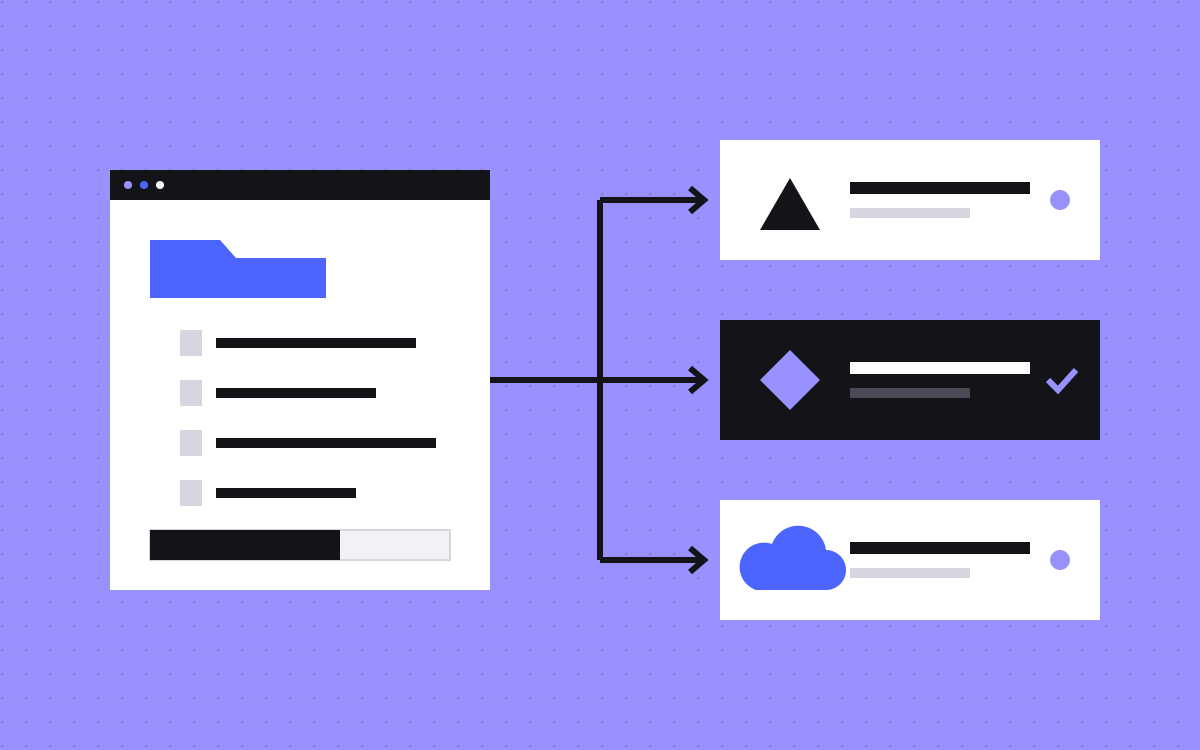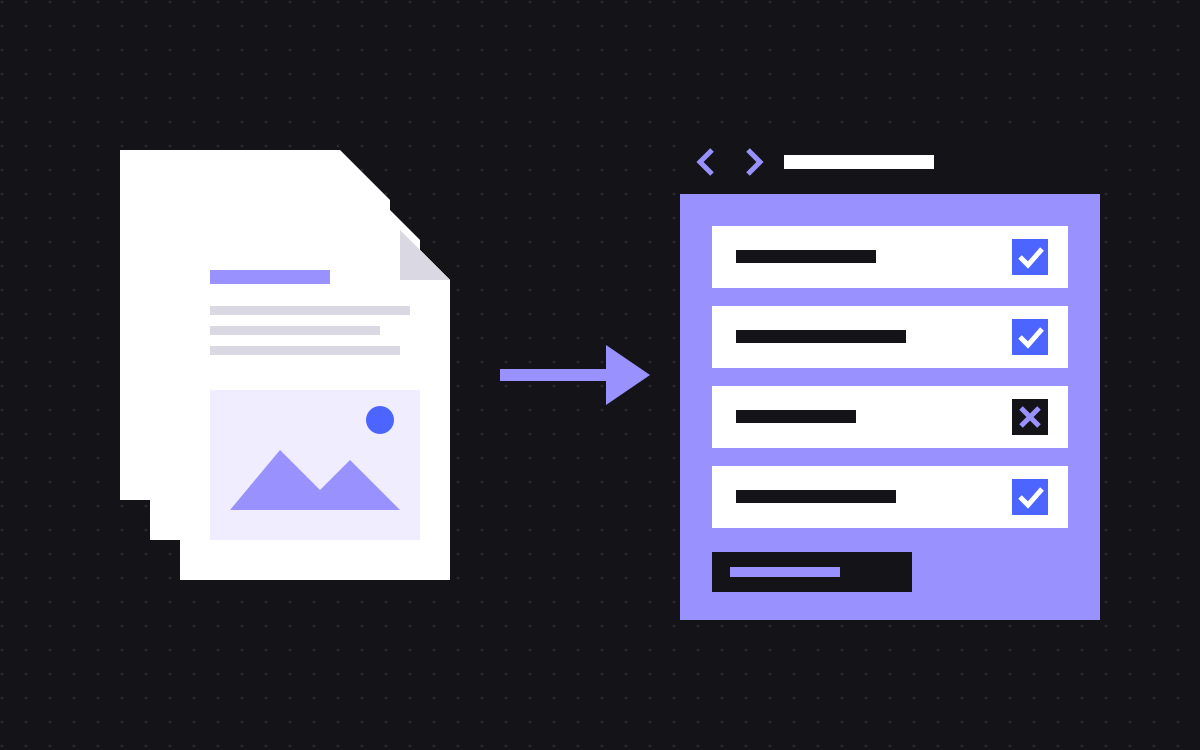
- Astro builds the website. Sanity is where your team writes and edits content. They talk to each other through an API.
- Your team never touches code. They edit in Sanity Studio, a clean editor built around your content and sections.
- Astro sites ship very little JavaScript, so pages load fast and score well on Core Web Vitals.
- It suits teams with a growing site, several editors, or content that appears in many places.
- For a small site that one person edits visually, Webflow is often the simpler choice.
Astro and Sanity in one paragraph
Astro and Sanity are two tools that work together to run a website. Astro is the framework that builds the pages visitors see. Sanity is the content system where your marketing team writes, edits and publishes. When someone publishes in Sanity, Astro rebuilds the affected pages and the change goes live, usually within a minute or two. Your team edits content. Developers own the design and the code. Nobody steps on anyone's toes.
For marketing teams, the appeal is a site that is very fast, very flexible and safe to edit. You get a tidy editor built around your actual content, a library of approved page sections, and pages that load quickly on any phone. The trade-off is that you need a developer, or an agency like Kookies, to build the design and add new section types.
This guide skips the jargon and explains how it works day to day.
What Astro does
Astro is a web framework. It takes your design, your content and your page templates, and turns them into finished HTML pages.
The part that matters to marketers is speed. Most website tools send a lot of JavaScript to the browser, even for pages that are mostly text and images. Astro sends almost none by default. It only adds scripts for the parts of a page that truly need them, like a pricing toggle or a demo form. The rest is plain HTML and CSS.
What that means for you:
- Pages load fast, even on slow mobile connections.
- Core Web Vitals scores tend to be strong without extra tuning.
- Search engines and AI crawlers see the full content in the HTML.
- Hosting is cheap, because finished pages can be served from a global network.
You will not log in to Astro. It is the engine room. Your team works in Sanity.
What Sanity does
Sanity is a headless CMS. "Headless" just means it stores content without deciding how it looks. The website, built with Astro, decides the look.
Your team works in Sanity Studio, an editor that we set up for your site. It is not a generic admin panel. Every field, list and section in it is shaped around your content: case studies have a client, a result and a quote; landing pages are a stack of sections you choose from a menu.
Some things marketers tend to like:
- Real-time collaboration. Several people can work in the Studio at once and see each other's changes.
- Drafts and history. Work on a draft, publish when ready, and roll back if needed.
- Content reuse. Write a testimonial once and show it on five pages. Edit it once and every page updates.
- Previews. See a draft page as it will look before you publish.
- Validation. Rules like "title under 60 characters" or "image needs alt text" are built into the editor.
Our Sanity CMS page shows the kind of Studio we set up.
How a normal week looks for your team
Here is what working on an Astro and Sanity site feels like once it is live.
- Monday: your content lead drafts a blog post in Sanity. It has fields for title, summary, cover, body, author and SEO. Required fields are flagged if empty.
- Tuesday: a teammate reviews the draft in preview, leaves a note and fixes a typo.
- Wednesday: you build a new landing page for a campaign. You pick a hero, a logo strip, three feature blocks, a testimonial and a CTA from the section library, and fill in the copy.
- Thursday: you press publish. The site rebuilds, and the page is live a minute or two later.
- Friday: you change the price on the pricing page. Because the price lives in one place, it updates on every page that shows it.
Notice what is missing: no developer ticket, no waiting, no plugin updates, and no chance of breaking the layout. Sections are designed and tested once, then reused safely.
The section library: why marketers love it
The biggest win for marketing teams is the section library. Instead of designing every page from scratch, your designers and developers build a set of tested sections once. Your team then stacks them to make new pages.
A typical library holds 20 to 40 sections: heroes, feature grids, logo strips, testimonials, pricing tables, FAQs, comparison tables, CTAs, case study cards. Each one has a few layout options and colour themes. Every combination is checked on mobile and desktop.
The result is freedom with guardrails. You can launch a page in an afternoon. Brand stays consistent. And because every section is built to the same standard, every page is fast and accessible. See how we approach this on our section library page.
You can even let AI draft pages from the same library, without letting it break your design. We cover that in how to let your team build pages with AI, safely.
Astro and Sanity vs Webflow vs WordPress
We build on both Webflow and Astro, so we have no reason to push one. Here is how they compare for a marketing team.
| Feature | Astro + Sanity | Webflow | WordPress |
|---|---|---|---|
| Editing | Structured editor with a section library | Visual editing on the page | Block editor or page builder |
| Speed | Excellent, very little JavaScript | Good, with care | Varies, often slowed by plugins |
| New layouts | Developer adds sections | Designer can build visually | Theme or page builder |
| Content reuse | Strong | Good within the CMS | Limited without plugins |
| Maintenance | Low, no plugins to patch | Low, hosted for you | Ongoing updates and security |
| Best for | Growing sites, many editors, content in many places | Design-led teams who want visual control | Teams already invested in its plugins |
For a deeper look, read Webflow vs Astro and Astro vs WordPress.
When Astro and Sanity is the right choice
It is a strong fit if two or more of these are true for you:
- Your site has, or will have, more than 30 or 40 pages.
- Several people edit content, and you want clear drafts and roles.
- The same content appears in many places: testimonials, pricing, team bios, product facts.
- Speed and SEO are a priority, and you want top Lighthouse scores without fighting the tool.
- You want content available to other channels later, such as an app or a help centre.
- You have developers in-house, or a partner who can add new sections when needed.
It is probably not right if you are a small team with a five page site that one designer updates visually. Webflow is simpler there, and we are happy to build that instead. See Webflow development.
What it costs
There are two parts to the cost: the build and the running costs.
The build
A landing page is $500 and takes about a week. An Astro and Sanity site starts at $2,000 and takes 4 to 8 weeks. A large Astro site starts at $2,500. First-time clients get $500 off projects of $2,000 or more. Full details on our pricing page.
Running costs
Astro is free and open source. Static hosting on platforms like Vercel, Netlify or Cloudflare Pages is free or low cost for most marketing sites. Sanity has a free tier that suits many small teams, with paid plans for more users and features. Check each vendor's current pricing, as plans change.
Ongoing help
Many teams pair the build with our care plan: unlimited requests, one at a time, for $4,000 a month month to month or $3,000 a month on a 6-month term. New sections and pages ship fast, often a 5-section page in 2 to 3 days.
Common worries, answered
Marketing teams ask us the same few questions before they commit. Here are honest answers.
"Will we be stuck needing a developer for everything?"
No. Day to day content, new pages from existing sections, SEO fields, images and blog posts are all done by your team in the Studio. You need a developer when you want a brand new kind of section or a new feature. Most teams need that a few times a quarter, not every week.
"Is it harder to learn than Webflow?"
Different, not harder. Webflow editing feels like changing the page itself. Sanity feels like filling in a well-designed form, with a live preview next to it. Most editors are comfortable within an hour or two of training.
"What if Kookies disappears?"
You own everything. The code lives in your repository, the content lives in your Sanity project, and the site runs on your hosting account. Any developer who knows Astro can pick it up. That is one reason we like open tools.
"Can we still run A/B tests and personalisation?"
Yes. Astro works with common testing and analytics tools, and edge features on hosts like Vercel or Cloudflare can serve variants without slowing the page. We plan this during the build, so it does not get bolted on later.
What your developers get
If you have an in-house developer, they will probably like this stack. Some reasons it tends to win them over:
- Plain components and modern tooling, with TypeScript support.
- Content schemas defined in code, versioned in Git alongside the site.
- No plugin updates or database to patch.
- Preview deploys for every change, so they can share a link before merging.
- The option to use React, Vue, Svelte or plain scripts for interactive parts, only where needed.
Happy developers and happy editors on the same site is rarer than it should be. Clear boundaries between content and code are what make it work.
How we build Astro and Sanity sites
Our process is the same steps every time, so you always know what comes next.
- Brief and sitemap. We agree the pages, the content types and the sections you need.
- Design. Pages and sections designed in Figma, mobile and desktop.
- Studio first. We model your content in Sanity before we build pages, so the editor feels right from day one.
- Build. Astro templates and sections, with SEO, schema and llms.txt set up.
- Content and training. We move your content in and show your team how to use the Studio.
- Launch and support. Redirects, checks and a quiet launch, then help when you need it.
Want to see if it fits your team? Look at our Astro + Sanity page, or book a 20 minute call.