- A content collection is a named set of entries, such as blog posts or case studies, with one schema that every entry must follow.
- Collections are defined in src/content.config.ts. A loader says where the content comes from, a schema says which fields it must have.
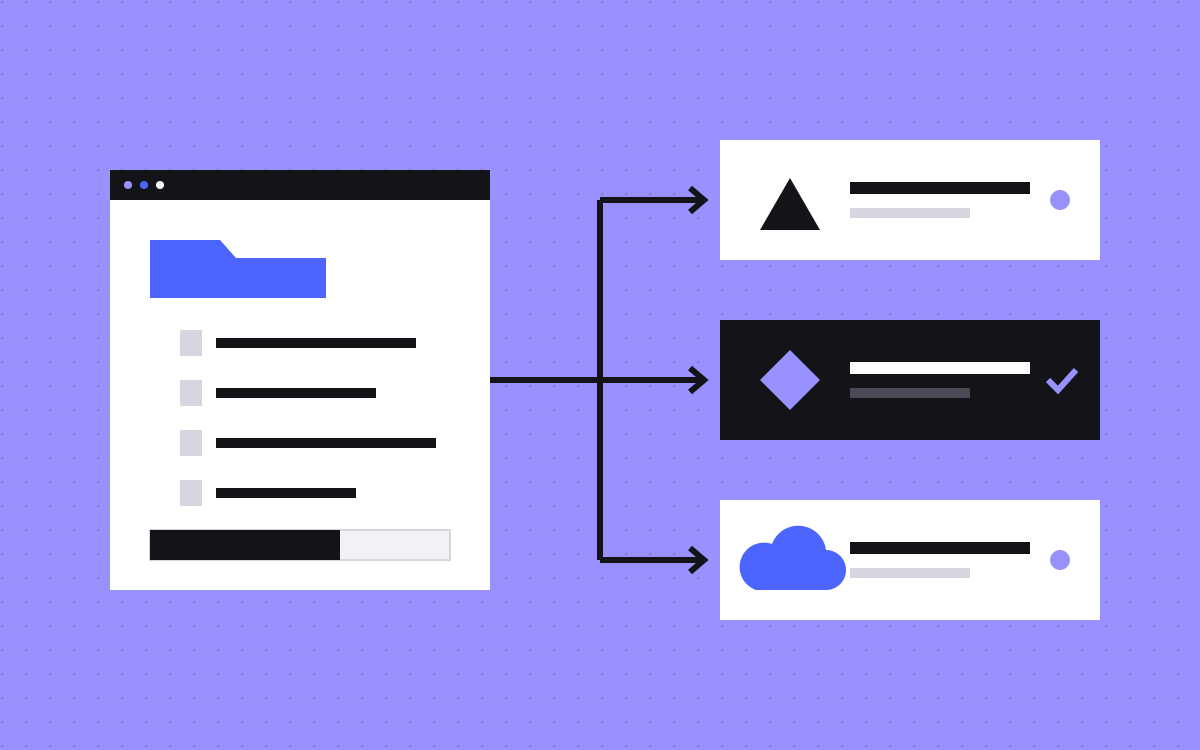
- Content can live in Markdown or JSON files in your repo, in one data file, or in a CMS through a loader.
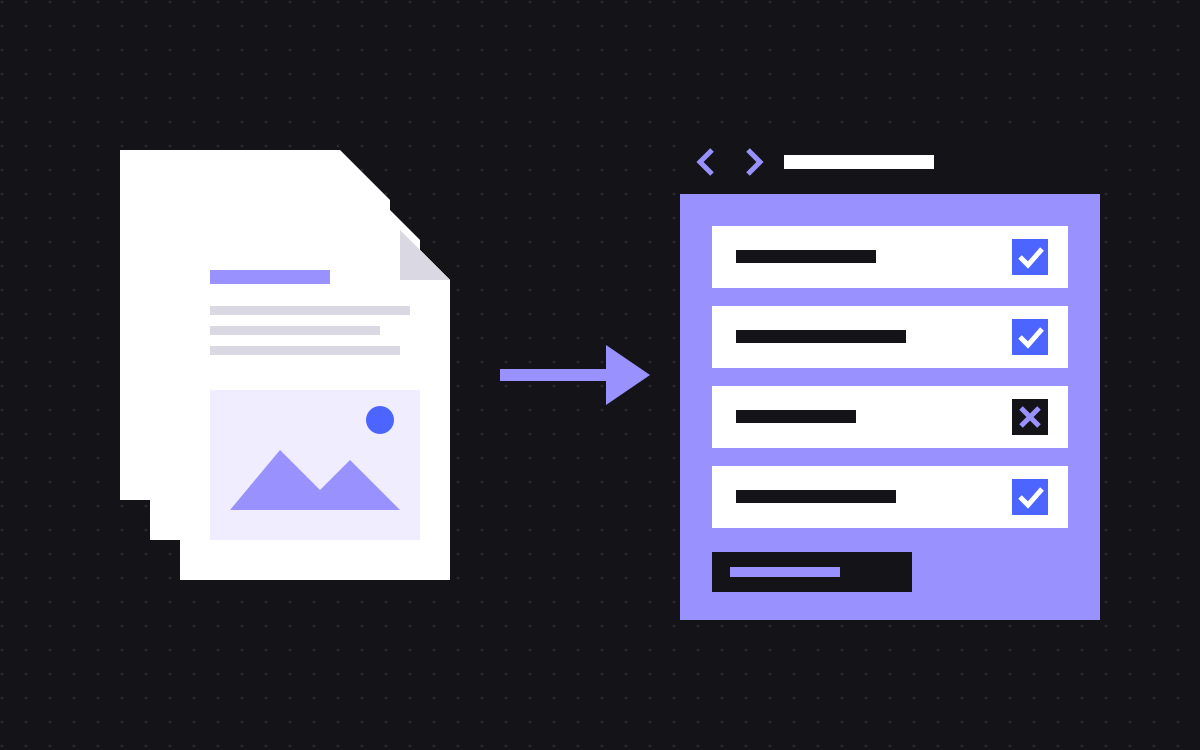
- When an entry breaks the schema, Astro shows an error naming the entry and the field.
- Schemas give you typed fields, so mistakes show up while building, not on a live page.
The short answer
Astro content collections are named groups of content, such as blog posts, case studies or team members, where every entry follows one schema. You define them in src/content.config.ts. Each collection has a loader, which says where the content comes from, and a schema, which says which fields each entry must have and what type they are.
For a marketing team, that means a post cannot go out without a title, a description that is too long gets flagged, and a category has to be one you agreed on. When an entry breaks the schema, Astro shows an error that names the entry and the field.
Where your content can live
The loader decides where content is stored. Astro's docs describe these options:
| Option | Where content lives | Good for |
|---|---|---|
glob() loader | Many files in your repo: Markdown, MDX, JSON, YAML or TOML | Blog posts, case studies, docs |
file() loader | One file with many entries, each with a unique id | Team members, FAQs, logos |
| Custom or community loader | A CMS or an API, pulled in at build time | Content your team edits in a CMS |
| Live collection | Fetched on each request, defined in src/live.config.ts | Content that must be fresh to the minute |
Live collections need a server adapter for on-demand rendering, and Astro's docs note they do not support MDX or image optimisation. For most marketing sites, build-time collections are the right default.
What a schema does for marketers
Schemas are written with Zod, imported from astro/zod. Astro's docs call a schema optional but highly recommended. In plain words, a schema lets you say:
- This field is required. No post without a title, description or date.
- This text has a length. A meta description between 70 and 160 characters, a title under a set limit.
- This is one of a list. Category must be one of your agreed categories, so you do not end up with "SEO", "Seo" and "seo".
- This is an image. The
image()helper in the schema validates and imports an image, so it can go straight into Astro's image component. - This points to another entry.
reference()links a post to an author in another collection.
Astro also generates TypeScript types from the schema, and JSON Schema files in .astro/collections/ that code editors can use to check data files as you type.
Worked example: a case study collection
Here is how we would set up a case study collection for a marketing site. Each field has a reason:
| Field | Rule | Why |
|---|---|---|
| title | Required text | Every page needs a heading |
| description | Required, 70 to 160 characters | Becomes the meta description |
| client | Required text | Used on cards and in schema markup |
| industry | One of a fixed list | Drives filters on the work page |
| cover and coverAlt | image() plus required alt text | No image without alt text |
| services | List of references to a services collection | Links case studies to service pages |
| draft | True or false, default true | Keeps unfinished work off the site |
| publishedAt | Date | Sorting and "latest work" lists |
With this in place, a new case study either has everything it needs, or the build tells you what is missing.
What a broken entry looks like
Say a writer adds a new post file and forgets the title. Astro does not quietly build a page with an empty heading. It shows an error that names the collection and the entry, for example that the post's data does not match the collection schema, followed by the reason, such as "title" is required.
That message is the point of the whole setup. The person who made the mistake sees exactly which file and which field to fix, before the page reaches a visitor. With no schema, the same mistake ships, and someone finds it weeks later on a phone.
Getting content onto pages
Pages read collections with getCollection() for a list and getEntry() for one item, both from astro:content. Markdown and MDX entries are turned into a component with render().
Two details catch teams out:
- Filter drafts yourself.
getCollection()takes an optional filter, so a list page can leave out entries wheredraftis true. - Sort on purpose. Astro's docs say the order
getCollection()returns is not fixed. Always sort by date or a set order field, or your "latest posts" block may shuffle between builds.
Collections in Git or a CMS?
Both work with collections. The question is who edits and how often.
- Files in Git suit teams who are happy to edit Markdown or JSON, or who ask a developer or an AI tool to make changes. Every change has a history and goes through review.
- A CMS through a loader suits teams with several non-technical editors, who want a form, image uploads and previews. Sanity is a common pick with Astro; see Astro and Sanity for marketing teams.
A simple rule: if more than one or two people outside the web team publish each week, use a CMS. If not, files in Git are simpler and cost nothing extra. Our headless CMS comparison goes deeper.
Rules we follow for marketing collections
- One collection per page type: posts, case studies, authors, FAQs.
- Every collection that makes pages has required SEO fields with length rules.
- Categories and tags are fixed lists, not free text.
- Every image field has a required alt text field next to it.
- Every page type has a draft flag, and list pages filter on it.
- Every list is sorted on an explicit field.
- Shared facts, like prices or team names, live in their own collection and are referenced, never copied.
Common mistakes
- No schema at all. It works until one entry is missing a field and a page renders empty.
- Everything optional. A schema where every field is optional catches nothing.
- Free text categories. Filters break quietly when spelling drifts.
- Copied facts. A price typed into ten posts goes out of date in nine of them.
- Choosing live collections by default. They add a server and lose image optimisation. Most marketing content does not need them.
What to do next
List your page types, then write down the fields each one needs and which are required. That list is most of the schema. If you are moving to Astro, our Webflow to Astro and Astro and Sanity pages explain how we set this up, or tell us about your content and we will suggest a structure.

Terms used: Astro, Content collections