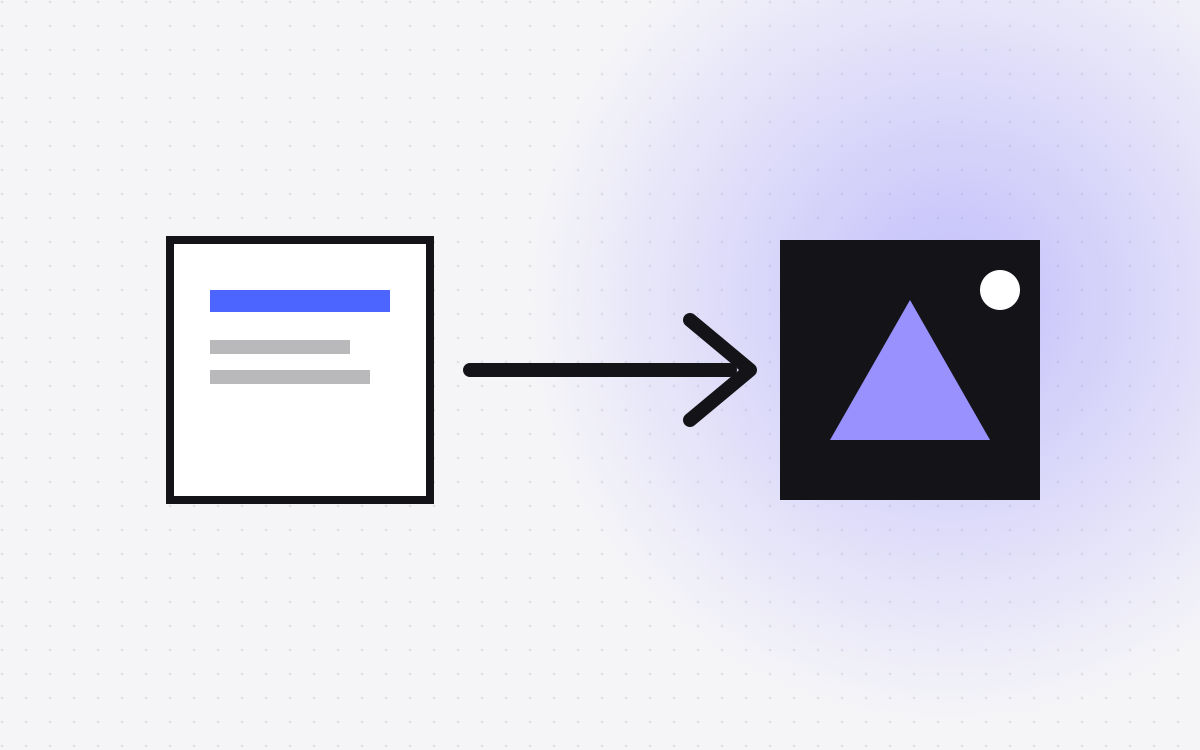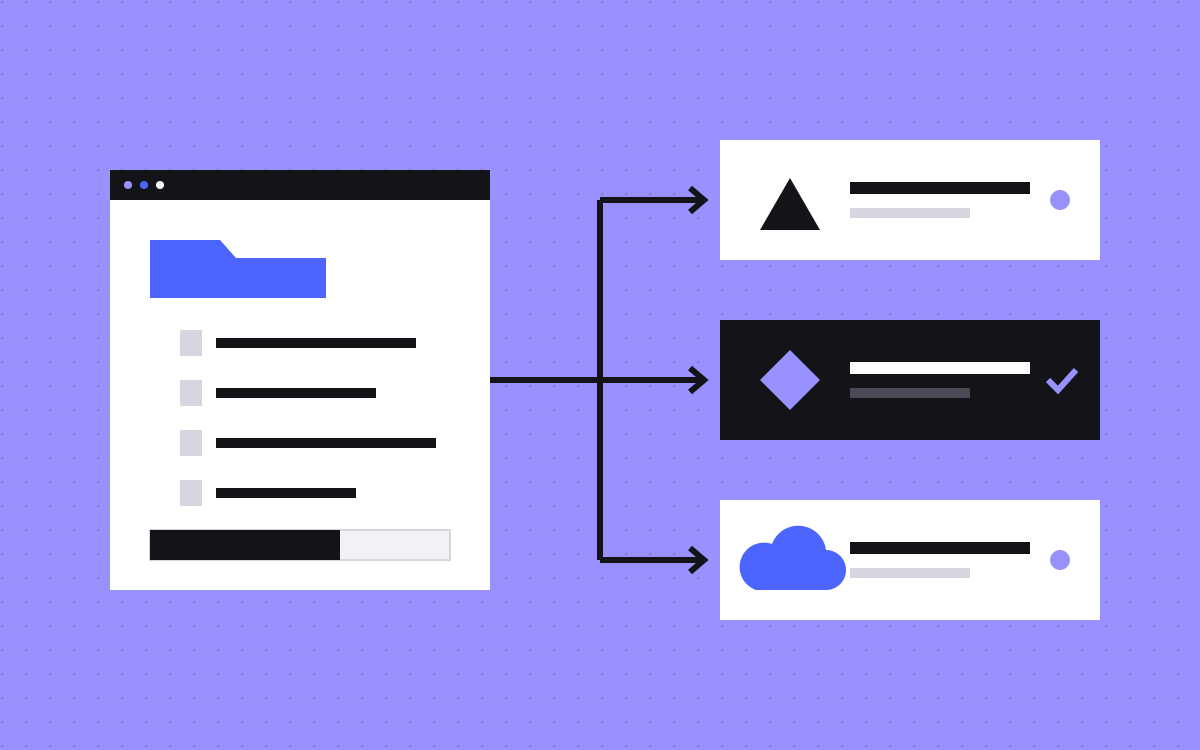
- A headless CMS stores content and sends it to your site by API. You build the front end separately, for example in Astro.
- Sanity: flexible and developer-friendly. Contentful: established, enterprise-oriented. Storyblok: visual editing. Strapi and Payload: open source, self-hostable.
- Marketing teams care most about editing, preview and speed to publish. Developers care about modelling and APIs.
- If you do not need a custom front end, Webflow CMS is simpler.
- Check each vendor's current pricing and limits before you commit.
The short answer
A headless CMS holds your content and serves it through an API. Your site, built in a framework such as Astro, reads that content and publishes pages. It gives developers freedom and gives editors a clean place to write. For a marketing site, the best choice depends on who edits, how much preview you need and how much you want to host yourself.
We most often use Sanity, so you should know that bias up front. Below are five options, described fairly.
When headless makes sense
- You want a custom front end with strict speed goals.
- The same content feeds the website and other places, such as an app.
- Developers want the site in code and under version control.
- You have outgrown the limits of a visual builder.
If none of these fit, a visual tool is simpler and cheaper. Compare in Webflow vs Astro, and read headless CMS in the glossary.
1. Sanity
Sanity is a hosted content platform with an editing studio you customise in code. Content is stored as structured data and queried with GROQ, or GraphQL. It supports Portable Text for rich content, real-time collaboration and live preview. It suits teams that want a content model tailored to them. It needs a developer to set up the studio. Read about Sanity and our Sanity CMS work.
2. Contentful
Contentful is one of the older and best-known headless platforms. It is hosted, structured and aimed at larger organisations, with roles, workflows and many integrations. It is a solid choice when governance and vendor stability matter. Pricing tends to suit bigger budgets, so check the current plans for a small team.
3. Storyblok
Storyblok is known for its visual editor. Editors click on the live page and edit content in place, using reusable blocks. That is a big plus for marketing teams who like to see what they change. It still needs a developer to connect it to the front end and define the blocks.
4. Strapi
Strapi is open source and can be self-hosted, with a cloud option too. You model content in an admin panel and get APIs out of the box. It gives you full control over hosting and data. The trade-off is that you manage the server, updates and backups unless you pay for their cloud.
5. Payload
Payload is an open source, code-first CMS built in TypeScript. You define collections in code, and it can run alongside a Next.js app. Developers tend to like it for control and type safety. Editors get a clean admin, but like Strapi it needs someone to host and maintain it.
How to choose
- Editors first: Storyblok or Sanity, for visual editing and preview.
- Custom content models: Sanity or Payload.
- Large organisation: Contentful.
- Own your hosting: Strapi or Payload.
- Smallest setup: Webflow CMS, if you do not need a custom front end. See Webflow CMS.
Always run a pilot: model one content type, create a few entries, and have an editor try it.
What it costs with us
Our Astro and Sanity builds start at $2,000, and Webflow or WordPress to Astro moves start at $3,000. See the Astro and Sanity page and the pricing page. CMS vendor fees are separate, and plans change, so check each vendor before you budget.
Questions to ask in a pilot
- Can an editor create and publish a page without help?
- Is there a live preview, and is it fast?
- How are images handled, and can editors crop them?
- What happens when two people edit at once?
- How do redirects, SEO fields and scheduling work?
- What does the pricing look like at twice your expected usage?
Give a real editor an hour with each shortlisted tool. Their feedback is worth more than any feature table.
Hidden costs of going headless
Headless gives freedom, and it has a price. You need a developer to build and maintain the front end. You need hosting and a build pipeline. Preview and forms need setting up. Every plugin you took for granted, such as search or redirects, has to be replaced. For many marketing sites, these costs are worth it. For others they are not. A site built on Jamstack principles can be very fast, but the speed has to be paid for in setup and care. Think about a care plan or an internal owner, so the site does not stall after launch.
A quick decision guide
If you have one developer and a marketing team that needs live preview, shortlist Sanity and Storyblok. If your company needs formal governance, roles and a long vendor track record, add Contentful. If your team wants to run its own servers and keep data in-house, look at Strapi and Payload. If you only want a blog and a few landing pages, ask whether you need headless at all.
Whatever you pick, model your content around how people read it, not how your org chart looks. Use clear types such as page, post, author and case study, and keep fields small and well named. A tidy model makes the site faster to build and the CMS easier to use. It also makes it simpler to move to another tool later, since the content is structured and portable.
What to do next
Tell us who edits your site and how often, and we will recommend a setup, including when not to go headless. For a deeper look, read Astro and Sanity for marketing sites.
More reading: Webflow CMS guide, Webflow to Astro and AI page builders.

Terms used: Headless CMS, Sanity