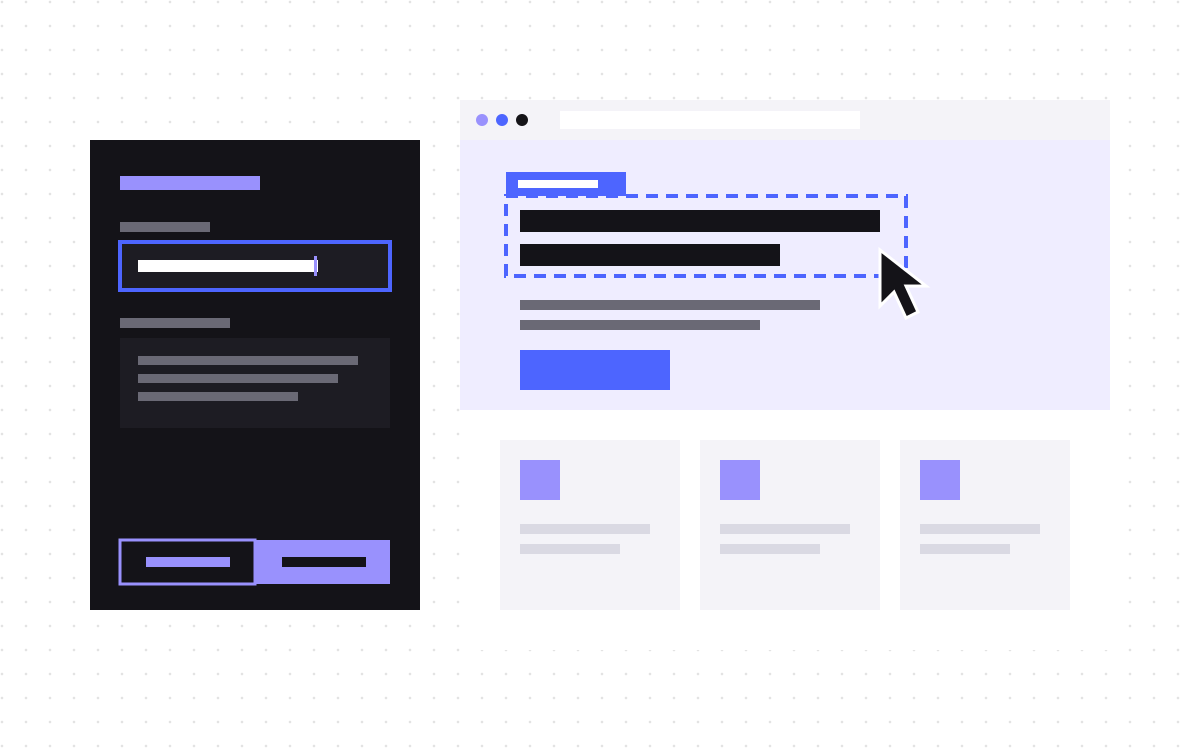
- Editors preview drafts in Sanity's Presentation tool, which shows your Astro site in a frame inside Studio.
- Studio calls a draft mode route on your site, which sets a cookie. With it set, queries use the drafts perspective and a Viewer token.
- Click-to-edit overlays come from hidden markers in the text, called stega, read by @sanity/visual-editing.
- Preview pages must be server rendered. Public pages can stay static with only preview routes rendered on request.
- Keep the token on the server and keep stega off public pages.
The short answer
On an Astro and Sanity site, editors preview unpublished changes in Sanity's Presentation tool. It loads your site in a frame inside Studio. When it opens, Studio calls a draft mode route on your site, which checks a secret and sets a cookie. While that cookie is set, your pages query Sanity with the drafts perspective and a server-only Viewer token, so they show unpublished changes. Visitors without the cookie get the published perspective.
Draft mode depends on reading that cookie on each request, so preview pages must be server rendered. Your public pages can stay static.
The parts and what each does
Sanity's guide for visual editing with Astro uses these pieces. Package versions move, so check the current docs before you install.
| Part | Where | What it does |
|---|---|---|
presentationTool from sanity/presentation | Studio | Shows the site in a frame and maps documents to URLs |
@sanity/astro | Astro | Sets up a Sanity client you import from sanity:client, with stega settings |
@sanity/preview-url-secret | Astro | Checks that the draft mode request really came from your Studio |
@sanity/visual-editing | Astro, in the browser | Draws click-to-edit overlays and refreshes the page on edits |
@astrojs/react | Astro | Needed because the overlay components are React |
| A server adapter | Astro | Node, Vercel, Netlify or Cloudflare, to render on request |
Perspectives in plain words
A perspective is the view of your content that a query sees. Sanity has these:
- published: only published content. What visitors should see. Recent API versions use it as the default.
- drafts: content as if every draft were published. What editors want in a preview.
- raw: drafts, versions and published documents side by side, for authenticated requests.
- A list of releases: a stack of Content Releases, to preview a planned launch with several changes together.
Sanity notes that drafts queries are not cached on its CDN, so set useCdn: false for previews.
What happens when an editor clicks Preview
- Studio opens the site in a frame, at the URL set in
previewUrl.initial. - Studio calls your enable route, such as
/api/draft-mode/enable, with a secret. - The route checks the secret with
validatePreviewUrl, sets the perspective cookie and redirects to the page. A bad secret gets a 401. - The page sees the cookie, queries with the drafts perspective and the token, and turns on stega: invisible characters in each string that record which document and field it came from.
- The overlay component reads those markers and draws a box on each text element. Clicking one jumps to that field in Studio.
- When the editor changes a field, the page reloads with the new draft content.
Sanity's guide notes that Astro has no equivalent of the live, no-reload updates it offers for Next.js, so each edit triggers a full page reload.
Previewing a planned launch
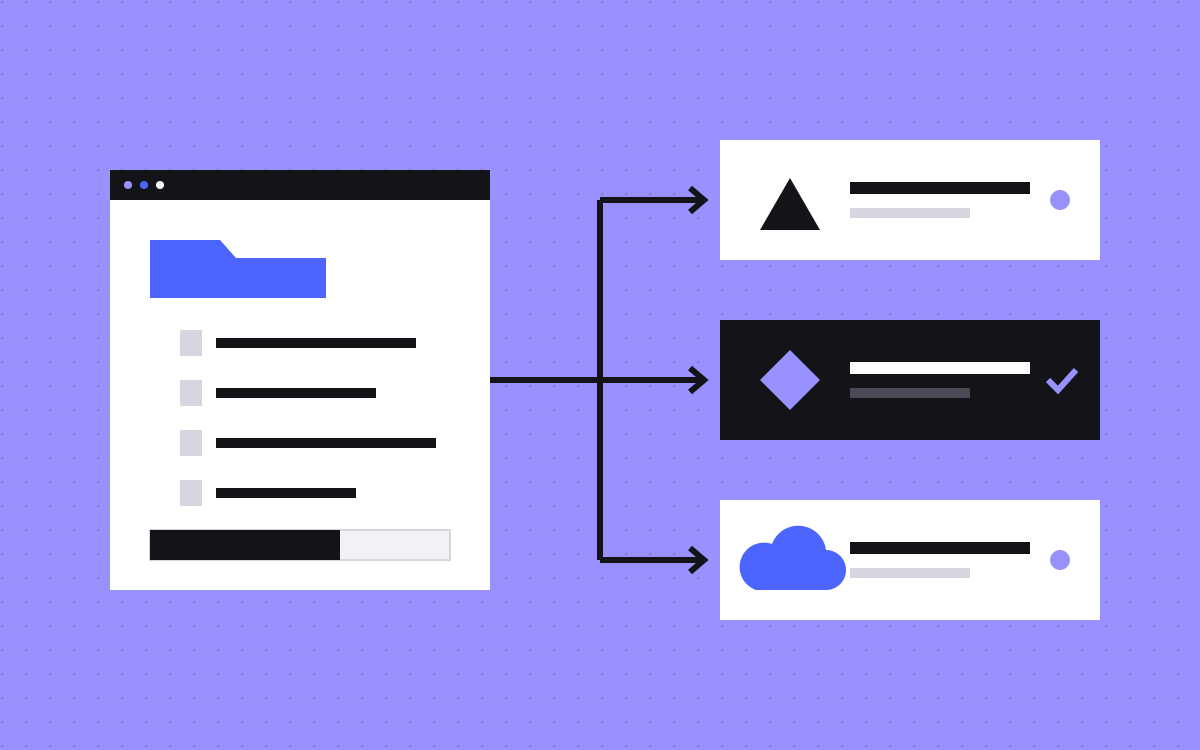
Drafts show one change at a time. For a launch with many changes, such as a new pricing page, an updated homepage and three new case studies, Sanity has Content Releases. A release groups changes, and a perspective can be a stack of releases, so the preview shows the site as it will look once they all go out.
In Sanity's Astro guide, when an editor switches perspective in the Presentation tool, the overlay component writes the new perspective to the cookie and reloads, so the server queries with it. Newer versions of @sanity/astro also export a ready-made visual editing component, so you may not need to write your own. Check the current docs for which version you need.
Keep the public site static
Most marketing pages do not need to render on every request. Sanity's docs describe two set-ups:
- Server rendering everywhere with
output: "server". Simple, but every visit depends on the Sanity API. - Static by default, with preview routes rendered on request. Public pages are built ahead of time. A preview route adds
export const prerender = false, so it can read the cookie. Sanity calls this a common pattern, and it is the one we would start with on a marketing site.
With static pages, published changes need a rebuild. Sanity's docs suggest a webhook from your project to your host's build hook, set up under API, Webhooks in sanity.io/manage. Some teams also keep a separate server-rendered preview deployment next to a static production site; that is a choice, not a requirement.
Safety checks
- Token stays on the server. The Viewer token is only passed to queries in draft mode, never to the browser bundle.
- Stega stays off public pages. Only turn it on in draft mode, as Sanity's guide does. Published pages should carry clean text.
- The enable route checks the secret. Without it, anyone could switch on draft mode.
- CORS is set. Your site's origin must be allowed in the Sanity project with credentials enabled, for local and live URLs.
- Debug tools stay in development. Sanity warns that its suspicious stega check has a performance cost and should not run in production.
When previews break: a fault list
| Symptom | Usual cause |
|---|---|
| Preview frame is blank | Wrong previewUrl.initial, or the origin is missing from CORS |
| Preview shows published content | Enable route path does not match, cookie not set, or the page is prerendered |
| Edits do not show | useCdn left on, or the query is not passed the perspective |
| Overlay click opens the wrong Studio | stega.studioUrl still points at localhost |
| Strange characters on the live site | Stega turned on outside draft mode |
| Studio does not jump to the right page | Document locations in resolve do not match your routes |
How we use previews
On Slate, the site runs on Astro and Sanity with a section library, and the AI page builder hands the team a staging link for every new page, so they can check it before it goes live. The tooling differs from project to project, but the rule is the same: an editor sees the page before visitors do.
What to do next
Decide first who needs previews and how often. If two people edit once a week, a staging build may be enough. If several editors publish daily, set up the Presentation tool. Our Astro and Sanity guide for marketing teams covers the bigger picture, and our Astro and Sanity page explains how we build. Or ask us about your setup.