


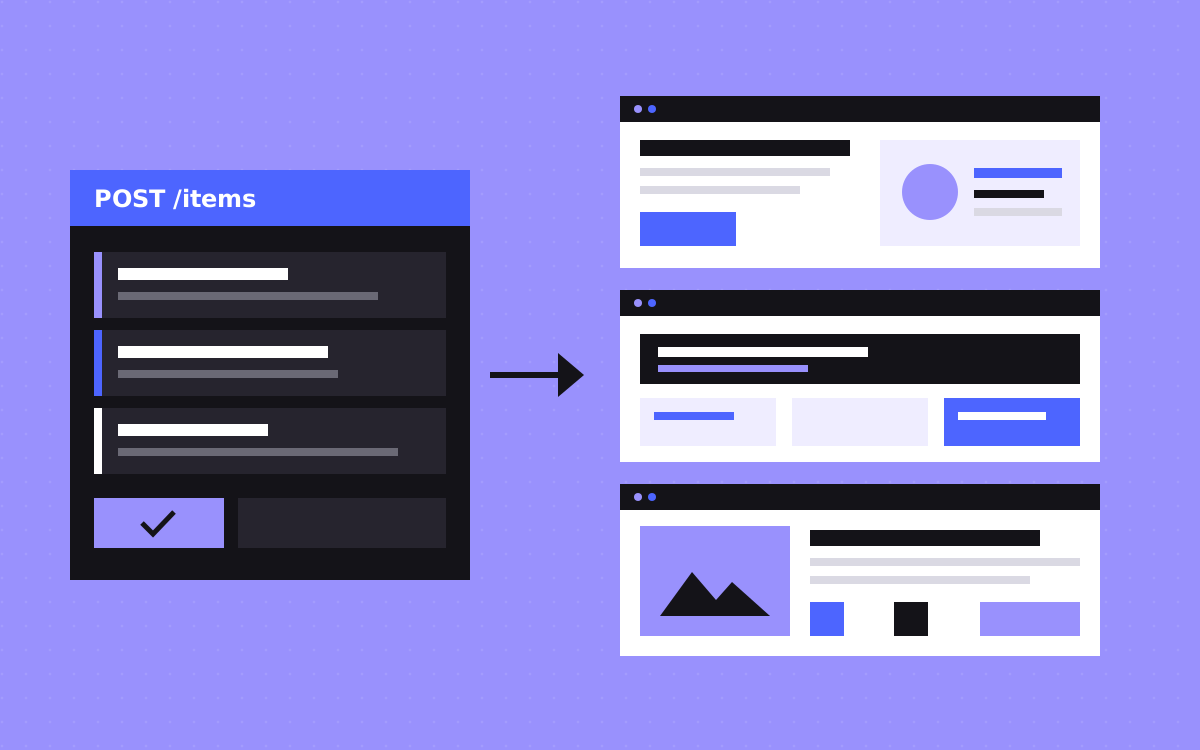
- Build one Collection template in Webflow, then send one CMS item per page through the API.
- It beats building by hand when many pages share a structure and you have real data for each one.
- Each page needs its own answer, facts, proof and questions. Swapping a keyword or city name is not enough.
- Google's spam policies cover doorway abuse and scaled content abuse. Both are about pages made for rankings that give people little value.
- Create items as drafts, review a sample, publish in small batches, and check your plan's CMS and API limits first.
The short answer
To build many landing pages with the Webflow CMS API, make one Collection template in the Designer, then send one CMS item per page through the API. This beats building by hand once you have many pages with the same structure and real data for each one.
To avoid thin pages, give each page content that is useful on its own, for a person who really needs that page. If only a keyword or a city name changes from page to page, you are making thin content, and it can fall under what Google calls doorway abuse. The API makes pages quickly. It cannot give them a reason to exist, so start there.
When the API beats building by hand
A template plus the API is a good fit when:
- Many pages share one structure. Roles you hire for, integrations you support, or products with their own use cases.
- The data already lives somewhere. A spreadsheet, an internal tool or a database.
- Pages keep changing or growing. A script can add and update items, and a change to the template reaches every page in the Collection.
- Your team should not need the Designer for each new page.
Stay with hand-built pages when each page tells a different story, needs its own layout, or when you only need a few. For a one-off load, a CSV import may be enough. Our Webflow CMS guide covers Collections from the start.
The line between useful pages and doorway pages
Read Google's spam policies before you plan anything. Google says doorway abuse is when sites or pages are "created to rank for specific, similar search queries". Its examples include pages aimed at regions or cities that funnel people to one page, and substantially similar pages that sit closer to search results than a clear, browsable hierarchy.
A separate policy, scaled content abuse, covers generating many pages mainly to manipulate rankings and not to help people. Google says this applies however the content is made, and one of its examples is using generative AI to make many pages without adding value.
As we read them, these policies judge purpose and value. They do not set a safe page count or ban any tool. Here is the test we use. It is our own, not Google's, and no test can promise how Google treats a site.
- Does this page give the reader something the sibling pages do not?
- Would your sales team happily send this link to a buyer?
- Can a visitor get what they came for here, or does the page only push them somewhere else?
- Do you hold real facts for this page, without inventing them?
- Can someone browse to it from a hub page, or is it only reachable from search?
If a page fails, drop it or merge it with another.
How to plan the collection
Start in a spreadsheet, with one row per page. Add a column for every piece of content that should differ. Rows you cannot fill honestly do not become pages. Then turn the columns into fields:
- Name and slug. Webflow says slugs should be unique, lowercase and free of spaces. Settle the URL pattern early, because changing it later means 301 redirects.
- SEO title and meta description. Give them their own fields so you can write them properly, then bind them in the template's SEO settings.
- Short answer and fact fields. Whatever really differs: the answer, requirements, tools, steps, examples.
- References. Links to separate Collections for case studies, quotes and FAQs. The API needs the ID of each referenced item and each option value, so create those first.
- Show or hide switches. Conditional visibility hides a section when a page has no data for it, so nobody sees an empty block.
- An approved field in your sheet. The script only sends rows a person has signed off.
Plan a hub page as well. A list that links to every item gives you the browsable hierarchy and better internal links.
What each page must have that is really unique
- A specific answer. It should not make sense with a different keyword dropped in.
- Real facts. The details a buyer would check, drawn from your own knowledge or data.
- Fitting proof. A case study or quote that belongs to this topic. If you have none, hide the section. Do not reuse one quote everywhere.
- Its own questions. FAQs people ask about this subject, not the same set on every page.
- Its own title, description and heading. Webflow's Collection pages can generate these for each item, but the words in the fields still need care.
Some things can stay the same: navigation, layout, your process section and the form. The issue is when they make up nearly the whole page, which is how you end up with duplicate content.
A quick check: read two sibling pages one after the other. If you could mix them up, merge them or add more to them. AI can help you draft from real facts, as long as a person checks every page before it goes out.
Publishing steps
- Build the template. Design it in Webflow using a few items you filled in by hand. Bind the SEO and Open Graph fields, then test long and short content.
- Check your data in the script. Webflow's docs say field validations cannot be set through the API, so check required fields, lengths and duplicate slugs before you send anything.
- Create staged items. Use a token with the
cms:writescope and the create items endpoint. New items are drafts by default. - Review a sample. Open real pages, on a phone too. Check facts, empty sections and metadata.
- Publish a small batch. Use the publish items endpoint, or set
isDraftto false and publish the site. A brand new Collection goes live with a site publish first. - Watch before you continue. Check the page indexing report in Search Console, fix what you find, then send the next batch.
Plan limits to check first
These come from Webflow's pricing page and developer docs. Plan names and limits can change, so check the current pages before you commit.
- CMS items and Collections. Webflow's pricing page lists 50 items and 20 Collections on Starter, no CMS on Basic, and 20,000 items and 40 Collections on Premium.
- Item publishing. The same page does not list per-item or multi-item publishing on Starter or Basic.
- Fields. The API docs say a Collection's schema can have up to 60 fields.
- Items per request. A create request takes up to 100 items, and each locale variant counts as one. An item in three locales counts as three.
- Rate limits. 60 requests a minute on Starter and Basic, 120 on CMS, eCommerce and Business, applied per API key. Over the limit you get a 429 error, and the
Retry-Afterheader says how long to wait. Build that wait into your script. - Site publishes. Limited to one successful publish per minute, so do not publish after every item.
What this looked like on ClanX
ClanX is a recruiting firm of engineers turned recruiters, and each role they hire for needed its own landing page. We built their site in Webflow from their design, 100+ pages in all. Their role landing pages are created from the Webflow CMS API, and 53 are live under /software-engineers.
Role data goes in as CMS items, and one template turns each item into a full page. The team can add a role by sending data, with no Designer work per page, and a change to the template updates every role page at once.
We built this before the Webflow MCP existed. The point is the setup: each page matches a real role the business hires for.
Keeping the pages healthy after launch
- Keep facts fresh. Your sheet stays the record, and the script updates items when something changes.
- Remove pages properly. Merge weak pages into a stronger one with a redirect. Use noindex for pages that help visitors but should stay out of search.
Our Webflow SEO checklist covers the rest of the basics.
What to do next
Open a spreadsheet and list the pages you think you need. Fill in the unique columns for three of them, by hand. If that feels hard, the plan needs work before any code does.
If you want help, see our Webflow CMS and Webflow SEO work, or send us your list. We can tell you which pages we would build, merge or skip. We cannot promise rankings, and nobody honestly can.

Terms used: Webflow, Webflow CMS


