- Webflow handles a lot of technical SEO for you, but it cannot write your titles, plan your redirects or fix slow images.
- Check site settings first: domain, SSL, sitemap, robots.txt and indexing.
- Every page and CMS template needs a unique title, description, one H1, alt text and an Open Graph image.
- If you are replacing an old site, set a 301 redirect for every old URL before you switch the domain.
- For AI answer engines, open each page with a plain answer, add FAQ content and use schema markup.
Why a Webflow SEO checklist matters
Webflow is a good platform for SEO. It gives you clean code, fast hosting, an automatic sitemap, SSL and full control over titles, descriptions and redirects. But it only gives you the tools. The checklist below is how we make sure every tool is actually used before a site goes live.
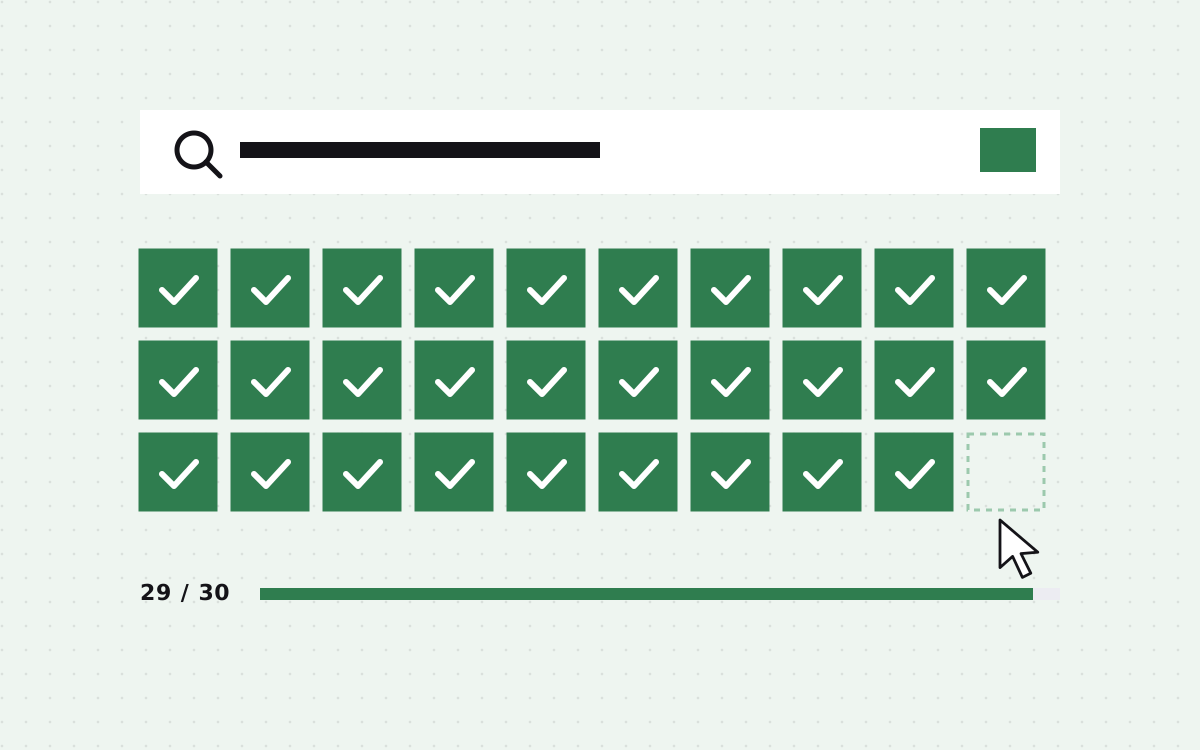
We run these 30 checks on every Webflow site we launch. They are grouped by area so you can split them across your team. Tick them off in order and your new site starts life in a good place for Google and for AI answer engines.
If you are migrating from WordPress or another platform, pay extra attention to the redirects section. That is where most traffic gets lost.
The list is split into six groups: site settings, page level SEO, CMS templates, redirects, speed, and schema with AEO. Each check is short. Most take a minute. Together they cover almost every SEO problem we find when we audit Webflow sites built by other teams.
Site settings (checks 1 to 6)
- Custom domain is connected and set as default. Pick www or the bare domain and make the other redirect to it.
- SSL is on. Every page should load on https.
- The auto sitemap is turned on. Webflow can generate it for you. Make sure pages you do not want indexed are excluded.
- robots.txt is reviewed. Do not block pages you want found. Decide whether you allow AI crawlers like GPTBot and PerplexityBot.
- The staging subdomain is not indexed. Check the setting that hides the webflow.io subdomain from search engines.
- Global canonical tag is set to your main domain, so duplicate versions point to one URL.
These six take about ten minutes and affect every page at once. Get them wrong and the rest of the list matters less. The staging setting is the one we see missed most often, and it can leave a full copy of your site sitting in search results under a webflow.io address.
Page level SEO (checks 7 to 13)
- Every page has a unique title tag of about 50 to 60 characters, with the main keyword near the start.
- Every page has a unique meta description of about 150 to 160 characters that reads like a reason to click.
- One H1 per page, and it says what the page is about in plain words.
- Headings are in order. H2s for sections, H3s inside them. Do not pick headings for their size.
- Slugs are short and readable. /webflow-development, not /page-2-copy.
- Every image has alt text that describes it. Decorative images can be marked as decorative.
- Open Graph title, description and image are set, so links look good on LinkedIn, X and Slack.
A quick trick: export your page list and paste titles and descriptions into a spreadsheet. Duplicates jump out immediately.
Write titles for people first. A title that matches the search and promises a clear answer gets more clicks than one stuffed with keywords. The same goes for descriptions. Tell the reader what they get and why this page is worth their time.
CMS templates (checks 14 to 18)
CMS pages are where most Webflow sites get their long tail traffic, and where most SEO mistakes hide.
- SEO title and description are bound to CMS fields, not left as one fixed value for every post.
- Open Graph image is bound to a CMS image field.
- The slug field is clean for every item, with no dates or random numbers unless you want them.
- Rich text uses real headings, not bold paragraphs pretending to be headings.
- Draft and test items are archived or deleted, so "Test post 3" does not get indexed.
Our Webflow CMS guide covers how to set up SEO fields when you plan collections.
CMS pages also need internal links. A blog post that nothing links to is hard for search engines to find and weigh. Add related posts on each template, link new posts from older ones where it makes sense, and show the latest posts on key pages.
Redirects and migration (checks 19 to 22)
- Every old URL has a 301 redirect to its closest new page. Use Webflow's 301 redirect settings.
- No redirect chains. Old URL goes straight to the final URL, not through two hops.
- Internal links point to new URLs, not to old ones that then redirect.
- A custom 404 page exists with links to your main pages.
Before the switch, crawl the old site and export every URL that has traffic or backlinks. Map each one in a sheet. This one step protects most of the rankings you already have. If you are moving from WordPress, our WordPress to Webflow page explains how we handle it.
Keep the old site reachable on a temporary address for a few weeks after launch if you can. When a redirect is missing, you can check what used to be on that URL and point it to the right new page.
Speed and Core Web Vitals (checks 23 to 26)
- Images are compressed and sized. Use modern formats and do not upload a 4000px photo for a 400px slot.
- Lazy loading is on for images below the fold, and off for the main hero image.
- Custom scripts are trimmed. Every chat widget, tracker and embed costs load time. Remove what you do not use.
- Fonts are limited to the weights you actually use.
Run PageSpeed Insights on mobile for your home page, one service page and one CMS page. Fix anything in the red before launch.
Webflow hosting is fast out of the box, so slow Webflow sites are almost always slow because of what was added: oversized images, autoplay video, several tracking scripts and heavy third party widgets. Every one of those is a choice, and most can be trimmed without losing anything visitors care about.
Schema, AEO and GEO (checks 27 to 30)
Search is no longer just ten blue links. AI answer engines read your pages and quote them. These checks help them understand and cite you.
- Organization schema on the home page with your name, logo and social profiles.
- FAQPage, Article or Service schema where it fits, added through custom code in page settings or CMS templates.
- Each key page opens with a plain answer to the question it targets, in one or two sentences.
- An llms.txt file or clear about page explains who you are and what you do, so AI tools describe you correctly.
Answer first writing helps people and machines at the same time. Our SEO, AEO and GEO service goes into how we set this up.
AI tools tend to cite pages that are clear, specific and easy to quote. A short definition, a numbered list of steps or a simple table is much easier for them to use than a long wall of marketing copy.
After launch: the first 30 days
- Add and verify the site in Google Search Console and submit the sitemap.
- Check the Pages report for errors and pages that are not indexed.
- Watch for 404s and add redirects for any you missed.
- Compare traffic with the old site week by week. A small dip after a migration is normal. A big one means something is wrong.
- Check that analytics and conversion events are firing.
Our analytics and tracking setup covers the last point if you need help.
Set a reminder to repeat the page level and speed checks every few months. New pages, new scripts and new team members slowly undo good habits. A quick review keeps the site in the shape it launched in.
Content and internal links
The 30 checks above get the technical side right. Rankings still come from content people want to read and link to. A few rules we follow on every page we write or build:
- Answer the question first. Put the plain answer in the first one or two sentences, then explain. It helps readers, Google snippets and AI tools at the same time.
- One page, one main topic. Do not make two pages chase the same keyword. Merge them or make them clearly different.
- Link between related pages. A service page should link to its case studies and guides. Guides should link back to the service. Use descriptive link text, not "click here".
- Use FAQs that people really ask. Pull them from sales calls, support emails and the "People also ask" box in Google.
- Keep pages fresh. Update prices, dates and screenshots. A visible "updated" date helps readers trust the page.
Our strategy and copywriting team writes pages this way if you need help with the words.
Tools we use for these checks
You do not need expensive software to run this checklist. Most of it can be done with free tools.
| Tool | What we use it for |
|---|---|
| Google Search Console | Indexing, sitemaps, search queries and errors |
| PageSpeed Insights | Core Web Vitals and speed problems on mobile |
| A site crawler | Finding missing titles, broken links and redirect chains |
| Schema validator | Checking that JSON-LD is valid and complete |
| A spreadsheet | Redirect maps and title and description reviews |
| Your phone | The real test of how the page feels to most visitors |
Webflow's own audit panel in the Designer also flags common problems, like missing alt text and skipped heading levels. Run it on every page before publishing.
Common Webflow SEO mistakes we fix
| Mistake | What it causes | Fix |
|---|---|---|
| Same title on every CMS page | Pages compete with each other | Bind title to the name field |
| No redirects after a move | Lost rankings and backlinks | 301 map for every old URL |
| Staging site indexed | Duplicate content | Hide the webflow.io subdomain |
| Headings picked for size | Confusing page structure | Style classes, keep heading tags in order |
| Huge hero images | Slow mobile load | Resize and compress |
Want us to run it for you?
Every site we build goes through this checklist before launch. It is part of our Webflow development work at no extra cost. If your site is already live and you want an outside check, we can audit it at our $35 hourly rate, or handle ongoing SEO work through the care plan.
Either way, the list above is yours to use. Print it, share it with your developer and tick every box.

Terms used: Webflow, Core Web Vitals