- WebOps, short for website operations, is the ongoing work of building, changing, checking and fixing a live website.
- The word has two common uses: an IT discipline, and a way for marketing and web teams to work together.
- It takes ideas from DevOps and adapts them to sites where non-engineers publish content.
- A small team does not need a WebOps department. It needs an owner, a queue, a release routine and checks.
- If your site changes a few times a year, a light version is enough. Do not build process you will not use.
The short answer
WebOps, short for website operations, is the ongoing work of running a live website: taking in requests, making changes, releasing them safely, checking that everything still works, and improving it over time. It treats the site as something you run every week, not a project that ends at launch.
For a small marketing team, WebOps can be as simple as one owner, one list of requests, a preview step before anything goes live, and a short monthly check.
Why the word is confusing
You will see it used in two ways:
- The IT meaning. Web operations is described as IT work that covers launching, running, maintaining, tuning and repairing websites and web applications. Think servers, deployments and incidents.
- The team meaning. Website platform vendors use it for a way of working. Pantheon's guide, for example, describes shared processes across development, operations and content teams, with small and frequent changes in place of rare, risky redesigns.
Bear in mind that vendors often define a term in a way that suits what they sell. This post uses the second meaning, since it is the one most marketing teams run into. If someone uses the word in a meeting, ask which they mean.
WebOps vs the words around it
| Term | Focus | Who usually does it |
|---|---|---|
| Web development | Building pages and features | Developers |
| DevOps | Shipping and running software | Engineers |
| Web maintenance | Keeping things updated and working | Developers or a provider |
| WebOps | How the site runs as a whole: requests, releases, checks and improvement | A mix: marketing, design, development |
| Care plan or retainer | A way to buy that work from outside | An agency or a provider |
The main difference from DevOps is who is involved. On a marketing site, writers and marketers change pages too, often without an engineer. So a WebOps setup has to work for people who will never open a code editor.
The six jobs inside WebOps
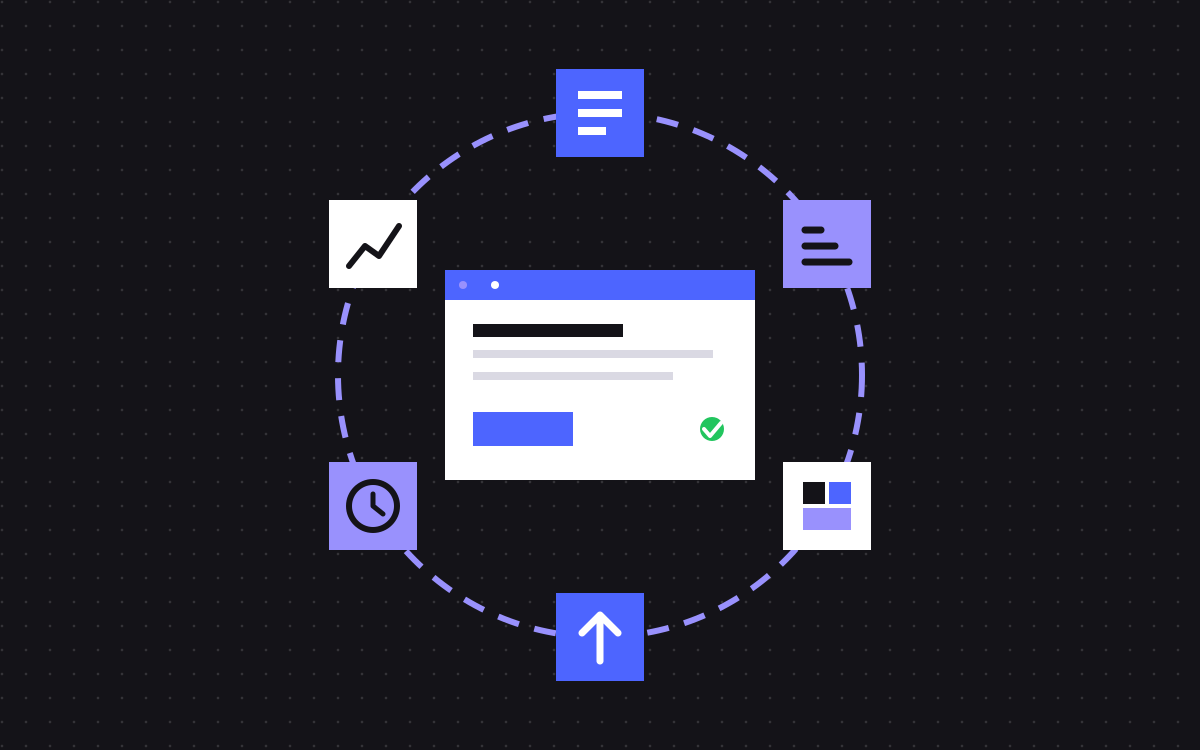
- Intake. One place for requests, with enough detail to act on them.
- Priority. One person decides what comes next, based on goals.
- Build. Pages and changes made from shared sections, so that they stay on brand. See section libraries.
- Release. Preview, check, publish, and be able to undo.
- Watch. Forms, tracking, speed, broken links and search health. Our guide to what breaks after launch lists the usual failures.
- Improve. Look at the numbers, test a change, keep what works.
If any one of these has no owner, that is where your problems will show up.
Where are you now? A simple scale
| Level | What it looks like | Next step |
|---|---|---|
| 0. Nobody | Requests arrive in chat. Problems get found by customers. | Name one owner |
| 1. Owner | One person and one list. Changes go live with no set checks. | Add a preview step and a short test list |
| 2. Routine | A queue, a preview step, a test list and a monthly check. | Track how long requests take |
| 3. Measured | Work is tied to goals. Tests run regularly. Numbers shape priorities. | Keep it light, and cut what nobody uses |
Plenty of teams can stop at level 2. There is no prize for level 3 if your site is small and rarely changes.
What this looks like on real projects
Two projects of ours show parts of this.
- A safe release path. For Paradox Machines, we built a calculator tool hosted on Webflow Cloud and deployed from GitHub, so that the team shipped tool updates with a push.
- Build with guardrails. For Slate, we built a Sanity section library and connected AI to it. It picks sections, fills them with the content the team gives it and hands back a staging link, which gives the team a place to review the page before anything goes live.
Neither of these needed a WebOps department. They needed a clear path from a change to a live site.
A starter setup for a small team
- Owner: one named person, usually in marketing.
- Queue: one board or sheet. Each request says what it is, why, by when and who approves.
- Preview: every change is seen on staging or in a preview before it goes live.
- Test list: phone check, forms, links, title and description, tracking.
- Monthly check: submit each form, scan for broken links, look at speed and Search Console.
- Access list: who holds which account, written down.
- Change log: a short note of what went live and when, so that a drop in leads can be traced back.
What to measure
Pick two or three. Set your own baseline, since a figure from another company tells you little.
- Days from request to live, by size of request
- Share of changes your team can publish without a developer
- Who found the last problem: your check, or a customer?
- Age of the oldest item in the queue
- Site speed on key pages over time
One request through the routine
Here is how a single small request might move at level 2. The request is a new webinar page.
- Intake. The event lead adds it to the queue: what it is, the date, the copy link and who approves.
- Priority. The owner sees a fixed date and moves it up.
- Build. The page is put together from existing sections.
- Release. The approver checks the preview. Someone runs the test list, including one real form submission.
- Watch. The change log gets a line. The owner checks that leads reach the CRM the next day.
- Improve. After the event, the team notes what they would change on the next page.
Nothing here needs a new tool. It only needs everyone to know the steps.
Do you need WebOps at all?
Everyone with a website does some of it, whether or not they use the word. You should only add formal process if it pays for itself.
- Site changes a few times a year: an owner, a yearly check and a small budget for fixes is fine.
- Changes every month: add the queue and the test list.
- Changes every week: add the full routine, and decide who does the work.
What to do next
Find your level on the scale and take only the next step. If you have no owner, name one today. That costs nothing and solves more than any tool.
Then decide who does the work: in-house or agency. If you want it run for you, our care plan covers the queue, the build and regular speed and SEO upkeep. For odd jobs, hourly help may be all you need.

Terms used: Core Web Vitals, AEO