


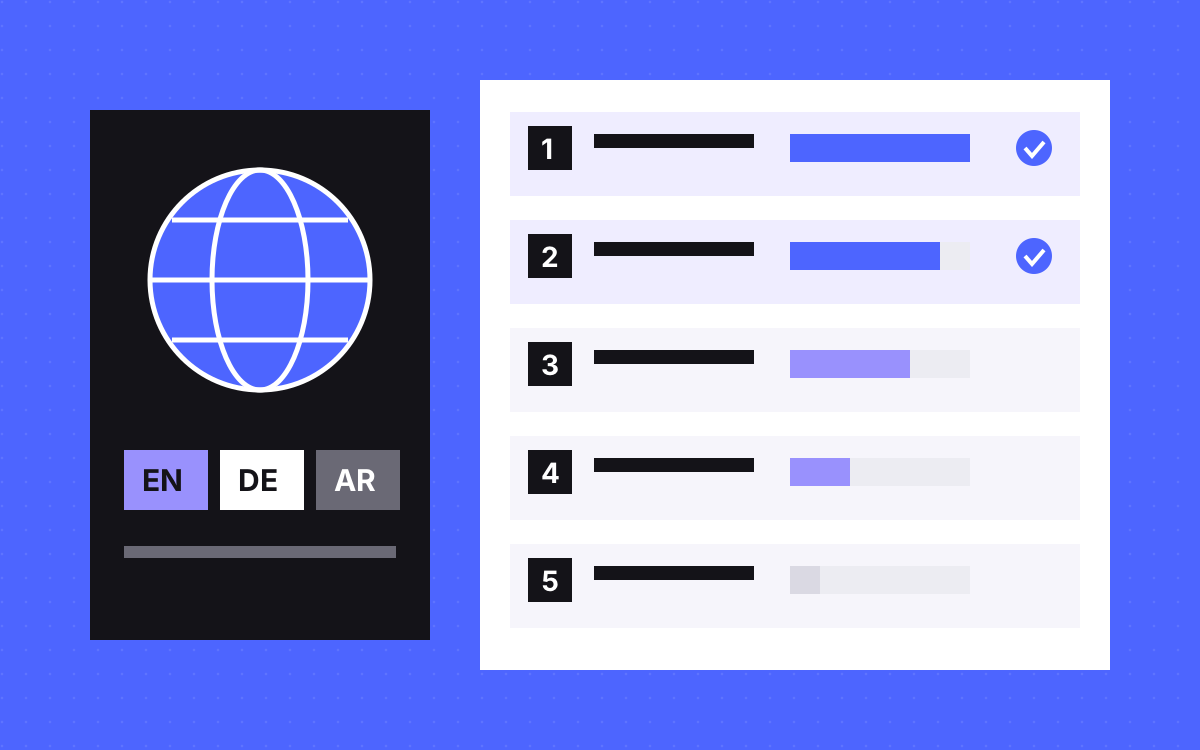
- Localize the pages closest to a sale first: home, top service or product pages, pricing and contact.
- Score each page on sales role, local traffic, local search demand and how often it changes.
- A page is only done when its whole path is translated, including forms and thank-you pages.
- Decide what happens to untranslated pages. They may show your main language at the new URL.
- Leave long-tail blog posts and old content for later, or for good.
The short answer
Localize the pages closest to a sale first: the home page, your top service or product pages, pricing, and contact or demo, with every form and message on that path. Then let data decide what comes next. Blog posts, old resources and rarely visited pages wait, and many never need translating.
This post is about ranking pages once you have picked a market. For choosing the market and setting up languages, read our Webflow Localization guide.
Score every page on four questions
Export your page list, with visits by country from analytics and queries from Search Console. Then give each page 0 to 3 on each question:
- Sales role. How close is it to a lead or a sale? Contact scores 3. An old news post scores 0.
- Local traffic. Do people in the target market already visit it?
- Local demand. Do they search in their language for what this page covers? In some B2B fields, buyers search in English anyway.
- Stability. Will the page stay the same for a while? A page that changes every week scores low, because each change has to be translated again.
Have sales and support add a note beside each page too. They know which questions come up on calls, and that rarely shows in analytics.
Add the four numbers. Do not treat the result as science. It is a way to have the conversation with your team, and to stop the page list growing on opinion alone.
A worked example
Here is a made-up B2B software site planning a German version. The scores are for illustration only.
| Page | Sales | Traffic | Demand | Stable | Total | Wave |
|---|---|---|---|---|---|---|
| Home | 3 | 3 | 2 | 2 | 10 | 1 |
| Pricing | 3 | 2 | 2 | 2 | 9 | 1 |
| Top product page | 3 | 2 | 3 | 2 | 10 | 1 |
| Book a demo | 3 | 1 | 1 | 3 | 8 | 1 |
| Case study from a German client | 2 | 1 | 1 | 3 | 7 | 2 |
| Top guide with German search demand | 1 | 2 | 3 | 2 | 8 | 2 |
| Careers | 0 | 1 | 1 | 1 | 3 | Later |
| Old product news post | 0 | 0 | 0 | 3 | 3 | No |
Note the demo page and the guide. Both total 8, yet the demo page is in wave 1 and the guide waits. The product page sends people to the demo page, and that is where the lead comes in. The next section explains why that beats the score.
Two rules that beat the score
- The path rule. If a wave 1 page leads to a page, that page is in wave 1 too. A German product page that ends on an English form loses people at the worst moment. Walk each path: ad or search result, landing page, form, error messages, thank-you page, and the first email.
- The law rule. Some markets may expect privacy, terms or cookie text in the local language. This is not legal advice, so ask a lawyer in that market. Do not leave it to a score.
Also translate what every page shares: navigation, footer, buttons, form labels, the 404 page and image alt text. These are few and appear everywhere.
What happens to pages you have not translated
This is the question most plans miss. On Webflow, a secondary locale shows your primary language text until you translate it, so an untranslated page may be live at /de/careers in English. Test this on your own site, including CMS lists.
Google says localized versions count as duplicates if the main content stays untranslated, and that translating only the menu and footer can give a poor experience. So choose one of these for each page:
| Option | Use when | Note |
|---|---|---|
| Translate it | It made the wave | The normal case |
| Set the page to draft in that locale | It should not exist there | Webflow offers this to Enterprise Localize customers. The URL returns a 404 and leaves the sitemap, and links to it are not removed for you |
| Unpublish the CMS item in that locale | A blog post or case study that should wait | Items are per locale. Do not delete it from the primary locale, as that removes it everywhere |
| Leave it in the main language | A short-term gap only | Tell readers, and take it out of the locale's main links |
Check the current docs for your plan, because options vary.
Things that catch teams out
- Search and internal links. Webflow's site search returns results from the current locale, and a search for content that is not there returns no results. Links in your text may point to pages that do not exist in that locale yet.
- Automatic redirects. Google advises against redirecting people by their guessed language. Offer a clear language switcher instead.
- Redirects. Webflow's 301 rules do not apply to localized paths, so add them separately.
- Case studies. Translate the ones that matter to that market, not all of them. A local name helps far more than a long list.
- Reply capacity. A form in German is a promise. Make sure someone can answer in German.
How to plan the next waves
Check the new locale after a few months, once there is enough data to read. Look at which pages get visits and leads, which queries show up in Search Console for that country, and what sales gets asked. Bring in the next pages based on what you learn, and keep the score sheet up to date. A page you scored low may turn out to matter once real questions come in. If a language brings nothing, stopping is a fair decision. Pausing work on it saves more than adding pages to it.
Budget for upkeep as well. Each translated page is now a page you maintain, which is why stability is one of the four scores.
What to do next
Export your pages, run the four scores in a spreadsheet and walk each wave 1 path by hand. If your first locale is Arabic, also read our guide to Arabic and RTL sites on Webflow. If you want a second opinion or a hand with the build, see Webflow development or send us your site.

Terms used: Webflow, Webflow Localization


