- Googlebot renders JavaScript. A Vercel and MERJ study found major crawlers from OpenAI, Anthropic and Perplexity did not.
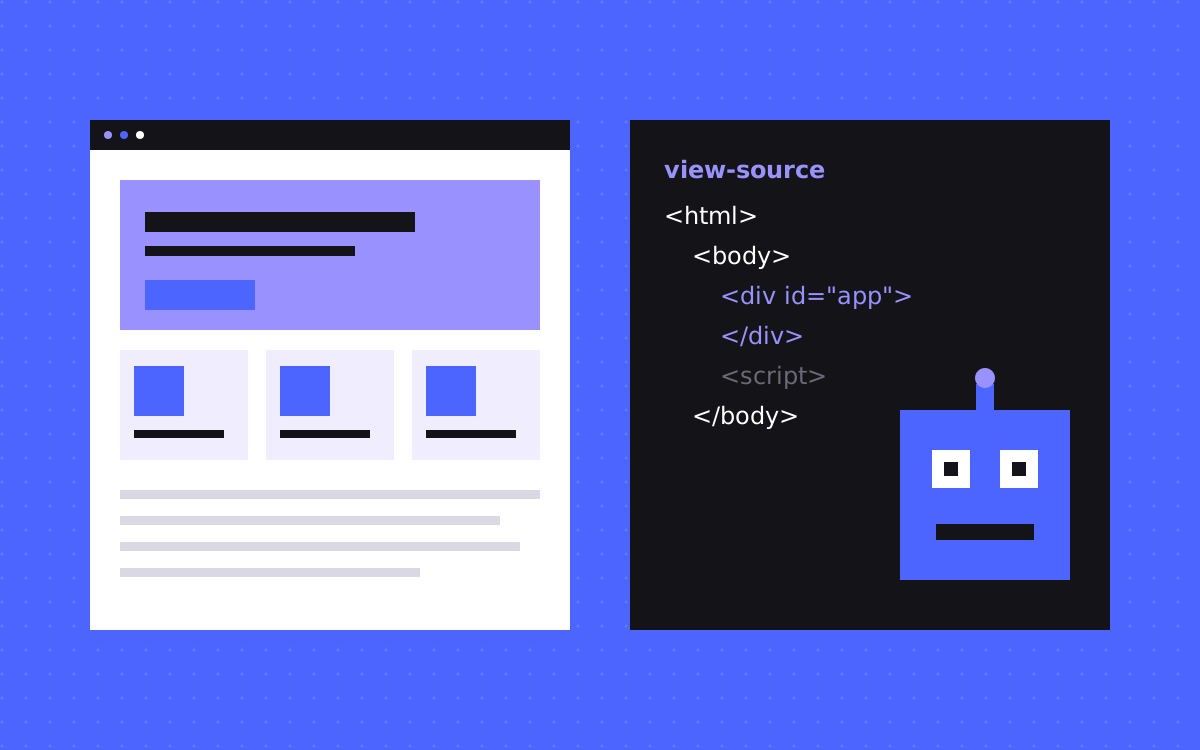
- The quick test: open view-source and search for your main sentence, price and FAQ answers.
- A server or firewall can block crawlers even when robots.txt allows them, so test both.
- Each vendor runs separate bots for training, search and user requests. Allow or block them on purpose.
- Fix hidden content by rendering it on the server or at build time. Keep scripts for extras.
The short answer
AI crawlers can see what is in your first HTML response, but many may miss content that only appears after JavaScript runs. A study by Vercel and MERJ found that crawlers from OpenAI, Anthropic, Perplexity and Meta did not render JavaScript, while Googlebot and AppleBot did. To test your own site, open view-source on a page and search for your key sentence. If it is not there, assume those crawlers cannot read it.
What the evidence does and does not say
That study looked at crawler traffic at one point in time, and bots can change. The vendors do not fill the gap either: OpenAI's bot page does not mention JavaScript at all. So treat "no JavaScript" as a sensible working assumption, and keep watching the vendor docs.
Google is clearer. Its JavaScript guide says Googlebot queues pages for rendering, and that a page may wait in that queue. It still recommends server-side rendering or pre-rendering, partly because not all bots can run JavaScript. Our glossary entry on JavaScript SEO has more.
Either way, the fix is the same, and it makes the site faster for people too.
The four-part test
- View-source. Open your page, then choose View Page Source, or put
view-source:before the URL in Chrome. Do not use Inspect, because that shows the page after scripts ran. Search for your h1, first paragraph, a price, an FAQ answer and a client name. - JavaScript off. Turn JavaScript off in your browser's developer tools and reload. Read the page as a visitor would. Look for blank areas, stuck spinners and missing menus.
- Fetch as a bot. Run
curl -A "GPTBot" https://yoursite.com/pagein a terminal. A 403 or a challenge page suggests your host or firewall blocks that name. A pass here is not final proof, because some rules also check the IP address. - Read robots.txt. Open
/robots.txtand look for rules that name AI bots, or a rule for all bots that blocks more than you meant.
Our free AI crawler checker covers part of this. For Google, use URL Inspection in Search Console and look at the rendered HTML.
What to search for on the page
Check the content that would hurt most if it were missing:
- The h1 and the first paragraph
- Prices and plan names
- FAQ answers, including those inside closed accordions
- Content inside tabs and sliders
- Testimonials and client names
- Blog post lists and links to inner pages
- Product or service lists loaded from an API
- Title, meta description, canonical and JSON-LD, which may be added by a script
Accordions are fine when the answer is in the HTML and only hidden by CSS. They are a problem when the answer is fetched or built on click.
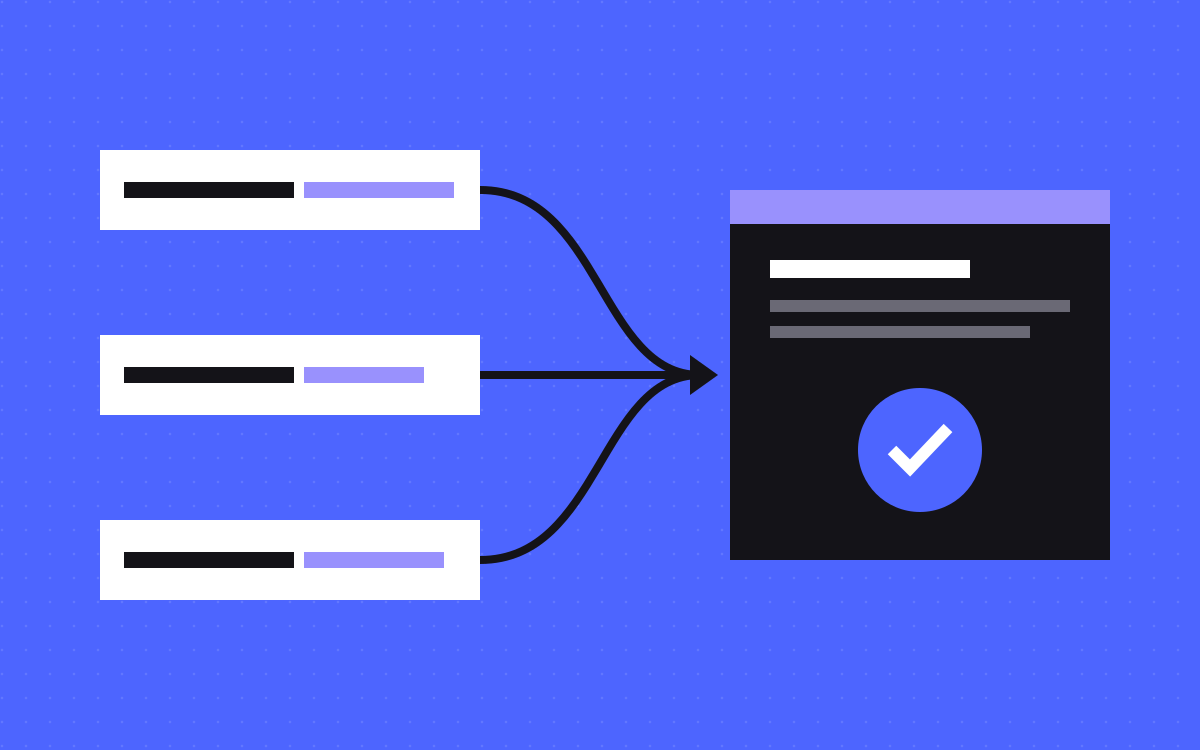
Read your result
| What you find | What it means | What to do |
|---|---|---|
| All content is in view-source | Readable without JavaScript | Move on to access checks |
| Page body is nearly empty | A client-rendered app | Move to server rendering or pre-rendering |
| Main copy is there, some blocks are missing | Partly client-rendered | Render those blocks at build time |
| View-source is fine, curl returns 403 | A firewall or host rule blocks that bot name | Check bot rules at your host or CDN |
| robots.txt blocks a bot | A choice, or an old default | Decide on purpose, then update |
Know which bot does what
Blocking "AI bots" as one group can remove you from answers when you only meant to opt out of training. Vendors separate them, though the names can change, so check their current docs.
| Vendor | Training | Search | User request |
|---|---|---|---|
| OpenAI | GPTBot | OAI-SearchBot | ChatGPT-User |
| Anthropic | ClaudeBot | Claude-SearchBot | Claude-User |
| Perplexity | None listed as a training bot | PerplexityBot | Perplexity-User |
Two details are easy to miss. OpenAI says robots.txt rules may not apply to ChatGPT-User, and Perplexity says Perplexity-User generally ignores them, because a person asked for the page. And each setting is separate, so you can allow search while blocking training. Changes also take time: OpenAI and Perplexity both mention about 24 hours for robots.txt updates to apply. Watch for bot challenges too. Anthropic says its bots will not try to get past a CAPTCHA, so a challenge page on your host can stop them even when robots.txt says yes. Our glossary has more on AI crawlers and robots.txt.
Fixes, from small to large
- A few missing blocks. Render them at build time or on the server, and let scripts add only the motion or filtering on top.
- Meta tags set by a script. Output them in the first HTML, one set per page.
- Links as click handlers. Use real
atags with anhref, so crawlers can follow them. - Text in images or canvas. Put the words in HTML, and use the image as support.
- A full client-side app. Add server rendering or pre-rendering in your framework. If the site is mainly marketing pages, a static-first tool such as Astro may be simpler. Our post on AI-built sites covers this common case and the other gaps.
Two small examples from this site
We build kookies.io so that pages read fully with JavaScript off, and we still caught gaps while building it:
- The rolling hero word. Our home heading rolls through a set of words. It used to arrive by script, so the heading read incomplete without JavaScript. Now the first word is in the HTML, and the script only animates the rest.
- The testimonial strip. Our quote strip was once built in the browser. It now comes from one data file and is rendered on the server, so the names and words are in the first HTML.
Neither is dramatic, and that is the point. Small script-only pieces are easy to miss until you run the test. You can run the same check on any page of ours.
Access is not a citation
Being readable only gets you in the door. A crawler that can read your page may still not use it. What it finds there needs to be clear and specific, and the page has to be worth citing. Our post on getting cited by ChatGPT and Perplexity covers the next steps.
What to do next
Run the four-part test on your home page, your pricing page and your best guide. Write down what is missing, then fix content first and access second. If you want help, see our SEO and AEO work or send us the URL, and we will tell you what the crawlers are likely to miss. We cannot promise what any AI tool does with your site.

Terms used: Server-side rendering (SSR), GPTBot