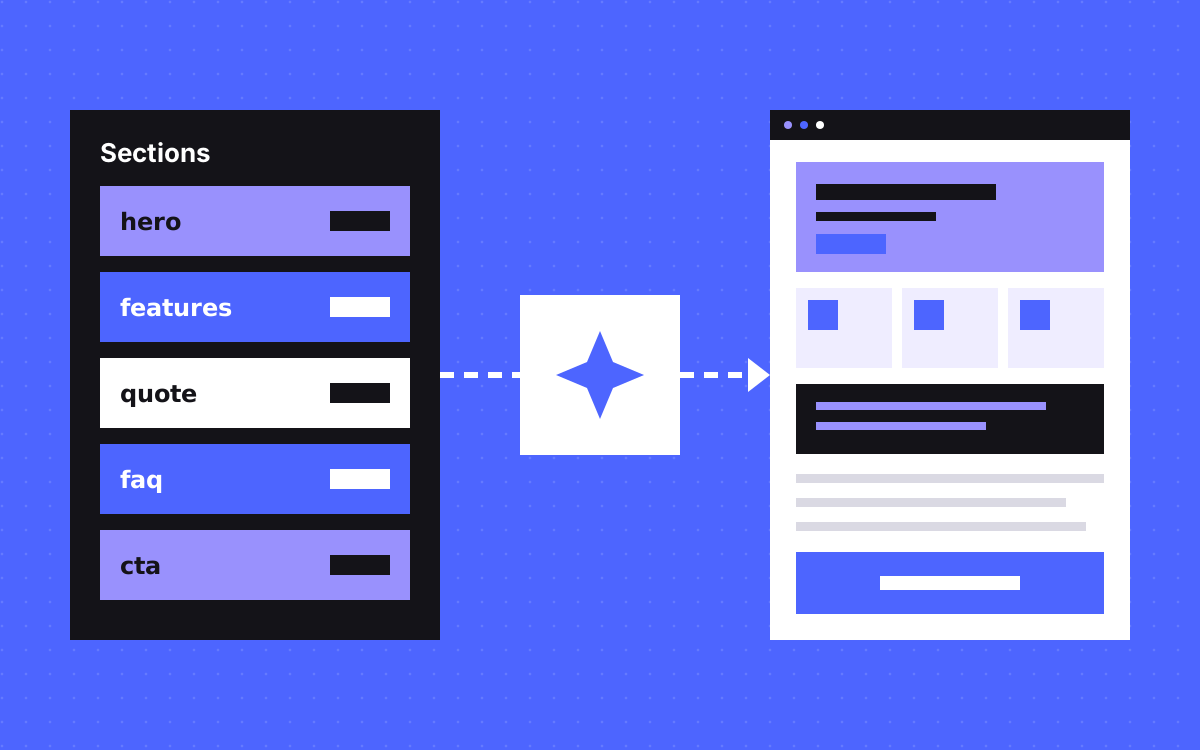
- Model pages as a list of typed sections with narrow fields. Do not use one large rich text field.
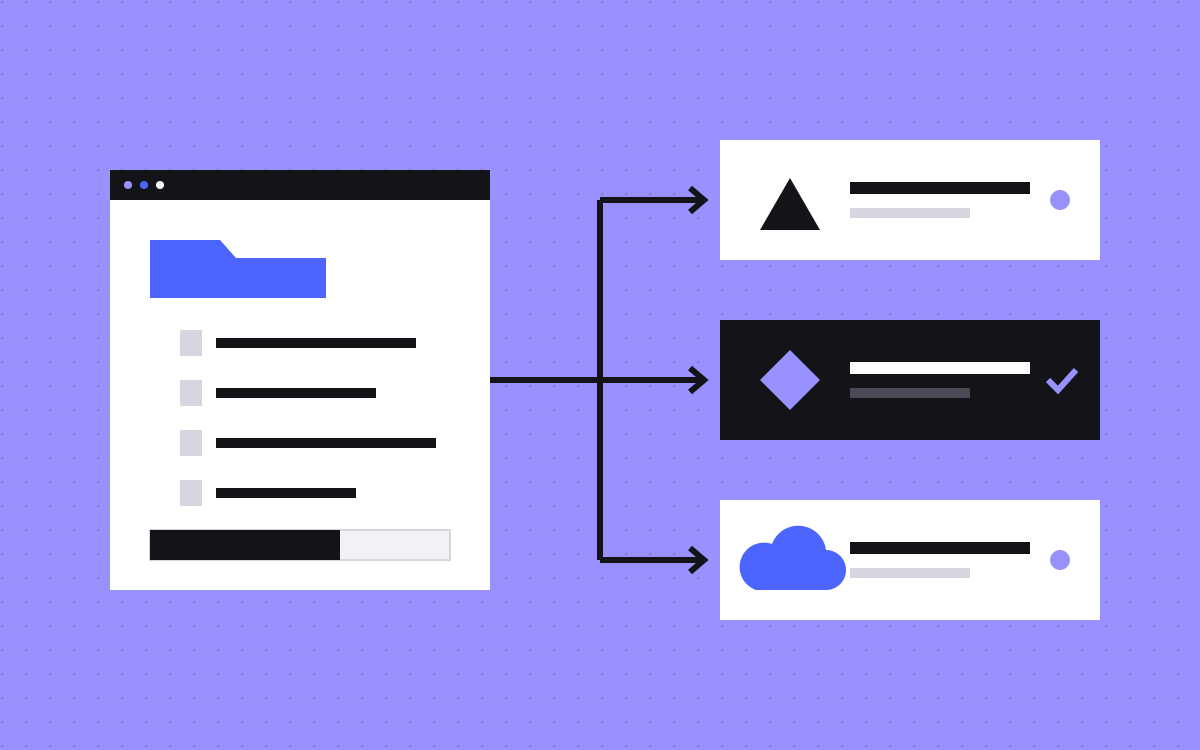
- Use references for facts such as prices, clients and quotes, so AI selects them and does not type them.
- The Sanity MCP server works from your deployed schema, and its edits go to drafts or release versions.
- Studio validation does not check API writes, so add your own check before a page can go live.
- On Slate, AI picks sections from a Sanity library, fills them with the team's content and hands back a staging link.
The short answer
To structure Sanity content for AI, model every page as an ordered list of typed sections, give each section narrow fields with clear limits, and use references for facts such as prices, clients and quotes. The AI then assembles approved parts, instead of writing a page from nothing. Add a separate check before publishing, because Studio validation rules do not run on API writes. A person should still approve what goes live.
What we did on Slate
This comes from a real build. We built the Slate site in Webflow from their design, moved it to Astro and Sanity, then added AI page building:
- Every section on the site became a block in a Sanity section library.
- We connected AI to that library through the Sanity MCP, and wrote marketing skills for it.
- The team sends content. The AI picks sections, fills them and hands back a staging link.
- If the team likes the page, it goes live. If not, they say what to change, and it gets changed.
The site stays on brand because every page comes from the same library. The rules below are our general advice for this kind of setup. The sample fields are illustrations, not Slate's schema.
Why the model matters more than the prompt
People try to fix AI pages with longer prompts. Most problems start earlier, in the content model. A page stored as one large rich text field lets the AI do anything: odd headings, new layouts, made-up claims. A page stored as typed sections leaves it far fewer ways to go wrong.
Think of each field as a question you ask the AI. "Write the page" is a wide question. "Give this hero a heading of up to 60 characters" is a narrow one, and it is much easier to check. Our post on the AI page builder covers the workflow. This post is about the content model under it.
Rule 1: one document, a list of sections
Give your page type a sections array that accepts only named section types. A typical set for a marketing site:
hero,logoStrip,featureGridcomparisonTable,quote,faq,cta
Keep the list short. If two sections differ only slightly, merge them and add one option field. Near duplicates make it harder for people and AI to choose the right one. Layout belongs to the section, so nobody fills in padding, colours or font sizes.
Rule 2: choose each field type on purpose
| Content | Field type | Why |
|---|---|---|
| Heading | String with a max length | Keeps layouts from breaking |
| Short body | Text with a max length | Stops long filler |
| Long body | Portable Text with few styles | Structured, no stray HTML |
| Variant or theme | String with a fixed list | AI picks from your options |
| Client, quote, price | Reference | AI can select a fact, not invent one |
| Image | Image with a required alt field | Prompts for alt text each time |
| Link | Internal reference, or a checked URL | Fewer dead or made-up links |
A sample hero: eyebrow (string, optional), heading (string, required, short), lead (text, required, short), primaryCta (reference to a CTA document), theme (light or dark).
Rule 3: facts live in their own documents
This rule prevents the most serious mistakes. Prices, client names, testimonials, stats and team bios should each be a document type that a person maintains. Sections point to them with references.
- An AI cannot make up a client if it can only choose from the client list.
- A quote keeps its exact words and its real name.
- A price changes once and updates everywhere.
Then add a rule to your skill: if the fact is not in the content supplied or in the library, leave a note and ask. Do not let it guess.
Rule 4: know what the MCP can and cannot do
The Sanity MCP server lets AI tools work with your project through the Model Context Protocol. From its docs, three points affect your design. Tool names and behaviour can change, so check the current version.
- It reads the deployed schema. Deploy your schema, or the AI works from an old one. Validation through it also uses the deployed schema.
- Edits go to drafts or release versions. The docs say they are never written directly to published content. That gives you a natural review step.
- Publishing is available too. A publish tool exists, and the docs do not describe an approval step. So decide who may publish, and set your access and your skill to match.
Rule 5: add your own validation step
This catches many teams out. Sanity's validation docs say rules in the Studio do not check changes sent through the API or client libraries. The MCP docs add that custom validation rules are currently skipped there. So the limits you set in the schema may not stop an AI write in the way they stop an editor.
Build a check that runs on every AI draft before anyone reviews it:
- Required fields are present, and lengths are within limits.
- Every section type is on the allowed list and in a sensible order.
- Every reference points to a real document.
- Internal links resolve.
- The copy passes your banned word list.
- The page has one h1, a title and a meta description.
Sanity also offers CLI validation and an MCP validate tool. Read the current docs to see what they cover, and test them with a deliberately bad draft.
Rule 6: write rules where the AI will read them
Field descriptions help editors in Sanity Studio. Write them well, but do not assume they are all the AI sees. Put the working rules in the skill as well:
- When to use each section, and when not to
- Allowed page recipes, such as hero, features, quote, FAQ and CTA for a landing page
- Voice rules, with good and bad examples
- What needs a human answer
Keep the skill and the schema in step. When you add a section, update both in the same change.
A checklist for your first pilot
- Audit your pages, and list the sections you really use.
- Merge the near duplicates, and drop the rarely used ones.
- Move facts into their own document types.
- Tighten fields: lengths, fixed lists, required alt text.
- Deploy the schema, and connect the MCP on a test dataset first.
- Write the skill for one page type.
- Run your check, then review on a staging link.
- Note each correction you make, and turn repeated ones into rules.
If you are new to the stack, start with Astro and Sanity for marketing teams.
What to do next
Open your Sanity schema and find your largest free text field. That is usually the best place to start. If you would like this built for you, see our section library and Astro and Sanity pages, or tell us about your site. If you are still on Webflow, Webflow to Astro is the move we made with Slate.

Terms used: Sanity, Content model