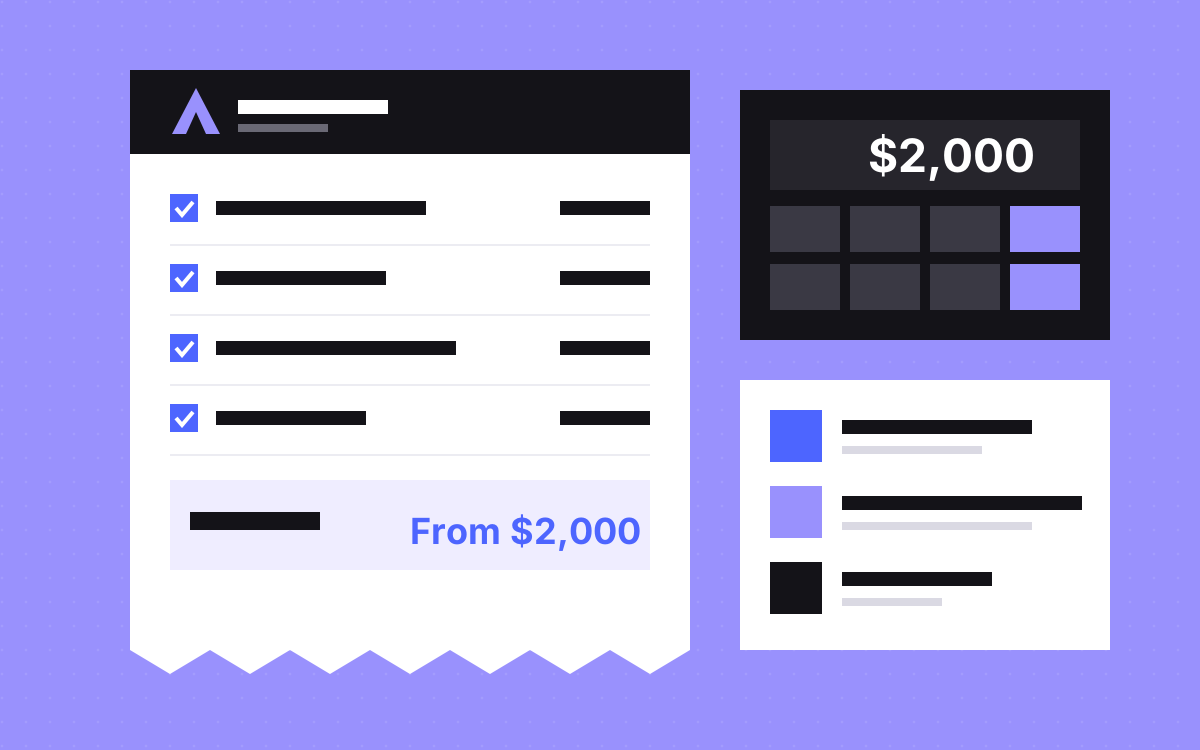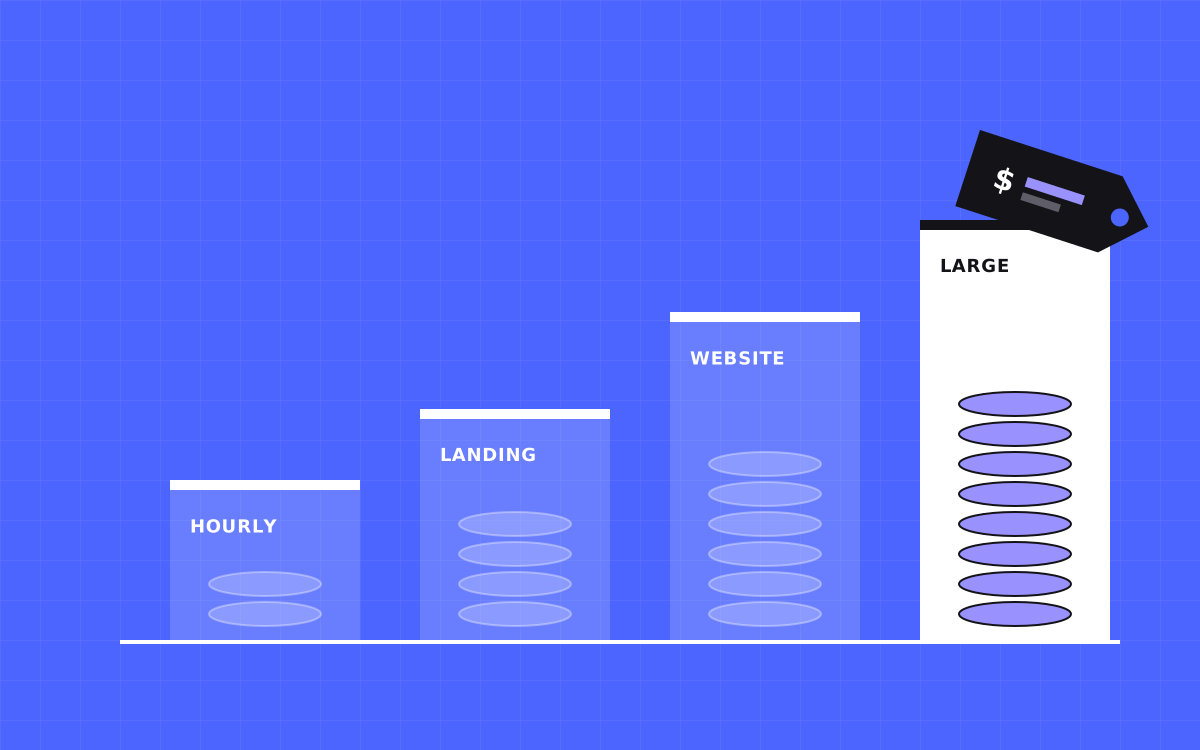
- A Webflow developer costs anything from a low hourly rate for a junior freelancer to a five figure project fee at a large agency. Most small business sites land between $2,000 and $10,000.
- At Kookies: $35 an hour, $500 for a landing page, from $2,500 for a site up to 5 pages, from $3,000 for larger sites.
- Webflow charges its own site plan on top of the build. Budget for it separately.
- Page count, design, CMS, integrations and migrations drive the price more than anything else.
- Ask for a fixed quote with a written scope so the number does not grow halfway through.
Webflow developer cost: the quick answer
A Webflow developer costs roughly $25 to $150 or more an hour, depending on where they live and how experienced they are. As a project price, a single landing page often costs a few hundred to a couple of thousand dollars, and a full marketing site usually costs $2,000 to $10,000. Big custom builds go well past that.
That range is wide because "a Webflow website" can mean a one page launch site or a 60 page site with a blog, case studies, three languages and a CRM connection. The good news is that the cost is predictable once you know what drives it.
Our own prices are public: $35 an hour, $500 for a landing page, from $2,500 for a website up to 5 pages and from $3,000 for a larger site. We use them below as a worked example.
Typical Webflow website cost by project type
Here is how Webflow website cost usually breaks down. The market ranges are broad estimates from what we see in quotes clients share with us. The Kookies column is our real price.
| Project | Common market range | Kookies |
|---|---|---|
| Small fixes and updates | Hourly | $35 an hour |
| Landing page from a Figma file | $300 to $2,000 | $500, about 1 week |
| Marketing site, up to 5 pages, with CMS | $2,000 to $8,000 | From $2,500, 3 to 5 weeks |
| Large site, 6+ pages, custom features | $5,000 to $30,000+ | From $3,000, 6+ weeks |
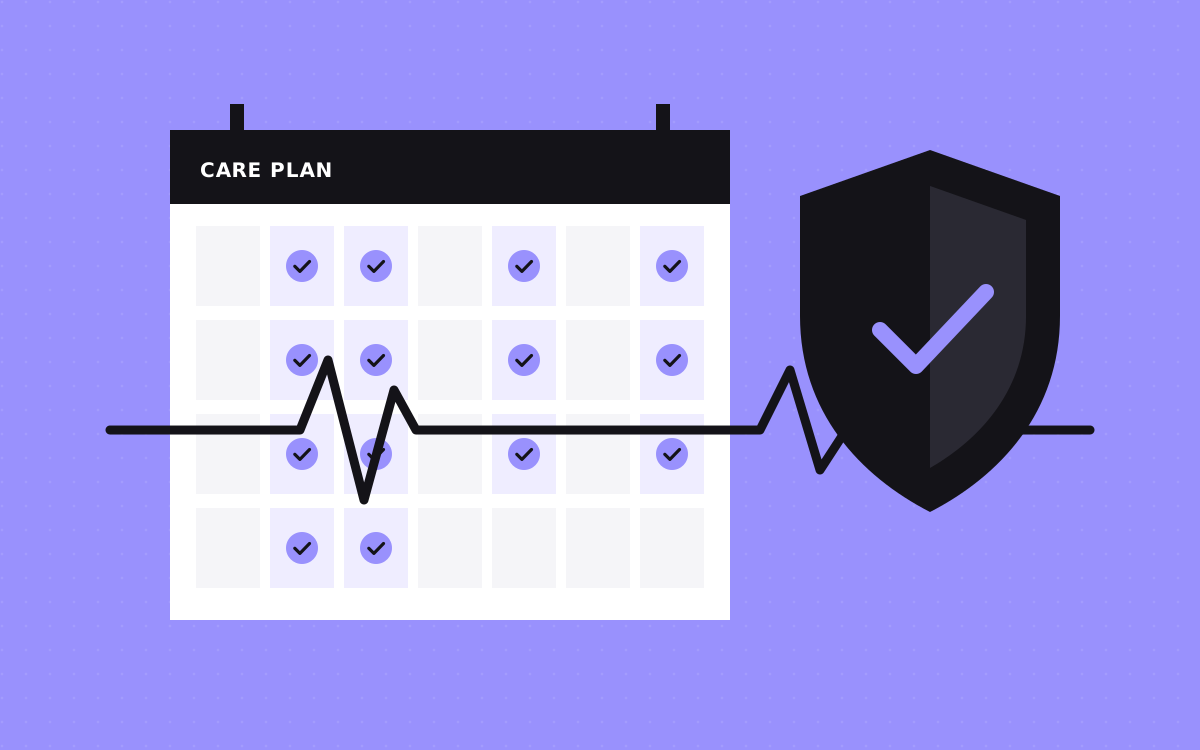
| Ongoing development and support | Retainer or hourly | $3,000 to $4,000 a month care plan |
First time Kookies clients also get $500 off projects of $2,000 or more. Full details are on our pricing page.
What drives the price up or down
Five things decide most of the cost. If you want to bring a quote down, these are the levers.
1. Number of unique page layouts
Ten pages that share one layout cost far less than ten pages that are all different. CMS templates count as one layout, no matter how many posts they hold.
2. Whether you have a design
Building from a finished Figma file is cheaper than designing from scratch. If you need design too, expect the project to grow. See our website design service for how that works.
3. CMS complexity
A simple blog is quick. Case studies that reference team members, services and industries take more planning. Our Webflow CMS guide explains why.
4. Interactions and animation
Simple fades and hovers are cheap. Scroll driven scenes, Lottie files and custom 3D take real time.
5. Integrations and migrations
Connecting HubSpot, a booking tool or a custom API adds work. So does moving from WordPress, because every old URL needs a redirect and every post needs to come across cleanly.
Hourly or fixed price: which is better?
Hourly pricing suits small, open ended jobs: a few fixes, a new section, a quick audit. You pay for what you use and you can stop any time.
A fixed price suits projects with a clear scope. You know the number before work starts, and the developer carries the risk if it takes longer. For anything bigger than a day or two of work, we prefer fixed quotes, and most clients do too.
The catch with fixed pricing is scope. If the scope is vague, a fixed price either comes in high to cover the unknowns, or turns into change requests later. A written scope with a page list fixes that.
Some teams mix both. They pay a fixed price for the build, then hourly or a monthly plan for changes after launch. That keeps the big number predictable and the small work flexible.
The Webflow plan is a separate cost
The developer builds the site. Webflow hosts it. Those are two separate bills.
- Site plan. Paid to Webflow, monthly or yearly. The plan you need depends on whether you use the CMS, how many items you store and how much traffic you get.
- Workspace plan. Some teams and agencies also pay for a Webflow workspace to manage several sites and editors.
- Add ons. Features like Localization have their own pricing.
Webflow changes its plans from time to time, so check the current plan page before you budget. A good developer will tell you which plan fits your site and why.
One more tip: put the site plan on your own card from day one. If a developer pays for hosting and bills you, make sure you can take over billing at any time without moving the site.
Hidden costs people forget
These are the line items that surprise people after the quote is signed:
- Font licences. Some paid fonts need a web licence based on traffic.
- Stock images and icons. Free is fine, but check the licence.
- Copywriting. If you do not have words, someone has to write them. See strategy and copywriting.
- Third party tools. Form tools, booking tools, cookie banners and CRMs often have their own monthly fees.
- Content entry. Moving 200 blog posts by hand takes time. Ask if it is included.
- Post launch changes. New pages and tweaks after launch are usually billed separately.
Cheap vs expensive: what you actually get
A very low quote is not always a bad deal, and a high one is not always a good one. But here is what usually changes as the price goes up:
| Feature | Low budget build | Solid professional build |
|---|---|---|
| Class system | Ad hoc names, lots of one off styles | A clear system with global styles and components |
| Responsive work | Desktop first, mobile patched | Checked and tuned at every breakpoint |
| CMS | Static pages or a basic blog | Planned collections with references and filters |
| SEO | Often skipped | Titles, descriptions, alt text, redirects and schema |
| Handover | A login and good luck | Training video, style guide page and support |
The real cost of a weak build shows up six months later, when a new developer quotes to rebuild it instead of extend it.
Three example quotes, worked out
Numbers make more sense with real shapes behind them. Here are three common projects and how we would price them at Kookies.
A launch landing page
A SaaS team has a finished Figma file for one page: hero, features, pricing, FAQ and a sign up form. No CMS. One integration with their email tool. That is our $500 landing page, live in about a week. The Webflow site plan is extra and paid to Webflow.
A 5 page marketing site with a blog
A services business needs home, about, services, contact and a blog with a post template. They have a brand but no design. This is a website project from $2,500, plus design time, delivered in 3 to 5 weeks. As first time clients, they get $500 off because the project is over $2,000.
A larger site with a migration
A company is moving 25 pages and 150 blog posts from WordPress, with case studies, a careers page and HubSpot forms. That is a large site from $3,000, with the final number set by how many unique layouts there are and how clean the old content is. Expect 6 weeks or more. Our WordPress to Webflow page explains the migration side.
Questions to ask before you accept a quote
A number on its own tells you very little. Before you say yes to any Webflow developer, ask:
- What exactly is included, page by page?
- How many rounds of changes are included, and what does an extra round cost?
- Is CMS setup and content entry included, or only the templates?
- Are SEO basics, redirects and analytics part of the price?
- What support do I get after launch, and for how long?
- When do I pay, and what happens if the timeline slips on your side?
Two quotes that look $1,000 apart can turn out to be the same price once you line these answers up. Or the cheaper one can turn out to be missing half the work.
How to get an accurate quote
- List every page and mark which ones share a layout.
- Share your Figma file, or say clearly that you need design.
- List the content that changes often (blog, jobs, case studies).
- List every tool the site must connect to.
- Say if you are moving from another platform and roughly how many pages and posts you have.
- Give a deadline and a budget range. A range helps the developer suggest what fits, not just what is possible.
With that, a good Webflow developer can give you a fixed number after one short call. Ours comes after a 20 minute call, and you can book one here.
Ways to spend less without cutting quality
- Launch with fewer pages. Start with five strong pages and add more later.
- Reuse layouts. A shared service page template is far cheaper than five custom pages.
- Write your own first draft of copy. Even rough copy speeds up design and build.
- Use the CMS for anything repeatable. It costs a little more up front and saves money every time you add content.
- Start with a landing page. If you need to move fast, a $500 page can go live in about a week while the full site is planned. See landing pages.
What it costs after launch
Most sites need some help after launch: new pages, campaign landing pages, small fixes and SEO updates. You have three options.
Do it yourself in the Webflow Editor, which is fine for text and CMS items. Pay hourly for the odd job. Or use a monthly plan if you need regular work. Our Webflow care plan is $4,000 a month month to month, or $3,000 a month on a 6 month term, with unlimited requests handled one at a time and small fixes usually done within 24 hours.
Pick the option that matches how often your site changes. A site that changes twice a year does not need a retainer.
Whatever you choose, ask for a clean handover. A tidy build with a style guide page costs less to change later, whoever does the work. That is the cheapest long term saving there is.

Terms used: Webflow, Core Web Vitals