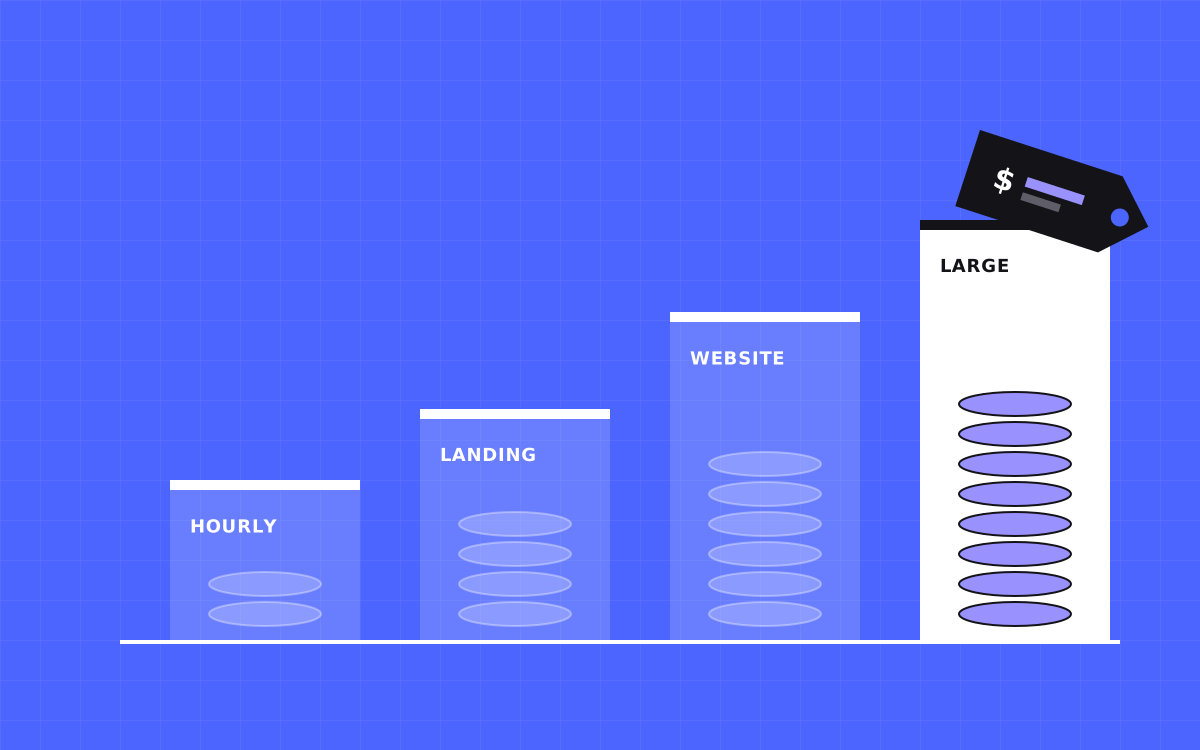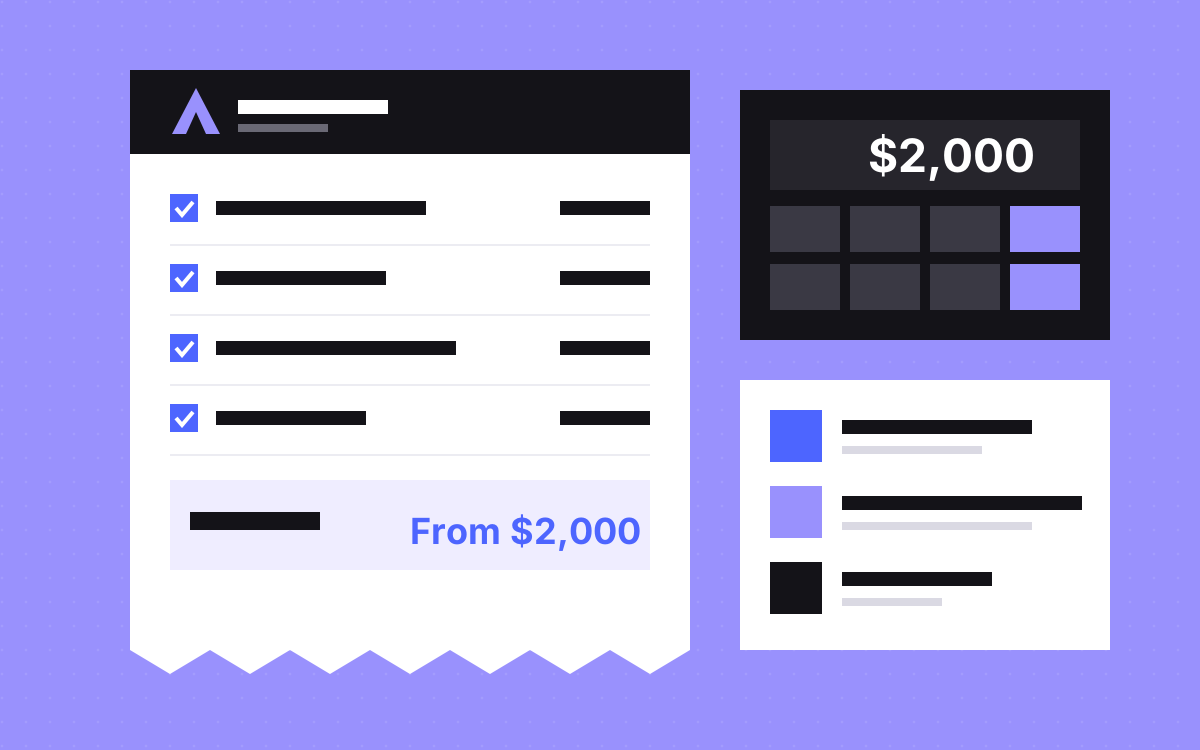
- With Kookies, an Astro + Sanity site starts at $2,000 and takes 4 to 8 weeks.
- Moving to Astro starts at $2,000 from Webflow and $3,000 from WordPress or Framer.
- Astro has no licence fee. Your running costs are hosting, the CMS and your domain, paid to those vendors.
- Page layouts, content models, integrations and design work move the price most.
- You get a fixed price after a 20 minute call, before any work starts.
The short answer
With Kookies, an Astro + Sanity site starts at $2,000 and usually takes 4 to 8 weeks. Moving an existing site to Astro starts at $2,000 from Webflow and $3,000 from WordPress or Framer. These are starting prices. You get a fixed price after a short call, before any work starts, and first-time clients get $500 off projects of $2,000 or more.
Across the market, what you pay depends on who builds it and how much is custom, so use this post to compare what is included, not only the number.
Our starting prices
| Job | Starts at | Usual time |
|---|---|---|
| Landing page | $500 | 1 week |
| New Astro + Sanity site | $2,000 | 4 to 8 weeks |
| Webflow to Astro | $2,000 | 3 to 6 weeks |
| WordPress to Astro | $3,000 | 3 to 6 weeks |
| Framer to Astro | $3,000 | 3 to 5 weeks |
| Hourly help | $35 an hour | Book what you need |
The current list is always on our pricing page. Each price is a starting point for a small, clear scope, and your quote reflects your own pages and features.
What moves the price
Four things do most of the work:
- Unique layouts. Ten pages from four section types can cost less than five pages that are all different.
- Content models. Each type of content in Sanity (posts, case studies, people) needs a schema, a Studio setup and a template. More types, more work.
- Custom features. Calculators, gated content, API connections and integrations each add scope.
- Design. Building from your finished Figma file usually costs less than designing from scratch.
For a move, add two more: the number of URLs that need redirects, and how clean the old content is. Messy content takes time to import, whatever the platform.
What does not move the price much is the raw page count, if the pages share sections. A long site built from a small set of layouts is often simpler than a short one where every page is a one-off. So when you write your brief, list the sections you need, not only the pages.
What the fixed price covers
A fixed quote from us lists every page and feature in writing. It includes design and build, or build from your Figma file, plus CMS setup, SEO basics, schema, a speed pass and a training video. The price is usually paid half upfront and half at launch.
You also get 30 days of support after launch for safe changes: copy, image, colour and link updates, and fixes to what we built. New sections and redesigns are not part of that. If something new comes up mid-project, we quote it before doing it.
What you pay others
The build is one cost. Running the site is another, and you pay it to the vendors directly, so the accounts stay yours.
| Item | Who you pay | Note |
|---|---|---|
| Astro | Nobody | Open source under the MIT licence |
| Hosting | Your host | Astro's docs list many hosts for static sites. We set it up on your own account |
| CMS | Sanity, if you use it | Cost depends on users and features. Check Sanity's current plans |
| Domain, email, forms and analytics tools | Each vendor | Same as any other platform |
We do not quote vendor prices here because they change. Ask for an estimate for your team size before you sign. Also check who holds each login. Everything above should sit on your accounts, so you can change agency or developer without moving anything.
A worked example
Here is how to read a budget, using a made-up first-time client who wants a new marketing site from a finished Figma file.
- Count layouts, not pages. List the sections you need. Reusing sections is what keeps the quote down.
- Count content types. Say, a blog and case studies. That is two schemas and two templates.
- List the extras. A form that sends to your CRM, say, and analytics.
- Get the fixed quote. If it came in at exactly the $2,000 starting price, the first-time offer of $500 off would make it $1,500. Larger scope means a larger quote, and the offer stays $500.
- Add running costs. Ask for the hosting and Sanity plans that fit your team.
- Decide how changes get done. Your team edits in Sanity. Anything bigger goes through hourly help at $35 an hour, or a monthly plan.
For a team that ships pages every week, the Astro care plan is $4,000 a month, or $3,000 a month on a 6-month term, with one request worked at a time.
Where the section library changes the sums
A section library is a set of ready-made blocks in Sanity that your team stacks into new pages. It is part of how we build, and it changes what later work costs, because a new page from existing blocks needs no developer. On Slate, we moved the site from Webflow to Astro and Sanity and set up AI page building on a section library, so new pages go from content to a staging link. Read more on the section library page.
When you compare quotes, ask how a new page gets made six months from now. A low build price with a developer needed for every change may cost more over time.
Astro or Webflow: do not decide on price alone
Our Astro + Sanity sites start at $2,000 and our Webflow websites of up to 5 pages start at $2,500. That difference should not make the decision. Choose by how your team works: visual editing and hosting in one place points to Webflow, while code you own and very light pages point to Astro. Our Webflow vs Astro comparison and when to migrate cover this, and what a Webflow site costs gives the other side of the sums.
What to do next
Write down your section list, content types and must-have integrations. With those, a 20 minute call is enough for a fixed price within a day, and you will know the number before any work starts. Book a call or start with the cost calculator.