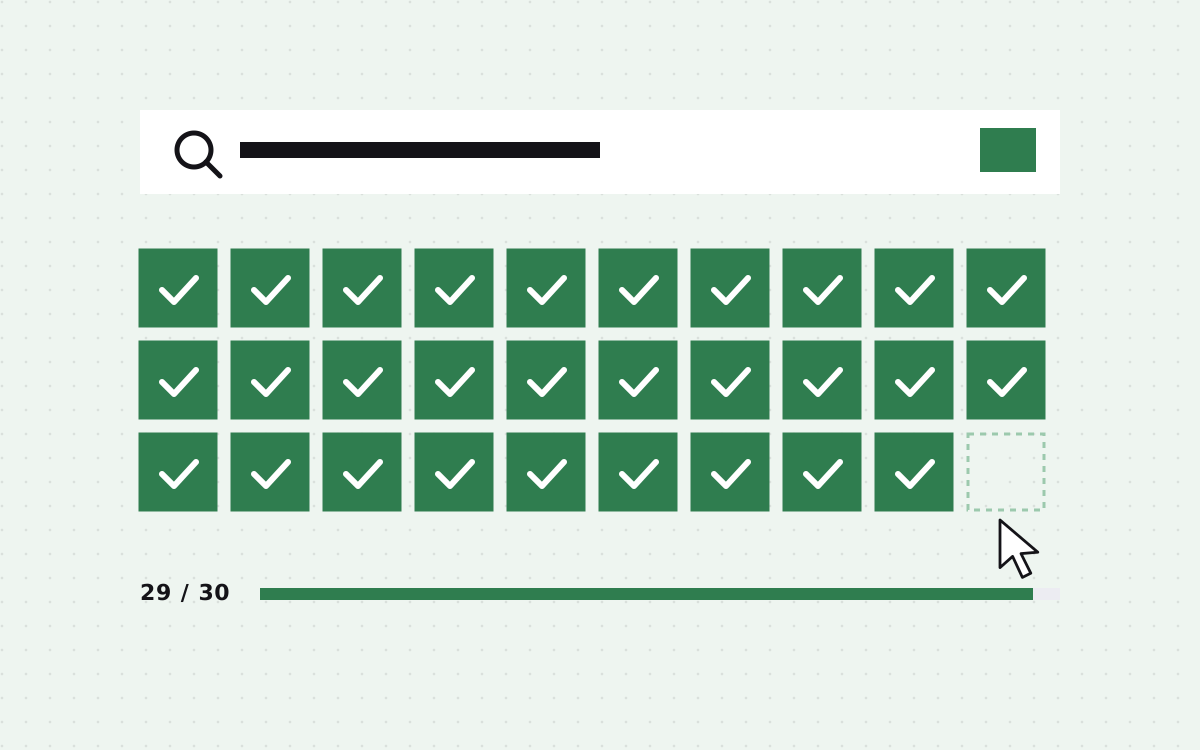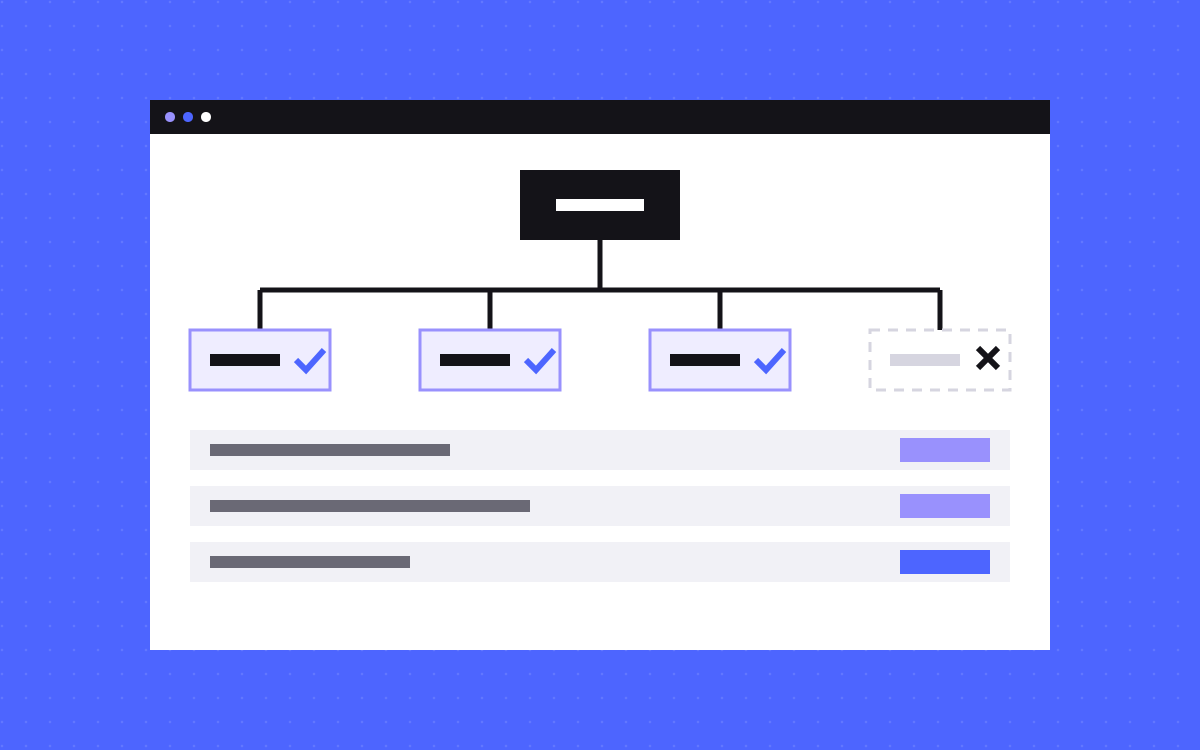
- List only the URLs you want in search results: the final, canonical, indexable version of each page.
- Leave out noindex pages, redirected URLs, duplicates, URLs with parameters and utility pages like thank-you or 404.
- Google ignores priority and changefreq. It uses lastmod only when the date is consistently and verifiably accurate.
- One sitemap file holds up to 50,000 URLs or 50 MB uncompressed. Bigger sites split it and use a sitemap index.
- Webflow and Astro both build the file for you. On both, check what they include, then submit it in Search Console and Bing Webmaster Tools.
The short answer
An XML sitemap should list the pages you want people to find in search, and nothing else. Each URL should be the final, canonical version of the page, answer with a 200 status and be open to indexing. Leave out pages marked noindex, URLs that redirect, duplicate versions of a page and utility pages such as thank-you, 404 and password pages.
Keep lastmod honest, skip priority and changefreq (Google ignores both), and split the file once it passes 50,000 URLs or 50 MB. Then submit it in Google Search Console and Bing Webmaster Tools.
What Google actually reads in a sitemap
Google's guide to building a sitemap is short and worth reading in full. The parts that matter most:
- Absolute URLs. Use the full address, such as
https://www.kookies.io/pricing, not/pricing. - lastmod. Google uses it if it is consistently and verifiably accurate. A changed copyright year in the footer is not a real update.
- priority and changefreq. Google says it ignores both values.
- Size. One sitemap is limited to 50 MB uncompressed or 50,000 URLs. Past that, split it into several files and list them in a sitemap index.
- Encoding. The file must be UTF-8.
Two more things to keep in mind. A sitemap is a hint, not an order: Google may still skip a URL. And Google's duplicate URL guide counts being in a sitemap as a weak signal that a URL should be the canonical one. That is why what you leave out matters as much as what you put in.
What to include
- Every page you want to rank or be cited: home, service pages, pricing, case studies, blog posts, guides, glossary terms.
- The canonical URL of each page, in the exact form you use everywhere else (same protocol, same www or no www, same trailing slash rule).
- CMS pages that are published and finished.
- Pages in every language, if you run a localised site, with the language links your platform adds.
Google's guide says it plainly: include the URLs you want to see in search results, and when several URLs lead to the same content, pick the one you prefer and list only that one.
What to leave out
| Leave out | Why |
|---|---|
| Pages marked noindex | The sitemap says "index this" while the page says "do not". Mixed signals waste crawling and clutter your reports. |
| URLs that redirect | List the target of the redirect instead. After a move, update the sitemap the same day. |
| Duplicates and canonicalised pages | If a page points its canonical at another URL, list the other URL. |
| URLs with tracking or filter parameters | They are versions of a page you already list. |
| Thank-you, 404, password and search result pages | Nobody should land on them from search. |
| Drafts and test pages | Unfinished pages are not worth a crawl. |
| Staging or preview domains | A sitemap should only list URLs on the live domain. |
A quick rule: if you would not be happy to see a URL as a search result, it does not belong in the sitemap. Our glossary has short entries on noindex and canonical URLs if you need a refresher.
Sitemaps on Webflow
Webflow can build the sitemap for you. Per its help page, you turn it on in Site settings, SEO tab, Sitemap section, by setting Auto-generate sitemap to Yes, then publishing. The file updates every time you publish, and each URL has a lastmod showing when that page was last published. Webflow also adds the sitemap address to your robots.txt for you.
To keep a page out, use the per-page switch. Webflow's guide to disabling indexing explains it:
- Static pages: Page settings, SEO settings, turn Sitemap indexing off, then publish. This adds a noindex tag and removes the page from the sitemap. It only works while the auto-generated sitemap is on.
- CMS items: open the item, go to Item details and turn Sitemap Indexing off. Webflow says this is only on paid Site plans.
Watch for one trap. If you block a page in robots.txt, or add noindex with your own custom code, Webflow still lists it in the auto-generated sitemap. Use the switch instead.
You can also paste a custom sitemap in the same settings section if you turn auto-generation off, but then you keep it up to date by hand. Once published, the /sitemap.xml page cannot be deleted. For the webflow.io staging domain, Webflow has a Staging indexing setting under Site settings, SEO, Indexing (it needs a Site plan or a paid Workspace).
Sitemaps on Astro
On Astro, the official @astrojs/sitemap integration writes the sitemap at build time. It needs the site option set in your config, and it outputs sitemap-index.xml plus numbered files such as sitemap-0.xml. Each file holds up to 45,000 entries by default (the entryLimit option).
Use filter to keep pages out. It gets each page's full URL and returns true to keep it:
sitemap({
  filter: (page) =>
    !page.includes('/thank-you') && !page.includes('/404')
})
For more control, serialize runs on each entry and can change it, or drop it by returning undefined. Two things to know from Astro's docs: pages from getStaticPaths() are included, but dynamic routes in SSR mode are not. Add <link rel="sitemap" href="/sitemap-index.xml" /> to your head and a Sitemap: line to robots.txt so crawlers find it.
Our own site is built this way: the sitemap skips the 404 and thank-you pages and any page we set to noindex.
Submit it to Google and Bing
- Google: open Search Console, choose the property, go to the Sitemaps report, enter the sitemap URL and submit. Webflow's help gives the same steps for Webflow sites.
- robots.txt: add a line such as
Sitemap: https://www.yourdomain.com/sitemap.xml. Google and Bing both describe this option. - Bing: in Bing Webmaster Tools, open Sitemaps and use the Submit sitemaps button. Bing says its list also shows sitemaps imported from Google Search Console and ones it found on its own.
If you use a sitemap index, submit the index. Google says you can submit that single file instead of each sitemap.
Check it after every big change
- Open the sitemap and spot check ten URLs. Each should load with a 200 status and no redirect. Our redirect checker does this quickly.
- Check that each spot-checked page has a canonical pointing at itself and no noindex tag. The meta tag checker shows both.
- Look at the Sitemaps report in Search Console for errors and the number of discovered URLs.
- After a migration or a big content cleanup, compare the sitemap with your redirect map so old URLs are gone and new ones are in.
What to do next
Open your sitemap today and look for the URLs that should not be there: thank-you pages, old redirected URLs, test pages. Remove them with your platform's switch or filter, publish, and resubmit. It takes an hour and clears a common source of noise in your reports.
The sitemap is one part of technical SEO. Our Webflow SEO service covers it with the rest, and you can send us your site for a check.