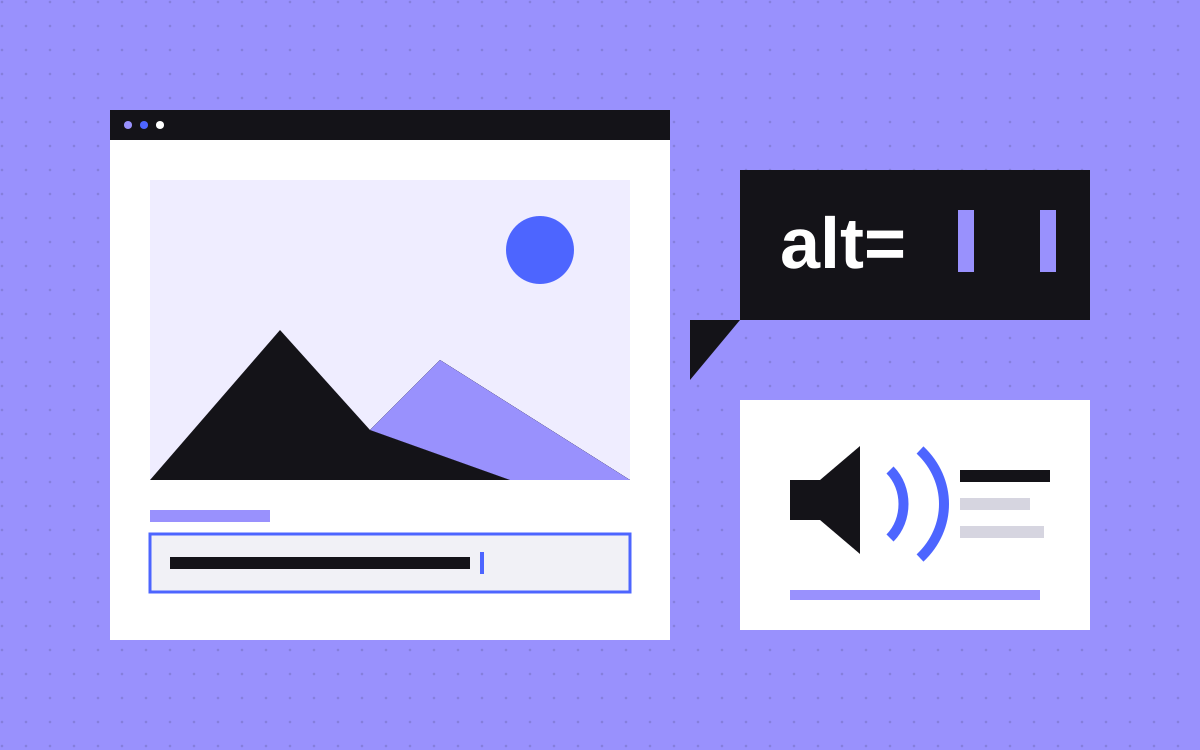
- Alt text describes what an image means on the page. Screen readers read it, and Google uses it to understand images.
- Decide first: informative images get a short, specific alt; decorative images get an empty alt.
- For a linked image or logo, describe where the link goes. For an image of text, use the same words, or better, use real text.
- Do not stuff keywords. Google says it is a poor experience and may make a site look like spam.
- In Webflow, set alt in the Assets panel, override per placement, and bind CMS images to a plain text field. The Audit panel does not check CMS-bound images.
The short answer
Good alt text says what an image means on the page, in a few plain words. Write it for a person who cannot see the image, and it will also help search engines. Leave it empty for images that are only decoration. For a linked image, describe where the link goes. For an image of text, use the same words. Never stuff it with keywords.
In Webflow, set alt text once in the Assets panel, override it on the canvas when one placement needs different words, and bind it to a text field for CMS images.
Why alt text matters for people and for search
Alt text is read out by screen readers and shown when an image does not load. That is the first job. Webflow's help page puts it simply: it helps visitors understand an image when they cannot see it.
It also helps search. Google's image SEO guide says Google uses alt text along with computer vision and the page content to understand what an image is about, and calls alt text the most important attribute for image metadata. The same guide notes that alt text on a linked image works as the link's anchor text.
The good news: text that serves a screen reader user is the same text that serves Google. You do not need two versions.
Informative or decorative: decide first
Before you write anything, decide what the image is for. W3C's alt decision tree walks through it in order:
- Does it contain text? If the same text is already on the page nearby, or the text is only visual effect, use an empty alt. If the text appears nowhere else, put that text in the alt.
- Is it in a link or button? If the link would make no sense without it, describe the destination or the action.
- Does it add meaning? For a simple photo or graphic, write a short alt that gives that meaning. For a chart or diagram, put the information in the page text as well.
- Is it pure decoration? Use an empty alt.
Webflow's help page offers a quick test: would a visitor miss something important if the image were gone? If yes, it needs alt text. If no, mark it decorative. Its own example of decorative is an arrow icon next to a link.
Decorative does not mean no alt at all. W3C's images tutorial says decorative images still need an empty alt (alt="") so assistive tools know to skip them.
How to write it: short and specific
Webflow's guidance is a good checklist:
- Be specific and short. Describe it the way you would over the phone.
- Skip "image of" or "picture of". Webflow calls this redundant. Naming the type, such as illustration or chart, can help when it matters.
- Test it. Read the alt with the image removed. If the sentence does not make sense, rework it.
Google's guide gives a clear ladder for a photo of a dog. Nothing at all is bad. alt="puppy" is better. alt="Dalmatian puppy playing fetch" is best, because it says what is happening, not only what is there.
Context changes the answer. A photo of your team on the About page might be "The Kookies team at a whiteboard planning a site map". The same photo used as a background texture behind a heading is decorative.
No keyword stuffing
It is tempting to treat alt as a free place for keywords. Google's guide shows exactly that as a bad example, a long run of words like "puppy dog baby dog pup pups puppies", and warns that filling alt attributes with keywords gives a poor experience and may make your site look like spam.
A keyword belongs in alt text only when it truly describes the image. A screenshot of a pricing table on a Webflow pricing page can say "Webflow site plan pricing table". A stock photo of a laptop should not say "best Webflow agency".
While you are there, rename the file too. Google says file names give light clues, and a short descriptive name like black-kitten.jpg beats IMG00023.JPG.
Logos, linked images and images of text
These three cause most of the mistakes.
- Linked images. When the image is the only thing in the link, the alt should say what the link does, not what the image looks like. W3C's functional images page uses a print icon as the example: its alt is "Print this page".
- Logos. A header logo that links home should name the destination, such as "Kookies home". If the link already has visible text naming the destination, give the logo an empty alt so the name is not read twice. A row of client logos with no links can simply give each company's name.
- Images of text. W3C advises avoiding text in images unless it is a logo. If you must use one, the alt should contain the same words. Better still, use real text: Webflow's Audit panel page notes that text baked into an image cannot be read by screen readers or search engines.
Charts and diagrams need more than a short alt. Give the key numbers or steps in the page text, and keep the alt as a short label that points to it.
Setting alt text in Webflow
Webflow gives you three places to set it, from its help page on alt text:
- The Assets panel. Press J, hover the image, click the cog, and write in the Descriptive field, or click Decorative. Every new use of that image takes this alt by default.
- One placement on the canvas. Select the image, open Image settings with the cog, and set the Alt text dropdown to Custom description or Decorative. This changes only that copy. A fresh copy you drag in later still uses the Assets panel alt.
- Rich text. Select the image inside the rich text element, click the wrench, and use the same dropdown. If that rich text comes from a CMS rich text field, edit the alt in the Collection item instead.
Webflow AI can also suggest alt text for JPG, PNG, GIF, WEBP and AVIF images, one at a time in the Assets panel or in bulk from the Audit panel. SVG is not supported yet. Treat the suggestions as a draft: AI can describe what is in a picture, but it does not know why you put it on the page. Read each one before you accept it.
CMS images and what the Audit panel misses
Blog covers, team photos and case study images usually come from the CMS. Each item needs its own alt, so add a Plain text field to the Collection, for example "Cover alt text", and fill it in for every item. Then select the bound image, open its settings and pick that field as the alt source (the purple dot in the Alt text dropdown). Webflow's help notes you can also set alt text on images in multi-image fields.
Make the field required if your editors tend to skip it. A required field is easier than a clean-up later.
Webflow's Audit panel flags missing alt text, but its help page lists gaps: it does not check CMS-bound images, images inside Lightbox elements, or anything inside components. So a clean Audit panel does not mean every image is covered. Check those three by hand, or with a screen reader. Our Webflow accessibility checklist covers the other Audit panel checks and where to fix each one.
A quick audit you can run this week
- Open the Audit panel, switch to Sitewide and fix every missing alt flag.
- Open each CMS Collection that holds images. Add an alt field if there is none and bind it.
- Check your header logo, footer logo and any icon-only links. Each should say where it goes.
- Look for banners or graphics with words baked in. Rebuild them as real text where you can.
- Mark pure decoration as Decorative, so it stops showing up as missing.
- Run a page through our AEO checker, which includes an image alt text check, then listen to one key page with a screen reader.
For the wider picture on images, headings, contrast and forms, see accessibility basics for SaaS websites.
What to do next
Start with the images that carry meaning: product screenshots, charts, team photos and linked logos. Write one plain sentence for each, and mark the rest decorative. It is a small job that helps every visitor and every search engine at once.
Want us to do the pass for you? Alt text is part of our Webflow SEO work and our care plan, or send us your site.