- Your demo page sits at the end of every path, so a problem there affects every channel.
- Answer six questions on the page: what happens, how long, with whom, who it suits, what it costs, and what comes after.
- Keep a form field only if you can name who uses it before the call.
- Do not end on a thank-you message. Offer the calendar right away.
- On low traffic, skip A/B tests. Make one clear change, then read the leads and ask sales.
The short answer
Fix your demo page before your home page, your blog or your next campaign, because it sits at the end of almost every path on a SaaS site. Every button points there, so one problem on that page affects every channel. It is also one page, so the fix is small. Answer what the demo is, cut the form to what you use, and show the next step straight after the send.
Why this page comes first
A simple rule: fix from the end of the path backwards. A better home page sends more people to a broken form. A better form improves every visit you already pay for or earn. Use this order:
- The form and what happens after it.
- The demo page around the form.
- The pages that link to it.
- Traffic.
This rule has limits. If nobody reaches the page at all, the demo page is not your main problem, so look at your offer or traffic first. If your product sells on self-serve signup, read this with your signup page in mind.
Walk the path yourself
Before you change anything, take fifteen minutes on your phone, on mobile data if you can.
- Click every "Book a demo" button on the site. Does each one reach the same working page?
- Does the button label match the page? "Talk to sales" that opens a long form feels like a trick.
- How long until you can type in the form?
- Does the keyboard cover the field or the button?
- Send with a Gmail address, then with a work address.
- Send with a mistake in it. Does the error say what to fix?
- Did the lead arrive? Who got it, and how fast did they reply?
Write down each thing that annoyed you. That list is your first round of fixes, and it often has a bug in it.
Six questions the page must answer
Someone about to give you their email wants to know what they are agreeing to.
| Question | Weak answer | Better answer |
|---|---|---|
| What happens in the demo? | See the product in action | We show you the three reports your team would use, with sample data like yours |
| How long is it? | Nothing said | 20 minutes. Keep 10 more for questions |
| Who will I talk to? | Our team | A product specialist, not a junior qualifying call |
| Is it for me? | For teams of all sizes | Best for finance teams of 5 or more. Smaller? Start with the free plan |
| What will it cost? | Nothing said | A link to pricing, or a clear starting point |
| What happens after? | Someone will be in touch | Pick a time now. You get a calendar invite and no sales emails until then |
These answers are examples. Use them only if they are true for your team. If the honest answer is that a junior person qualifies first, say that, and say why.
Cut the form with one rule
For each field, name the person who uses it before the call. If nobody does, remove it.
- Keep: work email and name. Add company if your sales team looks it up.
- Keep if it routes the lead: team size or region, when it decides who takes the call.
- Remove: phone number if nobody rings it, job title if you can look it up, and "How did you hear about us?" unless someone reads it. It can be useful, so make it optional if you do.
- Think twice: blocking free email addresses. Founders and small teams may use one, and a block tells them to leave.
Only move to a multi-step form when you truly need many answers. On ClanX we built one for a talent application, where the detail is the point. A demo request usually asks for much less.
Put proof beside the form
The doubt is highest right where you ask for details, so that is where proof belongs, not three scrolls away.
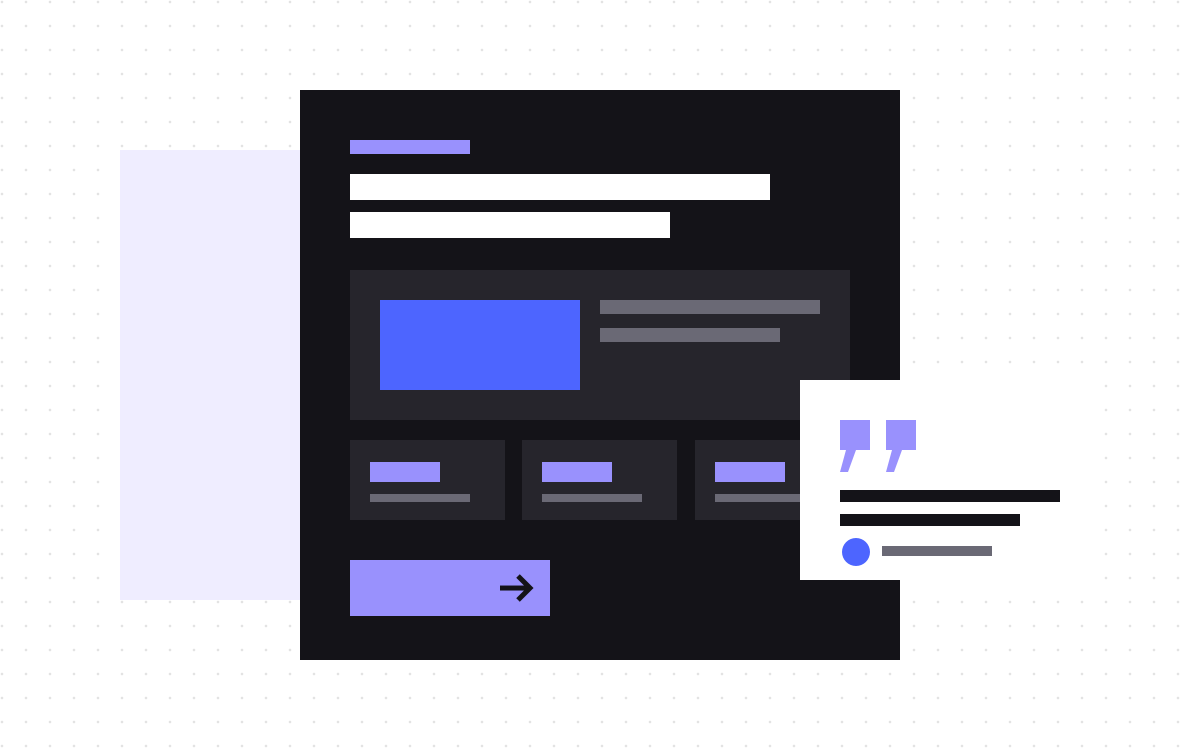
- One short quote from a customer like the reader, with a real name and a real role.
- A few customer logos you have permission to use.
- A real review score, if you have one, with a link.
Leave out invented numbers and anonymous praise. One real quote is worth more than a wall of logos nobody recognises.
Fix what happens after the send
Most demo pages stop at "Thanks, we will be in touch", which is the moment interest is highest. A better flow:
- Form accepted, and the calendar appears right there.
- They pick a time, and the invite goes out.
- The page says what to prepare, if anything.
- If they do not book, a person replies within the time you promised.
If your team cannot reply quickly, say what they can expect. An honest "within one working day" beats a vague "soon". Then make sure you can measure it: see tracking booked calls in GA4.
Worked example
An invented example, to show the shape of the change.
| Part | Before | After |
|---|---|---|
| Heading | Request a demo | See how your team would close the month faster, in 20 minutes |
| Under the heading | Our experts will contact you | A product specialist shows the reports your team would use. Best for finance teams of 5 or more |
| Form | Nine fields | Work email, name, company, team size |
| Button | Submit | Pick a time |
| After the send | Thanks message | Calendar on the same page |
| Beside the form | Nothing | One customer quote |
How to tell if it worked
- Write down your starting point. Page visits, leads and booked calls for the last few months.
- Change the big things together if traffic is low. An A/B test needs enough visits to tell you anything, and many demo pages do not get them. Make one clear change, and compare over a sensible period.
- Allow for outside causes. A campaign or a holiday can move the number too.
- Ask sales. Are the leads as good as before? More leads of a worse kind is not a win.
- Read the fields. Answers in a free text field often tell you what the page should have said.
What to do next
Walk the path on your phone today, and fix the bugs first. They cost nothing to decide. For the page itself, our guide to landing pages that convert covers the wider structure.
If you want help, we build landing pages from $500. You can also send us your demo page and we will tell you what we would change first.

Terms used: Core Web Vitals, AEO