


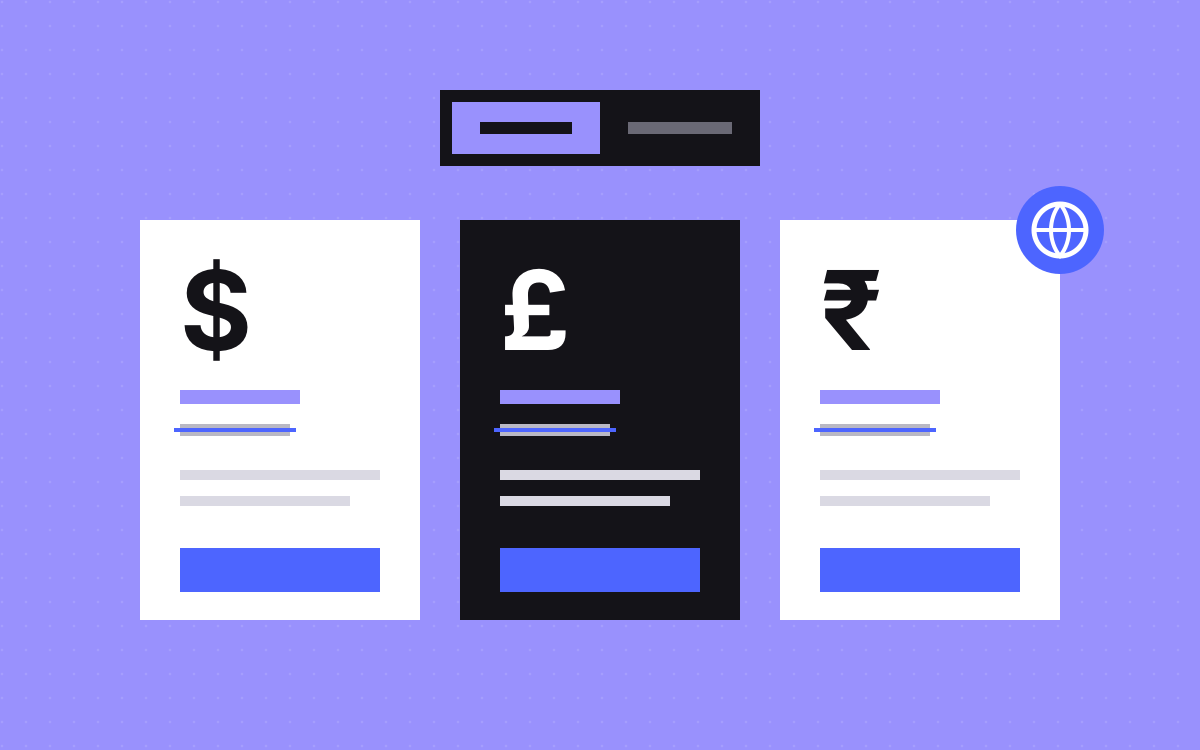
- Set a fixed price list for each currency you sell in. Do not convert live with exchange rates.
- Guess the currency from the browser's time zone, then let the visitor change it.
- Keep a default currency in the HTML, so the page reads without JavaScript and crawlers see one clear version.
- An annual or monthly toggle should show the per-month price, the old price struck through and the saving.
- Format prices with the browser's built-in number formatting, so symbols and digit grouping look right.
The short answer
To show prices in the visitor's currency on Webflow, store a fixed price list for each currency you sell in, then pick one with a small script that reads the browser's time zone. India's time zone shows rupees, the UK's shows pounds, and everyone else gets your default. Keep the default prices in the page's HTML, add a way to switch currency by hand, and format each number with the browser's built-in currency formatting.
How CUBE does it
CUBE is a construction platform whose Webflow site we extend from their HTML prototypes. Their pricing page reads the visitor's time zone and shows rupees, pounds or dollars. It switches between annual and monthly billing with the old price struck through, and it shows India-only sections where they apply. A full seat calculator sits on the same page.
We do not quote CUBE's prices here. All numbers below are samples.
Time zone, IP or language?
There are three common ways to guess where a visitor is. Each has a weak spot.
| Signal | Where it comes from | Good at | Weak at |
|---|---|---|---|
| Time zone | The browser, through Intl.DateTimeFormat().resolvedOptions().timeZone | No server needed, no permission prompt, works on any host | Travellers, and zones that span several countries |
| IP address | A lookup on a server or at the edge | Country level accuracy for most visitors | VPNs, and it needs a server step |
| Browser language | navigator.language | Choosing the language of the page | Currency, since many people use English (US) wherever they live |
For a Webflow site with no server of its own, the time zone is the simplest signal that is good enough. MDN describes it as an IANA time zone name, such as Europe/London.
Map time zones to currencies
Keep the map short and explicit. A sample:
Asia/Kolkatato INR. Also matchAsia/Calcutta, an older alias that some systems may still report.Europe/Londonto GBP.- Everything else to USD, your default.
Watch the edges. Europe/London covers the UK only, so Ireland needs its own line if you price in euros. Large countries have several zones, so list them all. Whatever the map says, show a currency switch so a visitor can correct a wrong guess, and remember their choice.
Set fixed prices per currency
Converting with live exchange rates gives odd numbers that change from day to day. Most teams set a price per currency instead, rounded for each market. Store those prices in one place: a CMS Collection of plans with a field per currency, or data attributes on each price element.
| Plan (sample) | USD | GBP | INR |
|---|---|---|---|
| Starter, monthly | $40 | £32 | ₹2,900 |
| Starter, annual (per month) | $32 | £26 | ₹2,300 |
These are made-up sample numbers to show the shape, not anyone's real prices. Notice that each currency is rounded on its own terms rather than converted to the cent. Review the list whenever exchange rates move a lot, and change it on purpose, not by accident.
Build the annual and monthly toggle
One switch, two states, and every price updates together. For each plan, show:
- The per-month price for the chosen period.
- On annual, the monthly price struck through, so the saving is easy to see. Use a
delorselement, and add hidden text such as "was" for screen readers. - The saving as a label. With the sample above, $40 a month against $32 a month on annual is a 20% saving.
- What is billed and when, such as "billed yearly".
Work the saving out from the two prices in the script, not as typed text, so it never goes out of date.
Region-only sections
Some content applies to one market only, such as a local payment method or a regional plan. Mark those sections with an attribute such as data-region="in" and let the script show them only when the currency matches.
Think about search before you hide content. Google's page on locale-adaptive pages says its crawler's default IP addresses appear to be in the USA, and warns it might not crawl, index or rank all your content for different locales. So the default version in your HTML is the one to count on in search. If a market matters for search, give it its own page. Our post on international SEO with subfolders and hreflang covers that route.
Format the numbers properly
Do not build price strings by hand. Intl.NumberFormat with style: "currency" puts the right symbol in the right place and groups digits the local way. With the en-IN locale, large rupee amounts are grouped as 1,00,000, which is how Indian buyers expect to read them. Pass maximumFractionDigits: 0 if your prices are whole numbers.
If your schema markup lists prices, keep it in step with the default currency in the HTML. Our schema markup guide explains why markup must match the page.
Send the choice onward
The currency and billing period a visitor picks should follow them to the next step. Otherwise they see one price on your page and another at checkout or on a sales call.
- Add the currency and period to sign-up and checkout links as URL parameters, so the next page opens on the same choice.
- Pass them into your contact or demo form as well, so sales knows which price the buyer saw.
- Remember a manual choice in the browser, wrapped in a check so the page still works if storage is blocked.
- Make sure your billing system really supports each currency you show. A rupee price on the page that turns into dollars at checkout breaks trust fast.
Test the whole path once per currency, from the pricing page to the last screen a buyer sees.
Checklist before launch
- With JavaScript off, the page shows the default currency and every plan.
- Change your computer's time zone and reload: India shows rupees, the UK pounds, anywhere else your default.
- The currency switch works and the choice sticks on the next visit.
- The toggle updates every price, struck price and saving at once.
- Region-only sections show and hide with the currency.
- No layout shift when prices swap: reserve space for the longest price.
- Checkout or sales links carry the chosen currency and period.
What to do next
Write your price list for each currency first. That is a business decision, not a design one. Then decide which signal picks the default. If you want help building it, see Webflow development or send us your pricing page. Our pricing page entry has more on what buyers look for.

Terms used: Webflow, Pricing page


