


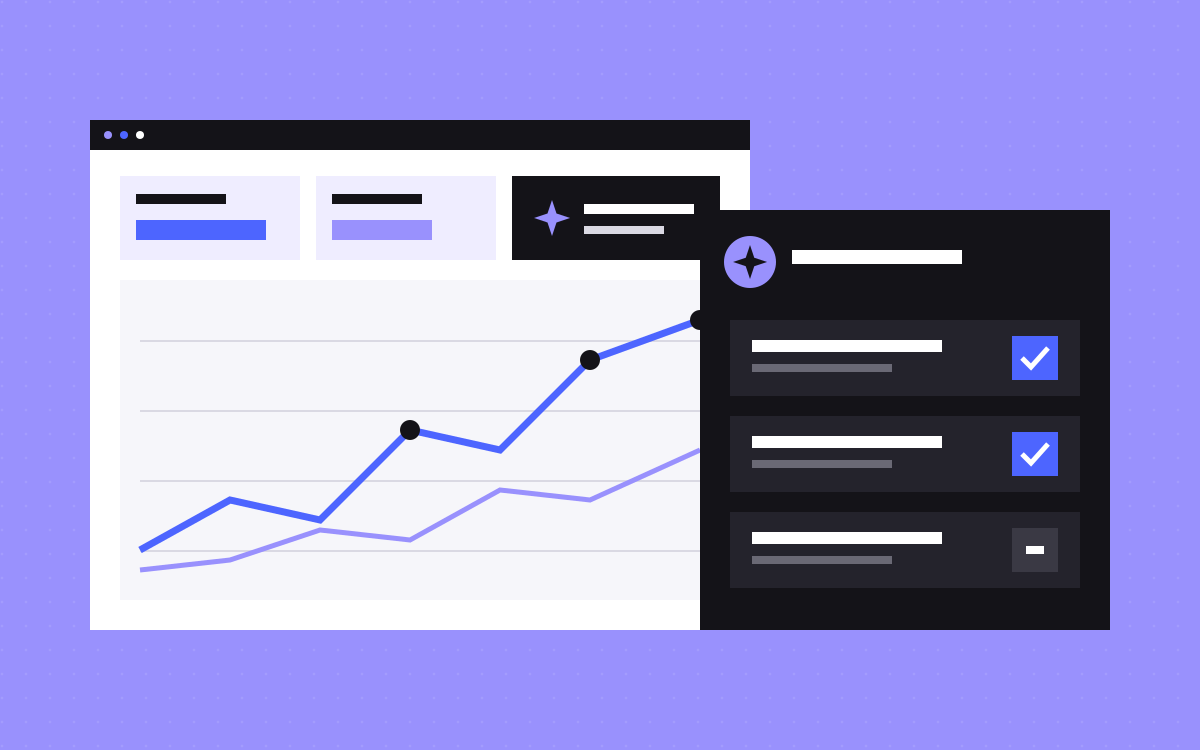
- Webflow AEO is a built-in product with two parts: analytics and agents.
- Analytics covers how your brand appears in AI answers, which AI bots visit, and what referred visitors do.
- Agents flag issues with metadata, schema, alt text and links, and suggest fixes for most. Nothing changes until you accept it and publish.
- Access depends on your plan and add-ons, and content agents are the most limited.
- It does not earn mentions on other sites or promise citations. Your facts and judgement still matter.
The short answer
Webflow AEO is a product inside Webflow that measures how your brand shows up in AI answers, then uses agents to suggest and apply improvements to your site. It has two parts: AEO analytics and AEO agents. Webflow says it is not sold as a standalone tool, so it only helps sites on Webflow.
It speeds up the checking and the routine fixes. It cannot promise that an AI tool will cite you. If you are new to the idea itself, start with what AEO is. This post is about the product.
Part one: AEO analytics
Webflow's product page describes three things you can see:
- Visibility in AI answers. Which tracked prompts your brand appears in, how often you are cited, and how that trends over time.
- AI crawl activity. Which AI bots visit, which pages they focus on, and how that changes as you update pages.
- Visitors from AI search. How people referred by AI tools reach your site, engage with it and convert.
Read prompt tracking as a sample. It covers the prompts you chose to track, and AI answers can vary from one try to the next. Look at the trend across many prompts, and do not celebrate or panic over one result.
Part two: technical agents
Technical agents scan your site and list prioritised fixes. Webflow names broken links, outdated metadata and missing schema markup among them, and its help pages also mention alt text. Going by the agents help page:
- Recommendations sit under Insights, then Recommendations.
- Accepted changes go to page settings, CMS items and assets.
- Nothing goes live until you accept it and publish.
- Agents use Webflow AI credits each time they run.
- Broken link recommendations show where the issue is, with no suggested fix.
This is the part most likely to save time, because metadata and alt text across many pages are slow to fix by hand and easy to check afterwards.
Part three: content agents
Content agents arrived later. Webflow's update describes three steps: recommend content gaps, including where competitors are cited and you are not; turn a topic into a brief; and draft an article as a new CMS item, ready for review.
The help pages say they also need tracked prompts and competitor domains set up under Organization info. A draft is where the work begins. An AI draft has no first-hand experience of your work unless you add it, and that detail is often what makes a page worth citing. Treat it the way you would treat a first draft from someone new to your business.
Who can get it
Webflow's help overview and agents page set out access like this.
| Part | What Webflow's help pages say |
|---|---|
| Webflow AEO overall | A Team or Enterprise Platform plan with the Workspace AI toggle on |
| AEO analytics | Also needs the Analyze add-on, and some features need Analyze visitor tracking on. It does not use AI credits. |
| Technical agents | Included with the plans above, and use AI credits |
| Content agents | Enterprise with the Analyze add-on |
The product page describes analytics as available with Analyze for Enterprise, so if you are on Team, ask Webflow to confirm. Webflow's other AI tools include SEO and AEO improvements with suggestions. Check which of those your plan includes, as they are separate from this product.
What it does not do
- It does not guarantee citations. Nobody controls what an AI tool says.
- It does not build your reputation elsewhere. AI tools also read reviews, directories and articles about you. See how to get cited by ChatGPT and Perplexity.
- It does not know your facts. Prices, client names and claims need a person who knows they are true.
- It does not replace search work. Good AEO stands on good SEO. Start with our Webflow SEO checklist.
How to review agent suggestions
Accepting a fix takes one click. Undoing a bad one across many pages takes much longer. Before you accept, check:
- Titles and descriptions. Do they still match the page, and keep your main search phrase on pages that already rank?
- Schema. Does it describe only what a visitor can see? See our schema guide.
- Alt text. Does it describe the image, in plain words, with no keyword stuffing?
- Broken links. Webflow shows where the link is and leaves the fix to you. Send it to the right page, not only a page that works.
- Facts. Is every number, name and claim true? Hold anything you cannot confirm.
- Batch size. Try a small group first, and publish. Watch Search Console before you do the rest.
No access? The same jobs by hand
| Webflow AEO job | Manual version |
|---|---|
| Track prompts | Keep a list of real buyer questions and try them in each AI tool once a month. Note who gets named. |
| See AI bots | Check your host or firewall logs, if they are available, for bots such as GPTBot. |
| AI referrals | Look in GA4 for visits from AI tools. Some visits pass no referrer, so treat it as a minimum. |
| Technical fixes | Run a crawler, then fix titles, schema, alt text and broken links in a sheet. |
| Content gaps | Note which sites get named for your questions, then write what you can honestly say better. |
It takes longer, and the logic is the same. On a smaller site, this may well be enough.
Is it worth paying for?
A simple way to decide:
- Likely worth it: a large Webflow site, already on a plan that includes it, with someone who will review suggestions each week.
- Maybe later: a small site where a monthly manual check takes an hour or two.
- Not yet: pages that are unclear, thin or out of date. Fix those first, since no agent can supply what you know and have not written down.
What to do next
Check what your plan includes, then pick one group of important pages to test, and review each suggestion using the list above. If you would like help with the review or the content behind it, see SEO and AEO or Webflow SEO, or send us your site. We can tell you what we would fix first, but we cannot promise citations, and nobody honestly can.

Terms used: Webflow, AI visibility


