


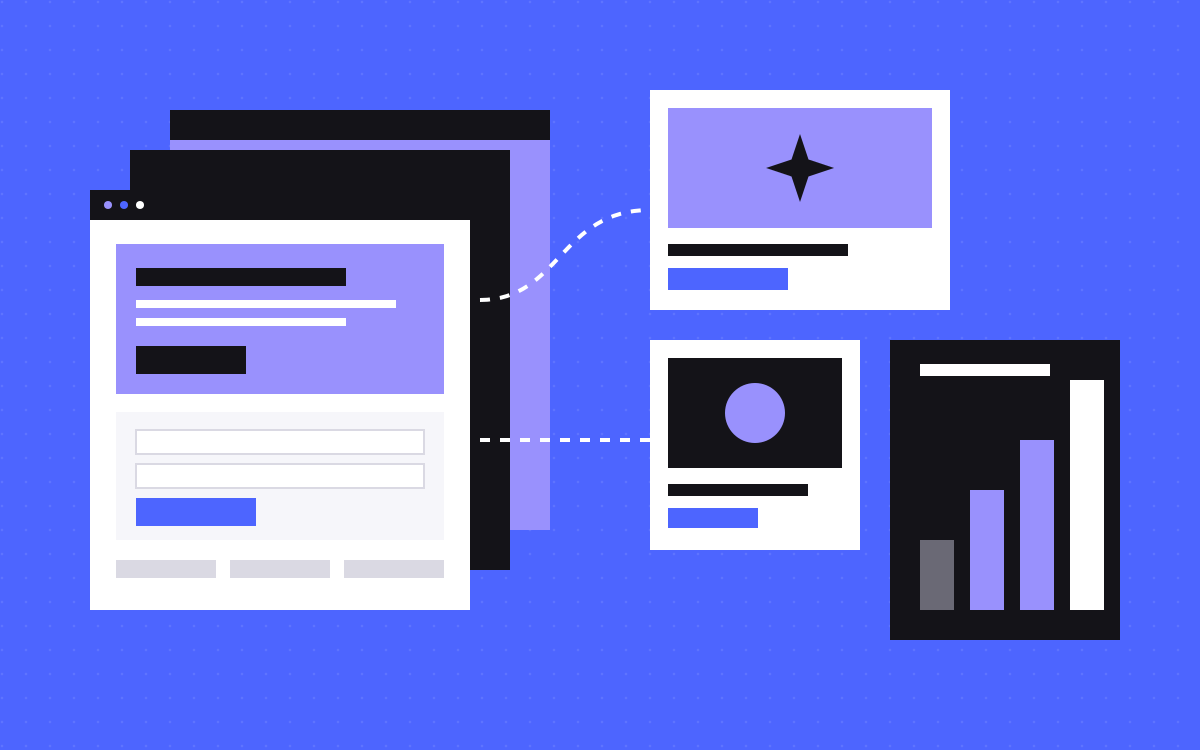
- Webflow Campaigns is a standalone tool for landing pages, page variations, ads and reporting.
- It works alongside your main site, whether or not that site runs on Webflow.
- It suits teams running paid campaigns often, who use the forms and ad channels it connects to.
- It suits less well if you run few campaigns, or your forms and ad channels are elsewhere.
- Generated pages still need a person to check facts, proof, tracking and consent.
The short answer
Yes, if you run paid campaigns often, your web team is the bottleneck and you use the tools it connects to, such as HubSpot or Marketo forms and Google Ads. Webflow Campaigns is a standalone product that generates landing pages and ads from a brief. If you launch a page or two a quarter, you probably do not need it yet.
One thing to know: we build landing pages for a living, so read our view with that in mind. The tests below work whichever way you go.
What it is
Going by Webflow's launch post, Campaigns works alongside your core website, whether that runs on Webflow or another CMS. It is built for demand generation, growth and performance marketers, who can then launch without joining the web team's queue. Webflow groups the work into four stages:
- Plan. It pulls your brand from your website into a design system, then an agent helps you develop the brief.
- Build. It generates landing pages and matching ads. You edit them on a visual canvas or through AI tools using Webflow's MCP.
- Launch. You connect Marketo or HubSpot forms, and set up Google Ads Performance Max campaigns.
- Measure. It tracks sessions and conversions, connects to HubSpot or Salesforce for pipeline, and suggests what to improve.
If you plan to drive it from Claude or another AI tool, read the fine print. Webflow's developer changelog describes the MCP tools as covering building and measuring, with forms and ad pushes staying in the Campaigns interface. As of that note, the MCP tool works only on sites in the Early Access program, so ask whether yours qualifies.
Page variations are the useful part
Each variation gets its own URL, aimed at a persona, an industry or a single account. Here is a made-up example of a webinar campaign aimed at two industries:
- Base page. The offer, the date, the speaker and the form.
- Variation for fintech. A headline and a proof point that talk about audits.
- Variation for healthcare. A headline and a proof point that talk about patient data.
- Matching ads. Each ad uses the same words as its page.
This helps only if each version says something true and specific. If you swap only the industry name, you have many copies of one page. See the line between useful and thin pages.
Who should use it
- You run paid campaigns most months.
- Good campaign ideas are waiting on web team capacity.
- Your forms run through HubSpot or Marketo.
- Google Ads is a main channel.
- You want campaign results and pipeline in one view.
- You have someone who owns the brand and will check what gets generated.
If most of these are true, ask for a demo and test it with a real brief.
Who should wait
- You run few campaigns. A landing page in your main site is simpler and needs no extra product.
- Your stack is different. If your forms, CRM or ad channels are not the ones Webflow names, ask how they connect before you commit.
- The page must rank. Long-term pages you want found in search belong on your main site, with its navigation and internal links.
- Your brand is not settled. A design system pulled from a messy site will carry the mess with it.
- You have nothing true to say yet. A page is quick to generate. Proof, offers and customer words still come from you.
Campaigns or a page on your main site?
| Question | Campaigns | Page on your main site |
|---|---|---|
| Who builds it? | The marketer, with agents | Your web team or a partner |
| Best for | Many short campaigns and variations | A few lasting pages |
| Design | Generated from your brand, then edited | Your own components |
| Ads | Created in the same workflow | Made elsewhere |
| Tracking | Reporting in the product | Your own setup |
| Cost | An extra product. Ask Webflow. | The build. Ours is $500 per landing page. |
Many teams will want both: lasting pages on the main site, and short campaigns somewhere quicker.
Questions to ask before you buy
Webflow's public pages did not settle these when we read them, so put them to Webflow in the demo.
- What does it cost, and which plan does it need? Help pages say Campaigns can use Webflow AI credits, so ask how that works too.
- Where do pages live: on your domain, a subdomain or somewhere else? How do you set that up?
- Can you add your own tag manager, analytics and consent tool?
- Which form tools and ad channels work today, and which are planned?
- Can your developers add custom code, and who owns the pages if you stop paying?
- Can you export pages, or move them to your main site?
- Who can publish, and can you require approval first?
Run a real test
Do not judge it on a sample brief. Take a campaign you are actually planning.
- Write the brief as you would for your web team, with the real offer and proof.
- Generate the page and one variation.
- Score it: does it look like your brand, is each claim true, and how much editing did it take?
- Open it on a phone, and run a speed test.
- Send a test lead and see where it lands.
- Compare the time taken with your normal route, including the review.
For what makes the page itself work, read how we design landing pages.
What a person still has to check
- Claims. Numbers, customer names and comparisons must be true and allowed.
- Message match. The ad's promise must be on the page, in the same words.
- Tracking. Test that conversions fire once. See our tracking setup.
- Consent. Check that your cookie and privacy setup covers these pages. This is not legal advice, so ask your adviser about your rules.
- Clean-up. Old campaign pages need an owner and an end date, or an offer will outlive its welcome.
What to do next
Count how many campaigns you ran last quarter and how long each page took. If the queue is your real problem, book Webflow's demo and bring the questions above. If you need one strong page rather than a new tool, see landing pages or send us your brief, and we will tell you honestly which route fits.

Terms used: Webflow, Landing page


