


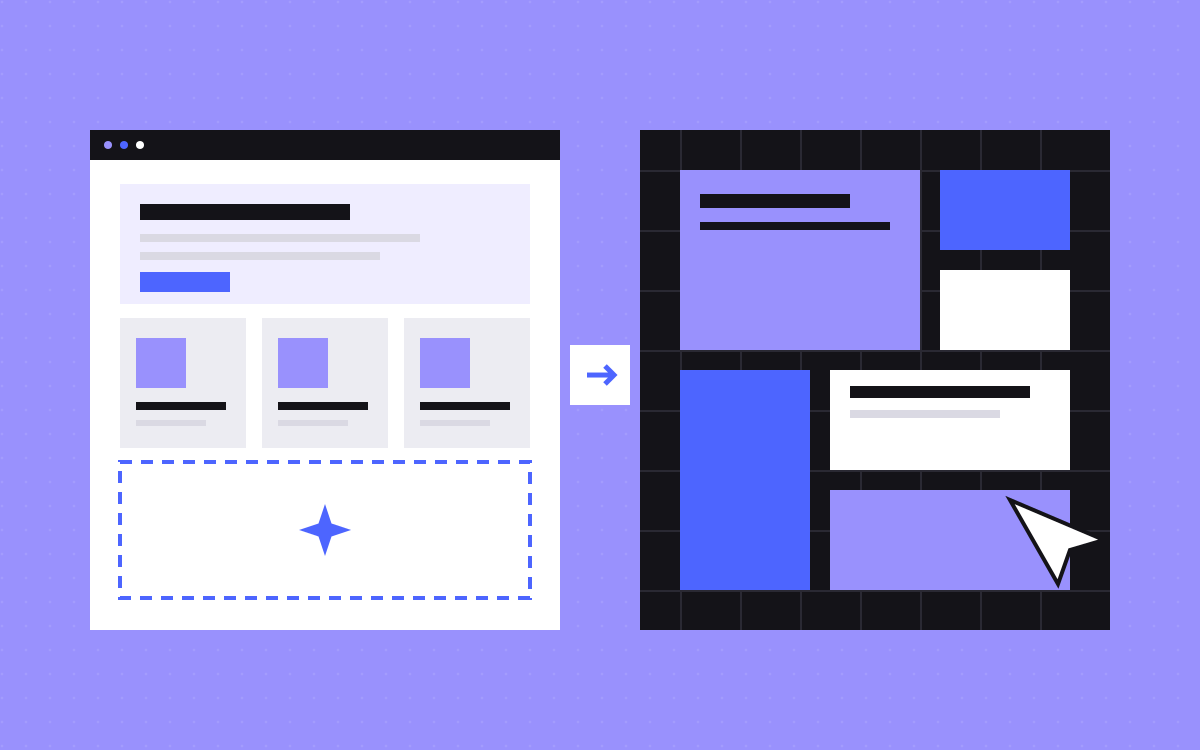
- Pick a template when your content roughly fits it, you are launching one site and speed matters most.
- Pick a custom build when you need page types, a brand look or a CMS the template does not have.
- Test the fit first: map your real copy onto the template, block by block, before you buy.
- A paid Webflow template covers one site. Changing it does not free it from the licence.
- A template still needs real work: fitting content, reworking sections, SEO, forms and launch checks.
The short answer
Use a Webflow template when your content roughly fits its structure, you have one site to launch and speed matters more than a distinct look. Choose a custom build when your pages, brand or CMS need something the template does not have, or when several people will keep building on the site for years.
Neither choice is the grown-up one. A template used well beats a rushed custom build. What matters is whether your content fits, so test that before you spend anything.
What a template saves, and what it does not
A template gives you page layouts, a visual style, base classes and responsive behaviour that someone has already worked through. That is real time saved.
It does not give you:
- Copy and images written for your business.
- Sections that match what you need to say.
- Your titles, descriptions, social images and schema.
- Forms that reach the right inbox or CRM.
- Redirects from your old site, tracking, or a connected domain.
So a template shortens the design stage. It leaves most of the rest of the job in place.
Two template projects we worked on
Cerigo, a specialty chemicals company, needed a site live fast. They bought a Webflow template and sent their own copy and images. The template looked right, but the content was written for a different structure: sections were too long, too short or missing, and a straight copy and paste would have looked broken. We fitted the content page by page, reworked the sections that did not fit, set up SEO and forms, and launched in a week. Cerigo did not need a CMS, so the site is static.
1by0, an AI product and consulting studio, also chose a template. We placed their copy and images across its pages and adjusted the sections that did not fit their content.
In both, the template was the start of the work, and the fitting is what made it read well.
A decision table
Answer each row honestly and count the columns.
| Question | Points to a template | Points to custom |
|---|---|---|
| Do your pages match? | Your pages map onto the template's pages | You need page types it does not have |
| How distinct must it look? | A close visual match is fine | You have a brand or a Figma design to follow |
| What does the CMS need to do? | Nothing, or a simple blog | Several linked Collections |
| How long will it live? | A first site, or a site you may replace soon | A site you will grow for years |
| Who adds pages later? | A small team, few new layouts | Many people, many new layouts |
Four or five in the template column: buy one. Four or five in the custom column: build. Anything in between: run the test below.
The content test
Do this before you pay for a template. It needs only your real copy and the template's preview.
- Take your home page copy and one inner page. Real words, not placeholders.
- Open the template preview next to them.
- Give each block of your content one label: fits, trim (the template wants less), rework (the section needs changing) or missing (no section for it).
- Count the labels.
Mostly fits and trim, the template will work. Mostly rework and missing, you would pay for a custom build while living with someone else's structure. A mix usually means a template plus a few new sections, which is what Cerigo needed.
Check these before you buy
- Phone view. Open the preview on a real phone, and check menus, tables and long headings.
- Speed. Run the preview through a speed test. Heavy animation and large images come with the template. See our notes on Webflow speed.
- Structure. Look for sensible class names and real components, as these decide how easy later edits will be.
- CMS setup. If you need a blog, check which Collections come with it and whether the fields suit you.
- Fonts and images. Read the listing to see what is included for your use.
- Support. Read what the listing says about help from the template's creator.
The licence, in plain words
This is our reading of Webflow's template licence page, not legal advice. Read the page and the template's own listing before you rely on it.
- Paid templates. Each one has a Single Use License, which means one site.
- Changes do not matter. However much you modify it, the result stays under that licence.
- No copying to another site. You may not duplicate a paid template for another website. A new client or a new site needs a new licence.
- Client work. You can build for one client, and that client cannot resell the result.
- Free templates. These are royalty-free for personal and commercial projects and can be used for any number of clients, but you cannot resell or redistribute them as they are.
- From scratch. A site you build without a template is not under the Single Use License.
The middle road: template plus new sections
You do not have to choose only one. Keep what fits and build the rest in the template's own style. That means using its fonts, spacing and classes for new sections, so nobody can see the join.
Set a limit up front. If you are replacing most sections and rewriting most styles, stop and price a custom build. Past that point, the template is adding work, because you are also undoing it.
What each route takes
Our prices are on the pricing page. A website designed and built by us starts from $2,500 for up to 5 pages, with CMS and blog, and takes 3 to 5 weeks. A single landing page is $500. Small jobs can run at $35 an hour, and the hourly page explains how that works.
A template job depends on how much rework your content needs, so we quote it after seeing both. The template and the Webflow plan are separate costs from any build. For the wider picture, read what a Webflow website costs.
Clean-up that template sites often miss
- Delete demo pages, demo CMS items and sections you did not use.
- Replace every demo title, description and social image.
- Check that demo pages are gone from the sitemap.
- Send a test through every form and check where it lands.
- Remove demo images and fonts you are not using.
- Check there is only one H1 on each page, and that headings run in order.
- Run our launch checklist before you connect the domain.
What to do next
Run the content test on one page this week. If it comes out clearly one way, you have your answer. If it does not, send us your copy and the template link and we will tell you what we would keep, what we would rework, and whether custom makes more sense. For custom work, see Webflow development.

Terms used: Webflow, Core Web Vitals


