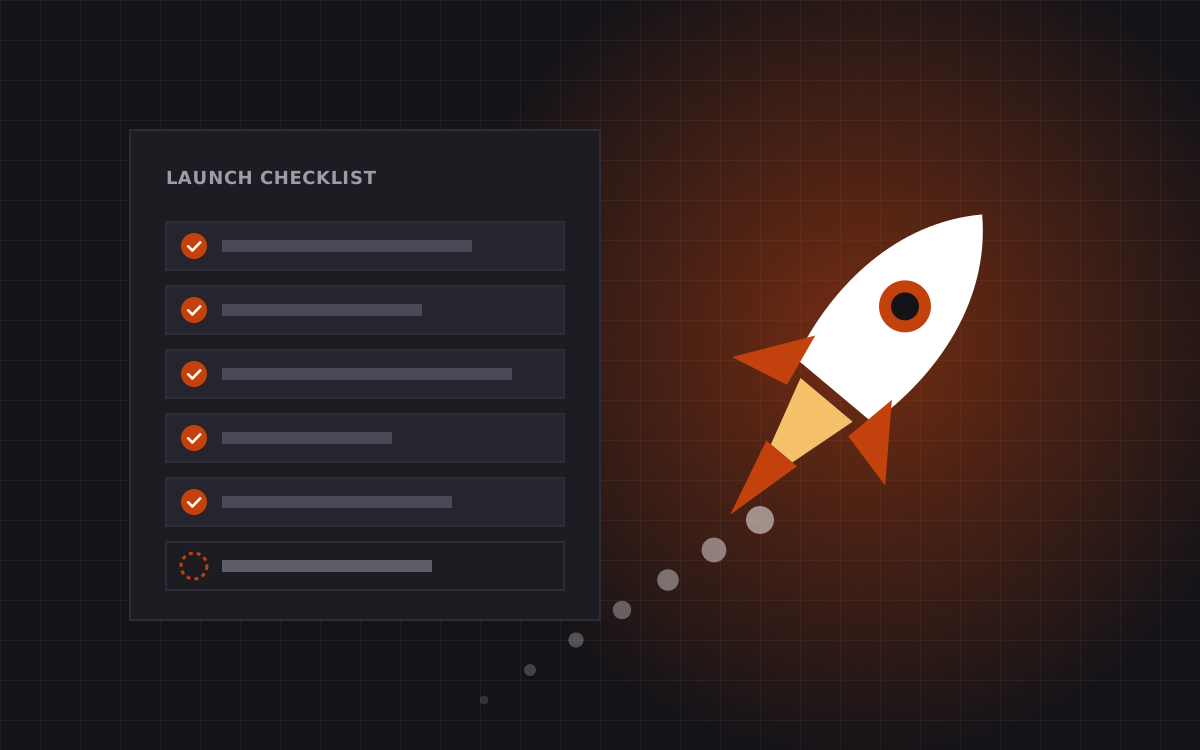
- A website launch checklist catches the small things that cost the most: broken forms, missing redirects, blocked crawlers and slow pages.
- Split the checks into content, SEO and AEO, speed, accessibility, forms and tracking, and launch day itself.
- Run most checks on staging a week before launch, not on the morning you go live.
- Launch on a quiet weekday morning with the team around, never on a Friday evening.
- The first week after launch matters as much as the week before. Watch Search Console, forms and analytics daily.
Why every site needs a launch checklist
A website launch checklist is a fixed list of checks you run before and after a site goes live, so nothing important slips through. Ours covers content, SEO and AEO, speed, accessibility, forms, tracking, redirects and the first week after launch. We run the same list on every site we ship, whether it is a $500 landing page or a large migration.
Why so strict? Because the problems that hurt most after launch are rarely big. They are small and boring. A contact form that sends to an old inbox. A staging setting that hides the site from Google. A missing redirect on the page that brings in half your leads. Each takes minutes to fix before launch, and can cost weeks of traffic or leads after.
Below is the checklist as we use it. Copy it, adapt it, and run it on your next site.
Content checks
- Every page in the sitemap exists, with final copy. No "lorem ipsum" anywhere, including hidden tabs and mobile-only blocks.
- Spelling and grammar checked by a person, not just a tool.
- Names, prices, dates and numbers match your source of truth.
- Client logos and testimonials are used with permission.
- Legal pages are in place: privacy policy, terms, cookie notice if needed.
- The 404 page is designed and links back to useful pages.
- Every button and link has a clear label and goes somewhere real.
- Contact details are the same in the header, footer, contact page and schema.
- Images have the right crop on desktop and mobile.
- Favicon and app icons are set.
Tip: read every page on a phone, out loud. You will catch more mistakes than reading on a big screen.
SEO checks
- Each page has a unique title tag, ideally under 60 characters, with its main keyword.
- Each page has a unique meta description of about 150 to 160 characters.
- One H1 per page, followed by H2s and H3s in order.
- URLs are short, lowercase and readable.
- Canonical tags point to the right version of each page.
- The XML sitemap lists every page you want indexed, and nothing you do not.
- robots.txt allows crawling on production. Staging is blocked.
- No "noindex" tag left on pages that should rank.
- Open Graph title, description and image set for sharing.
- Internal links connect key pages, with descriptive anchor text.
- Images have descriptive alt text.
If this launch replaces an old site, the redirect checks below are the most important part of the whole list. Our guide to moving from WordPress to Webflow without losing rankings covers them in depth.
AEO and structured data checks
Answer engines like ChatGPT, Perplexity and Google AI Overviews need clean, readable pages too. We add these checks to every launch:
- Key pages open with a one or two sentence answer to their main question.
- Organization schema in JSON-LD, with name, logo, URL and social profiles.
- Service, Article, FAQPage and BreadcrumbList schema where they fit.
- Schema validates without errors in a structured data testing tool.
- FAQ answers on the page match the FAQ schema word for word.
- robots.txt rules for AI crawlers are set on purpose, not by accident.
- llms.txt published if you use one, with current facts. It is a proposed convention, not a standard, so it is optional.
Read what is AEO for the reasoning behind each one, or see our SEO and AEO service.
Speed checks
We aim for a Lighthouse mobile score of 95 or more on every page we build. These checks get us there:
- Images compressed, served in modern formats and sized for their slot.
- Images below the fold are lazy loaded. The main hero image is not.
- Width and height set on images and embeds, so nothing jumps while loading.
- Fonts limited to the weights you use, loaded with a sensible fallback.
- Third-party scripts reviewed. Each one has a clear owner and reason.
- Videos are not autoplaying large files on mobile.
- Core Web Vitals checked on a mobile profile for the home page and the main templates.
| Metric | What it measures | Good target |
|---|---|---|
| LCP | How fast the main content appears | Under 2.5 seconds |
| INP | How fast the page reacts to taps and clicks | Under 200 milliseconds |
| CLS | How much the layout jumps around | Under 0.1 |
These are Google's published "good" thresholds. Building on Astro makes them easy to hit, and careful builds on Webflow get there too.
Accessibility checks
- Text contrast meets WCAG AA on every background, including buttons and hover states.
- The whole site works with a keyboard. Focus states are visible.
- Menus, tabs, sliders and pop-ups can be opened and closed with a keyboard.
- Form fields have labels, not just placeholders.
- Error messages explain what to fix.
- Motion respects the reduced motion setting on the visitor's device.
- Page language is set in the HTML.
- Pages still read well with JavaScript turned off, at least for the main content.
Accessibility is not only about compliance. Every fix here also makes the site easier for everyone, and many of them help search engines understand the page.
Forms and integrations checks
Forms are where launches fail most quietly. Test every single one.
- Submit each form with real-looking data.
- Confirm the submission arrives where it should: inbox, CRM, Slack or sheet.
- Check the success message, and the error message when a field is wrong.
- Check any auto-reply email reads well and has the right sender.
- Test spam protection does not block real people.
- Test booking links, such as Cal.com or Calendly, open the right calendar and event.
- Check integrations like Zapier, HubSpot or Airtable map every field correctly.
Our integrations work covers the trickier setups.
Analytics and tracking checks
- Analytics installed on every page and recording visits on the live domain.
- Key events tracked: form submits, booking clicks, demo requests, sign-ups.
- Conversion goals match what the sales team actually cares about.
- Tag manager published, not left in preview.
- Cookie consent works and respects the visitor's choice where required.
- Search Console and Bing Webmaster Tools verified for the domain.
- AI tool referrals, such as chatgpt.com and perplexity.ai, grouped in a report so you can watch the trend.
Set a baseline before launch if you are replacing a site. Without it, you cannot tell whether the new site is doing better. See analytics and tracking.
Launch day checks
We launch on a quiet weekday morning, with the team online for the rest of the day. Never on a Friday evening.
- Add all 301 redirects before the domain switches.
- Connect the domain. Check HTTPS on the root and www, with one redirecting to the other.
- Remove any staging password or noindex setting from production.
- Test 20 to 30 old URLs by hand. Each should reach the right page in one hop.
- Click through every page in the main menu and footer on desktop and mobile.
- Submit one of every form on the live domain.
- Submit the sitemap in Search Console.
- Run a final speed check on the live home page.
- Tell the team the site is live, with a link for any issues.
The first week after launch
A launch is not finished when the site goes live. For the first week, we check every day:
- Search Console: new 404 errors, indexing problems, sudden changes in impressions.
- Forms: real leads arriving as expected. If submissions drop to zero, something is wrong.
- Analytics: traffic roughly in line with the old site, events firing.
- Feedback: anything the team or customers report.
The best time to fix a launch problem is the same day you find it. A list of small fixes in week one is normal. A list nobody owns is how good sites slip.
After the first week, we hand over to our care plan for teams that want ongoing help, with small fixes usually done within 24 hours. For one-off fixes, our hourly rate is $35.
Who owns each check
A checklist only works if every line has an owner. On our projects, we split it like this.
| Area | Owner | When |
|---|---|---|
| Content and legal pages | Your team, with our review | Two weeks before launch |
| SEO, AEO and schema | Kookies | During build, checked again on staging |
| Speed and accessibility | Kookies | On every template, then on staging |
| Forms and integrations | Kookies builds, your team confirms delivery | One week before launch |
| Analytics and consent | Kookies sets up, your team confirms goals | One week before launch |
| Redirects and domain | Kookies | Launch day |
| First week monitoring | Kookies, with your team flagging issues | Launch day plus seven |
We keep the checklist in a shared doc with a tick, a name and a date next to every line. It sounds bureaucratic. In practice it takes minutes, and it means nobody has to wonder whether the contact form was tested on the live domain. Someone did it, and you can see who.
If you are running a launch yourself, copy the idea even if you skip the rest. One owner per line, and a date by which it is done.
Want us to run the checklist for you?
Every site we build, from a $500 landing page to a large site from $3,000, goes through this checklist before and after launch. It is part of the price, not an add-on.
If you built your site elsewhere and want a second pair of eyes before launch, we can run the checklist on your staging site and give you a fixed list of fixes. Get in touch, or see our pricing and services.