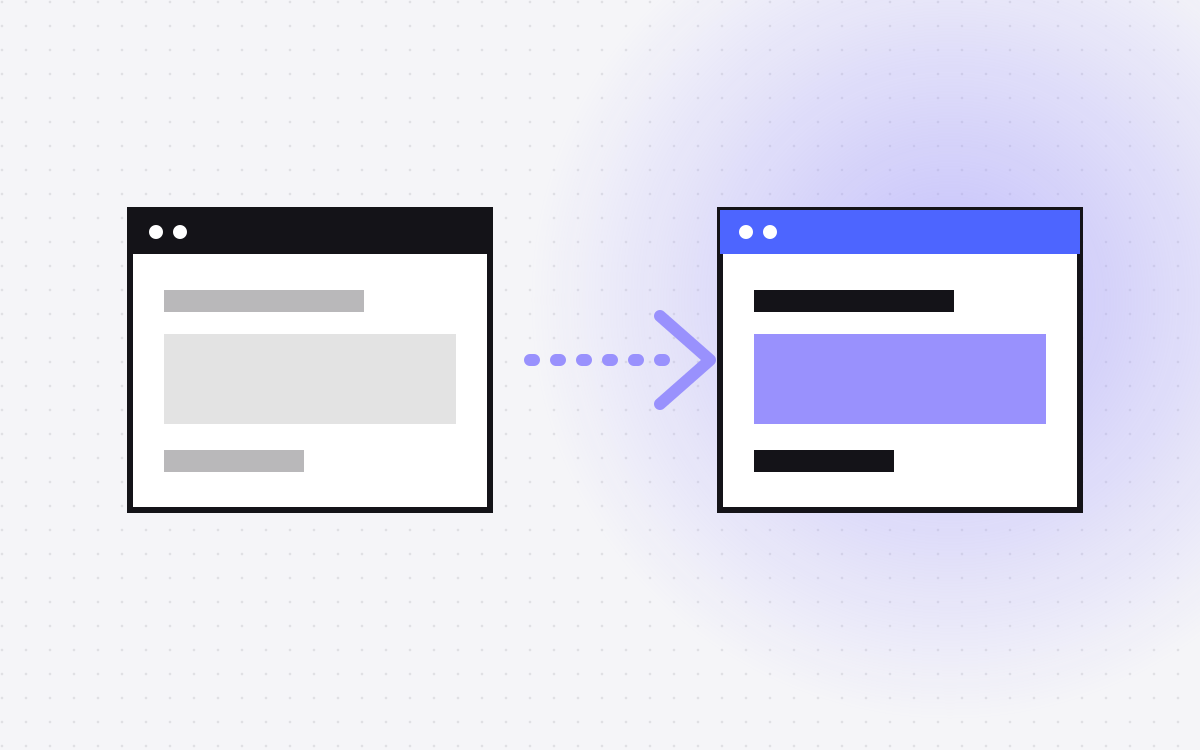
- Moving from Framer to Webflow is a rebuild. The design comes across by eye, while CMS content comes across by CSV.
- Framer's help pages differ on downloading a published site as files, so treat the live site as a reference, not an editable Webflow build.
- Export the CMS and redirects with Framer's plugins. Then convert redirect rules, since the syntax is different.
- Code components are React, so each one needs its own replacement in Webflow.
- Rebuild effects on purpose. Keep the ones that help, and drop the rest.
The short answer
To move from Framer to Webflow, export your CMS and redirects using Framer's plugins, rebuild the design in Webflow with components and classes, import the CMS content by CSV, replace any code components, convert your redirect rules, and then switch the domain. Plan on a rebuild: the live site is a reference, not an editable Webflow project.
If you are still deciding between them, read Webflow vs Framer. If your real need is more code control, moving to Astro may suit you better. See Framer to Astro.
Good reasons to move
A move takes real work, so check you have a reason that a rebuild actually fixes.
- Good reason: your CMS needs have grown, with more references, more editors or more structure, and you have checked that Webflow's CMS suits them.
- Good reason: your team or your partners already know Webflow, and handover is harder on Framer.
- Good reason: you need a Webflow feature or app that your stack depends on.
- Weak reason: speed or rankings alone. Neither platform guarantees those, and the build often matters more. Test your real pages first.
- Weak reason: a messy Framer project. Tidying it may cost much less than a new build.
What you can take out of Framer
| What | How | Use it for |
|---|---|---|
| Published files | Framer's help pages differ: one says you can download them, another says there is no HTML export. Check the current docs | A backup and a reference for spacing, type and copy. Not an editable Webflow build. |
| CMS content | Plugins such as CMS Export give you CSV | Your Webflow CSV import, after cleaning |
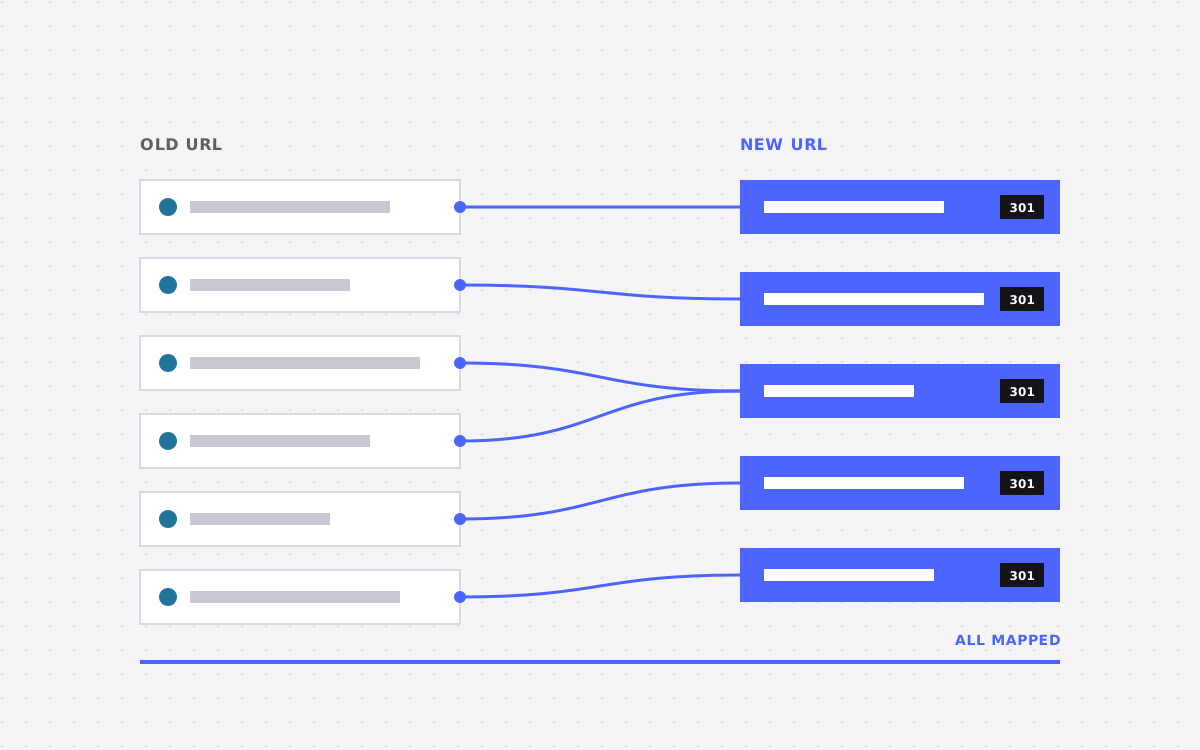
| Redirects | The Redirect Sync plugin exports them to one CSV | Your redirect map |
| Page SEO settings | Crawl the live site | Titles, descriptions, canonicals and social images |
Forms are worth a separate list. Note each form, where it sends and any tool connected to it. Also save submissions you want to keep before you close the project.
Convert your redirect rules
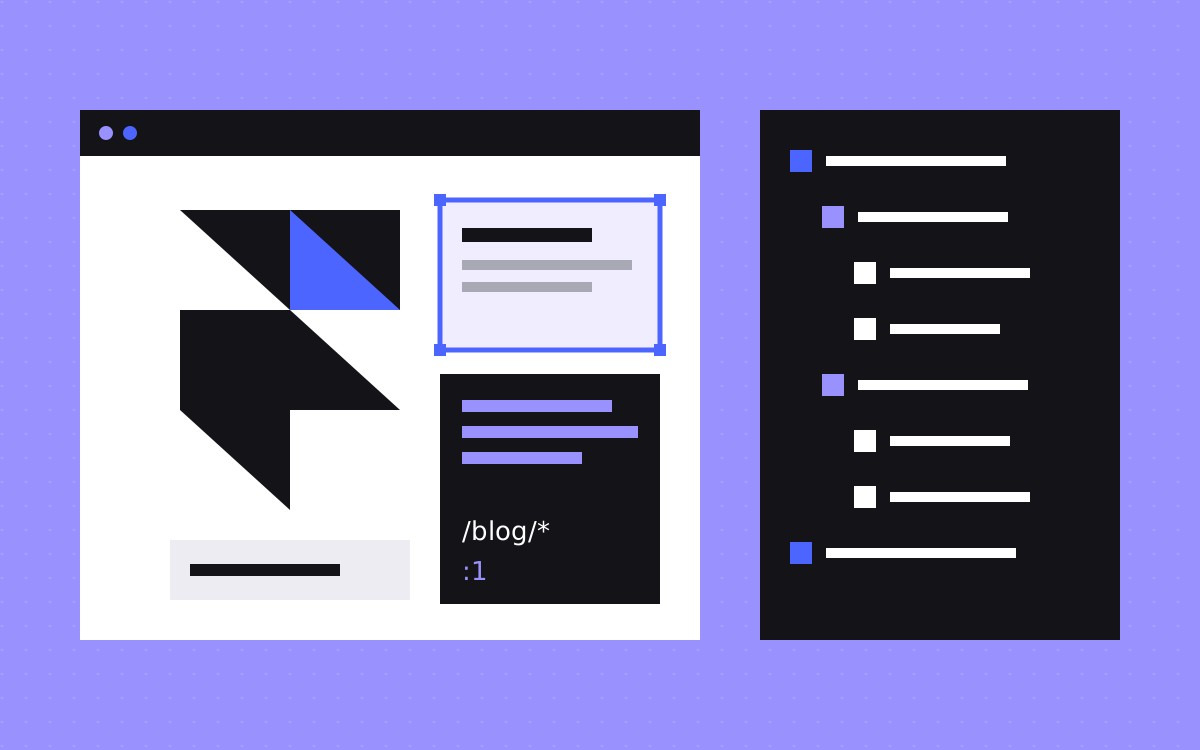
This is the step that is easiest to get wrong, because the two platforms write the same rule differently. Framer uses * for a wildcard and :1 for what it matched. Webflow uses (.*) and %1.
| Framer rule | Same rule in Webflow |
|---|---|
/blog/* to /articles/:1 | /blog/(.*) to /articles/%1 |
/old-page to /new-page | /old%-page to /new-page |
That second row is easy to miss. Webflow asks for % before special characters in old paths, and a hyphen is one of them. The new path does not need it.
Framer also has :slug rules, which match one path segment. Webflow does not use that form, so test these and write them out as single rows if you need to. Then:
- A Webflow CSV import overwrites existing redirects. Export first, even on a new site, since Webflow creates a redirect when you change a slug and tick its redirect box.
- Webflow tries older rules first, so put specific ones ahead of wildcards. Framer sets priority by dragging, so check that the order in your file still makes sense.
- Remove chains. Old Framer rules may point to pages that are moving again. Point each one straight at the final URL.
Our redirect map template has a layout for the rest.
Move the CMS
Framer CMS collections are close in spirit to Webflow's, which makes this the easy part. Set up the Webflow collections first, with fields and references, and then import.
- Paths. Framer CMS pages use a path such as
/blog/:slug, and a Webflow collection has one template at/collection/slug. Keep the same slug. - Images. Webflow pulls CSV images from public URLs, and they do not get responsive variants. Resize large ones first, and import while your Framer site is still live.
- References. Webflow matches them by name or slug, so import the linked collection first. Custom slugs can cause a miss.
- Rich text. Open a few of your longest items after import. Check headings, links and embedded media.
- Size. CSV files can be up to 4 MB, and item limits depend on your site plan.
Replace code components
Framer's code components are React components, so they do not carry over as they are. List each one with what it does, and pick one of these:
- Native. Tabs, sliders, accordions and marquees can usually be built in Webflow without code.
- Small script. Simple behaviour can go in a custom code embed.
- Code component. Webflow has its own route for React components. Read about Webflow code components and check that it fits your plan.
- Drop it. If nobody would miss it, leave it out.
Do the same for marketplace plugins and components. Each one you installed in Framer needs a Webflow answer.
Rebuild the motion
Framer sites often lean on scroll effects, appear animations and page transitions. Do not try to match them one to one.
- Record the live site on a desktop and a phone, so you have a reference.
- Mark each effect as keep, simplify or drop.
- Rebuild the ones you keep with Webflow Interactions, and use custom code only where it is really needed.
- Test on a mid-range phone, and with reduced motion turned on.
This is the moment to fix responsive issues as well. Framer and Webflow treat layout and breakpoints differently, so plan each size instead of expecting the design to translate by itself.
Handle languages
If you use Framer's localisation, your URLs may look like /de/blog/hallo-welt, with a translated slug as well as a prefix. Export each locale's slugs and make sure they appear in your map. Webflow redirects do not cover localised paths, so each language needs its own rules. Check Webflow Localization against your languages and plan before you commit.
Launch checklist
- Every page from the crawl is built, merged or retired on purpose.
- Titles, descriptions and social images match the old site, unless you changed them for a reason.
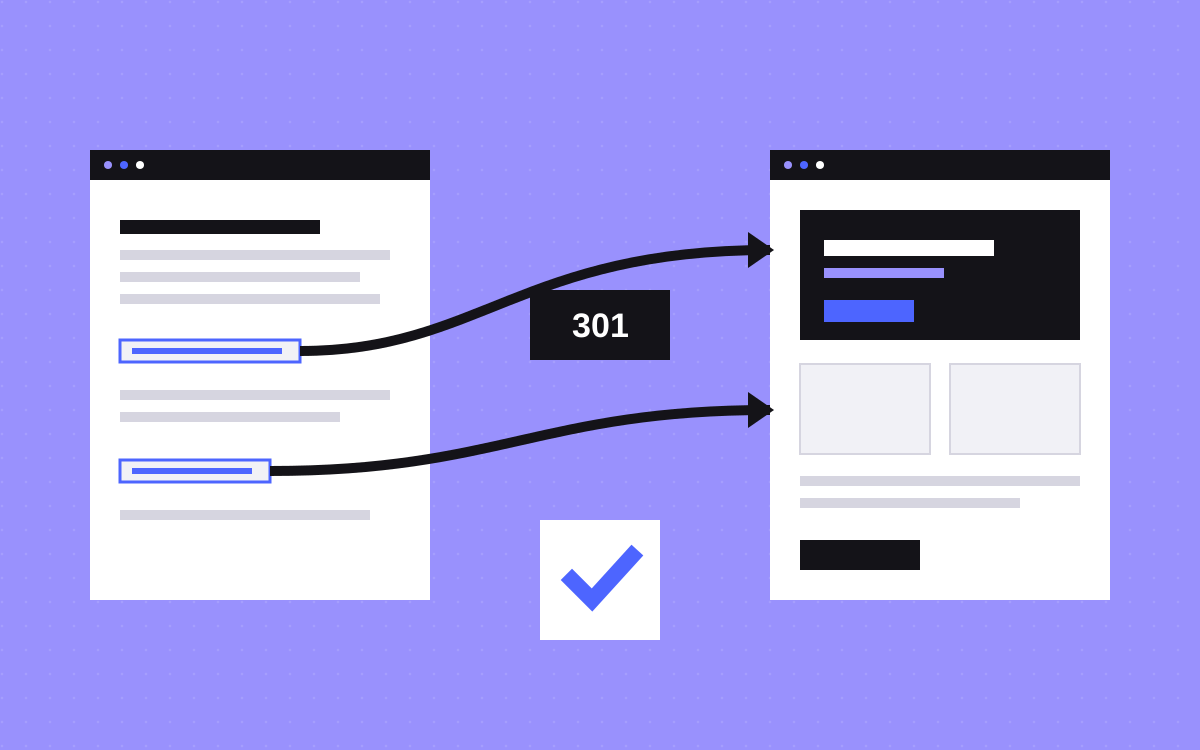
- Redirects are live and tested against a list of old URLs. Each gives one 301 to a live page.
- Forms deliver to the right inbox or tool.
- Analytics and consent work on the new site.
- The sitemap is live and the site is open to indexing.
Then switch the domain in your DNS. Keep the Framer project until you are sure that nothing was missed. If your domain itself is changing too, Framer says a whole-domain redirect is handled at the old domain's host, not through its Redirects settings.
What to do next
Start by listing code components, effects and CMS collections. Those three lists set most of the cost. Send them with your URL, and we will say whether the move makes sense and give a fixed quote if it does. See Framer to Webflow, or get in touch.

Terms used: Webflow, Core Web Vitals