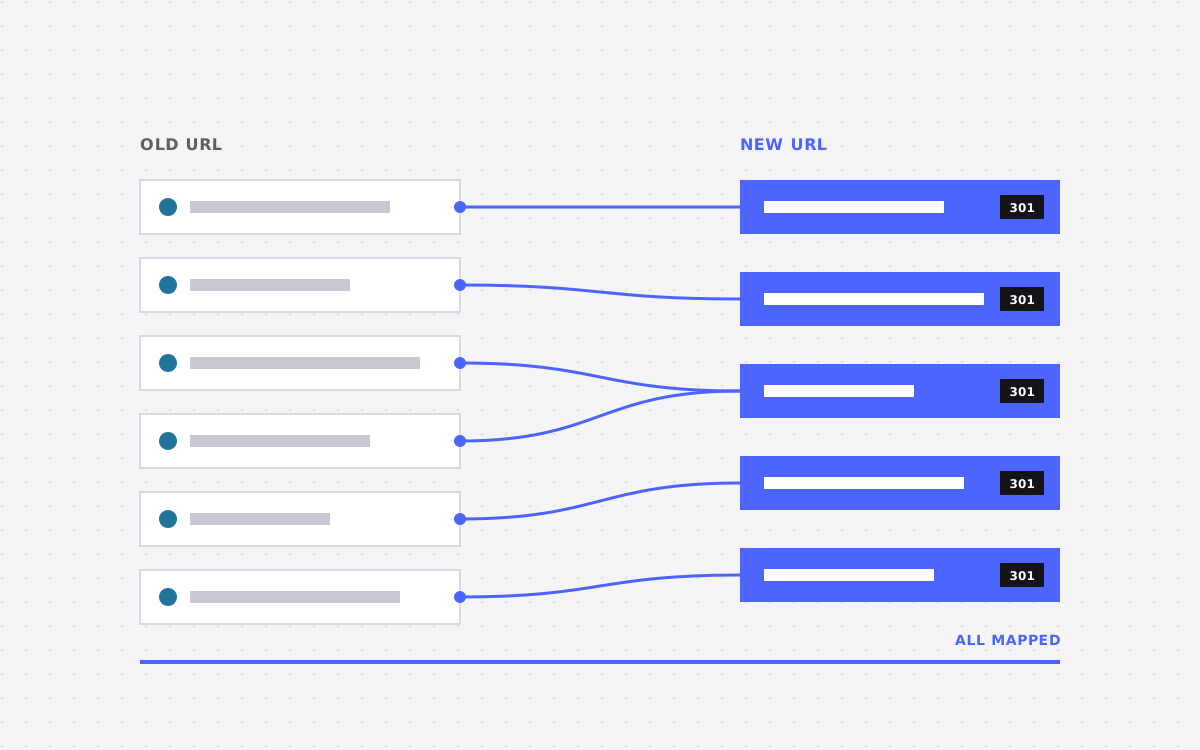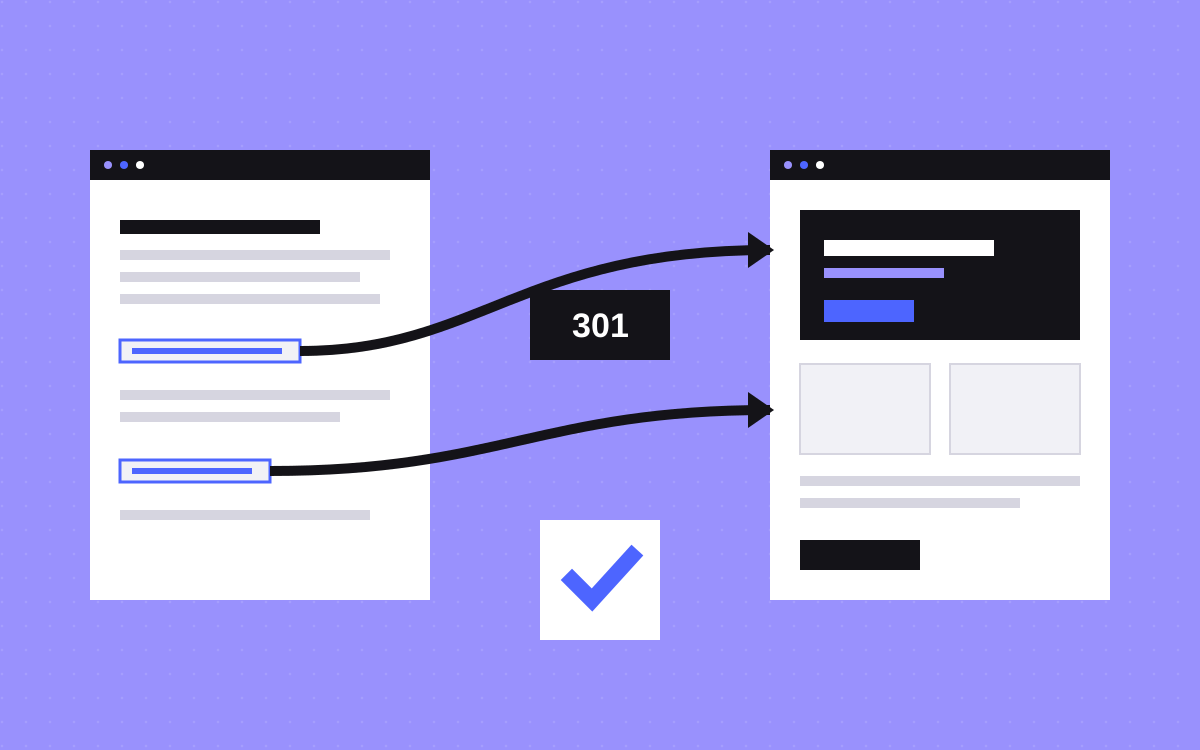
- A redirect map is a spreadsheet that lists every old URL and the new URL it should go to.
- Use 301 redirects for permanent moves. They pass users and search engines to the new page.
- Build the map from your crawl, your sitemap and Search Console, not from memory.
- Send each old page to the closest new page, not everything to the home page.
- Test every row before launch and watch Search Console after.
The short answer
A redirect map is a spreadsheet with one row per old URL and the new URL that replaces it. When you move a site, you turn that sheet into 301 redirects, so visitors and search engines land on the right new page. Skip it and old links break, rankings drop and people see 404 errors.
Below is a template you can copy, how to fill it in, and how to test it.
The template
Make a sheet with these columns.
- Old URL. The full path of the current page.
- New URL. The path of the page that replaces it.
- Type. Same URL, changed URL, merged, or retired.
- Redirect needed. Yes or no.
- Priority. High for pages with traffic or links, low for the rest.
- Traffic and links. Clicks from Search Console, and links if you have the data.
- Status. Not started, added, tested.
- Notes. Anything odd, such as parameters or language versions.
Step 1: collect every old URL
Do not rely on memory. Combine these sources.
- A crawl of the old site with a tool such as Screaming Frog.
- The old sitemap.
- Pages with clicks in Google Search Console.
- Pages with links to them, from a backlink tool.
- Pages with traffic in analytics.
Remove duplicates and sort by traffic. The top of the list is where care matters most.
Step 2: decide what happens to each page
- Same URL. No redirect needed. Best when possible.
- New URL. Add a 301 to the new address.
- Merged. Several old pages into one new page. Redirect all to it.
- Retired. No close match. Redirect to the closest topic page, or let it return a 404 if nothing fits.
Match by meaning. A blog post about pricing should go to the pricing guide, not the home page. Sending everything to the home page looks like a soft 404 to search engines and wastes the old page's value.
Step 3: write the rules
Use a clear, exact format. In Webflow, you add them in site settings under Hosting. Each rule has the old path and the new path.
- Use paths, not full domains.
- Be exact about trailing slashes and capital letters.
- Avoid chains. If A goes to B and B goes to C, send A straight to C.
- Avoid loops, where two rules point at each other.
Other hosts use a redirects file or server config, but the map is the same.
Step 4: test before launch
- Test the top 50 pages by hand, or all of them with a script or crawler.
- Check the status code is 301 and the destination is correct.
- Check there are no chains or loops.
- Check the new pages return 200 and have the right title and canonical tag.
- Test both with and without
www, and withhttpandhttps.
Step 5: watch after launch
Submit the new sitemap in Search Console. In the first weeks, check the Pages report for 404 errors and the Performance report for drops. Fix missing redirects fast. Keep the redirects in place for a long time. A year is a common minimum, and for pages with strong links, leave them indefinitely.
Common mistakes
- Redirecting every page to the home page.
- Forgetting old blog tag, category and pagination URLs.
- Leaving test or staging URLs indexed.
- Changing URLs with no good reason.
- Not testing mobile or language versions.
- Removing redirects too soon.
A tiny worked example
Say your old site has these three pages.
/services/web-designbecomes/website-design. Type: changed URL. Priority: high./blog/2019/05/old-postbecomes/blog/old-post. Type: changed URL. Priority: medium./our-team-2018is retired and goes to/about. Type: retired. Priority: low.
Each row becomes one rule. Sorted by priority, the first rows are the ones you test first. That is the whole idea.
Handling messy cases
- Query strings. Pages with parameters, such as filters or tracking codes, often do not need their own rules. Decide with your developer.
- Language versions. Map each language separately, and keep hreflang tags correct.
- Pagination and tags. Old tag and page-two URLs get missed. Redirect them to the closest list page.
- Image and file URLs. If other sites link to a PDF or image, redirect it or host it at the same path.
- Duplicates. Pick one version of each page, and set the canonical URL.
Who should own the map
Pick one owner. It is usually the person running SEO, or the project lead at the agency. They keep the sheet, decide on edge cases and sign off on testing. Others add comments but do not change rows without telling the owner. This avoids the common problem of two versions of the sheet with different answers.
Store the map in a shared place and keep a dated copy at launch. If rankings change later, you can check what was redirected and when. Add a column for the date each rule went live. It takes seconds and saves hours when something looks odd.
Finally, treat the map as living for a while. After launch, new old URLs appear: pages that still get traffic from old links, or ones you missed. Add them as they turn up in Search Console and server logs. A good map grows for a few weeks, then settles.
What to do next
Planning a move? Redirects are a core part of every migration we run, from WordPress to Webflow to Webflow to Astro. Send us the site and we will build the map with you. If you are choosing a platform first, read Webflow vs WordPress.
More reading: Wix to Webflow guide, WordPress to Webflow and launch checklist.

Terms used: 301 redirect, Webflow