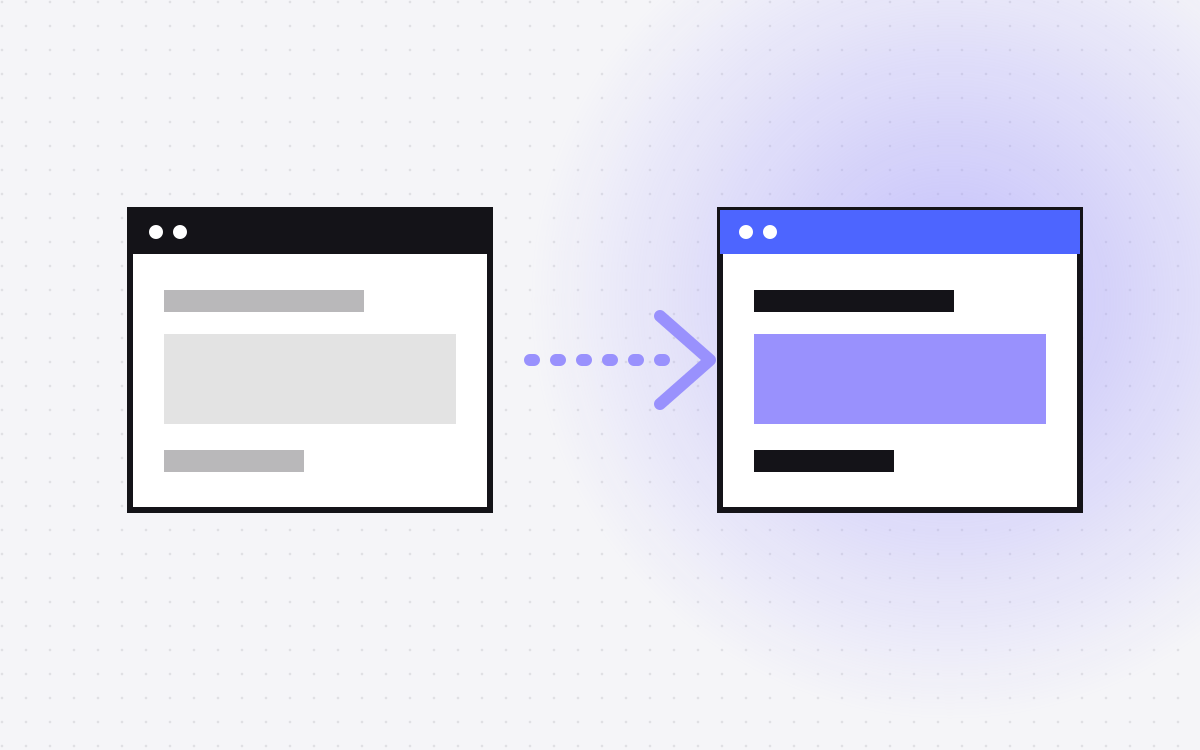
- Moving from Wix to Webflow means rebuilding the design in Webflow and moving content over. There is no one-click import in our experience.
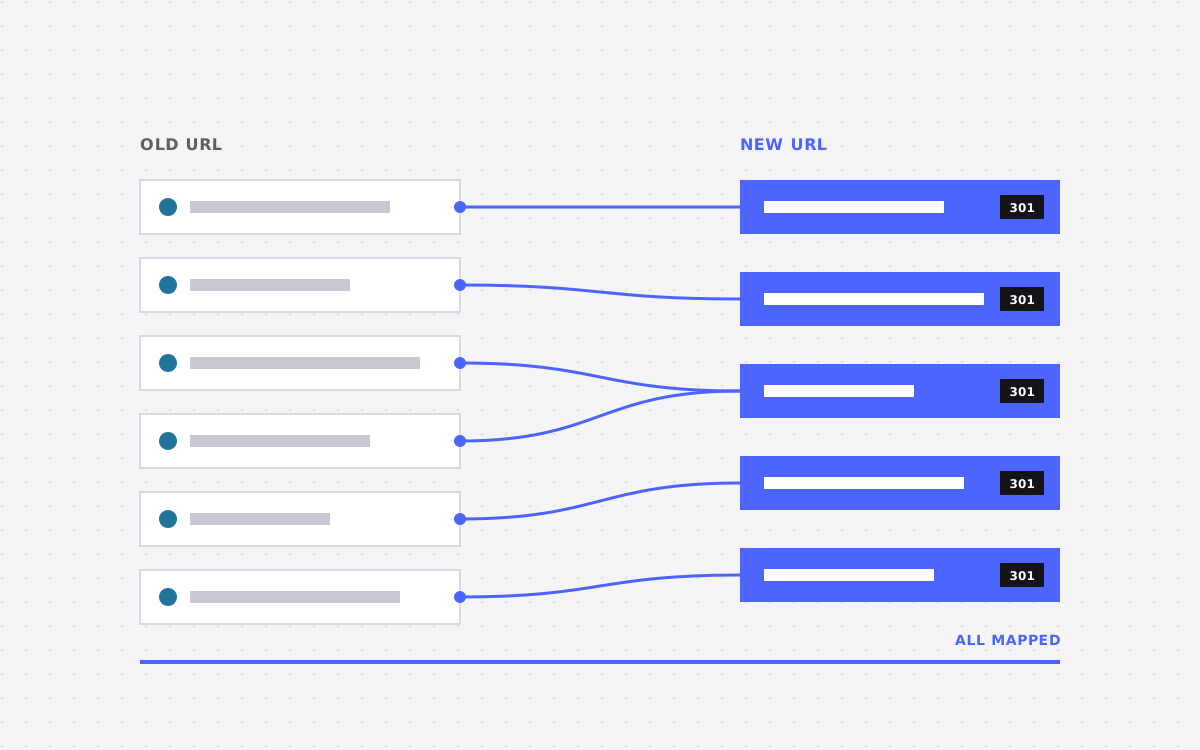
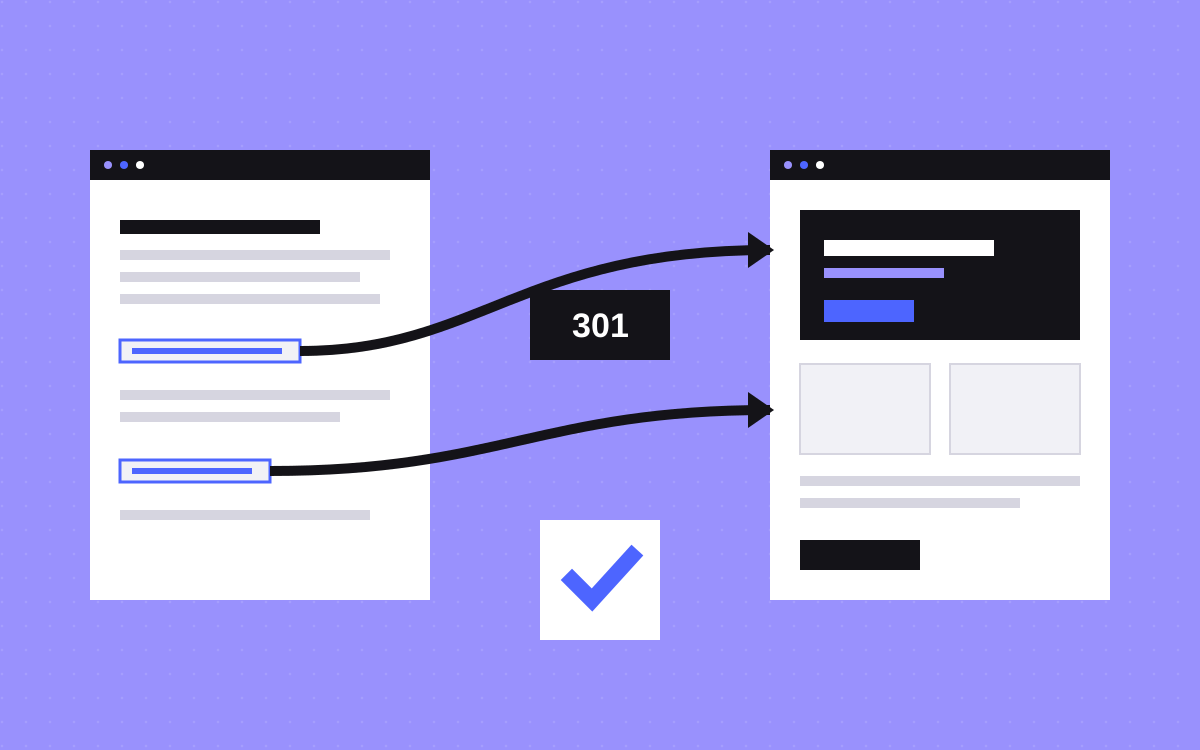
- Plan the URL map early. Old URLs need 301 redirects to the new ones.
- Wix handles redirects in its own dashboard, so keep the old site live until the new one is tested.
- Wix to Webflow starts at $1,500 with us.
- Test forms, tracking and every redirect before you switch the domain.
The short answer
To move from Wix to Webflow, you audit the old site, rebuild the design in Webflow, move the content, set up 301 redirects and then point your domain to Webflow. There is no magic import button in our experience, so plan for a rebuild of layout and a careful move of content.
Wix to Webflow with Kookies starts at $1,500. See our Wix to Webflow service. Not sure Webflow is the right move? Read Webflow vs Wix first.
Why people move
- Design limits. Hitting the edge of what Wix layouts allow.
- Speed. Wanting faster, cleaner pages.
- CMS. Needing flexible collections for blogs, cases and directories.
- SEO control. More control over URLs, schema and page structure.
If none of these apply, staying put may be fine. We will say so.
Step 1: audit the Wix site
Make a list of everything. Use a spreadsheet with one row per page.
- Page URL, title, description and H1.
- Traffic and ranking pages from Google Search Console and analytics.
- Blog posts, products and bookings, if any.
- Forms, apps and integrations.
- Images and files that must come across.
Mark each page: keep, merge or drop. This is the best time to cut dead pages.
Step 2: plan the structure and URLs
Decide the new sitemap and the new URLs. Where you can, keep the same URL, because it means no redirect and no risk. Where a URL must change, record the old and new address. This becomes your redirect map. Use our redirect map template.
Step 3: design and build in Webflow
Rebuild the design in Webflow. You can copy the look, or take the chance to improve it. We build with reusable components and a clear class system like Client-First, so the site stays easy to edit. Create CMS collections for blog posts and anything repeated.
Step 4: move the content
Move text, images and posts into Webflow. For a few pages, copy and paste is fine. For a large blog, we prepare a CSV and import it into the CMS. Download your images and re-upload them, with good file names and alt text. Keep headings and key phrases on pages that already rank.
Step 5: set up redirects and tracking
Add your 301 redirects in Webflow's site settings. Then reconnect forms, analytics, Tag Manager and any pixels. Turn on the sitemap and set canonical tags.
Step 6: test before you switch
- Click through every page on desktop and phone.
- Submit every form and check where it goes.
- Test each redirect from the map.
- Run PageSpeed Insights on key pages.
- Check titles and descriptions against your audit.
Keep the Wix site live until this is done.
Step 7: launch and watch
Connect your domain in Webflow and update DNS. See DNS for what changes. After launch, submit the new sitemap in Search Console and watch for crawl errors and traffic dips in the first weeks. Small dips right after a move are normal. Big drops mean something is wrong, usually redirects.
What usually goes wrong
- Missing redirects. Wix blog and product URLs follow set patterns. If you miss them, old links break.
- Lost metadata. Titles and descriptions get rewritten by accident and rankings dip.
- Images without alt text. Re-uploaded images lose their descriptions unless you add them again.
- Apps left behind. Booking, chat and member features need replacements.
- Domain switch too early. Pointing the domain before testing exposes half-finished pages.
A checklist and a second pair of eyes catch most of these.
How long it takes and what it needs from you
A small brochure site can move in a few weeks. A site with a large blog, a shop or booking takes longer, because each feature needs a new home. From you we need access to the Wix dashboard, your domain account, your analytics and Search Console, and a person who can sign off. We handle the rebuild and the move. Get started on the Wix to Webflow page or read what Webflow is.
A short pre-launch checklist
- Every page on the audit sheet is built, merged or retired on purpose.
- Titles, descriptions and H1 tags match the plan.
- All images have alt text and sensible file names.
- Redirects are added and tested.
- Forms deliver to the right inbox and send a confirmation.
- Analytics, Tag Manager and pixels fire correctly.
- The sitemap is on and the robots settings allow indexing.
- The site passes a mobile speed test.
- A 404 page exists and links home. See 404 page.
Tick each item with a name and a date. A signed-off list turns launch day from a gamble into a routine. Keep a copy of it for the first month, since it helps if anything needs to be checked later.
What to do next
We run this process often. Send us your Wix URL and we will list what needs to move and give a fixed price. If your site is on another platform, see Squarespace to Webflow or WordPress to Webflow.
More reading: Webflow vs Wix for a growing business, WordPress to Webflow migration and launch checklist.

Terms used: Webflow, Core Web Vitals