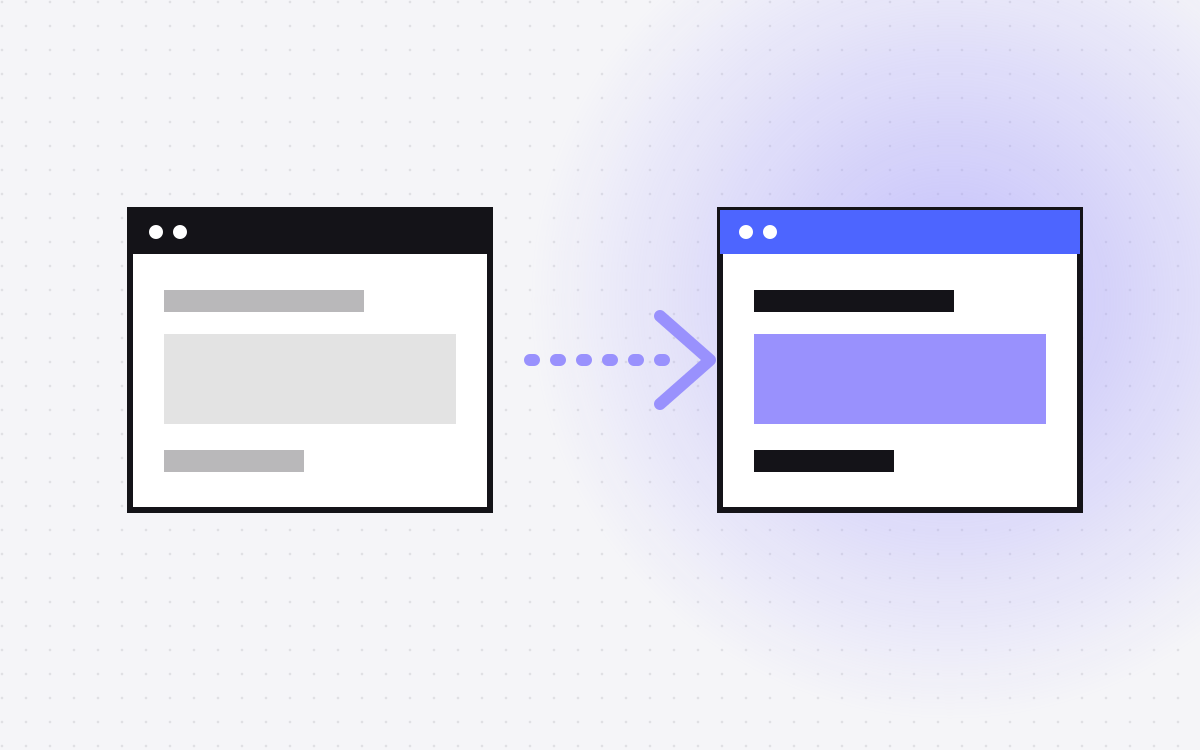
- Moving from Squarespace to Webflow means rebuilding the design in Webflow and moving the content.
- Squarespace lets you export some content, and that can help with blog posts and pages. Images usually need to be moved separately.
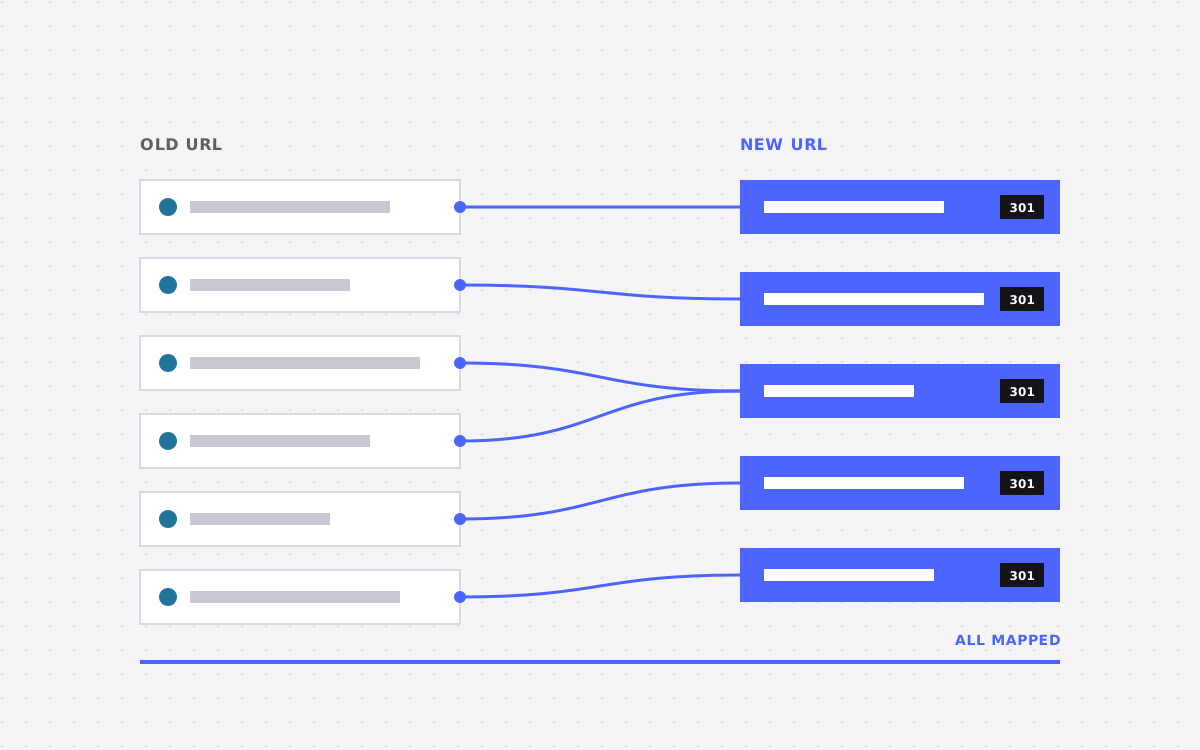
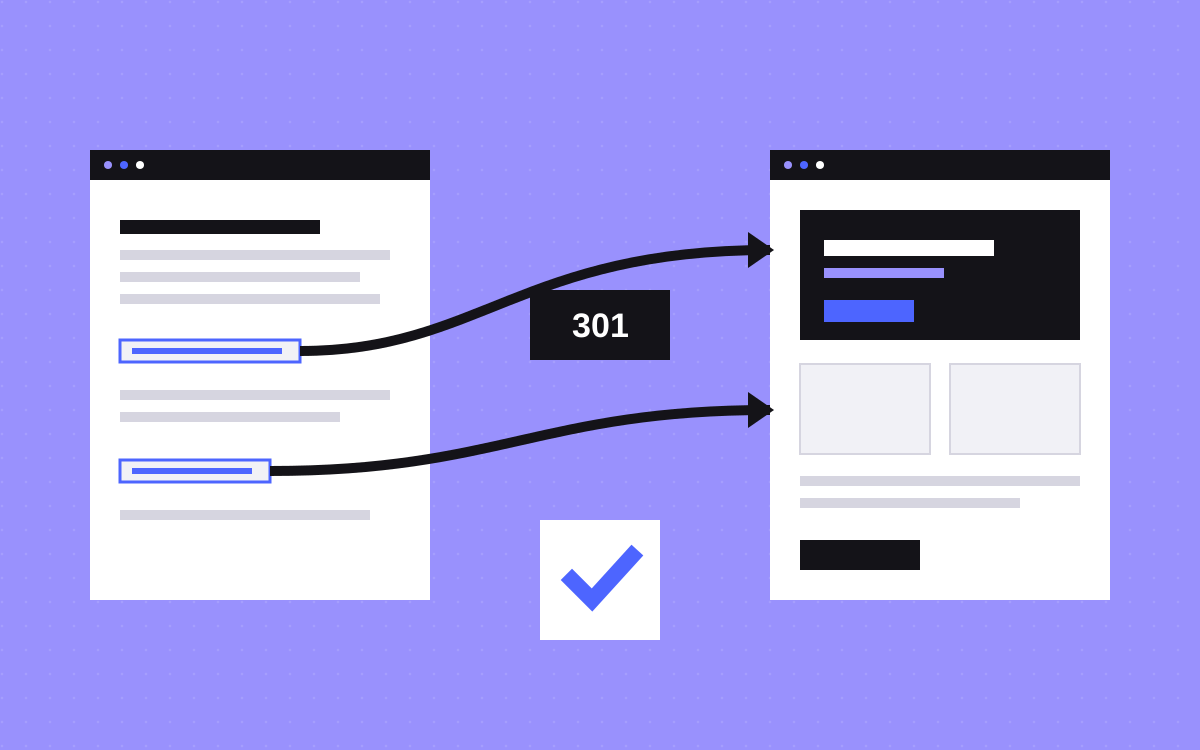
- Map every old URL to a new one with 301 redirects.
- Squarespace to Webflow starts at $1,500 with us.
- Keep the old site live until the new one passes testing.
The short answer
To move from Squarespace to Webflow, audit your pages, plan the new URLs, rebuild the design in Webflow, move the content, add 301 redirects and then switch your domain. The design does not transfer. The content mostly does, with some cleaning.
Squarespace to Webflow starts at $1,500 with us. See our Squarespace to Webflow service. If you are still deciding, read Webflow vs Squarespace.
Why people move
- Design control. Squarespace templates are polished, but deeper changes are hard.
- CMS. More flexible collections for content with several fields.
- Interactions. Custom motion and scroll effects.
- SEO and structure. Finer control over markup, URLs and schema.
Squarespace is a good tool for many small sites. If it does the job, there is no need to move.
Step 1: audit the site
Build a spreadsheet with one row per URL.
- URL, title, description and H1.
- Traffic and top queries from Google Search Console.
- Blog posts, products, galleries and events.
- Forms, newsletter sign-ups and third-party tools.
Mark pages to keep, merge or retire. Smaller is easier to move and often easier to rank.
Step 2: export what you can
Squarespace offers a content export, which can help with pages and blog posts. It is useful as a reference and for text, but it will not bring over layout, and images often need to be downloaded and uploaded again. Treat the export as a helper, not a full backup. Also save your images, files and any custom code before you start.
Step 3: plan the new structure
Decide the new sitemap and URLs. Squarespace uses patterns for blog and product URLs, such as a blog path in front of each post. Where you can, keep the same URL in Webflow. Where you cannot, record both addresses for your redirect map. Our redirect map template has a ready layout.
Step 4: rebuild in Webflow
Rebuild the design with a clean class system and reusable components. Set up CMS collections for blog posts and any repeated content. Match fonts and colours with variables so the site is easy to update. Make the layout work on all breakpoints.
Step 5: move content and set up SEO
Bring over text and images. For large blogs, we use a CSV import. Give images clear names and alt text. Copy titles and descriptions from your audit for pages that already rank. Add a sitemap and canonical tags, and set up Open Graph images for sharing.
Step 6: redirects and tracking
Add every 301 redirect in Webflow. Reconnect analytics, forms and email tools. If you use GA4, test that events fire on the new site.
Step 7: test and launch
- Click every page on desktop and phone.
- Submit each form and check delivery.
- Test each redirect.
- Run PageSpeed Insights on key pages.
- Compare titles and descriptions with the audit.
Then connect your domain and update DNS. After launch, submit the sitemap in Search Console and watch for crawl errors. Keep your Squarespace plan active for a little while in case you need to check something.
What usually goes wrong
- Unmapped blog URLs. Squarespace blog and category paths differ from what you might choose in Webflow.
- Missing images. Exported text can point to images that still live on Squarespace. Move them before you cancel.
- Forms that stop delivering. Test notifications and any email integration.
- Lost schedule and event pages. Shop, events and member areas need their own replacements.
- Rankings dip after launch. Small, short dips are normal. Large drops mean something is broken.
What we need from you
Give us view access to your Squarespace site, your domain account, analytics and Search Console, plus a single person for sign-off. We list the pages, rebuild the design in Webflow, move content, add redirects and test everything. If you have a logo kit or brand file, send it, and we will match it. You keep ownership of the Webflow account. Start from the service page or learn the terms in what is Webflow.
A short pre-launch checklist
- Every page on the audit sheet is built, merged or retired on purpose.
- Titles, descriptions and H1 tags match the plan.
- Images have alt text and clear file names.
- Redirects are added and tested, including blog and category paths.
- Forms deliver and send confirmations.
- Analytics and pixels fire correctly.
- The sitemap is on and the site is open to indexing.
- The site passes a mobile speed test.
- The 404 page helps people get back on track.
Tick each item with a name and a date. Keep the list for the first month, since it helps if anything needs to be checked later. And if something does slip through, fix it quickly and note it. Most problems after a move are small and easy to fix when you catch them in the first days.
What to do next
Send us your Squarespace URL. We will list what has to move, flag the risks and give a fixed price. For other platforms, see Wix to Webflow and WordPress to Webflow.
More reading: Wix to Webflow migration guide, WordPress to Webflow and Webflow SEO checklist.

Terms used: Webflow, Core Web Vitals