- A landing page takes about 1 week. A website of up to 5 pages takes about 3 to 5 weeks. A large site takes 6 weeks or more.
- The build is the fast part. Content, feedback and approvals set the real date.
- Having a finished Figma design shortens the project.
- Migrations and integrations add time because they need testing.
- Your quote should include a dated plan. If it does not, ask for one.
The short answer
A Webflow landing page takes about 1 week. A website of up to 5 pages takes about 3 to 5 weeks. A large site with custom features, integrations or a migration takes 6 weeks or more. These match the timelines on our pricing page.
The build itself is quick, because Webflow is a visual tool. Most of the calendar is spent on strategy, design rounds, content and sign-off.
Typical timelines by project
- Landing page, about 1 week. One page, built from a brief or a design.
- Figma to Webflow, 1 to 4 weeks. Depends on page count and interactions. See Figma to Webflow.
- Website with design, 3 to 5 weeks. Up to 5 pages with CMS and blog.
- Large site, 6+ weeks. Unlimited pages, custom code, APIs or a migration.
Your own project gets a dated plan. These are the usual ranges, not a guarantee for every case.
Where the time goes
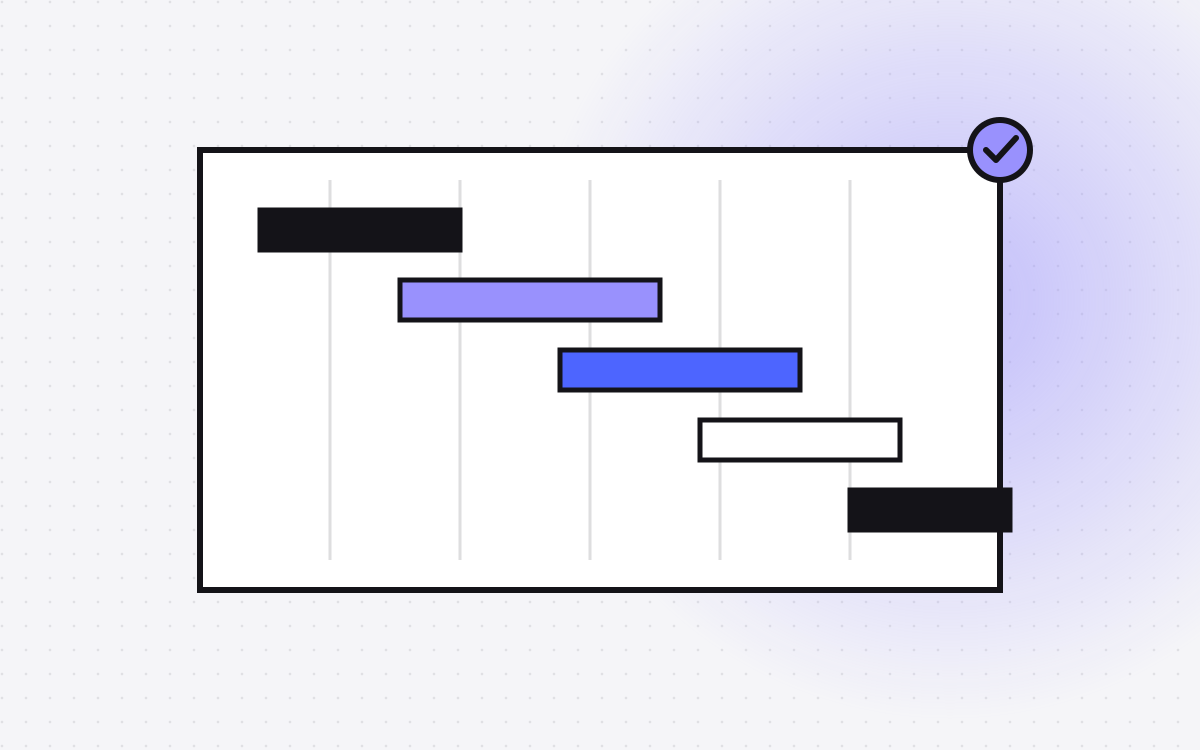
For a small site, a rough split looks like this.
- Planning and sitemap: a few days.
- Design: one to two weeks, including feedback rounds.
- Build: one to two weeks.
- Content and testing: a few days.
- Launch: a day.
Notice that design feedback is a bigger block than coding. A fast client makes a fast project.
What speeds a project up
- Content ready at kickoff. Copy, photos and logos in a shared folder.
- A finished design. If you have one in Figma, we start building straight away.
- One decision maker. Fewer reviewers means fewer rounds.
- A clear sitemap. Knowing the pages early avoids rework.
- Reusing patterns. We build sections as reusable components, which keeps the build quick and the site consistent.
What slows a project down
- Waiting for copy. The most common delay by far.
- Feedback in pieces. Comments sent one by one over days cost more time than one combined list.
- New scope. Extra pages and features mid-build push the date.
- Integrations. A CRM, payment tool or member login needs setup, keys and testing.
- Migration. Moving content and keeping every old URL working takes careful checks. See 301 redirects.
Can it go faster?
Sometimes. If you have a launch date tied to an event, tell us at the start. We can cut scope to hit it, for example by launching five key pages and adding the rest later. We will not skip testing to save days, because a broken form on launch day costs more than a short delay.
What happens after launch
Launch is a start, not an end. We include 30 days of support for safe changes: copy, images, colours and link updates, plus fixes. After that you can edit your own content in the Webflow Editor, hire us hourly at $35, or join a care plan if you ship changes every week.
How to plan your own timeline
Work backward from your date. Add a week for content, a week of buffer, and a few days for launch checks. If the total does not fit, cut pages rather than quality. Compare this with the same planning for a redesign in our redesign cost and timeline post.
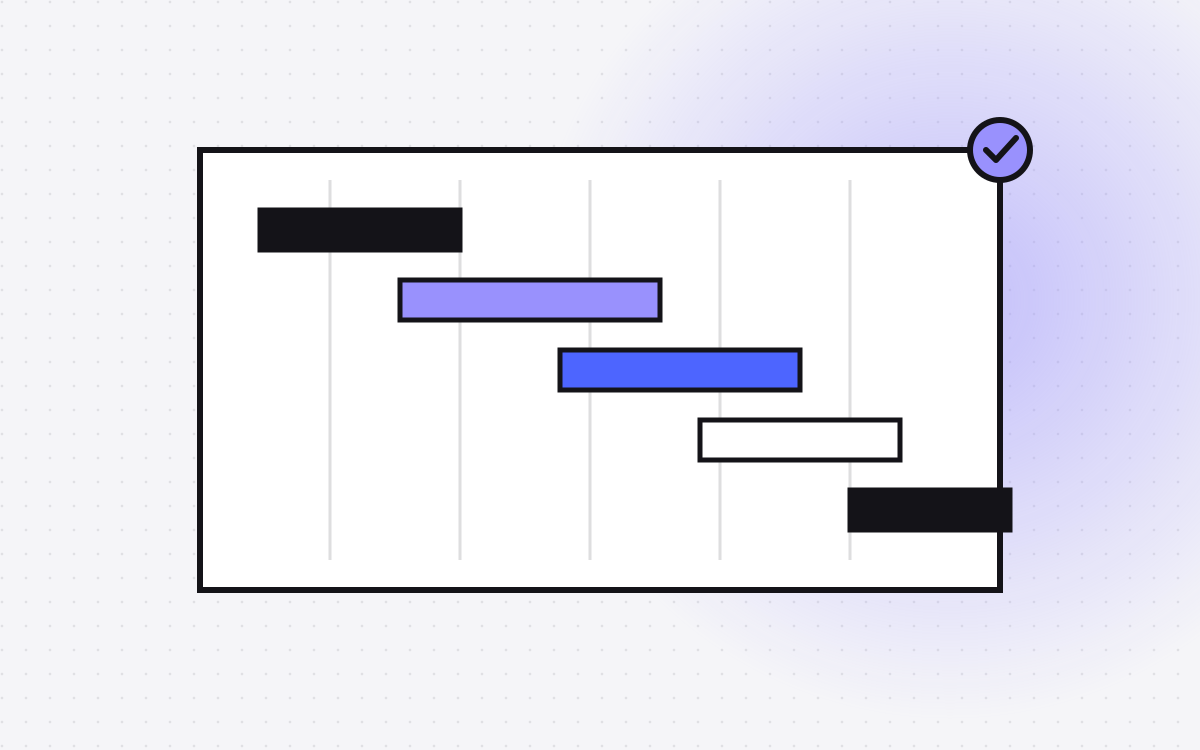
A sample 4 week plan
Here is how a 5 page site might run. Your plan will differ.
- Week 1. Kickoff, goals, sitemap and wireframes. Content collected.
- Week 2. Home page and one inner page designed. Feedback in one batch.
- Week 3. Remaining pages designed and built. CMS and blog set up. Interactions added.
- Week 4. Content in place, forms and tracking tested, speed and SEO checks, launch.
It works because feedback arrives on time and copy is ready by week 2. If either slips, the end date moves by the same amount.
What you can do to protect the date
- Block time in your calendar for review days.
- Send combined feedback, not a stream of single comments.
- Approve in writing at the end of each phase.
- Keep a "later" list for ideas that are not needed for launch.
- Ask for a staging link early, so legal and brand reviewers can look before launch day.
We handle the rest: build, testing and launch steps. Good projects feel calm because nothing is left until the last day.
Timelines for common extras
Some extras add predictable time. These are rough guides, and your quote will give exact dates.
- A blog with templates: a few days on top of the base build.
- Case studies or a team directory: a few days each, mostly for CMS setup and filters.
- Custom interactions: from a day for simple hover effects to a week or more for a story-driven scroll sequence.
- A CRM or email integration: a day or two, including testing. See Webflow integrations.
- A migration from another platform: depends on content size and redirects. A small site is a few weeks.
- Multiple languages: extra time for setup and for the translated content.
Tell us early which of these you want. It is better to plan them from day one than to bolt them on near launch, when every change is a risk to the date.
What to do next
Tell us your launch date and what has to be on the site by then. We will tell you if it is realistic and what we would cut if it is not. Start from Webflow development to see what a typical project includes.
More reading: website launch checklist, Figma to Webflow checklist and how to choose a Webflow agency. You can also see how Webflow compares in Webflow vs WordPress.

Terms used: Webflow, Core Web Vitals