


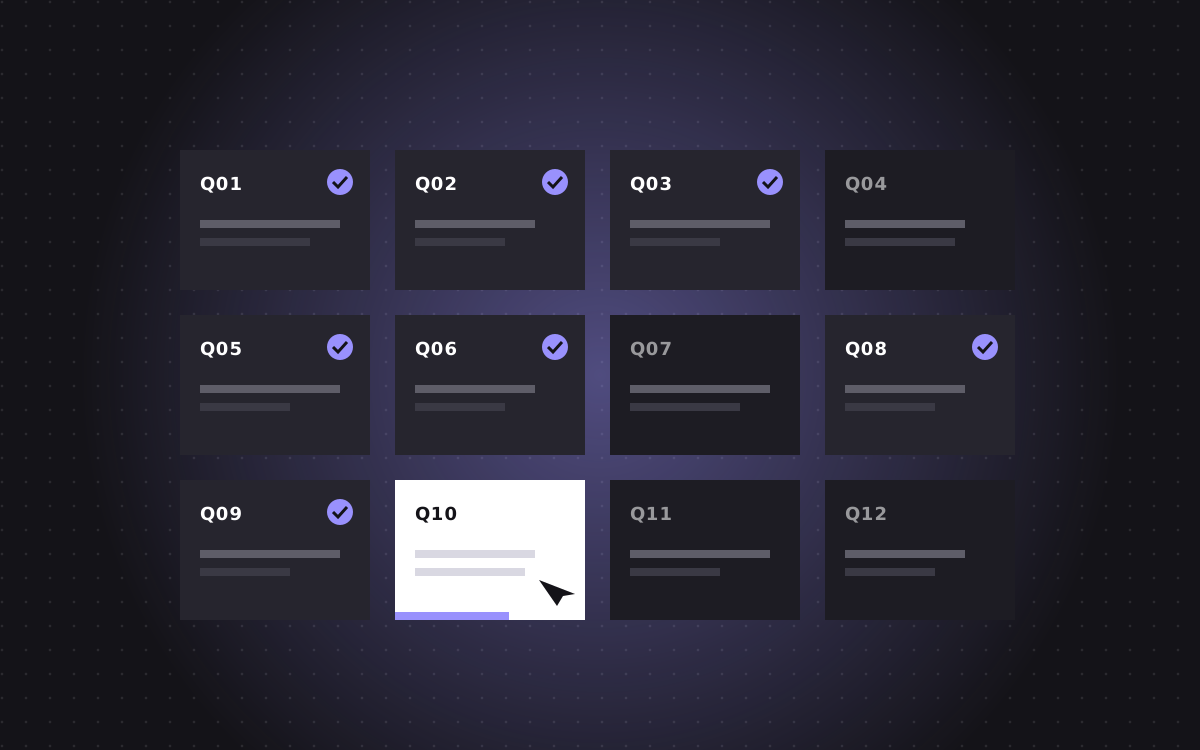
- To choose a Webflow agency, shortlist three to five with live Webflow work in your space, then ask the same 12 questions to each and compare the answers, not just the prices.
- The best questions cover who does the work, how they plan the class system and CMS, SEO and redirects, speed, ownership, timeline, price and support after launch.
- Good answers are specific and written down. Vague answers and a yes to everything are warning signs.
- Check live sites on a phone, run a speed test and ask for a read only link to a real project.
- Kookies is a Webflow Premium Partner. A landing page starts at $500, a site up to 5 pages from $2,500, with 30 days of support after launch.
How to choose a Webflow agency: the short answer
The best way to choose a Webflow agency is to ask every agency on your shortlist the same set of questions, in writing, and compare the answers side by side. Prices matter, but the answers tell you far more about how the project will actually go.
Start with three to five agencies that have live Webflow sites similar to what you need. Look at those sites on your phone. Then send the 12 questions below, or ask them on a call, and note how clear and specific each answer is.
We are a Webflow agency, so yes, we have a stake in this. These are still the questions we would ask if we were hiring one. Our own answers are at the end, so you can hold us to the same standard.
Before you ask: build a shortlist that makes sense
Good questions only help if you ask the right agencies. A few quick filters save a lot of calls.
- Webflow focus. An agency that builds mostly in Webflow knows its limits and tricks. One that does every platform may know none of them deeply.
- Relevant work. Look for live sites in your industry or of a similar size. A great ecommerce portfolio does not prove they can build a SaaS site with a deep CMS.
- Partner status. The Webflow partner directory lists certified and premium partners. It is not everything, but it shows Webflow has reviewed their work.
- Reviews. Read reviews on Clutch, Google or LinkedIn, and look for comments about communication and deadlines, not just design.
Write a one page brief before you reach out: goals, pages, examples you like, deadline and budget range. It makes every answer easier to compare.
What to put in your brief
A good brief makes every agency answer sharper and every quote easier to compare. It does not need to be long. One page is enough.
- Who you are, in two sentences, and who your customers are.
- What the site must do. Get demo requests, sell products, recruit, explain a complex product.
- Pages you think you need, even as a rough list.
- Content. Do you have copy and images, or do you need help with them?
- Design. Do you have a Figma file, a brand guide, or nothing yet?
- Tools. CRM, analytics, booking, email and anything the site must connect to.
- Sites you like, with a line on what you like about each.
- Deadline and budget range. A range is fine. It saves everyone time.
Send the same brief to every agency. Then the differences in their replies come from them, not from what you told them.
1. Who will actually work on my project?
Many agencies sell with senior people and deliver with juniors or subcontractors. That is not always bad, but you should know.
A good answer names the roles and ideally the people: a designer, a Webflow developer, a project lead. It says whether any work is outsourced and who checks it.
A weak answer is our team, with no detail.
2. Can I see live sites and a read only link?
Screenshots and Dribbble shots prove design skill, not build quality. Live sites and read only links show the real thing.
A good answer shares several live client sites and offers a read only Webflow link to at least one project, so you can see the class names, components and CMS setup.
Open those sites on your phone. Check spacing, menus, forms and whether anything scrolls sideways.
3. How do you structure classes and components?
This question separates builders from page painters. A clean class system is what lets your site grow without turning into a mess.
A good answer mentions a naming system such as Client-First or their own documented one, shared components with props for repeated sections, and variables for colours, type and spacing.
A weak answer is we keep it clean, with nothing behind it.
4. How will you set up the CMS for my team?
The CMS is where your team will spend most of its time after launch. A poor setup means every new post needs a developer.
A good answer talks about planning collections around your content, clear field names, help text, references between collections, and testing with long and short content. Our Webflow CMS guide shows what good looks like.
5. What do you do for SEO, and what about redirects?
A new site that looks great but loses half its traffic is a failure. SEO must be part of the build, not an afterthought.
A good answer covers titles and descriptions for every page, heading structure, alt text, a sitemap, schema markup, Open Graph images and, for redesigns or migrations, a full 301 redirect map tested on launch day.
Bonus points if they mention answer first copy and AI search. See our Webflow SEO checklist for the full list.
6. How fast will the site be on mobile?
Speed affects rankings and conversions, and most visitors are on phones.
A good answer gives a target, such as a Lighthouse mobile score of 90 or more on key pages, and explains how: compressed images in modern formats, lazy loading below the fold, light interactions, and careful use of third party scripts. Ask them to run PageSpeed Insights on one of their live sites while you watch.
Our post on Webflow site speed shows the steps we follow.
7. Who owns the site, the files and the logins?
You should own everything. It sounds obvious, but it is one of the most common problems we see when clients come to us.
A good answer: the site is built in your Webflow Workspace or transferred to it at launch, you own the Figma files, fonts are licensed in your name, and you have admin access to the domain, analytics and every tool.
8. What is the process and timeline?
A clear process is a sign of an experienced team. It also tells you when you need to be available.
A good answer lays out phases, such as discovery, sitemap and wireframes, design, build, content, QA and launch, with a week by week plan and the points where they need your feedback.
As a guide, a landing page often takes about a week, and a five to ten page site three to six weeks, depending on design and content.
9. How do you price, and what is not included?
Fixed prices with a written scope protect both sides. Open hourly work on a full site can grow without anyone noticing.
A good answer gives a fixed price per phase or per project, lists exactly what is included, says what is not, and explains how changes are priced. Ask about extras like stock images, font licences, copywriting and the Webflow site plan, which is paid to Webflow.
Our Webflow developer cost guide helps you compare quotes line by line.
10. How will we communicate?
Most agency problems are communication problems. Settle this up front.
A good answer names one main channel, a regular update rhythm, a single point of contact, and how feedback is collected, for example comments on a staging link. If you are in a different time zone, ask about overlap hours.
11. What happens after launch?
Every site needs small fixes and updates after launch. Know what is covered before you sign.
A good answer says how long support lasts, what it covers and what it does not, plus options for ongoing help like a care plan or hourly support. Ask about training: will your team get a walkthrough or video?
12. Can I talk to a past client?
A short call with a past client tells you more than any case study.
A good answer is yes, with a name and an introduction. Ask that client how deadlines held, how problems were handled and whether they would hire the agency again.
Questions a good agency will ask you
Choosing an agency works both ways. The questions an agency asks you are as telling as its answers to yours. A strong agency will want to know:
- What does success look like six months after launch? More demos, more sales, fewer support emails?
- Who are your buyers and what do they need to believe before they get in touch?
- What is not working today on your current site, and how do you know?
- Who on your side will give feedback and sign off, and how much time do they have?
- Which pages bring traffic now, so they can protect them in a redesign?
- Who will run the site after launch, so they can set up the CMS for those people?
If an agency jumps straight to a price without asking anything like this, it is probably selling a package, not solving your problem. The best partners are curious about your business before they talk about your website.
Notice, too, how they listen. Do they repeat back what you said in their own words? Do they spot a risk you had not thought of? Those small signs are often the best predictor of how the project will feel week to week.
Does agency size matter?
Big agencies and small studios both build great Webflow sites. Size changes how the work feels more than how good it is.
Larger agencies bring more roles under one roof, such as strategy, research, content and paid media, and can staff big programmes quickly. You may work with an account manager rather than the people building the site, and minimum budgets tend to be higher.
Smaller, senior studios mean you usually talk to the people doing the work, decisions move faster and the price is often lower for the same quality. The trade-off is less capacity for very large, multi team projects.
Match the size to your project. A ten page marketing site rarely needs a fifty person agency. A global rebuild in six languages with a big content team might. Whichever you choose, ask how they cover holidays and sick days, so your launch does not depend on one person being available.
Red flags that should end the conversation
- A yes to everything, with no questions about your goals or users.
- No live links, or only template demos.
- No written scope before work starts.
- Building in their own account with no plan to hand it over.
- No mention of redirects on a redesign or migration.
- A price far below every other quote with no clear reason.
- Pressure to sign fast with a deal that expires tomorrow.
How to compare quotes fairly
Put the answers in a simple table: one column per agency, one row per question. Score each answer as strong, fine or weak. Then add the price at the bottom.
Usually one agency stands out on answers, and the price gap is smaller than it first looked once you count what is included. If two are close, pick the one you would most enjoy working with for the next year. You will be talking to them a lot.
If you are still weighing an agency against a solo developer, read Webflow agency vs freelancer.
Our answers, so you can hold us to them
- Who: a small senior team in Mumbai: design, Webflow, Astro and SEO. You know who works on your project from day one.
- Proof: live client sites, case studies on our work page and read only links on request.
- Structure: a documented class system, components with props and variables matched to your Figma file.
- SEO: titles, descriptions, schema, Open Graph, sitemap and a full redirect map on every redesign or migration.
- Speed: we aim for Lighthouse 90 plus on mobile for key pages.
- Ownership: built in your Webflow Workspace. You own everything.
- Price: $35 an hour, $500 for a landing page, from $2,500 for a site up to 5 pages, from $3,000 for larger sites. First time clients get $500 off projects of $2,000 or more.
- After launch: 30 days of support for safe changes like copy, image, colour and link updates and fixes to what we built, plus a recorded walkthrough. Ongoing help on our care plan.
Want to run the 12 questions on us? Send them over and we will answer in writing.

Terms used: Webflow, Core Web Vitals


