- A reverse proxy lets Webflow and your old site share one domain, so you can move pages in batches.
- It suits large sites and sites with parts that cannot move yet. Most small sites should move all at once.
- Webflow does not configure or support third-party proxies. On Enterprise, ask Webflow what help is included.
- Keep one public domain. Canonicals, sitemaps, schema and links should never show the origin hostname.
- Test every batch on the public domain, then watch Search Console before you move the next one.
The short answer
To move a site to Webflow in stages, put a reverse proxy in front of your domain. The proxy sends each URL to either Webflow or the old site, so visitors and search engines see one site while you move pages over in batches.
It makes sense for large sites, or for sites with parts that cannot move yet. For most small sites, moving everything at once is simpler and safer. Unless you are on Webflow Enterprise, plan to run and support the proxy yourself, because Webflow will not.
How the routing works, in plain words
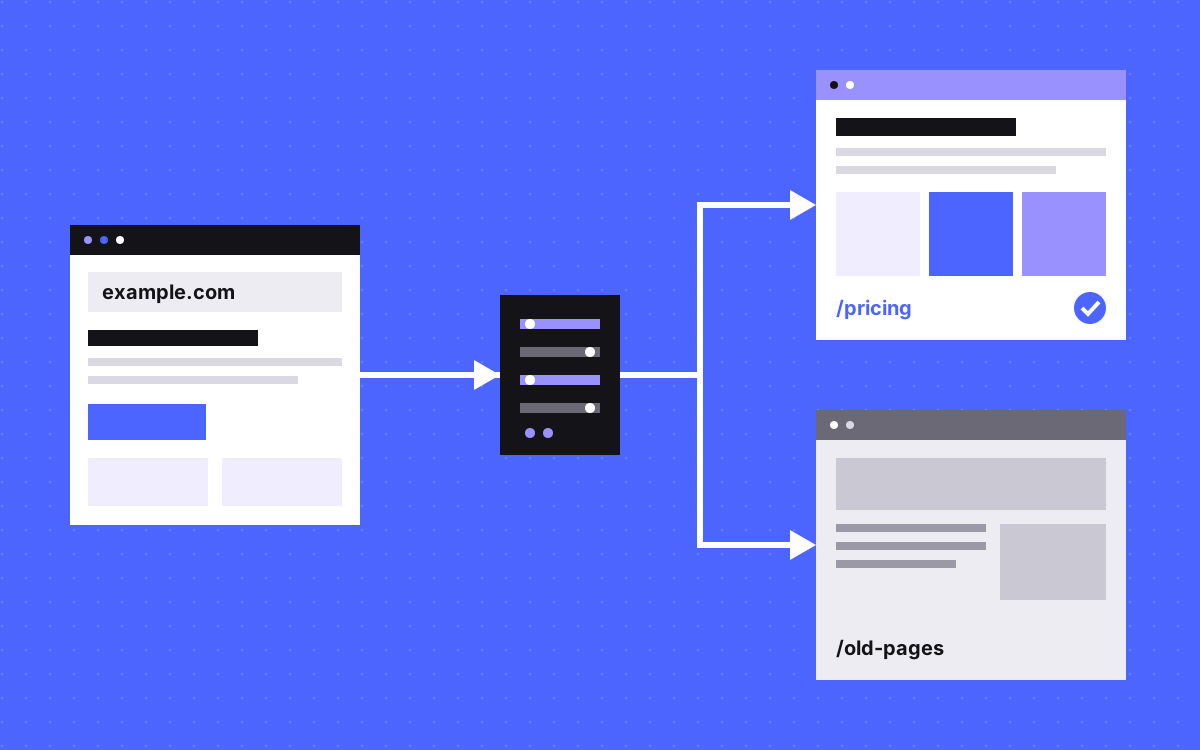
A proxy is a traffic desk for your domain. It works like this:
- A visitor or a crawler asks for a page, say example.com/pricing.
- Your domain points at the proxy, so the request lands there first.
- The proxy checks a list of rules. "/pricing has moved, so ask Webflow. Anything else, ask the old site."
- It fetches the page from that system and hands it back.
- The address bar still says example.com/pricing. Nobody is sent anywhere.
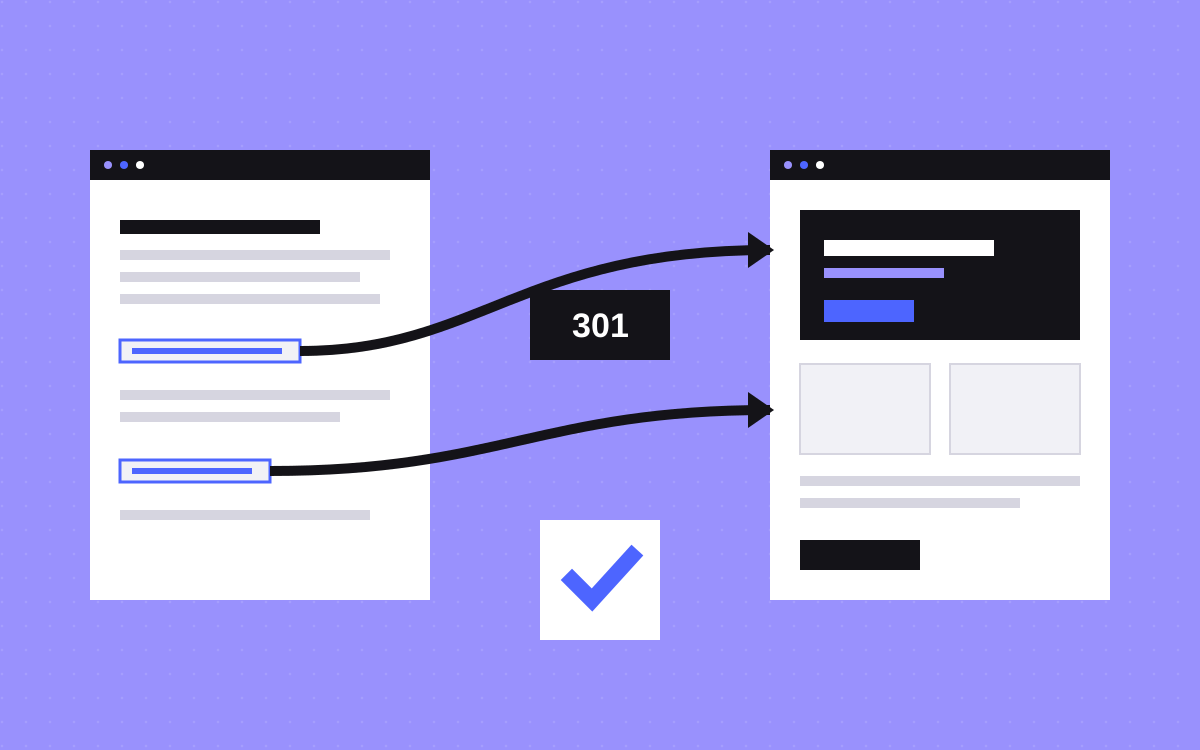
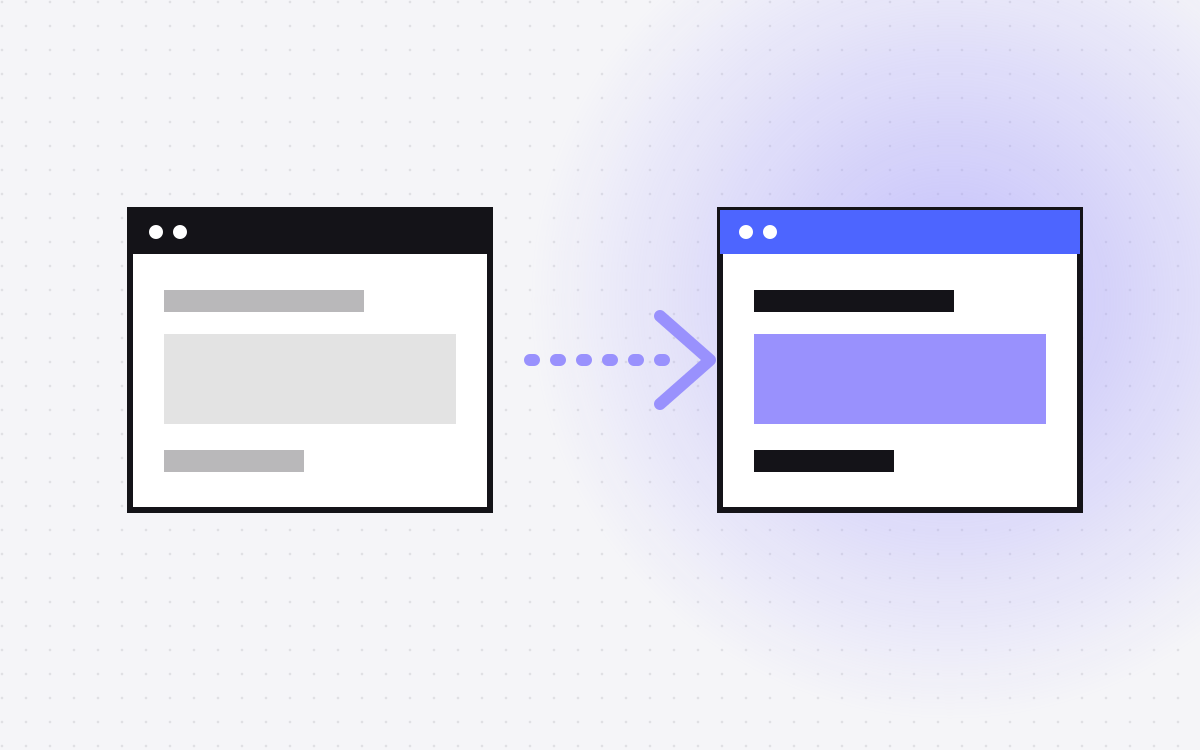
That last point is the difference between a proxy and a redirect. A redirect sends people to a new URL. A proxy keeps the URL and changes where the page comes from.
So moving a page becomes a small step: build it in Webflow, test it, add one rule. The old site stays the default until the last page has moved. Rolling back is the same step in reverse, as long as the old page is still there.
When moving in stages makes sense
- The site is large. A full rebuild would take so long that the old site keeps changing underneath you.
- Some parts cannot move yet. A section may depend on a system nobody has time to replace, or an app that does not belong in Webflow.
- You want the important pages first. The pages the team edits most can move early, and the long tail can wait.
You also need one more thing: someone who will own the proxy for as long as it runs.
When it does not make sense
- The site is small or medium. Google's site move guide recommends that these sites move all URLs at the same time. It suggests moving section by section for large sites. That guide is written for moves where URLs change, but the logic carries over: if you can do it in one go, the proxy is extra work for no gain.
- Nobody can own it. A proxy is a live part of your site. If it breaks, every page behind it can break too.
- The old platform has to go soon. If its contract ends shortly, build the new site and switch.
- The stages have no end date. Two systems mean two headers and footers to keep in step, and two places to edit. That cost keeps running until the move is done.
What Webflow itself says
Webflow's position depends on your plan, and it is worth reading the source before you commit.
- Paid plans below Enterprise. Webflow's help article on self-managed reverse proxies lists a paid Site plan and a connected domain as the starting point. It also says Webflow does not configure or support third-party proxies. In short, it can work, but its support team will not fix it for you.
- Enterprise. Webflow announced in 2022 that reverse proxy rules are an option in its Enterprise service agreements, with a Webflow Technical Architect helping on configuration, launch and updates. Its help centre points Enterprise customers who want a third-party proxy to Sales. Ask your Webflow contact what is included today.
- The staging domain. Do not proxy your webflow.io address. Webflow says that is not supported and breaks its terms. Publish to a custom subdomain on a paid plan, such as wf.example.com, and use that as the origin.
Webflow University also has a reverse proxy checklist. Check the current docs, because these details can change.
A real example: TripleDart
We used this approach on TripleDart. It was a revamp of an older site. We built 20+ pages in Webflow with CMS, components, Client-First and custom GSAP animation.
Those pages kept their SEO details: the same URLs, titles, meta, schema and links. Pages that were not moving yet stayed on the older site, and a reverse proxy serves them under tripledart.com. To a visitor or a crawler, it is one site on one domain.
SEO: one domain and canonicals
Only your public domain should appear anywhere a search engine looks.
- One public domain. Pages, links, images in schema and social tags should all use it.
- Keep URLs the same. If a page keeps its URL, it needs no redirect at all. This is the main SEO benefit of moving this way.
- Set canonicals on both systems. Every page should name its public URL as canonical. In Webflow, that is the global canonical setting in Site settings. Webflow's checklist says this helps keep the origin out of search results. Check the old site as well, since it may still name its own hostname.
- Know how strong the signal is. Google's canonical guide calls redirects and canonical tags strong signals and sitemap listing a weak one. They can stack, so make them agree.
SEO: sitemaps, robots.txt and redirects
- Sitemaps. Each system knows only its own pages, so you need to cover both, using public URLs only. Google's sitemap guide asks for full, absolute, canonical URLs. In Webflow, use your global canonical URL as the sitemap base. Remove a page from the old sitemap in the same batch that moves it.
- robots.txt. Crawlers read one file on your public domain, so decide which system serves it. It should list every sitemap you use. Webflow adds its own sitemap address to robots.txt by default, and its checklist tells you to replace that with your own.
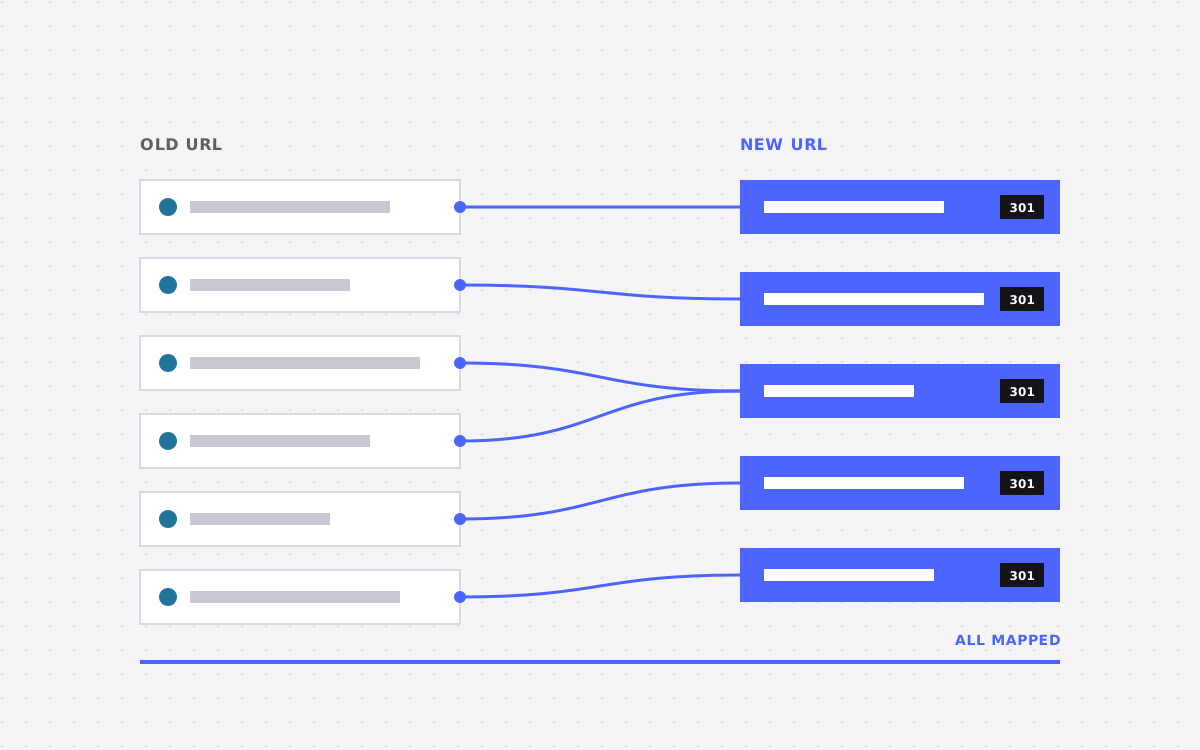
- Redirects. A redirect only fires if the request reaches the system that holds it, so keep a clear record of which rule lives where. If a URL does change, use a permanent server-side redirect straight to the final URL. Google suggests keeping redirects for at least a year. Our redirect map template helps here.
- Trailing slashes. Webflow removes them from URLs. Webflow's checklist says your proxy should match, to avoid redirects to the origin.
What to test with every batch
Test on the public domain, not the origin, right after you switch the rule.
- Page source. Search it for your origin hostname. It should not appear in links, canonicals, schema or social tags.
- Crawl. Run a crawler over the public domain. Look for broken links, redirect chains and pages that have dropped out of the sitemap.
- Files. Old pages still load their own CSS, scripts and images, so those paths need rules too.
- Query strings. Webflow's checklist says to test URL parameters and CMS pagination, so that later pages reach the right system.
- Caching. Webflow clears its own cache when you publish, but your proxy may not. Clear it by hand or use the site_publish webhook.
- Forms and interactions. Send a real test form. Turn off script deferral features on your CDN, such as Cloudflare Rocket Loader, which Webflow warns can break interactions, forms and sliders.
- Visitor IPs. Send them through X-Forwarded-For, so your proxy's IP is not mistaken for an attack.
- Webflow features. Password protection does not work on pages served from a subdirectory through a proxy. Native site search does not span both systems.
After each batch, watch Search Console for indexing changes on the URLs you moved. Wait until it looks settled before you start the next one.
How to plan the batches
- List every URL and mark which system holds it today. This list becomes your proxy rules.
- Move shared parts first. Build the header, footer and tracking so they match on both systems. People will cross between them without knowing.
- Start small. Move a few pages that matter but will not hurt if something goes wrong. Use that batch to prove your test routine.
- Write down the end. Decide what happens to the last pages, and when the old system and any leftover rules get removed.
What to do next
Start with the honest question: can you move it all at once? If yes, do that. If not, list your URLs, choose an owner for the proxy, and check what your Webflow plan covers.
If you want a second opinion, send us your site and tell us which parts cannot move yet. See also our Webflow SEO work. We can plan the move with you and test each stage, but nobody can honestly promise what happens to rankings during a move.

Terms used: Webflow, Reverse proxy