


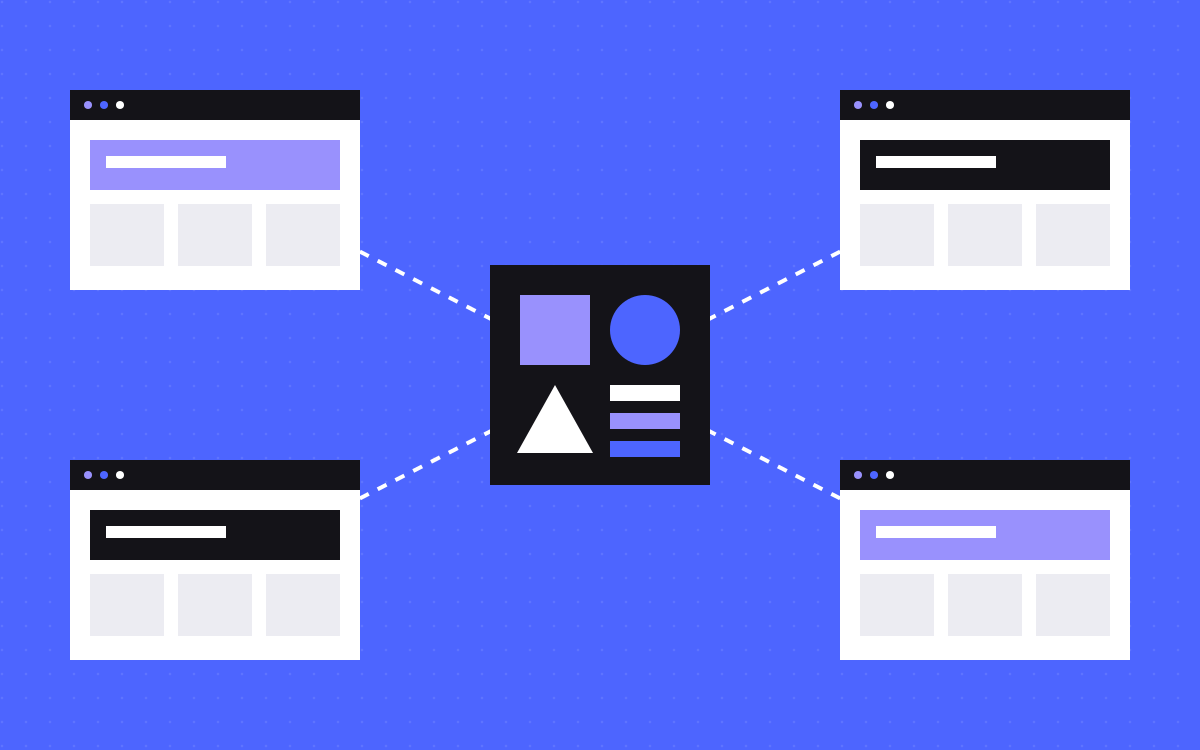
- Start with one Webflow site. Split only when you can name a real reason.
- Good reasons: a separate brand, a separate owner, or rules that one site cannot meet.
- A new blog, a new language or more landing pages are rarely reasons to split.
- Each site on a custom domain needs its own Site plan, billed separately.
- Shared Libraries keep design in step across sites in one Workspace. The upkeep still multiplies.
The short answer
Use one Webflow site unless you can name a specific reason for more. Good reasons are a separate brand, a separate owner who must publish alone, or legal or plan limits that one site cannot meet. If your reason is only that a section feels different, keep it in one site and give it its own folder.
Every extra site means another plan, sitemap, set of forms and tracking setup to look after. That cost is small on the day you create it and keeps coming after that.
What actually changes
| Item | One site | Several sites |
|---|---|---|
| Plans | One Site plan | One Site plan for each site on a custom domain, billed separately |
| Design | One set of classes, variables and components | Kept in step through a Shared Library, or by hand |
| CMS | One set of Collections, with one plan's limits | Separate Collections, with limits per site |
| Publishing | Teams share one site, so releases need agreeing | Each site publishes on its own |
| Addresses | One domain with folders | Separate domains or subdomains, unless you set up a reverse proxy |
| SEO and analytics | One sitemap and one setup | More sitemaps, redirects and tracking to manage |
Plan names and limits change, so check Webflow's current pricing page against your own numbers.
The rule: name the reason
Split only if at least one of these is true:
- Separate brand. Different name, different buyers, different look, and neither brand wants to be seen as part of the other.
- Separate owner. A team or company must publish, pay and control access without touching the other site.
- Part may be sold or handed over. A separate site is much easier to pass on later.
- Different rules. Legal, regional or security needs that apply to one part only.
- A hard limit. You have checked the plan, cleaned up your Collections, and one site still cannot hold the content.
If none of these fits, keep one site.
Reasons that sound good but rarely are
- "The blog should be separate." A folder such as /blog keeps it under your main domain, with your main navigation and forms.
- "We are adding a language." Look at Webflow Localization first. It exists for this.
- "We run lots of landing pages." Those can live in a folder with their own template. Read how we plan landing pages.
- "We have a new product." A product under the same brand is usually a new section.
- "It will be tidier." It may look tidier in the dashboard, and then you have two of everything else.
Four worked examples
These are made-up cases to show the rule working.
- SaaS company with a product site, a blog and a careers section. Same brand, same team. One site.
- Holding company with three brands. Different buyers and different names. Three sites, with a Shared Library if they share any design at all.
- Marketing site plus product documentation. Different people, tools and release cycles. Docs often live outside the marketing site on their own system, so treat this as two systems and plan the address on purpose.
- Agency running a campaign microsite for one month. A temporary page set under one owner. Keep it in the main site as a folder, unless the brand is meant to look separate.
What Shared Libraries do, and do not do
Shared Libraries are Webflow's way of reusing design across sites. Going by Webflow's Libraries help page:
- A Library can share components, variables, custom fonts, tag styles and assets.
- Sharing works only between sites in the same Workspace. If your brands sit in different Workspaces, a Library will not span them.
- How many Libraries you can have depends on your Workspace plan, and the free plan does not include them. Check the current page.
- The source site pushes an update, and each site using the Library then accepts it. So changes do not arrive unseen, and someone has to accept them.
- Components with a Collection list or a Locales list are hidden when the Library is shared, so plan around that.
The list of shared items does not include CMS content, so plan on each site keeping its own Collections, and check Webflow's docs if you need otherwise. A Library helps with design. It does not reduce the plans, forms, sitemaps and tracking you have to run.
Subfolder or subdomain?
If you do keep two systems, you still choose how the addresses look. A subdomain such as docs.example.com is simple to point at another site. A subfolder such as example.com/docs keeps everything under one address, but serving two systems from one domain needs a reverse proxy in front.
We set up that kind of proxy on TripleDart, where pages still on the older site are served under tripledart.com. It works, and it adds one more part to look after. Read moving a site in stages and our note on subdomain vs subfolder before you decide.
If you split, set these up on day one
- Name the owner of each site, and of the Library if you use one.
- Put all sites in one Workspace if they will share design.
- Write down which parts must match across sites: header, footer, legal links, consent.
- Link the sites clearly, and set hreflang only if they really are language or region versions of each other.
- Give each site a sitemap and its own entry in Search Console.
- Decide how analytics follows a person who moves between sites. See our tracking setup.
- Put form routing on one list, so no site sends leads to an old inbox.
Changing your mind later
Splitting later is possible, but plan it like a move. Webflow's duplicate a site help page says some site-wide settings, including form notifications, form submissions, backups and members, go back to defaults on the copy. Duplicating a site built on a paid template can also need a new template licence.
Merging later is a migration too: Collections move, URLs change, and every old URL needs a 301 redirect. Our redirect map template helps with this. One site is the easier place to start, because adding a second is simpler than combining two.
What to do next
Write down your reason for a second site in one sentence, then check it against the list above. If it fits, plan the owners and the shared parts first. If you want a second opinion on your setup, tell us what you run today, or read about how we build on Webflow.

Terms used: Webflow, Webflow shared libraries


