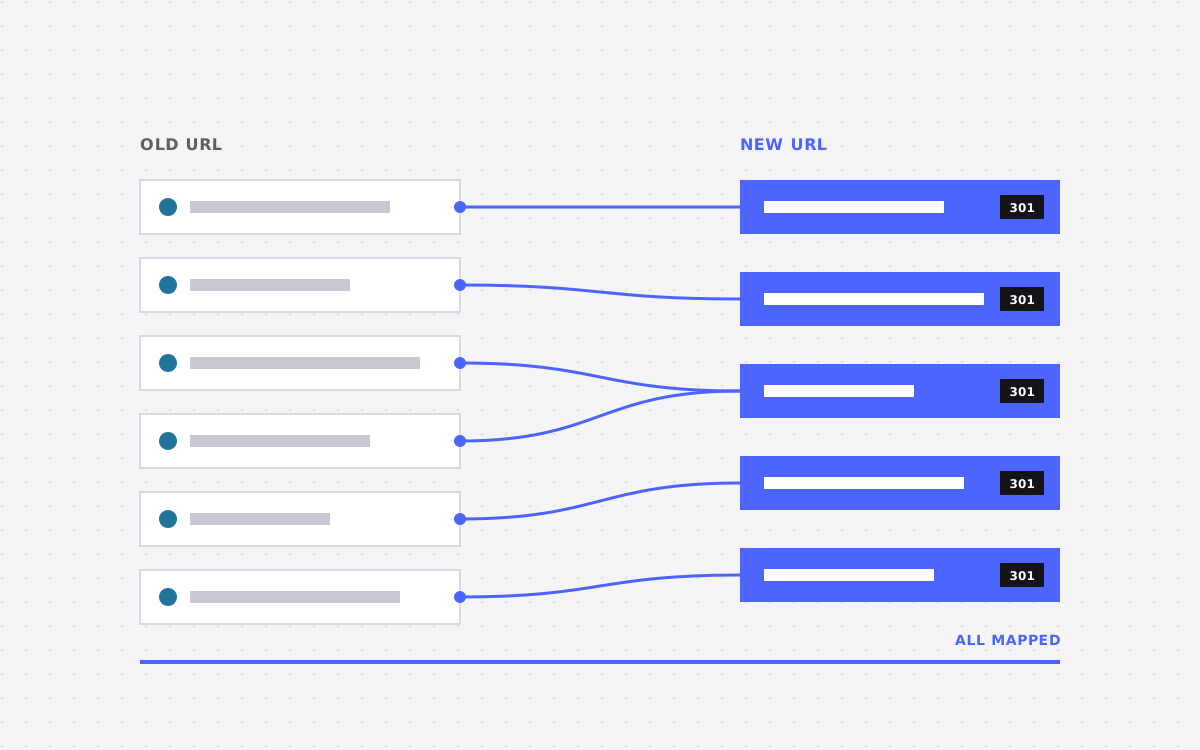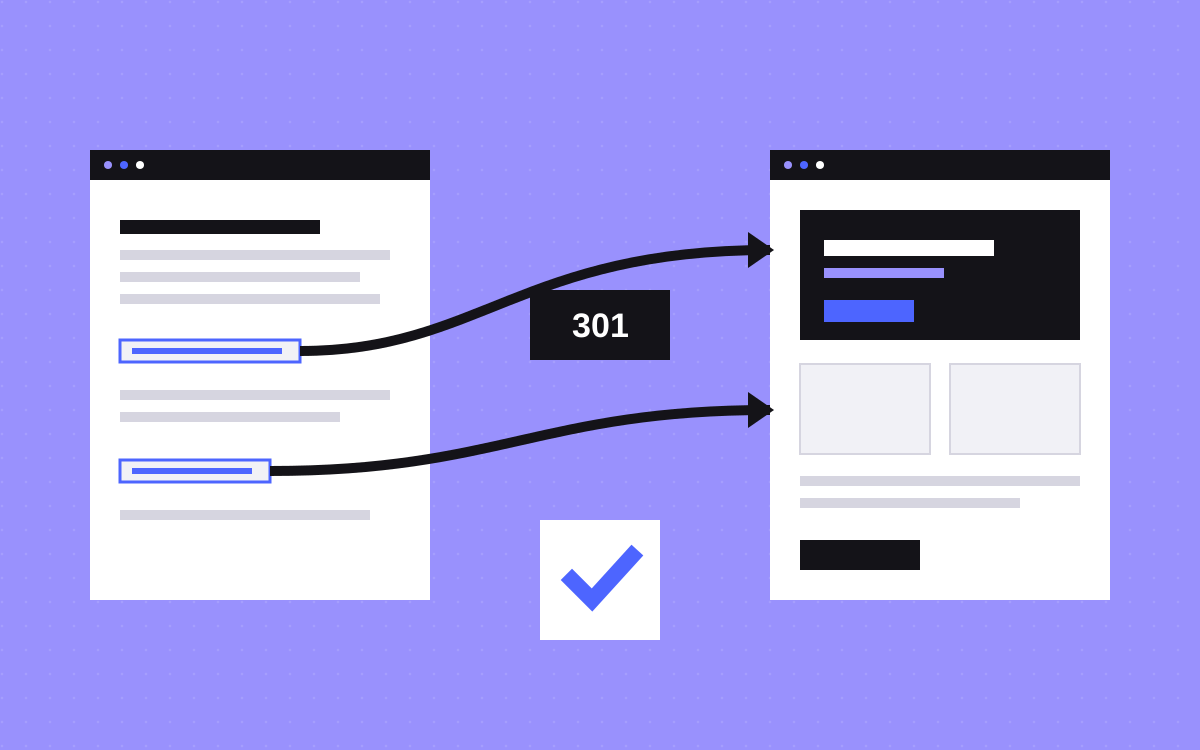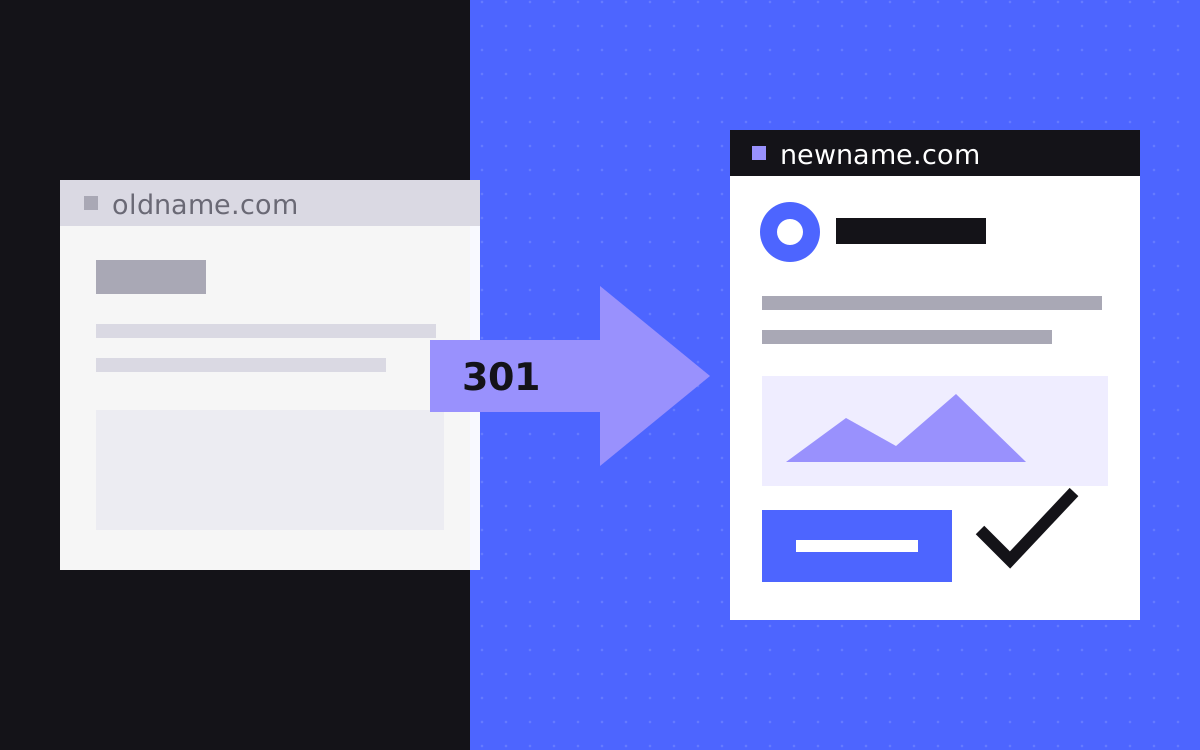
- Redirect every old URL with a 301 to the matching page on the new domain, with no chains.
- Use Google's Change of Address tool after the redirects are live, for each subdomain variant.
- Change one thing at a time. Keep URLs and content steady during the domain move if you can.
- Keep redirects for at least a year, and keep renewing the old domain for longer if you can.
- Rankings may move around for a while. Nobody can guarantee them, but a clean move gives you the best chance.
The short answer
To keep your rankings through a rebrand, keep the same paths on the new domain, 301 redirect each old URL to its match, verify both domains in Search Console, submit Google's Change of Address request once the redirects work, and keep the redirects in place for at least a year. Rankings may move for a while, and nobody can guarantee them. Google's site move guide says most pages on a small or medium site can take a few weeks to move, and larger sites take longer.
Split the rebrand from the redesign
Google's advice is to change one thing at a time. A rebrand tempts you to change the name, domain, design, copy and URLs on one day. If traffic then falls, you cannot tell why. Use this rule to order the work:
| You are changing | Order |
|---|---|
| Name and logo only, same domain | Not a site move. Update the brand and no redirects are needed. |
| Name and domain, same design | Move the domain with paths unchanged. This is the cleanest case. |
| Name, domain and new design | If you can, restyle first and let it settle, then move the domain. |
| All of that and a new URL structure | The riskiest case. Allow more time, and map every URL by hand. |
A launch date does not always allow this. If everything must go together, tell your team to expect a period where causes are hard to separate, and take a good baseline beforehand.
Before you touch anything
- Check the new domain's history. Google's guide says a used domain may have manual actions or old URL removals left over. Look in Search Console once it is verified.
- Verify both domains. Set up both in Search Console, using one Google account for both, since the tool needs that.
- Save a baseline. Export top pages, queries and links, so you have something to compare with.
- Crawl the old site. List every URL. Add URLs from Search Console and your logs. Our redirect map template gives you a layout.
- Choose a quiet date. Avoid your busiest period and any big campaign.
- Plan email. See below. It catches more teams out than SEO does.
Do not break your email
A website move and an email move are two jobs. Your email runs on your domain's DNS records, so a careless DNS change can stop it. Read will my email stop working when the site moves? first.
- Change only the website records at launch. Leave mail records alone.
- Keep old addresses receiving and forwarding long after the rebrand, since clients and tools will use them for a long time.
- Set up SPF, DKIM and DMARC on the new domain before sending from it.
- Update logins, invoices and tools that use the old address as a username.
Move the site
- Prepare the new domain. Update canonicals, hreflang, internal links, your sitemap and schema to the new domain. Google's guide lists these.
- Add the redirects. Use 301 or 308, server side, one old URL to one final URL. Keep them short: no chains.
- Test them. Run your full list of old URLs through a crawler. Each should give one redirect to a live page. Check www, non-www, http and https.
- Remove blocks. Check the new site's robots.txt, and remove any
noindexleft over from staging. - Submit the new sitemap in Search Console. Google says that once you do, you can remove the old one.
- Submit the Change of Address request. See the next section.
On Webflow, whole-domain moves are simple if paths stay the same. Connect both domains to the site, make the new one the default and publish. Check any subdomains on their own, since they may be set up somewhere else.
Use the Change of Address tool correctly
Google's Change of Address tool tells Google that your domain has moved. Use it after the redirects work, and not before.
- Use it for one domain or subdomain moving to another, including each subdomain variant of the old domain.
- Do not use it for HTTP to HTTPS, www to non-www on one domain, moving paths within a site, or a hosting or CDN change with no new URLs.
What to know:
- It needs a 301 from your old homepage to your new one, and you must own both properties.
- It works at domain level, not path level. Subdomains with their own properties move separately.
- Its effect lasts 180 days, and you can cancel within that time.
- You cannot immediately chain moves, such as A to B and then B to C. So do not stop at a temporary domain.
- If you are merging several sites, Google says to move them one at a time and let traffic settle in between.
Bing's migration guidance has a similar step, its Site Move tool, also used after redirects are live. Check the current docs.
How long to keep the redirects
Two Google pages give two numbers, and you should work to the longer one. The Change of Address help says at least 180 days. The site move guide says as long as possible, generally at least 1 year, and notes that keeping them forever is better for visitors. Bing's guidance says one to two years.
In practice, this means keeping the old domain. Links from other sites, old emails, PDFs and bookmarks will point to it for years. Renewing it costs little. Letting it lapse means that someone else could buy it and use your old name.
Teach the world your new name
Redirects move pages. They do not tell people that you have a new name. This part is easy to forget:
- Site name. Add
WebSitestructured data to your home page with the newname. Google says this can take days to weeks to update after a recrawl.alternateNameis for backup names. - A "formerly" line. Say it on your About page and footer for a while: New Co, formerly Old Co. It helps people connect the two.
- Links. Google suggests updating your own links and high-traffic external ones. Write to the sites that send you the most visits.
- Profiles. Update social accounts, directories, review sites and partner listings, and keep the same company facts everywhere.
- AI answers. AI tools may repeat the old name for some time. Consistent facts across your site and profiles are what you can control. There is no way to force an update.
- Paid and tools. Update ads, analytics, tag settings, payment pages, email signatures and your CRM forms.
Watch it for the first months
- Week one. Check daily for 404s, redirect errors and forms. Track both properties in Search Console. Redirect warnings on the old sitemap are expected, and Google says these can be ignored.
- Weeks two to eight. Watch impressions shift from old to new. Compare top pages with your baseline, and fix any page that drops sharply, starting with redirect and content checks.
- Month three onward. Search for your old name. Update what still shows it. Add any old URLs that turn up in logs to your map.
Some movement is normal. A large, lasting drop usually means something broke, so check redirects, indexing and robots.txt before anything else.
What to do next
Start with the order table and your email records, since those two prevent the worst outcomes. If you want a second pair of eyes on a move, send us your old and new domains and your target date. Our SEO and AEO work covers this, and we will be honest about risk. We cannot promise rankings, and nobody honestly can. Get in touch.

Terms used: 301 redirect, Domain migration