- First decide what you are moving: the whole store, or only the marketing pages with Shopify kept for checkout.
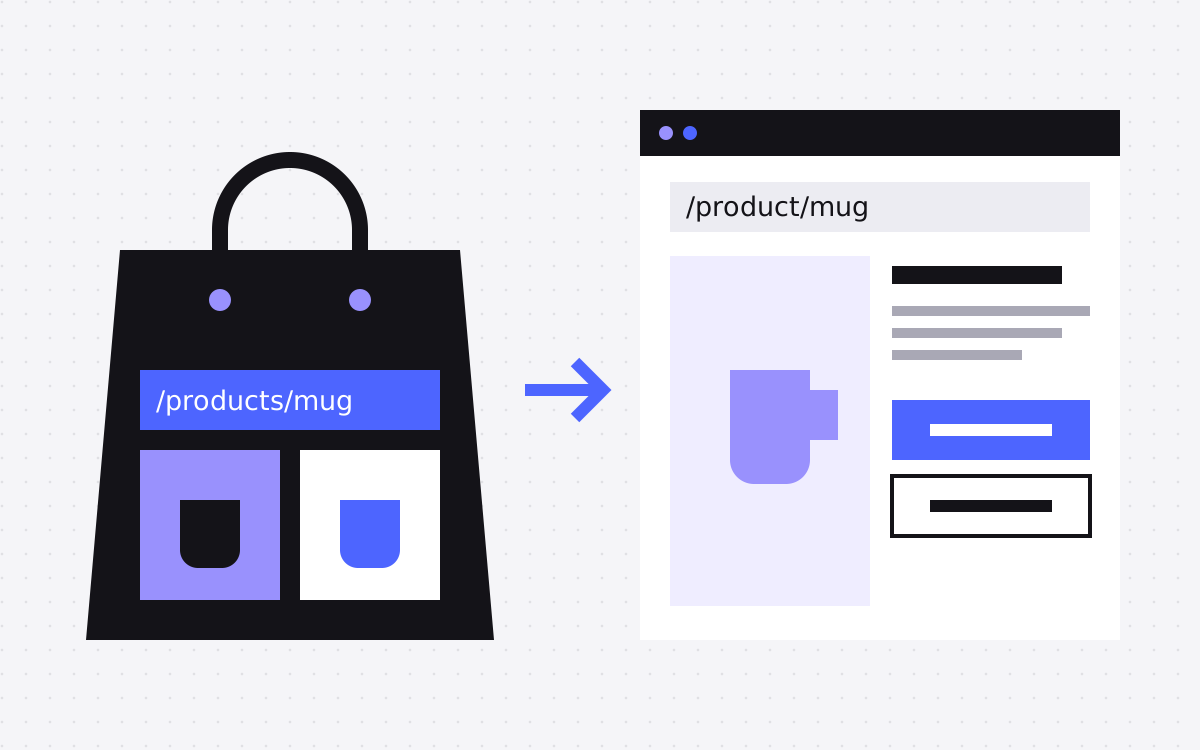
- Shopify URLs use /products, /collections, /pages and /blogs. Webflow Ecommerce uses /product and /category.
- Product and customer CSV exports are simple, but neither one covers blog posts or pages.
- Webflow Ecommerce connects to Stripe and PayPal, so a store on another gateway must check this first.
- Keep the Shopify store open until orders, redirects and payments are tested on Webflow.
The short answer
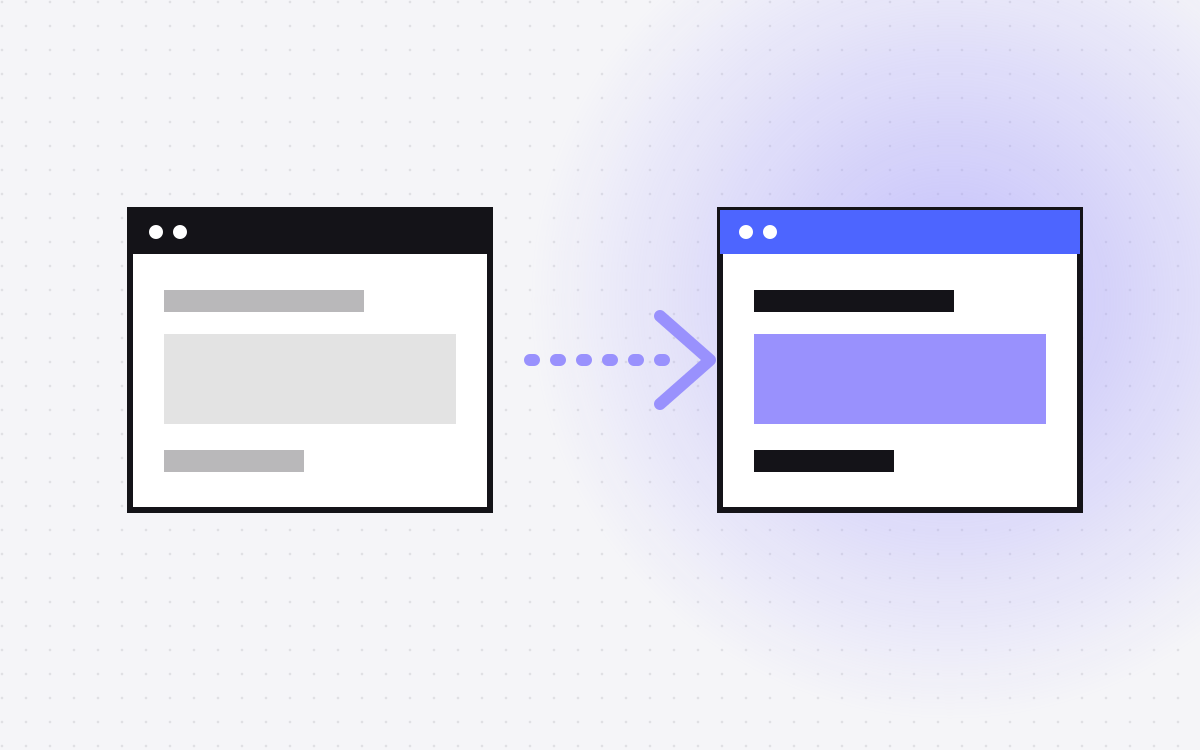
To move from Shopify to Webflow, choose how much of the store moves, export products and content, rebuild the theme in Webflow, import products into Webflow Ecommerce or a CMS, map the Shopify URL patterns to new ones with 301 redirects, test payments and orders, and then switch the domain.
Many stores should not move the whole store at all. Check the decision table below first, then read Webflow vs Shopify if you are still unsure.
Decide what is really moving
| Your situation | Best fit |
|---|---|
| Few products, simple shipping, no subscriptions, and a design you cannot get from a theme | Move the store to Webflow Ecommerce |
| You want design freedom but rely on Shopify for catalogue, orders or apps | Webflow front end, Shopify behind it. See when that fits. |
| You mainly sell elsewhere and the store is small, so the site is mostly marketing | Webflow site with CMS pages and links to where you sell |
| Many products, apps, staff, markets or a point of sale | Stay on Shopify and improve the theme |
To see why, take a store like Nourrir, a Shopify store we built and support. It has products, collections, shipping, Razorpay payments and custom Liquid product pages. Every one of those needs a home if a store leaves Shopify. List yours, including every app, and check each against the current Webflow docs. Do not assume that a feature exists because Shopify has it.
Check payments before anything else
This can end the project on its own, so do it on day one. Webflow Ecommerce connects to Stripe and PayPal, with Apple Pay and Google Pay available through Stripe. Neither is available in every country. If your store runs on another gateway, you need to check that you can use Stripe or PayPal in your country, for your business type and currency, before planning anything else. Also check taxes, shipping rules and discount types against what your store uses today.
Know what each export gives you
| Content | Route | Watch for |
|---|---|---|
| Products | Product CSV from the admin | Shopify says the images are not included in the file. SEO title and description only fill in if you customised them by hand. |
| Inventory | Separate inventory CSV | Needed for stock by location. |
| Customers | Customer CSV | Over 50 customers, the file comes by email. Check your privacy notice before you move personal data. This is not legal advice. |
| Blog posts | Admin API, or by hand | Not in the product or customer exports. Developers can list articles through the API. |
| Pages | By hand, or a script | Your sitemap lists them, so you can check nothing is missed. |
| Redirects | URL redirects CSV | Export these and carry over the ones that still matter. |
Since SEO fields are often blank in the CSV, crawl the live store for real titles and descriptions. Keep past orders as a backup too, in case you need them for support or accounts.
Map the URLs
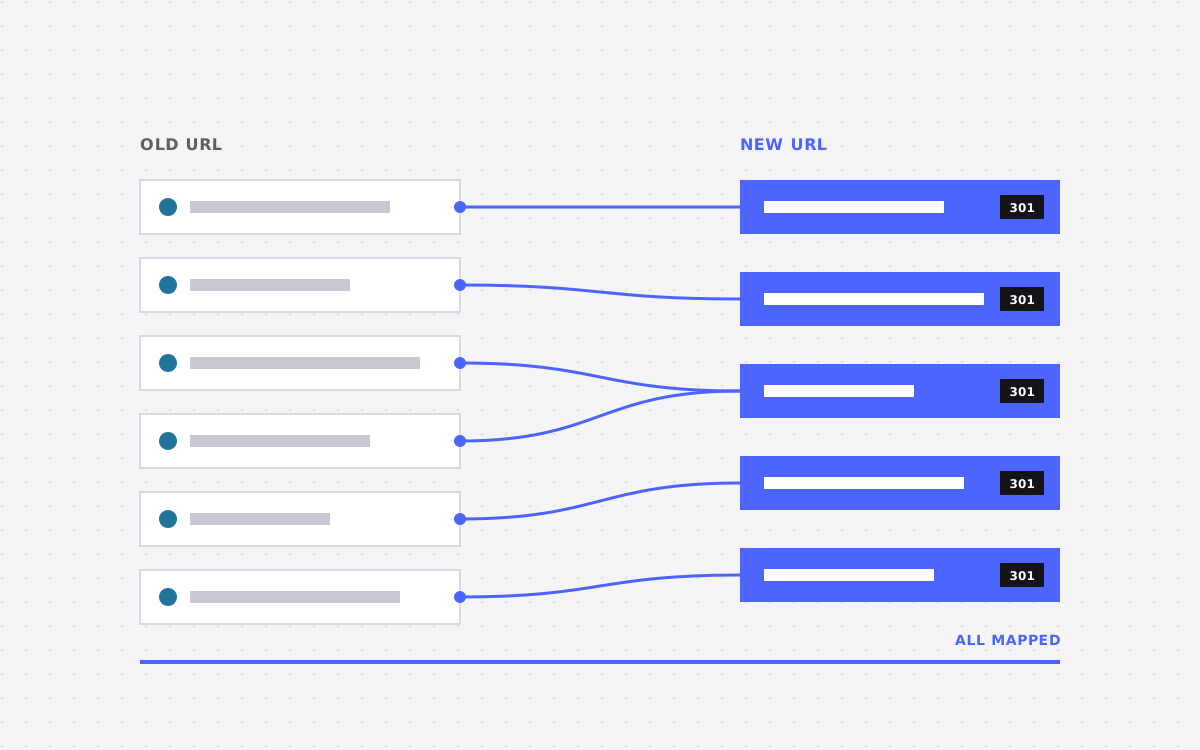
Shopify's paths are fixed, and Webflow Ecommerce has fixed paths of its own. Webflow reserves /product and /category on Ecommerce sites, along with /checkout and others. So almost every store URL changes, but slugs can stay the same. Here is the usual map:
| Shopify | Webflow rule target |
|---|---|
/products/(.*) | /product/%1 |
/collections/(.*) | /category/%1 |
/pages/(.*) | /%1, if each page lives at the root |
/blogs/your%-blog/(.*) | /blog/%1 |
A few things need care:
- Hyphens in old paths. Webflow asks for % before special characters in old paths, and a hyphen is one of them. That is why the blog rule above reads
your%-blog. - Nested product URLs. Your crawl may also show products under a collection path, such as
/collections/x/products/y. Put specific rules ahead of the collection wildcard, since Webflow tries older rules first, and test real examples from your crawl. - Pages that do not exist any more.
/collections/all, tag filter URLs and vendor pages have no direct match. Send them to the closest page. - Language and market subfolders. Shopify says its URL redirects do not automatically apply to all market subfolders, so check what your store has set up. Webflow redirects do not cover localised paths either, so each needs a rule.
- Deleted products. Redirect the ones with links or traffic to the closest product or category.
Rebuild and import
Rebuild the theme with components and a clear class system. Liquid does not transfer, so custom product layouts and reviews need rebuilding and may need an outside tool. Then import:
- Webflow product import runs from the Designer, takes CSV files up to 4 MB, and maps fields for you.
- Handles must be unique, and custom fields are not mapped. Add those by hand or with a script.
- Compare Shopify's columns with Webflow's sample file. Expect to reshape the file.
- The number of products you can import depends on your Ecommerce plan. Check that first.
- If you use a plain CMS instead, CSV images come from public URLs and get no responsive variants. Size them first, and import while the Shopify store is still open.
Test the things that take money
- Place a real order with each payment method, then refund it.
- Check tax and shipping for each region you sell to.
- Test discount codes and gift cards, if you use them.
- Confirm order emails and stock levels.
- Confirm that analytics records a purchase with the correct value.
- Click through from an old product link in an email campaign, and from an ad.
That last one is often missed. Paid ads and email campaigns point to old URLs, so update them as well as relying on redirects. If you run a product feed for shopping ads, update its links too.
Switching over
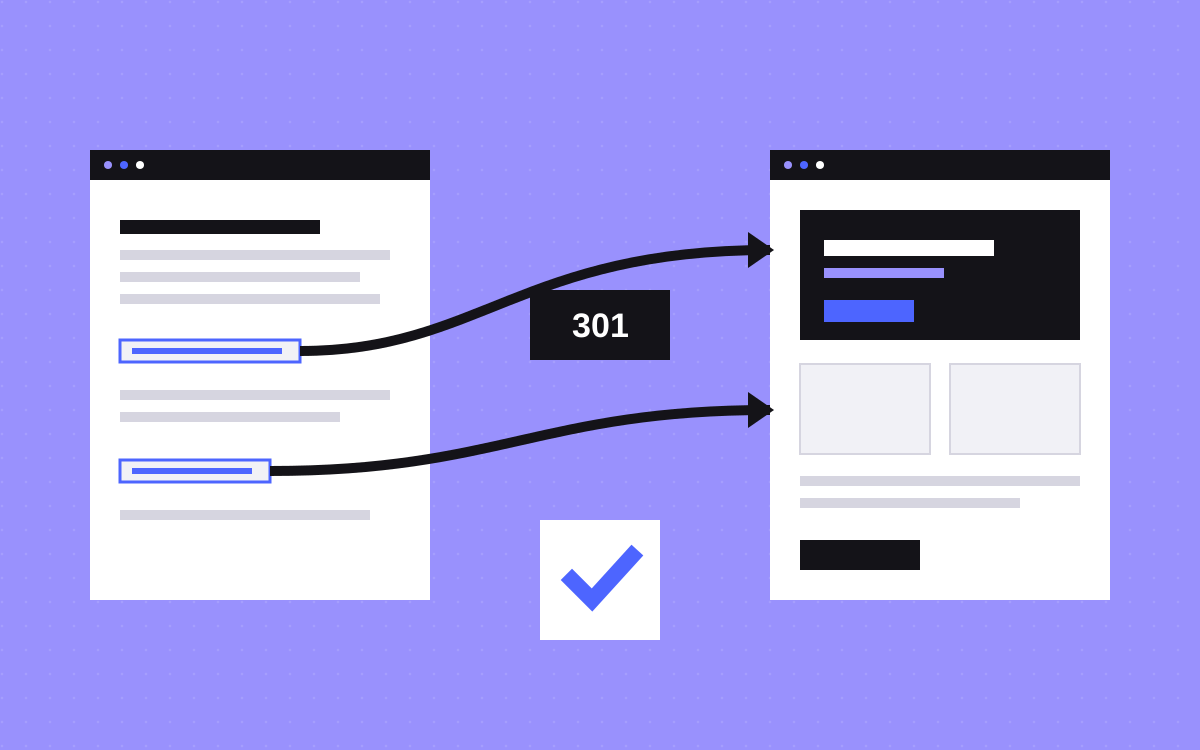
Add redirects in Webflow before you switch. A CSV import replaces existing redirects, so export first. Pick a quiet time. Switch DNS, publish, then test a sample of old URLs. Keep your Shopify store open for a while afterwards in case you missed an export, and do not close it until you have a copy of everything you need.
What usually goes wrong
- Apps forgotten. Reviews, loyalty, upsells and subscriptions each stop working with the store.
- Blog skipped. It is not in the standard CSVs, so it often gets left until last.
- Blank SEO fields. Auto-generated Shopify titles do not appear in the CSV, and rankings can suffer when those titles change.
- Images lost on close. Move product images before you shut anything down.
- Customers surprised. Accounts and saved details may not carry over. Check what your new setup offers, and tell customers if they need to do anything.
What to do next
Write your feature and app list, then check payments. If Webflow Ecommerce still fits, the rest is careful work. If it does not, a Webflow front end or a better theme may get you what you wanted. Send us your store URL and the list, and we will tell you which one we would pick. See Shopify to Webflow, or talk to us.

Terms used: Webflow, Webflow Ecommerce