- Moving from Sitecore to Webflow is a rebuild: new templates, moved content and a full URL map.
- Page text often lives in separate data source items, so one page may be spread across several items.
- Your URL settings decide the shape of old addresses: language in the path, .aspx and letter case can all vary.
- Media URLs such as /-/media/ need their own plan, because files are often linked from other sites.
- Large sites can move section by section. Smaller ones should generally move all at once, as Google advises.
The short answer
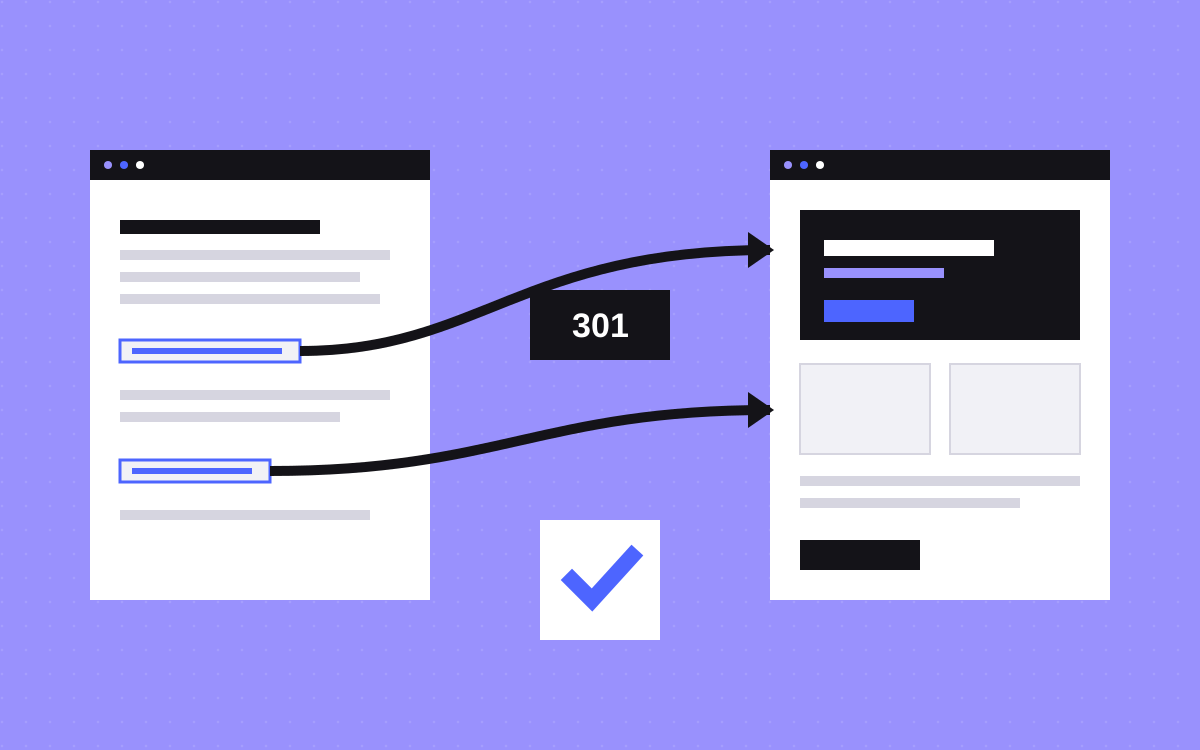
To move from Sitecore to Webflow, audit what the platform does for you, crawl the live site, extract content including data source items, map templates to Webflow CMS collections and components, rebuild, import, then redirect old URLs. Sites of this size often move section by section instead of all at once.
Read Webflow vs Sitecore first. Many Sitecore sites use features that a marketing site on Webflow would not replace, and it is better to find that out early.
Start with what Sitecore does for you
Sitecore is rarely just a CMS. Make a list before you price anything, and give each row an owner and a verdict.
| Feature | Question to ask | Common verdict |
|---|---|---|
| Personalisation and tests | How many rules are live? Who looks at the results? | Keep the few that earn their place, in another tool |
| Multi-site | How many sites share one instance? | Each one becomes its own Webflow site, with its own plan |
| Languages | How many, and who translates? | Check Webflow Localization against your needs |
| Forms and integrations | Where does each submission go? | Rebuild, then test each route |
| Commerce or logged-in areas | Is this part of the site, or a separate product? | Often stays out of Webflow |
If the personalisation or commerce rows are large and well used, moving may be the wrong call. If most rows turn out to be unused, the case for moving gets stronger. Also note your Sitecore contract end date, since it sets your real deadline.
Read the old URLs from the live site
Sitecore builds item URLs from settings, so two sites can look very different. The item and media URL docs list the options that matter:
- Language.
languageEmbeddingcan be asNeeded, always or never, so/en/aboutand/aboutmay both exist.languageLocationcan also place it in the query string. - Extension.
addAspxExtensionadds.aspx. Older links may still use it. - Letter case.
lowercaseUrlsis off by default, so paths can contain capital letters. Test mixed case in your redirect checks. - Names.
useDisplayNamecan make the URL differ from the item name in the tree.
So take URLs from a crawl, your sitemap, Search Console and logs, not from the content tree. Then ask your developer for the settings, along with any custom URL rules on the server.
Plan for media URLs
Media library files get their own addresses. Sitecore's docs show the form /-/media/Images/myImage.ashx?h=300&w=200, with size settings in the query string. For a migration, this means:
- List every PDF, report and download with its old URL. Other sites tend to link to these.
- Move the files that still matter, and give each a target page or a new file location.
- Ignore resized image variants. They only matter if your logs show traffic to them.
- Test rules that involve query strings or special characters. They can behave differently from a plain path.
Choose an extraction route
Which route you can use depends on your product (XP, XM or SitecoreAI) and how it is set up. Ask your developer which are available.
| Route | What it gives you | Limit |
|---|---|---|
| Delivery GraphQL API | Published content and page layout from Experience Edge | Read only, published only. Needs an Edge setup and a key. |
| Content Serialization | Items as YAML files, pulled with the Sitecore CLI | Made for developer workflows, so it needs parsing. |
| PowerShell Extensions | Scripted lists and reports over the tree | A separate module. It needs admin access and care. |
Whichever you pick, run a test on five pages of different types and compare the output with what is on screen before you plan the whole extraction.
Handle data sources and templates
This is where Sitecore moves go wrong. A page in Sitecore is a layout with components in placeholders, and each component can point to a data source: a separate item with its own fields. The layout query in Sitecore's docs shows this, with a dataSource ID on each component. So an export of the page item alone may miss most of its text.
Map it like this:
- Item templates with many similar items. Articles, events, people and case studies become CMS collections.
- Shared data sources. A call to action used on 40 pages becomes a component or a reference field.
- Placeholder-based pages. Landing pages become static pages built from components. Do not try to model free-form placeholders in the CMS.
- Inheritance. Fields a template inherits from a base can look missing in a simple export. Check that the values come through.
Take the chance to cut. Older instances often hold content that no live page uses. Keep what your crawl and traffic data support.
All at once, or in stages
Google's site move guide says small and medium sites should generally move all at once, and large sites can move section by section, which makes problems easier to spot. Use this rule:
- All at once if you have one site, one or two languages and a clean set of templates.
- In stages if you have many sections, several teams or a long content freeze you cannot accept.
Stages usually need a reverse proxy, so both systems serve one domain while pages move across. We set up a reverse proxy on TripleDart, for pages still on its older site. The idea is the same whichever platform you are leaving. Our guide to moving in stages explains the setup and its costs, including Webflow's position by plan.
Redirects at this scale
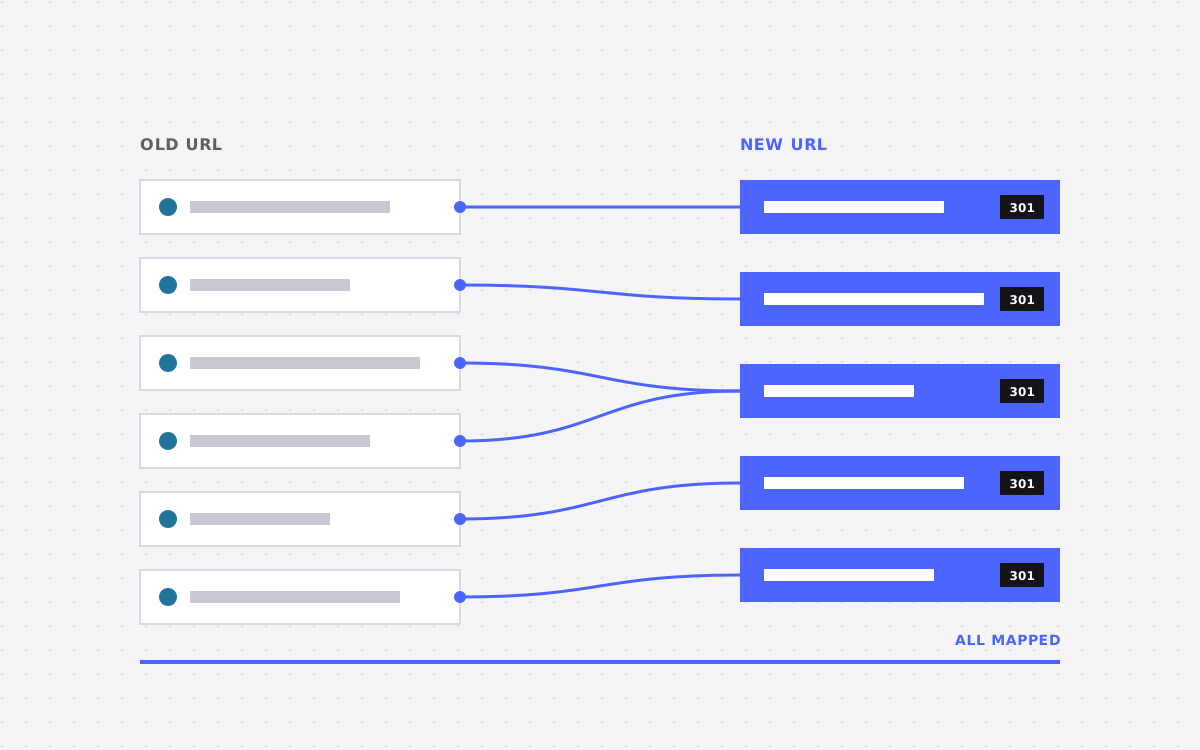
Webflow has no hard limit on total redirects, but suggests 1,000 as a best practice maximum and prefers wildcards. On a large Sitecore site, that shapes the plan:
- Group URLs by folder and use patterns such as
/insights/(.*)to/blog/%1where slugs stay the same. - Put % before special characters in old paths. Hyphens are on Webflow's list.
- Keep slugs the same wherever you can, so patterns do the work.
- If your map stays very long, consider handling redirects at a proxy or edge layer in front of Webflow. Ask a developer to own it.
- Webflow redirects do not cover localised paths, so plan language rules separately.
- A CSV import replaces all existing redirects, so export first.
Webflow's CSV import also has a 4 MB file limit, and imported images get no responsive variants. For large collections, plan on the CMS API rather than CSV.
What usually goes wrong
- Pricing from the content tree. The tree says little about the work. Data sources and layouts set the real size.
- Personalised content lost. A variant may hold the only copy of a message. Review rules before you extract.
- Connected systems forgotten. CRMs and internal tools may read from or write to Sitecore. Find them early.
- Governance left behind. Large teams have approval habits. Agree on the new way of working before launch, or people will work around it.
- Contract timing. A move that overruns may push you into paying for two platforms. Build in time.
What to do next
Run the feature table above with your Sitecore developer and your marketing lead in the same room. If most rows are small, a move is worth pricing. Send us your URL, the table and your contract date, and we will give you an honest view, including when staying is the better choice. Get in touch. No one can promise rankings after a move, so what we can offer is careful URL work and close checks after launch.

Terms used: Webflow, Core Web Vitals