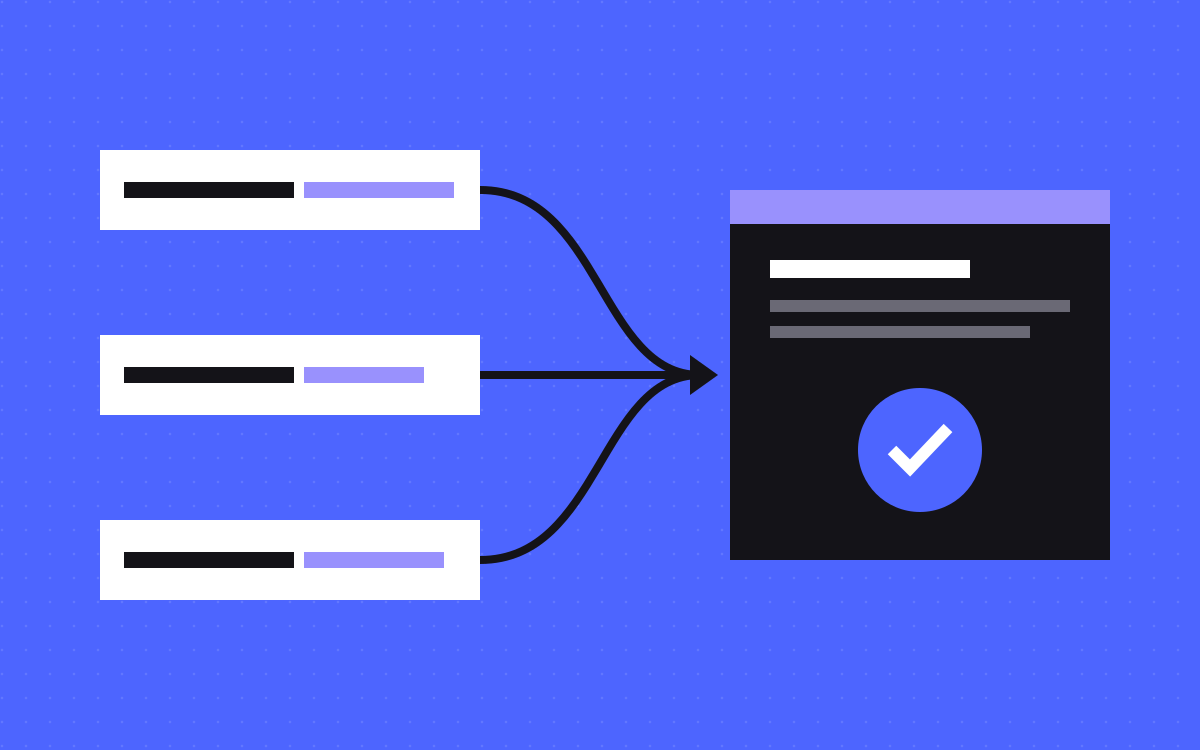
- Work in order: confirm the drop is real, read its shape, find where it sits, match it to dated changes, then check technical issues, penalties, updates and demand.
- If analytics fell but Search Console clicks did not, suspect your tracking before your rankings.
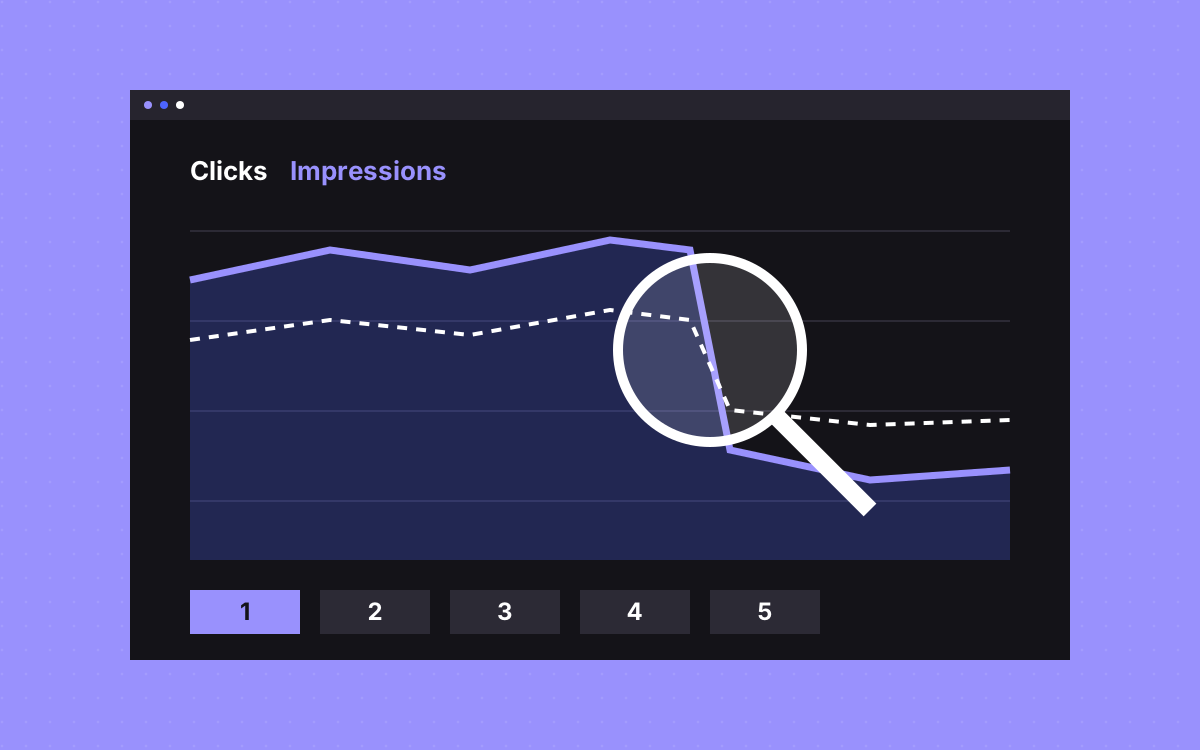
- Clicks and impressions read together tell you most of the story. Flat impressions with falling clicks points at the search result, not the page ranking.
- A drop in one folder or template usually has a cause you can find. A slow slide across a whole site needs more patience.
- Do not rewrite pages or change titles site-wide in the first few days. You will lose the ability to see what caused what.
The short answer
When traffic drops, check things in this order: confirm the drop is real, read its shape over 16 months, find which pages and queries it sits in, match it to what changed on the site, then check technical problems, manual actions, ranking updates and demand. Each step removes a whole group of causes, so you stop guessing early.
Google publishes its own guide to debugging traffic drops. It names six groups of cause: algorithmic updates, technical issues, security issues, spam issues, seasonality or changing interest, and site moves. The order below is ours. It puts the cheap checks first.
Step 1: Confirm the drop is real
Open Search Console and GA4 side by side, on the same dates.
- GA4 down, Search Console clicks flat. The likely cause is tracking: a changed tag, a consent banner update or a tag that stopped firing. Our tracking setup guide shows what to test.
- Both down. The drop is probably real. Carry on.
- Only the last few days look low. The newest Search Console data can be preliminary and may still change. It shows as a dotted line on the chart.
Also read Search Console's Data Anomalies page. Google uses it to list logging or processing errors that can look like a drop.
Step 2: Read the shape
Set the date filter to the last 16 months, and use weekly or monthly views so daily noise goes away. Then compare the last 3 months with the previous period, and with the same months last year. The shape narrows the cause:
- A cliff on one date. Look for a release, a settings change or a site move on or just before that date.
- The same dip last year. Seasonality. Check it against Google Trends.
- A slow slide over months. Rivals, ageing content or falling demand. There is rarely one fix.
- A step down, then flat. Often one group of pages left the index or lost its rankings.
Step 3: Read clicks against impressions
| What you see | What it usually means | Next check |
|---|---|---|
| Impressions flat, clicks down | You still appear, but fewer people click. Google says the title and snippet may need work. | Search the query yourself. See what the result page shows now. |
| Clicks and impressions down, position flat | Fewer people are searching. | Google Trends for your main queries. |
| Clicks, impressions and position all down | You lost rankings on queries that matter. | Step 4, then step 5. |
| Impressions up, position down, clicks flat | You started appearing for more queries, lower down. This is often no problem at all. | Compare query lists before you worry. |
| Clicks near zero on a whole section | Those pages may have left the index. | Page indexing report, today. |
Google says impressions and clicks are the main measures of success, so treat average position as a clue and no more.
Step 4: Find where it sits
In the Performance report, compare two periods and sort the Pages table by Clicks Difference. Then repeat on Queries, Countries, Devices and Search appearance, and check each search type too. You want one sentence that describes the drop.
- One page. Check that page first: its content, its links and who now ranks above it.
- One folder or template. Look for a shared cause, such as a template edit, a CMS field change or a redirect rule.
- One device. Test that device. A broken mobile layout or a slow page may be behind it.
- One country. Check that locale, its hreflang and any region rules.
- Brand queries. Fewer people looked for you by name. Look at marketing, not SEO.
- Everywhere at once. Think site-wide: indexing, a manual action or an update.
Step 5: Match it to what changed
Write a dated list of everything that shipped around the drop. Most teams skip this step, and it often answers the question.
- Redesigns, new templates and page deletions
- Changed URLs, slugs or redirect rules
- Edits to robots.txt, noindex settings or canonical tags
- New scripts, tag changes or a new consent tool
- CMS fields renamed or emptied
- Domain, DNS or hosting moves
Google notes that rankings can move after a URL change while it recrawls the site, so some movement after a move is normal. Missing redirects are a separate problem. Check them against your redirect map. If nobody can say what shipped, read what breaks after launch and who owns it.
Step 6: Check the technical causes
- Page indexing report. Look for a rise in excluded or error pages that lines up with the drop.
- URL Inspection. Test your top losing pages. Is the live page indexable? Which canonical did Google choose?
- Crawl stats. Look for a spike in server errors or a change in crawling.
- robots.txt by hand. Open it in a browser. Staging rules do get published by mistake.
- View source on a losing page. Look for a stray noindex, and check the main text is in the page.
One trap: if robots.txt blocks a page, Google never sees its noindex rule, and the page can still appear in results. Fix the two settings together.
Step 7: Manual actions and security
Open the Manual Actions report and the Security Issues report. These are not the most common causes, in our view, but each takes a minute. If either one shows a problem, it moves to the top of your list. Google says security problems can bring warnings in front of visitors, and spam issues can lower a site or remove it from results.
Step 8: Updates and demand
Compare your date with Google's list of ranking updates. A match is a clue and does not prove the cause. Google says that after an update there might be nothing fundamentally wrong with your content, so read your losing pages honestly next to the pages that now rank above them. Then decide what is worth improving.
Then check demand. If the whole topic is falling in Google Trends, no page edit will bring those clicks back. Your job is to find what people look for now.
What not to do in the first week
- Do not change everything at once. You will never know what helped.
- Do not rewrite every title. Wait until step 3 points at titles.
- Do not delete or redirect pages in a panic. That can add a second problem on top of the first.
- Do not trust one rank check. Results vary by place and device. Use the trend.
- Do not blame AI answers without evidence. Check the actual result page for your queries first.
What to do next
Write a short note before anyone starts fixing:
- The drop in one sentence: which pages, which queries, since which date.
- What shipped around that date.
- What you ruled out, and how.
- One fix to try, and the date you will check it.
If you would like help, see SEO and AEO or Webflow SEO, or send us your site. We can help find the cause and fix what is broken, but nobody can honestly promise your rankings back.

Terms used: Core Web Vitals, AEO