- Moving from Drupal to Webflow means rebuilding the theme in Webflow and moving content through CSV or the Webflow CMS API.
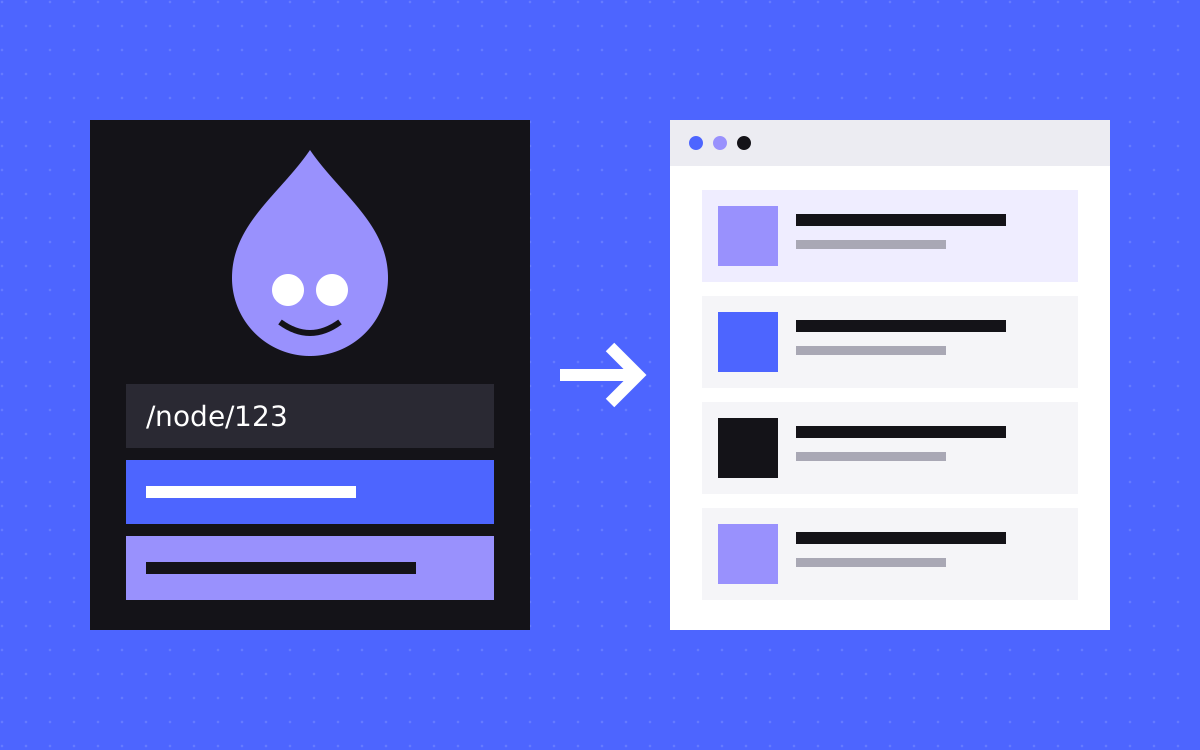
- Every Drupal node has a system path such as /node/123 and usually a readable alias. Redirect both if both are indexed.
- Export with core JSON:API or the Views Data Export module. JSON:API does not export Views results.
- Paragraphs, Views and Webforms have no direct Webflow match. Decide what each one becomes before you import.
- Stay on Drupal if you depend on complex roles, workflows or custom modules that hold real business logic.
The short answer
To move from Drupal to Webflow, crawl the live site, export your content, map content types to Webflow CMS collections, rebuild the theme in Webflow, import the content, then add 301 redirects and switch the domain. The design and any custom modules do not transfer. The content does, with cleaning.
Before you commit, read Webflow vs Drupal. A move is only worth it if your team will gain more than it gives up.
When to move, and when to stay
Use this rule. Count what your Drupal site does that is not publishing pages.
- Move if it is mostly marketing pages and a blog, your team waits on developers for small changes, and module and core updates take up budget.
- Think hard if you have a few custom modules. Ask what each one does. Some are small enough for an embed or an outside tool.
- Stay if the site runs logged-in areas, many editorial roles and approval steps, or custom modules that hold real business logic. Webflow will not replace those, and rebuilding them elsewhere may cost more than staying.
Learn how your Drupal URLs work
This is the part that is special to Drupal. Content has an internal address such as /node/123, and usually a readable alias on top. The Pathauto module builds those aliases from patterns, so one site can have many URL shapes. Check these places:
- Aliases. These are what visitors see. Your crawl will find them.
- System paths. Search Console or your logs may show
/node/123addresses that were indexed or linked to. They need rules too. - Old redirects. The Redirect module stores manual redirects, and Pathauto can be set to create one when an alias changes. Get this list from your developer. Point any that still matter straight at the new URL.
- Language prefixes. Drupal can detect language from a path prefix or a domain, so
/fr/pages may exist. - Term and user pages. Pathauto also aliases taxonomy terms and users. Decide which of these pages are worth keeping.
Choose your export route
Drupal gives you more than one way out. Pick by who will do the work.
| Route | Good for | Watch for |
|---|---|---|
| JSON:API, in core | Scripts. Every bundle gets a URL such as /jsonapi/node/article. | Pages hold at most 50 items by default. Follow the next link and do not build page URLs yourself. It does not export Views results. |
| Views Data Export, contributed | Non-developers. Exports CSV, JSON or XML in batches from a View you build. | Listed for Drupal 9, 10 and 11. Older sites need a check. |
| Copy by hand | Small sites and key pages. | Slow, but useful for pages built from many blocks. |
Access rules also apply. JSON:API may return fewer items than the limit when some are not visible to the requester, so check totals against your content list, and decide whether unpublished items matter.
Map Drupal to Webflow
Fill this table in for your site before anyone touches the Designer. It decides the size of the project.
| In Drupal | In Webflow |
|---|---|
| Content type | CMS collection, if it has many items and one template |
| Field | Collection field. Merge or drop ones nobody fills in. |
| Taxonomy vocabulary | A collection, linked with a reference or multi-reference field |
| Entity reference | Reference field. Import the linked collection first. |
| Paragraphs | Designed sections on a page, or plain rich text. Not a collection. |
| Block | A component |
| View | A collection list, with filters added on top if needed |
| Webform | A Webflow form plus an outside tool for routing or logic |
Paragraphs need the most thought. The Paragraphs module lets editors stack and reorder blocks, so two pages of one content type may look nothing alike. If most pages use a similar stack, make one template with optional fields. If each page is its own layout, build it as a static page.
Clean the content before import
- Body HTML. Drupal text formats can leave classes, inline styles and embedded media tags in the body. Strip these, since they mean nothing in Webflow.
- Internal links. Bodies may link to aliases or to
/node/123. Rewrite them to final URLs. - Files. List every PDF and download. Those old addresses often have links from other sites, so each one needs a new home and a redirect.
- Dates and authors. Keep original publish dates and author names.
Then import. Webflow's CSV import takes files up to 4 MB, and item limits depend on your site plan. Images come from public URLs and do not get responsive variants, so size them first. References match on name or slug, so a custom slug can cause a miss. Larger or heavily linked sites suit the Webflow CMS API better. Import while the Drupal site is still public, or the image URLs will not resolve.
Rebuild, and replace what the modules did
Do not copy the theme region by region. Build a small set of components and page templates, then list every module and give each one an answer:
- SEO and schema modules. Carry titles and descriptions across for pages that rank. Add schema through CMS fields and an embed.
- Search. Choose a Webflow option or an outside tool. Do not leave it for launch week.
- Multi-language. Plan Webflow Localization early. Check how it fits your plan in the current docs.
- Editorial workflow. Walk through how content gets approved today, then check which Webflow roles fit. Train editors before launch.
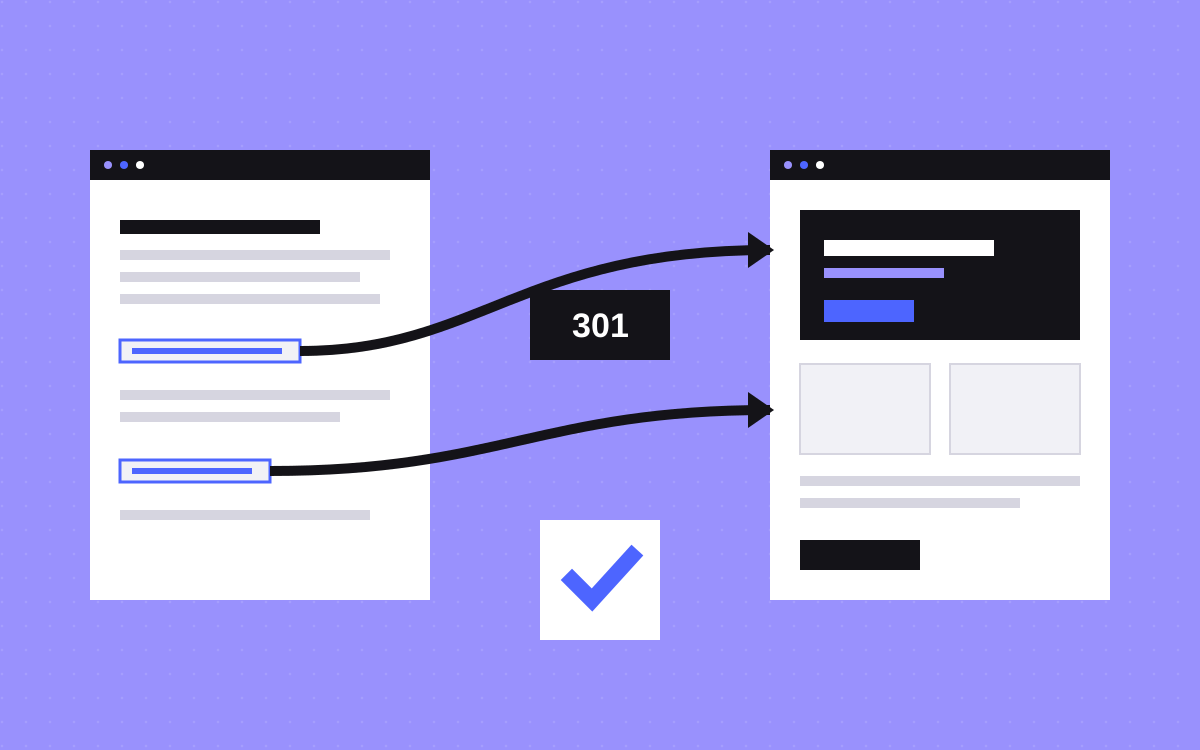
Set up redirects
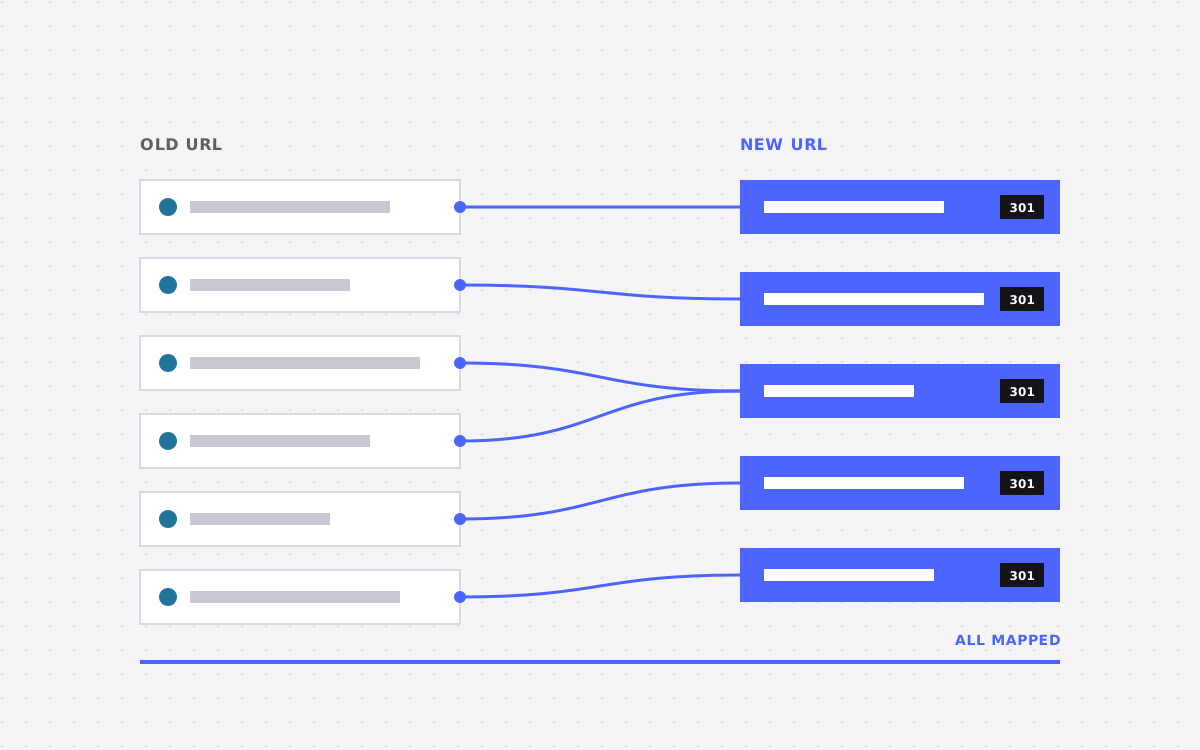
Build the full map from your crawl and exports. Our redirect map template has a layout. Then:
- Write wildcard rules for whole folders, such as
/news/(.*)to/blog/%1, where the slug stays the same. Webflow suggests about 1,000 rules at most as good practice, and prefers wildcards where possible. - Put % before special characters in old paths. Hyphens are on Webflow's list, so
/old-news/(.*)becomes/old%-news/(.*). - Webflow tries older rules first, so add specific rules before broad ones.
- A CSV import replaces every existing redirect. Export first, then add to that file.
- Webflow redirects do not cover localised paths. Each one needs its own rule.
- Add
/node/123rows only where Search Console or your logs show that address was in use.
What usually goes wrong
- Only moving aliases. Indexed system paths then return 404.
- Missing nested content. Text inside Paragraphs can be left out of a simple export of the node's own fields.
- Forgetting who else reads Drupal. Apps or feeds may use its API. Check before you turn it off.
- Changing everything at once. Google's site move guide advises changing one thing at a time. If you can, keep copy the same through the move.
- Turning Drupal off too soon. Keep a working copy and a database backup after launch.
What to do next
Start with the two lists that matter: your crawl, and your enabled modules with a line on what each does. Send them to us with your URL. We will say whether the move makes sense and give a fixed quote if it does. See Drupal to Webflow, or get in touch. Nobody can promise rankings after a move, but good redirects protect what you have earned. If a large site should move in parts, read moving to Webflow in stages.

Terms used: Webflow, Core Web Vitals