- A page must be indexed and eligible to show with a snippet. Google says there are no extra technical requirements.
- Check four gates in order: site setting, crawling, indexing and snippet controls.
- Google says you can skip llms.txt, chunking and special AI phrasing for its Search features.
- Content with first-hand detail is what Google says matters most. Generic summaries add little.
- Nobody can promise a place. Google says indexing and serving are never guaranteed.
The short answer
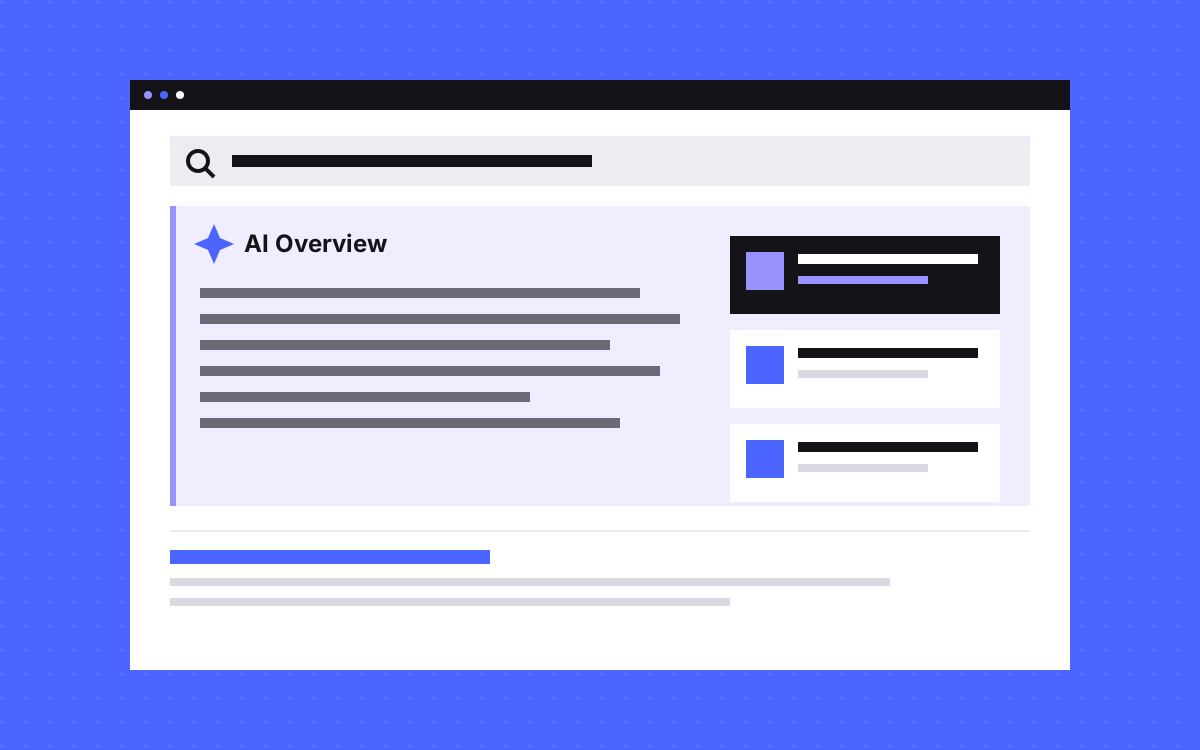
To get into Google AI Overviews, your page must be indexed and eligible to show with a snippet in Google Search, and your site must be included in the Search generative AI setting in Search Console, which is on by default. Google says no extra file, markup or special optimisation is needed. After that, the work is normal SEO and content worth citing.
Nobody can guarantee a place. Google itself says indexing and serving are never guaranteed, even for a page that follows every rule. What you can do is remove the blocks and give Google a reason to use your page. Source: Google's guide to AI features.
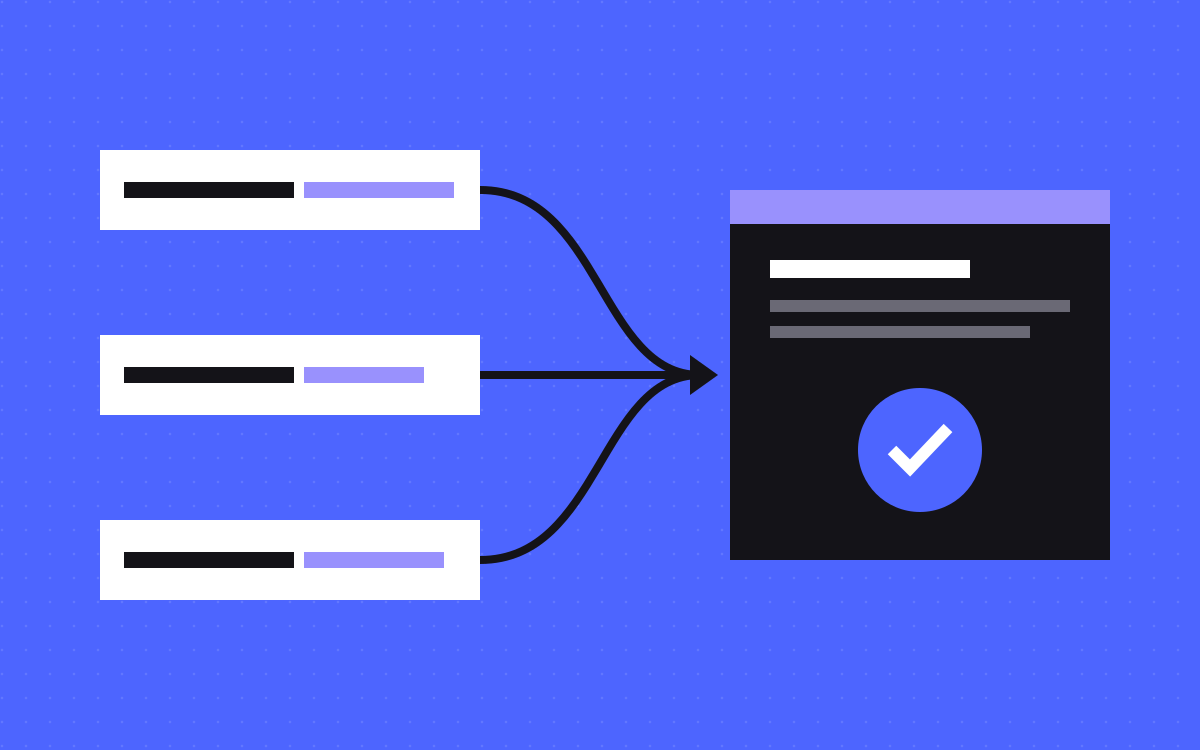
The four gates to check first
Most advice starts with writing. Start with the gates instead, because a page stuck at one of them cannot appear, however good the writing is.
| Gate | Where to check | What usually blocks it |
|---|---|---|
| Site is included | Search Console, Settings, Search generative AI | Someone switched the setting off |
| Page can be crawled | URL Inspection in Search Console | robots.txt rules, a firewall, a login or server errors |
| Page is indexed | URL Inspection in Search Console | A noindex tag, a canonical that points elsewhere, or duplicate pages |
| Snippet is allowed | The page's HTML and response headers | nosnippet, or a very tight max-snippet value |
Work from top to bottom. If you are new to these tools, start with our glossary entries on Search Console and indexing.
The controls, and which one does what
These settings are easy to mix up, and a wrong one can quietly keep you out.
- Search generative AI control. It sits in Search Console and manages whether your site appears in AI Overviews, AI Mode and generative AI features in Discover. Google's help page says inclusion is the default. Switching it off also removes the traffic those features bring.
- nosnippet and max-snippet. These page-level rules limit what Google can show from a page. The tighter the rule, the less your content can be used in these features.
- data-nosnippet. This attribute keeps one part of a page out of snippets. It suits a block you do not want quoted, while the rest stays open.
- noindex. This removes the page from Search, and so from these features too.
- Google-Extended. This token is about whether crawled content can train Gemini models and support some grounding features. Google says it does not affect inclusion in Google Search. So it is the wrong place to look if you want to manage AI Overviews.
How Google gathers sources
Google says its AI features are built on its core ranking and quality systems. It looks up pages in its Search index, then writes a response that links to pages supporting it. Both AI Overviews and AI Mode may also use query fan-out, which means running several related searches behind the scenes.
Here is an illustration. Say a buyer searches "how do I move from WordPress to Webflow". A fan-out could plausibly include:
- Will I lose rankings when I change platform?
- How do redirects work on Webflow?
- Can I bring my blog posts across?
- How long does a move take?
A guide that covers these well, with real detail, has more ways to be useful. That is a reason to answer follow-up questions on a strong page. It is not a reason to publish one thin page per question. Google warns that making pages for each variation, mainly to manipulate its AI responses, breaks its scaled content abuse policy.
What to write: the swap test
Google's guide to generative AI features says valuable, non-commodity content will likely matter more than anything else. In plain words, say something a summary of other sites could not.
Use this swap test. Take a sentence from your page and put a competitor's name on it. If it still reads as true, it is commodity content. Compare these two lines:
- Commodity: "Redirects are important when you migrate a website."
- Specific: "Before launch, we list every old URL, match each to its closest new page, and test the list, because an old page that returns a 404 loses the links pointing to it."
Things that tend to pass the test:
- What you saw on a real project, and what you would do differently
- A clear recommendation with the conditions where it changes
- Your own prices, process and limits
- Comparisons that admit where the other option wins
What you can safely ignore
Google's guide is unusually direct here. For its Search features, it says:
- llms.txt. Google Search does not use it. It will not help or hurt there. You can keep one for other services. See our llms.txt guide.
- Chunking. You do not need to split content into tiny pieces. Google says there is no ideal page length.
- Special phrasing. You do not need to write in a special way for AI search.
- Special schema. No schema type exists for these features. Structured data is still useful for rich results, and it should match what is visible on the page. Our schema markup guide covers the useful types.
- Bought mentions. Google says chasing inauthentic mentions helps less than it may seem, as its spam systems filter them out.
Clear headings and short paragraphs still help your readers, so keep them. Google also calls AEO and GEO simply SEO from its point of view. Other AI tools work in their own ways, which our post on getting cited by ChatGPT and Perplexity covers.
A one-page audit, in order
Pick one page that matters to your business, and run these steps.
- Open Settings in Search Console and confirm the site is included in Search generative AI.
- Run URL Inspection on the page. Confirm it is indexed and that the canonical is the one you expect.
- Look at the rendered HTML there. Google says that if content is missing from the rendered HTML, it cannot be indexed.
- Search the page source for nosnippet, max-snippet and data-nosnippet. Remove any you did not choose on purpose.
- Write down the main question and four follow-up questions a buyer would ask. Mark the ones your page answers well.
- Run the swap test on your first paragraph, and rewrite it if it fails.
- Compare your structured data with the visible page, and correct anything that does not match.
- Check facts, prices and dates, since out of date details hurt trust everywhere.
Our free AEO score tool can give you a quick outside read on a page. Treat it as a checklist, not a forecast. Google warns that no third-party tool has access to its internal ranking or AI systems.
Why a good page can still be missing
You can pass every gate and still not appear. That does not always mean something is wrong.
- Google chooses. It decides when these features show and which links support the response.
- Fan-out changes the field. Google says these features can show a wider set of links, so sources can differ from the classic results.
- Answers change. One check on one day proves little. Look at a trend over time.
- Others may say it better. A page with first-hand detail or clearer facts can be the stronger source.
So avoid rewriting a page after one disappointing search. Change one thing, wait for Google to crawl it again, then compare.
How to tell if it is working
The Generative AI performance report in Search Console shows impressions in AI Overviews and AI Mode, by page, country, date and device. It may not appear if your site has too few impressions, or if the site is excluded.
Clicks are counted in the normal Performance report under the Web search type, mixed in with other Search traffic. So also look further down the funnel. Google itself suggests looking at conversions, such as signups and sales, and not only clicks. Our AI Overviews glossary entry has the basics.
What to do next
Run the audit on your most important page this week, and fix any gate that fails first. Then improve the content with real detail from your own work, and repeat for your next page. If you want a second pair of eyes, see our SEO and AEO work or send us your site. We can tell you what we would fix first, but we cannot promise a place in AI Overviews, and nobody honestly can.
More reading: what is AEO?

Terms used: AI Overviews, Query fan-out