- Sanity stores content and has no front end, so moving from WordPress also means building a site, for example in Astro.
- Sanity's own course uses the WordPress REST API and scripts. Plan for developer work.
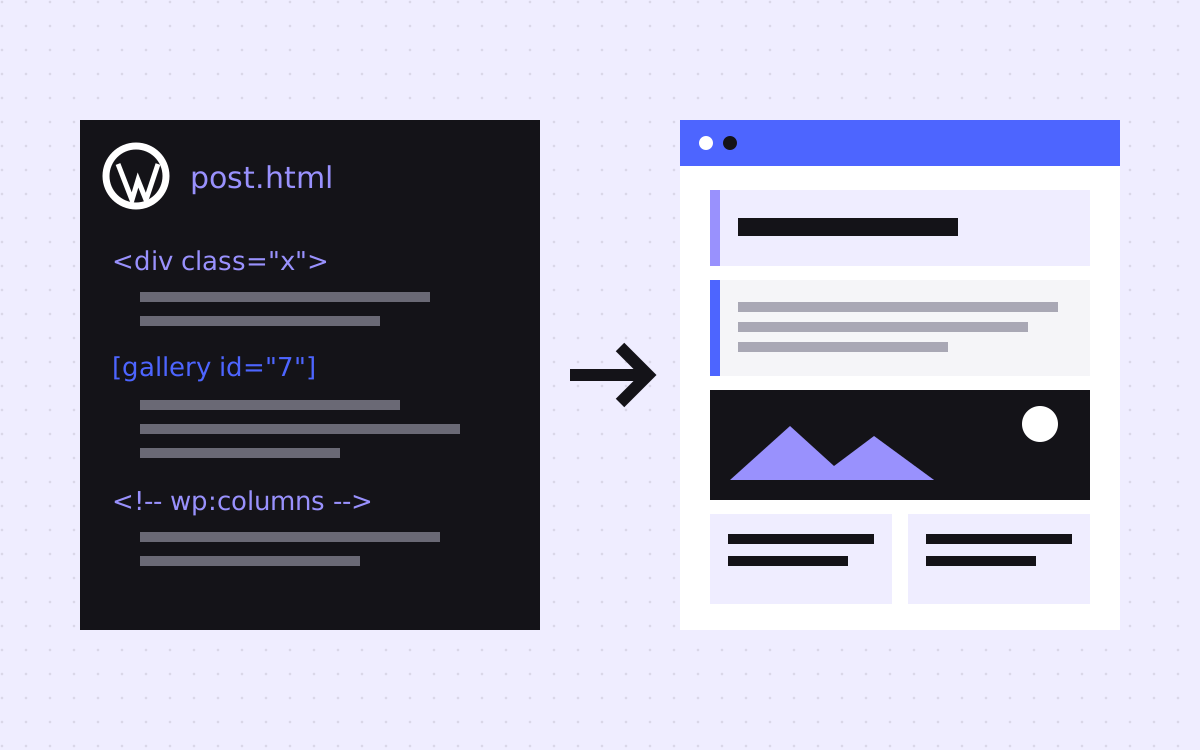
- Blocks in raw post content can map to Portable Text. Shortcodes and page builders need extra work.
- Run migrations as a dry run first, and use stable IDs so a re-run updates documents and does not duplicate them.
- Because you control the front end, you can often keep your exact URLs and avoid redirects for most pages.
The short answer
To move from WordPress to Sanity, design your content model first, pull content through the WordPress REST API, convert post HTML or blocks into Portable Text, upload images, write it all into Sanity with a migration script, build a new front end, and redirect any URL that changes. Sanity stores content but does not render your site, so the front end is part of the project.
Sanity's own WordPress migration course walks through this approach. Plan for developer work. If your team wants to design and edit visually with no code, read Webflow CMS vs Sanity first.
Is this the right move?
Sanity tends to fit if:
- Your content appears in more than one place, or you want it structured and reusable.
- You have developers, or a partner, to build and look after the front end.
- Plugin updates and page builder markup have become the main problem.
It tends to be the wrong move if:
- You have no one to add new sections or fix the front end.
- Your site depends on plugins with real logic, such as a store or memberships. Those need a new home too.
- Your editors love their page builder, and do not want to work with structured fields.
For how this looks day to day, see Astro and Sanity for marketing teams.
Audit what WordPress really holds
Sanity's course warns that media may be stored in several places, not always as attachments, and that plugins and themes can add their own fields and post types. So check each of these:
- Posts, pages and custom post types, with counts.
- Categories, tags and custom taxonomies.
- Custom fields, such as those from ACF, and whether the REST API returns them.
- Pages built with Elementor, Divi or similar. Sanity's course does not cover these.
- Shortcodes used in post bodies, with a count for each one.
- SEO plugin data, forms, comments, menus and widgets.
Then crawl the live site, and pull your top pages from Search Console. Cut content that nobody reads. Sanity's course puts it well: treat the migration as a chance to fix earlier mistakes, not to copy them.
Pull content through the REST API
Your API usually lives at /wp-json/wp/v2. If it does not return JSON, a security plugin may be blocking it. Some details matter:
- Pagination. Requests are capped at 100 records. Use
X-WP-TotalPagesto loop through the rest. - Old URLs. Each post returns
link,slug,dateandmodified. Save all four.linkis the start of your redirect map. - Raw blocks. Raw content is only returned in the
editcontext, which needs authentication. The course uses a WordPress application password. Keep it in an environment variable, not in your script. - SEO. When Yoast is active, it adds
yoast_head_jsonto REST responses, with its titles, descriptions and more. Other SEO plugins differ, so check yours.
Model the content before you import
Do not copy WordPress's shape. Fill in a table like this for your site:
| In WordPress | In Sanity |
|---|---|
| Post | post document with Portable Text body |
| Page | page document with an array of section objects |
| Category, tag | Their own documents, linked by reference |
| Author (user) | person document, with no login details |
| Featured image | Image field with alt text |
| Custom field | A typed field with validation, if it is still needed |
| Yoast fields | An seo object on each document |
| Menus, footer, widgets | A settings document, or code |
Build the schema in Sanity Studio first and enter one post by hand. If it feels awkward for an editor, fix it now. It is much cheaper before import than after.
Convert the body to Portable Text
There are two levels of conversion. Pick by how the post was made.
- Simple posts.
htmlToBlocksfrom@portabletext/block-toolsturns HTML into Portable Text. Images need a custom rule. - Block editor layouts. Rendered HTML loses block structure, so parse raw content with
@wordpress/block-serialization-default-parserand match each block by name, such ascore/columns. Each new type needs a schema type, a conversion and a readable preview in the Studio.
Then deal with what neither handles:
- Shortcodes. The parser leaves them as plain text. Replace them with a custom object, plain content or nothing. Use your count to decide which are worth the effort.
- Page builder pages. Rebuild these by hand as section-based pages. Converting that markup is rarely worth it.
- Unknown blocks. Log them, and do not drop them silently. Review the log before each run.
Run the import safely
You have two routes. Sanity's migration CLI is the one its tooling is built around, and it runs in dry mode by default, so you can review changes first. Writing an NDJSON file and using the CLI import tool takes more manual steps, but it can bring image and file assets in as part of the import.
- Use stable IDs. Build each document ID from the WordPress ID, such as
post-123. A re-run then updates that document rather than creating a copy. - Use a test dataset. Import there first, and move to production when the output looks right.
- Import in order. Authors and categories first, then posts, so that references resolve.
- Upload images once. Keep a cache from old URL to asset, since one image is often used many times.
- Freeze content late. Scripts can be re-run, so let editors keep working until close to launch, then do a final run.
Keep your URLs
This is the main SEO gain over moving to a hosted builder. Your front end decides the routes, so /my-post can stay at /my-post, with no /blog folder forced on it. A few things still need a decision:
- Archives. Author, date, tag and category pages either become real pages or redirect to the closest one.
- Uploads. Files at
/wp-content/uploads/will move. Redirect any PDFs or images that have links from other sites. - Body links. Rewrite internal links in the body as you convert them.
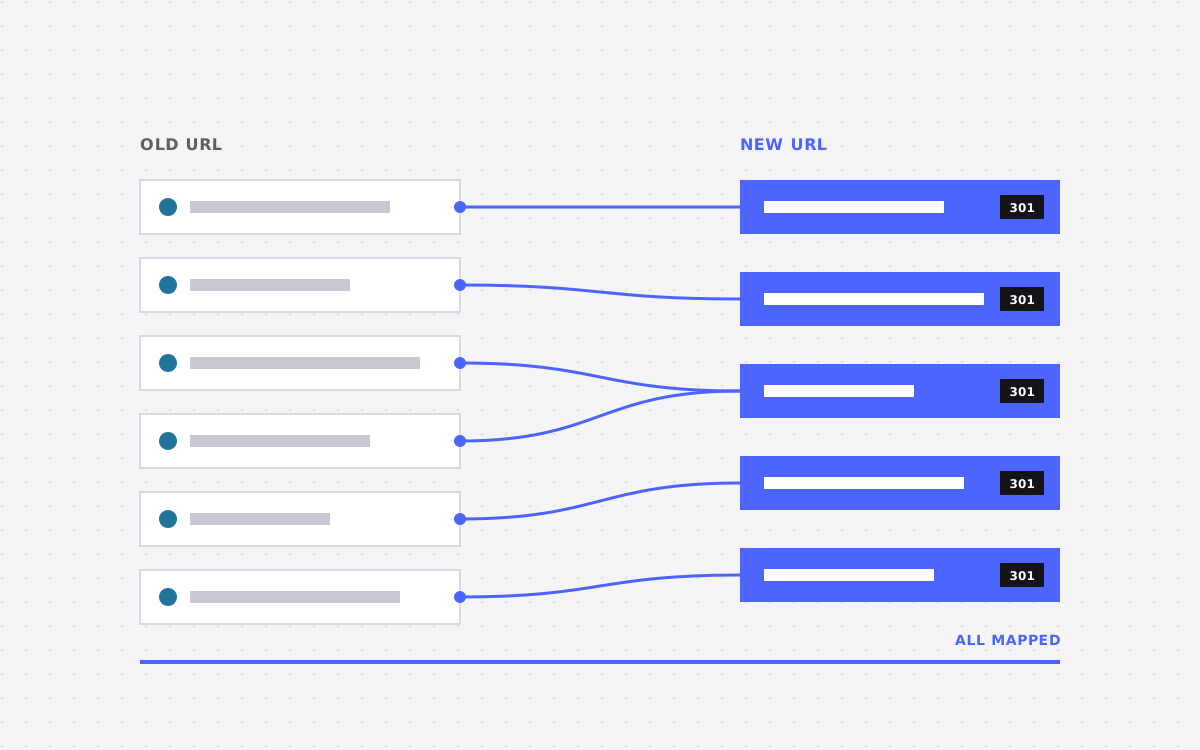
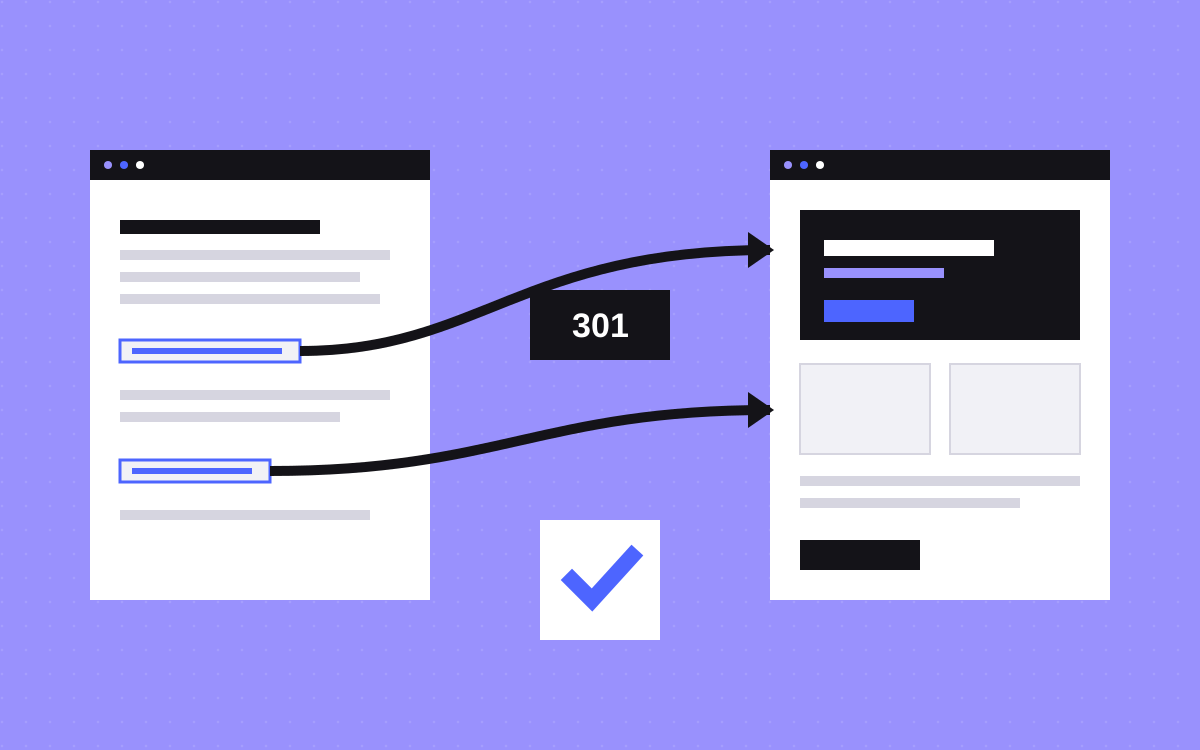
- Redirects. These live in your front end or at your host. Our redirect map template has a layout for them.
What usually goes wrong
- Forgetting what plugins did. Forms, search, comments, caching and schema all need a new answer. Decide early whether you still need each one.
- HTML stored in a text field. It is quick, but you lose the reason you moved. Convert it to Portable Text.
- Lost SEO data. Pull your SEO plugin's fields early, and use them in the new templates.
- Editors left out. The Studio should suit the people who use it. Test it with them early.
- WordPress closed too soon. Keep a full backup and the old site reachable until you have checked everything.
What to do next
Count your shortcodes, page builder pages and custom post types. Those three numbers shape the project. We moved Slate to Astro and Sanity from Webflow, not from WordPress, and set up a section library in Sanity, so we know that end of the work. Moving from WordPress to Astro starts from $3,000. See WordPress to Astro, or send us your site.

Terms used: Sanity, Portable Text