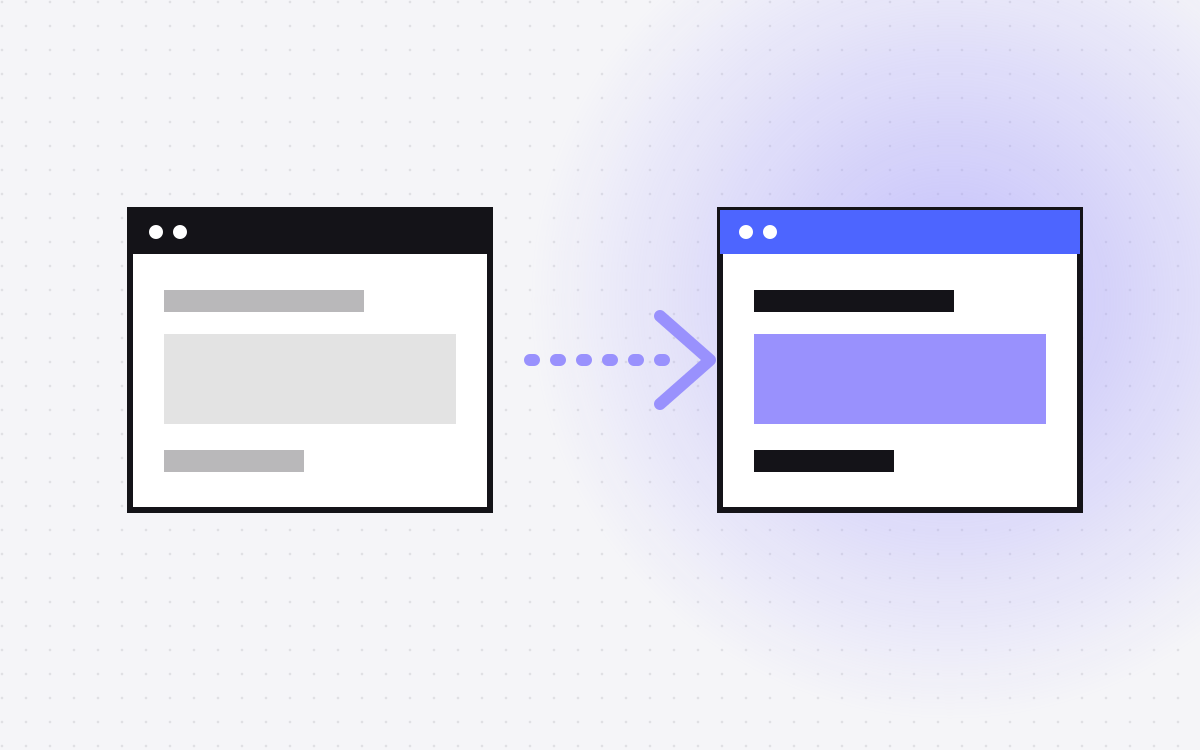
- Moving from Contentful to Webflow means two moves at once: the content goes to the Webflow CMS, and the front end is rebuilt in Webflow.
- It suits marketing sites where the team wants visual editing. It often does not suit content that feeds apps and other channels.
- The hard part is the content model. Flexible, deeply linked entries need a plan before anything gets imported.
- Rich text in Contentful is structured data, so it needs converting to HTML first.
- Your old URLs came from your old front end. Read them from the live site and redirect anything that changes.
The short answer
To move from Contentful to Webflow, you export your content, map your content types to Webflow CMS collections, convert the rich text, rebuild the pages in Webflow, import the content, then set up redirects and switch the domain. Contentful is a headless CMS, so your pages live in a separate front end. That front end goes away too, which makes this bigger than a CMS swap.
Before you start, make sure that the move is right. Webflow vs Contentful sets out when each one fits.
When this move makes sense, and when it does not
It often makes sense when:
- Contentful mainly powers one marketing site.
- Marketers wait on developers for page and layout changes.
- The cost of keeping a custom front end running feels high for what the site does.
- Your team wants to design, edit and publish in one place.
Stay on Contentful, or a similar tool, when:
- The same content feeds apps, product screens or other channels.
- You have complex editorial workflows and many locales that depend on how it is set up today.
- Your developers are happy and the site is doing its job.
There is also a middle path. Some teams keep Contentful and sync selected entries into Webflow. See Contentful and Webflow. And if you want a developer-led setup with a friendlier editor, read Sanity vs Contentful and headless CMS options for marketing sites.
Step 1: audit the content and the live site
Audit both, because they tell you different things. Contentful shows what content exists. The live site shows what visitors and search engines actually see.
- List every content type, with its number of entries and who uses it.
- Crawl the live site for each URL, title, description, H1 and canonical.
- Pull traffic and ranking pages from Search Console and analytics.
- Find entries that exist in Contentful but appear on no page. These are common and often do not need to move.
- Note locales, forms, scripts and anything the old front end does in code, such as filters, search or gated content.
Step 2: export from Contentful
Contentful's CLI export gives you a JSON file with your content types, entries, assets and locales. Keep a copy as a backup, whatever else you do. A few things to know:
- Assets are referenced in the export. Downloading the files themselves takes a separate option.
- Options exist for including drafts and archived entries, so decide if you want them.
- Version history does not come with it. If you need old versions for any reason, sort that out before you close the account.
Step 3: map content types to collections
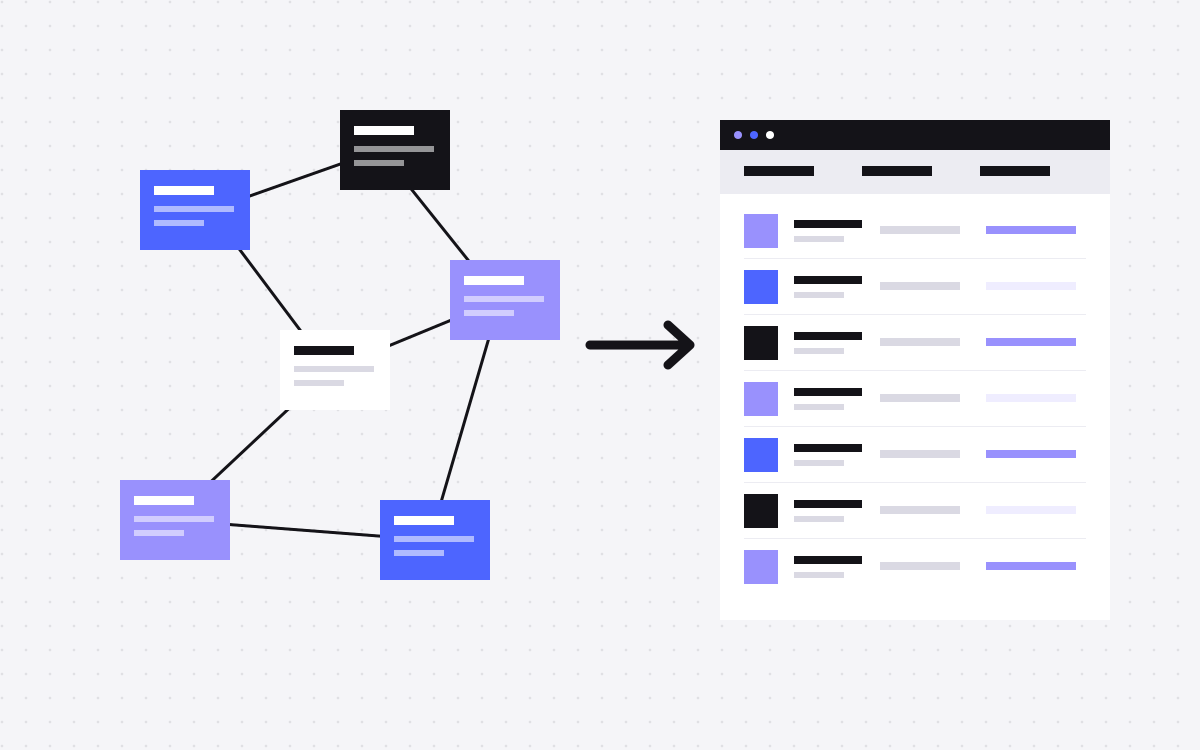
This is the step that decides whether the project goes well. Contentful lets you link entries to entries, many levels deep. A Webflow CMS collection is simpler: one template per collection, with a fixed set of fields. Go through each type and choose:
- Becomes a collection. Blog posts, authors, case studies, categories. Links between them become reference or multi-reference fields.
- Becomes a component. Reused blocks, such as a call to action or logo row, usually work better as Webflow components than as CMS items.
- Becomes a static page. If a "page" type is a stack of flexible modules, build it as a Webflow page. Trying to recreate open-ended modules in the CMS rarely ends well.
- Gets dropped. Settings and developer-only types may not be needed.
Write this down as a content model, and check it against the Webflow plan limits for your tier. Our Webflow CMS guide goes through planning collections.
Step 4: convert rich text and clean the data
Contentful stores rich text as a structured tree of nodes, not as HTML. A short script, using Contentful's own rich text renderer or similar, can turn it into HTML that Webflow can take. Watch for:
- Embedded entries and assets. A block embedded in the middle of an article needs a decision: plain HTML, an image, or dropping it.
- Unsupported markup. Webflow may clean up elements and attributes it does not support. Test a few of your most complex posts first.
- Links. Update internal links in the body to the new URLs.
- Dates and slugs. Keep the original publish date and slug wherever you can.
Step 5: rebuild the front end in Webflow
Rebuild the design with reusable components and a clear class system like Client-First. Custom front-end logic needs a new home:
- Filters and load more can often use Finsweet Attributes.
- Small scripts can go in a custom code embed.
- Real app features may stay as a separate app. Not every site belongs on one platform, so be honest about this at the start.
Keep an eye on URL structure as well. CMS item pages sit under the collection path, such as /blog/post-name, so a site with deep nested URLs may need some of them to change.
Step 6: import the content
You have two main routes. For a modest amount of content, a CSV import into each collection is straightforward. For larger or more linked content, a script using the Webflow CMS API gives you more control, for example importing authors first and then linking posts to them.
Move images into Webflow rather than keep pointing at Contentful's asset URLs, since those stop being safe once you leave. Bring alt text across too. Then spot check a sample of entries by hand, including the oldest ones.
Step 7: redirects, tracking and launch
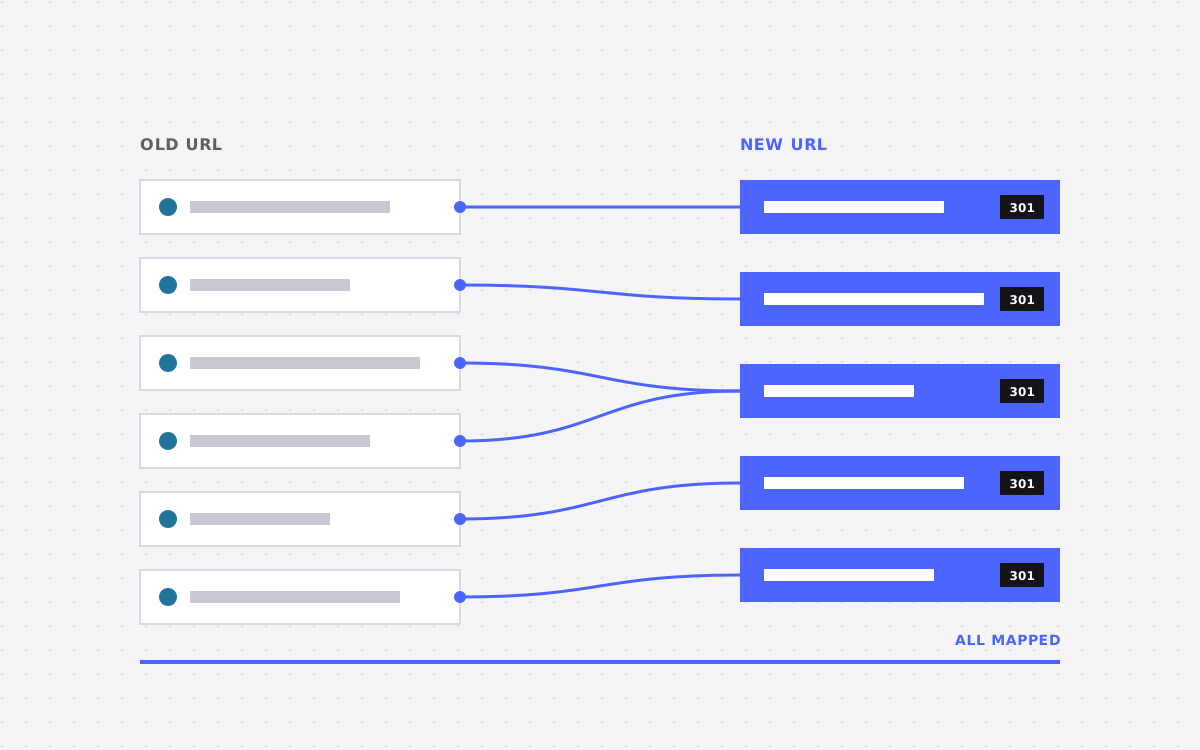
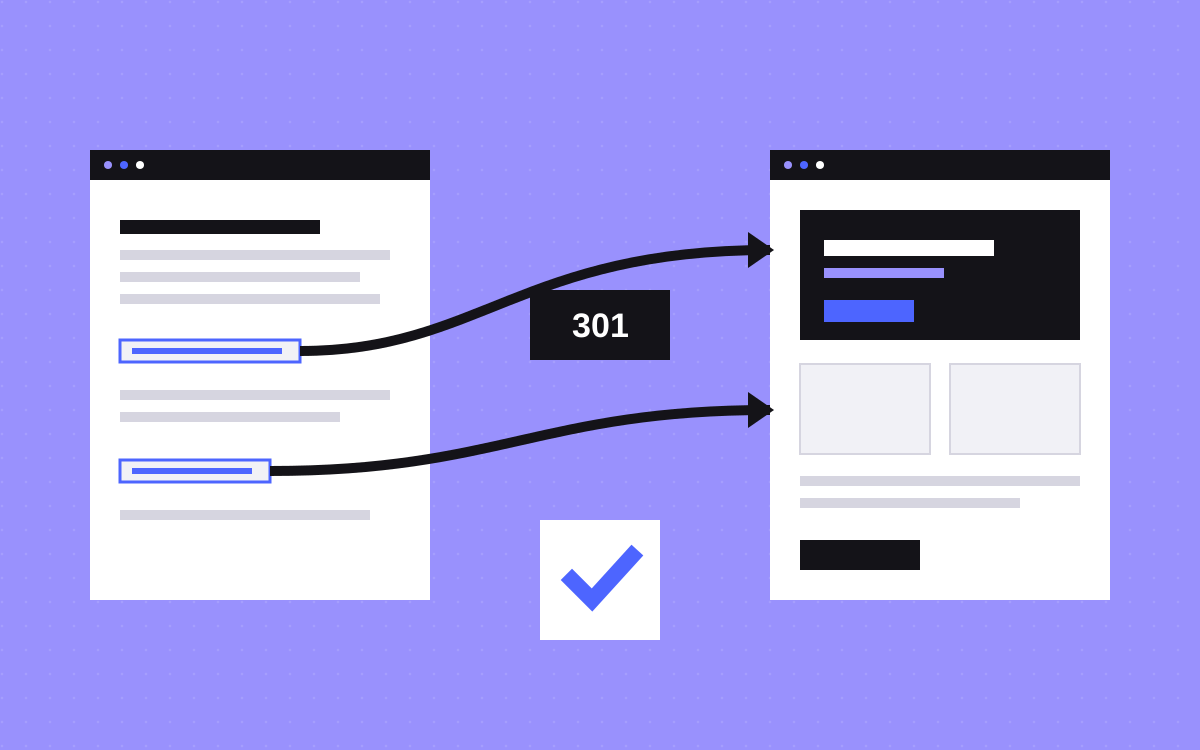
- Build a redirect map from your crawl. Keep URLs the same wherever you can, and add 301 redirects in Webflow for the rest.
- Check the old front end's config for redirects that already exist, and carry over those that still matter.
- Reconnect forms, analytics, Tag Manager and consent.
- Carry over titles, descriptions, canonicals and structured data. Old front ends often generate these in code, so they are easy to lose.
- Test on staging, then update DNS at a quiet time.
Keep Contentful and the old front end available until you are sure that nothing was missed. Then watch Search Console closely for the first weeks.
What usually goes wrong
- Moving the model one to one. Copying every content type into Webflow gives you a slow, confusing CMS.
- Webhooks and consumers forgotten. Something else may be reading from Contentful, such as an app or a newsletter. Check before you close it.
- Lost SEO details. Generated meta tags and schema vanish with the old front end.
- Editors not trained. The new way of working is the reason for the move, so show people how it works.
- Locales treated as an afterthought. If you publish in several languages, plan Webflow Localization early.
What to do next
Send us your site and a rough view of your content types. We will tell you whether the move makes sense, and if it does, what it involves and what it would cost. If it does not, we will say so. See Webflow CMS and Webflow development, or get in touch.
More reading: launch checklist and Webflow CMS vs Sanity.

Terms used: Webflow, Webflow CMS