- Move the marketing pages to Webflow when your team waits on developers for simple changes. Leave real product features as an app.
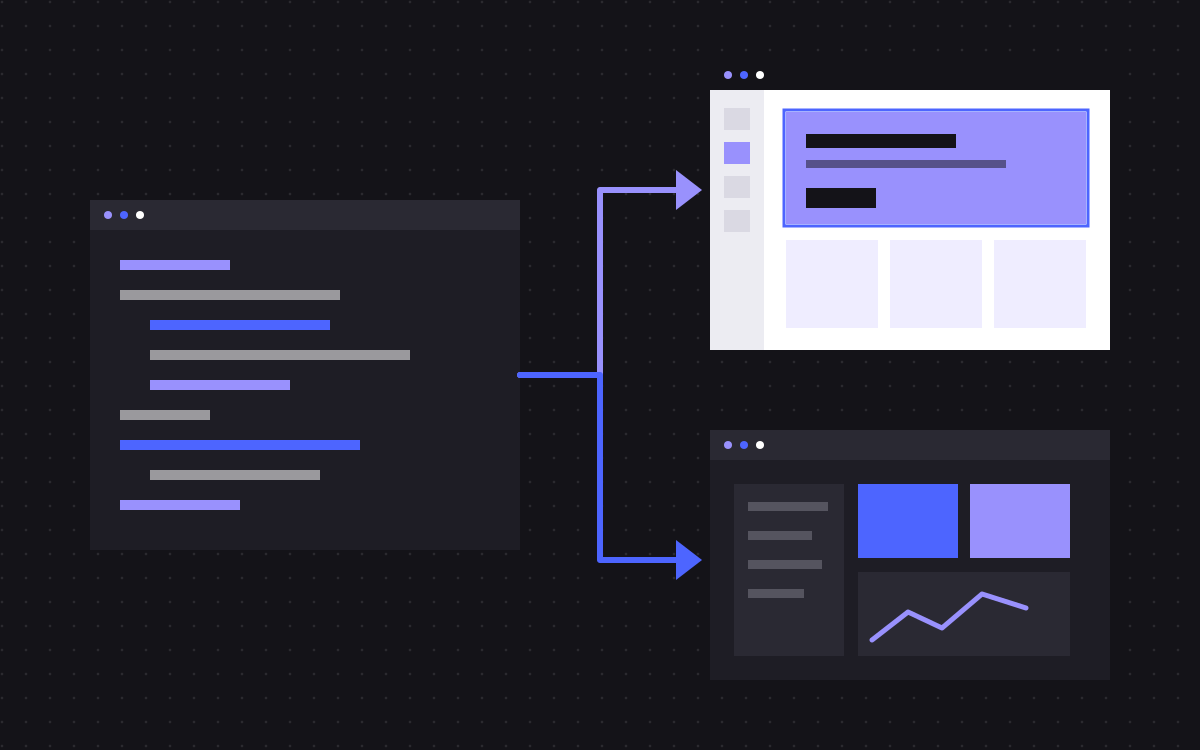
- The usual result is a split: marketing on Webflow, the app stays in Next.js.
- Start from the code. Routes, redirects, middleware and generated metadata all hold details a crawl will not show you.
- Webflow has its own URL patterns for CMS pages, so deep or unusual dynamic routes may need to change.
- If your team likes working in code and ships without trouble, staying on Next.js is often the right answer.
The short answer
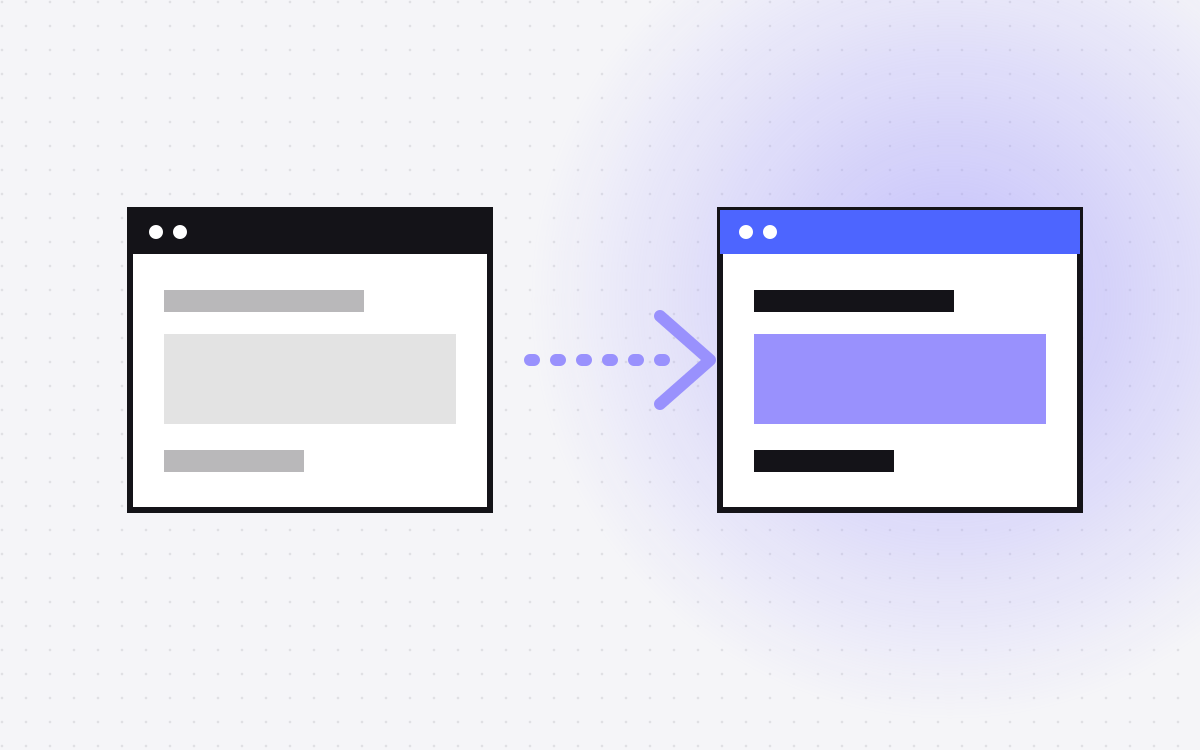
To move from Next.js to Webflow, you decide which routes are marketing and which are product, rebuild the marketing pages in Webflow, move the content into the Webflow CMS, set up redirects, and then route your domain. The product part usually stays in Next.js. Only move it if it is simple enough to live without a framework.
This is not an upgrade, it is a trade. You give up some code freedom, and your marketing team gets control of the site. Read Webflow vs Next.js if you have not decided yet.
When it makes sense, and when it does not
It often makes sense when:
- The site is mostly marketing pages, a blog and some forms.
- Small copy changes need a developer and a deploy.
- Your developers would rather work on the product than on landing pages.
Stay on Next.js when:
- Pages depend on logged in users, live data or server logic.
- The marketing site shares a component library with the product, and that matters to you.
- You have a team that likes the setup, and marketing has what it needs through a good CMS.
If speed and code ownership are what you value, Webflow vs Astro and Astro vs Next.js are worth a read, as is our Next.js development page. Moving is not always the right call.
Step 1: split marketing from product
Go through the routes in your app or pages folder and put each into one of three groups:
- Moves to Webflow. Home, features, pricing, about, blog, case studies, legal.
- Stays as an app. Dashboards, log in, account pages, and anything with real server logic.
- Needs a closer look. Calculators, gated downloads, personalised pages and search. These are often simpler than they look, but sometimes they are small apps.
This list drives the whole project, so involve an engineer. Features can hide in places that look like marketing pages.
Step 2: read the code, not just the site
A crawl shows you what visitors see. The code shows what is doing the work:
- Redirects and rewrites in
next.config. Keep the ones that matter. A rewrite can make a page look as if it lives on your domain when it does not. - Middleware. Redirects by country, A/B tests, or auth checks may run here.
- Metadata. Titles, descriptions, Open Graph images and schema are often generated in code. Crawl and save the output for each URL.
- Sitemap and robots. Note how they are created and what they include.
- API routes. Forms may post to one, which then sends data to your CRM.
- Scripts. List each analytics and marketing script and when it loads.
Step 3: map your content
Your content might be in MDX files, JSON, a database or a headless CMS. Plan a collection for each repeating type, and static pages for the one-offs.
Then look at your dynamic routes. In Webflow, CMS item pages follow the pattern of collection path plus item slug, such as /blog/my-post. If you use deep routes such as /resources/guides/topic/post, or items at the top level of the site, they will not map one to one. Either change the URLs and redirect them, or keep those paths out of Webflow. Decide this early, because it affects your SEO plan.
MDX with custom React components needs special care. Prose converts to rich text easily. Embedded components need rebuilding, or become images or plain content.
Step 4: rebuild the pages in Webflow
Rebuild your design system as Webflow components with a clear class system, such as Client-First, and use variables for your colours, type and spacing, as you may have done with design tokens in code. Then:
- Rebuild motion with Webflow interactions or a small script. See interactions that stay fast.
- Use a custom code embed for small pieces, and avoid putting an app in one.
- Rethink image handling. Check how each key image is sized and delivered, since you no longer have
next/image.
Step 5: decide how the app and site live together
You have a few options, and all of them work:
- Subdomain. Marketing on
wwwand the app onapp.yourdomain.com. This is the simplest and most common choice. - Webflow Cloud. Webflow's hosting for apps supports Next.js and can serve an app at a path on your Webflow site, such as
/app. Webflow's docs say it deploys on an edge runtime with limited API support, so existing code may need changes. Test it with your app first. - Reverse proxy. A reverse proxy in front of your hosts can serve some paths from one and other paths from another. This keeps everything on one domain, and it is how we have kept pages from an older site live under one domain, as on our TripleDart project. It adds a part that someone has to look after.
Step 6: forms, tracking and integrations
Forms that post to an API route need a new path. Webflow forms can connect to your CRM through an integration or a tool like Zapier, or you can embed your CRM's form. Test the whole path, from submission to the record in the CRM to any notification.
Add analytics and Tag Manager through Webflow's custom code settings, which need a paid site plan. Check consent too. If a banner in your code was blocking scripts, you need to replace it before launch.
Step 7: redirects and launch
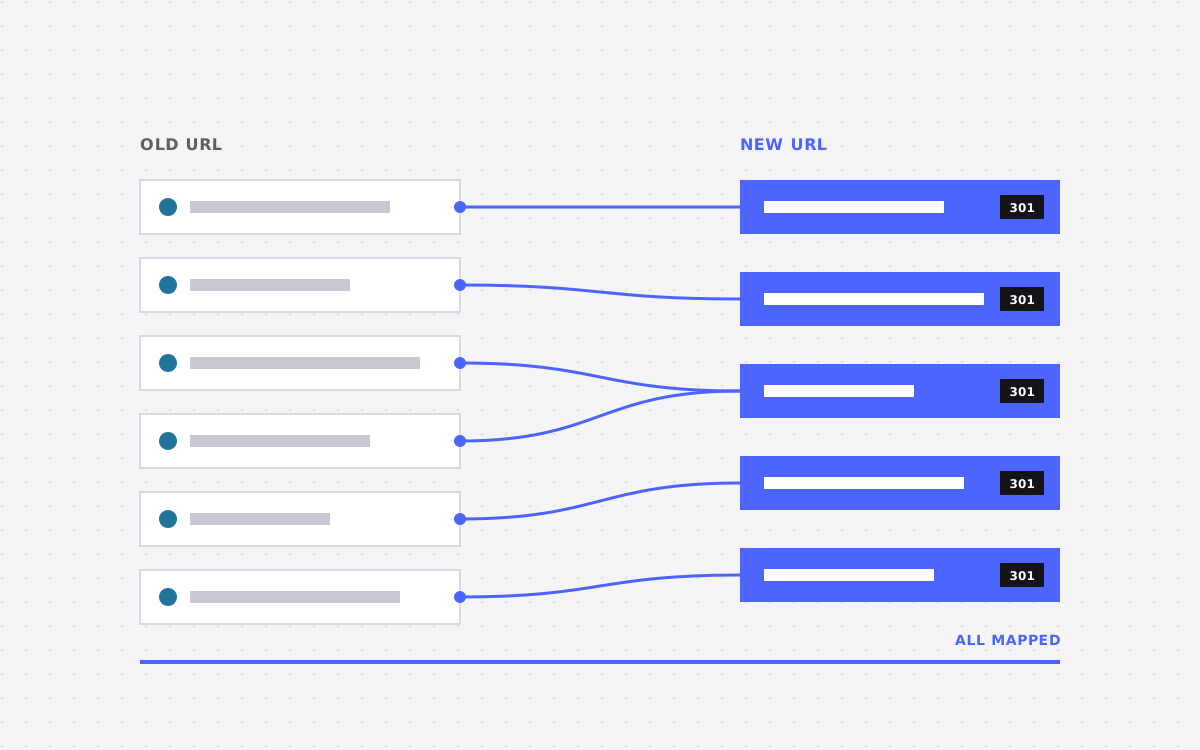
- Build a redirect map of old and new URLs, and include the redirects from
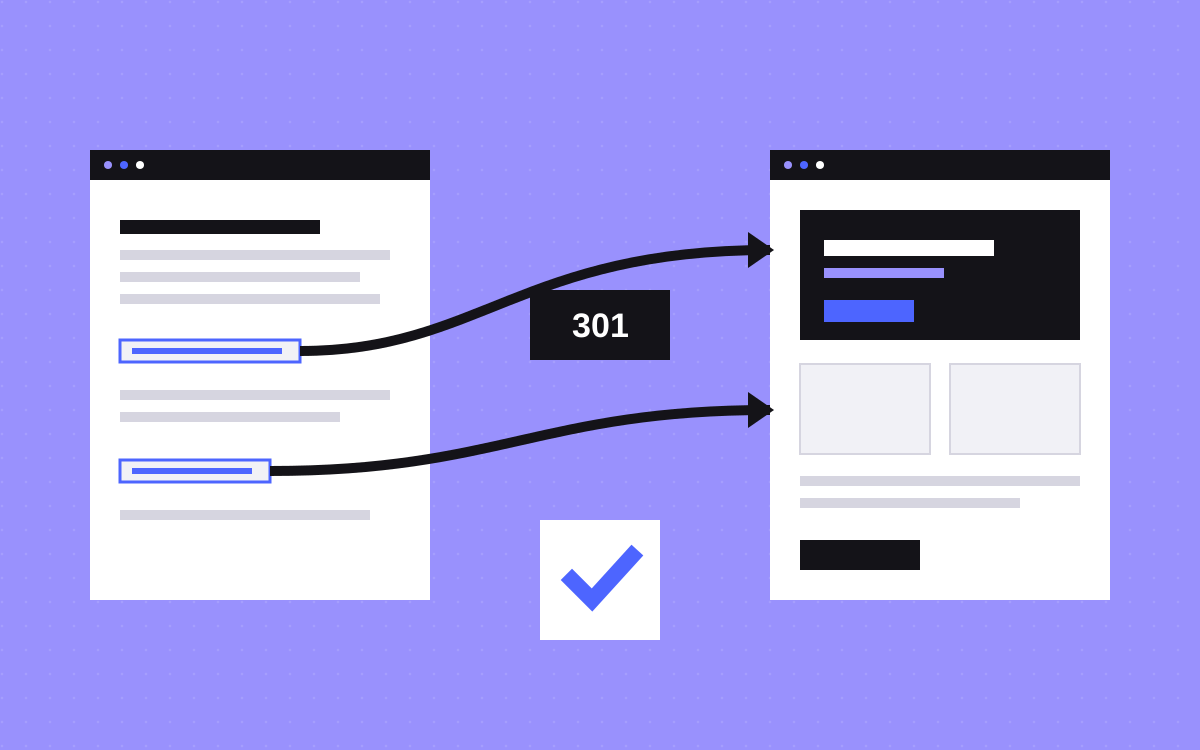
next.configthat you are keeping. - Add 301 redirects in Webflow's site settings.
- Compare titles, descriptions and schema on staging against your saved crawl.
- Run Core Web Vitals checks on your key templates. See Webflow site speed.
- Switch DNS at a quiet time, and keep the old deployment available so that you can roll back.
- Submit the sitemap, and watch Search Console closely for the first weeks.
What you give up, and what you gain
You gain visual editing, a CMS for your marketers, hosting you do not manage, and fewer deploys for small changes.
You give up full control of the code and the build, server logic on each page, code review on every change, and the ability to share code with the product. Webflow publishes changes differently, so agree who can publish what, and consider roles and permissions. Be open about these trade-offs with your engineers. It goes better when they are part of the choice.
What usually goes wrong
- Hidden logic. Country redirects or a form route in code get forgotten.
- Generated metadata lost. Titles and Open Graph images do not come across by themselves.
- Trying to rebuild an app in Webflow. Leave real apps as apps.
- Domain routing left until last. Sort out how the site and app share a domain early on.
What to do next
Send us your site and we will split it into what moves and what stays, then give you a fixed price. If staying on Next.js is the better call, we will tell you. See Webflow development or contact us.
More reading: launch checklist and Webflow SEO checklist.

Terms used: Webflow, Webflow Cloud